
Gear
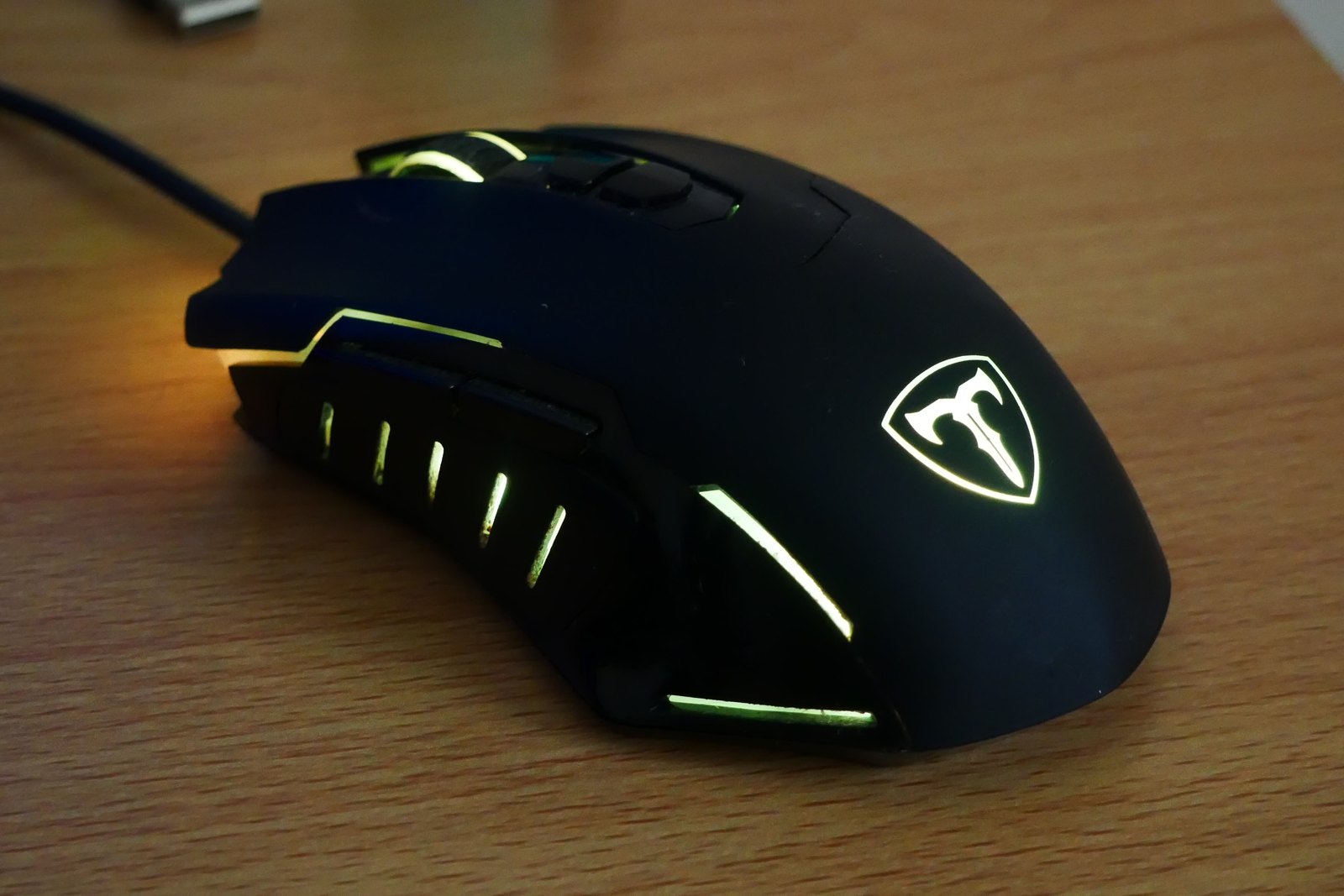
Finding a gaming mouse that fits your hand
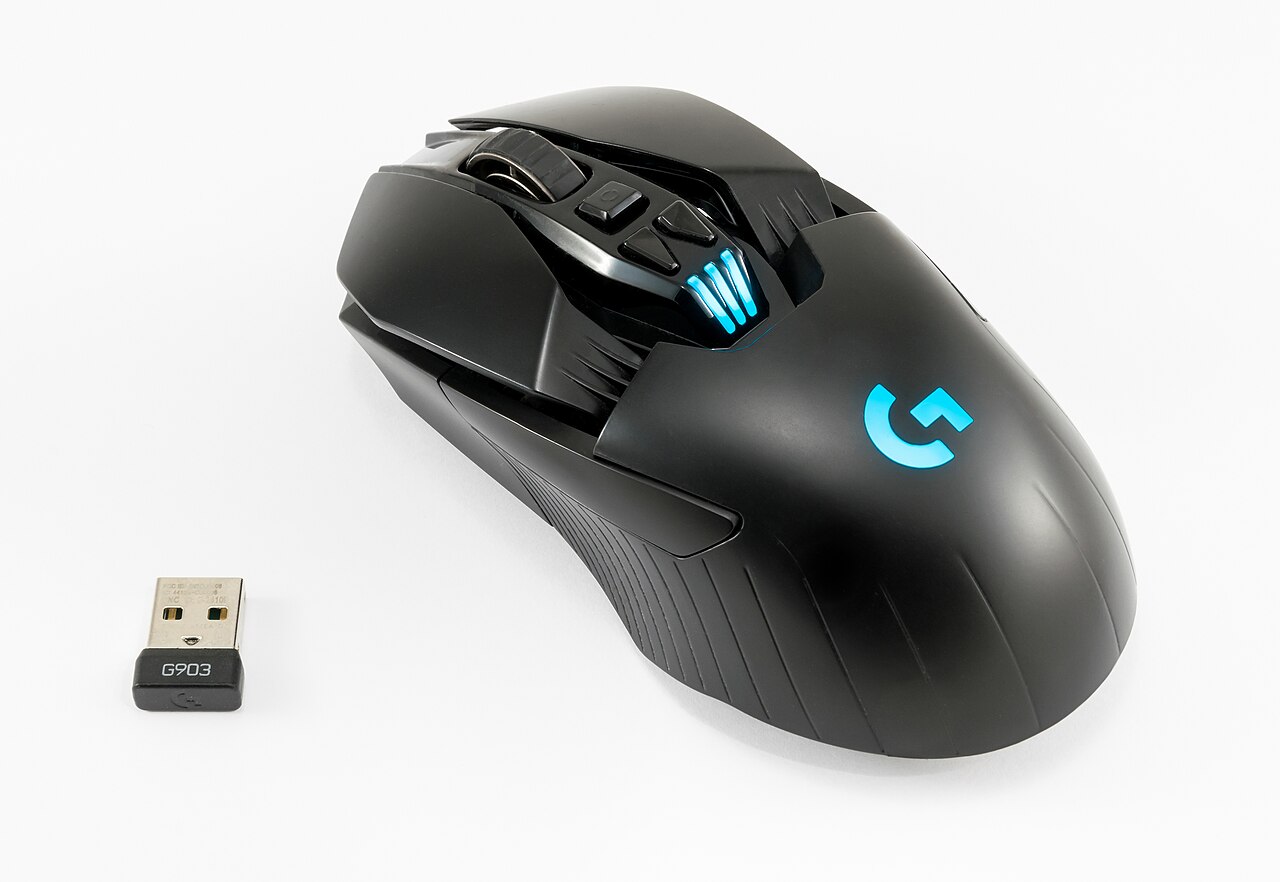
Shape and button reach deserve attention before the largest number on the specification sheet.
Photo: CAPTAIN MEDUSA · CC BY-SA 4.099 GUIDES
Search the subjects, devices and settings you want to understand.
99 guides
No guides match that combination. Try a different word or topic.
Shape and button reach deserve attention before the largest number on the specification sheet.
Photo: CAPTAIN MEDUSA · CC BY-SA 4.0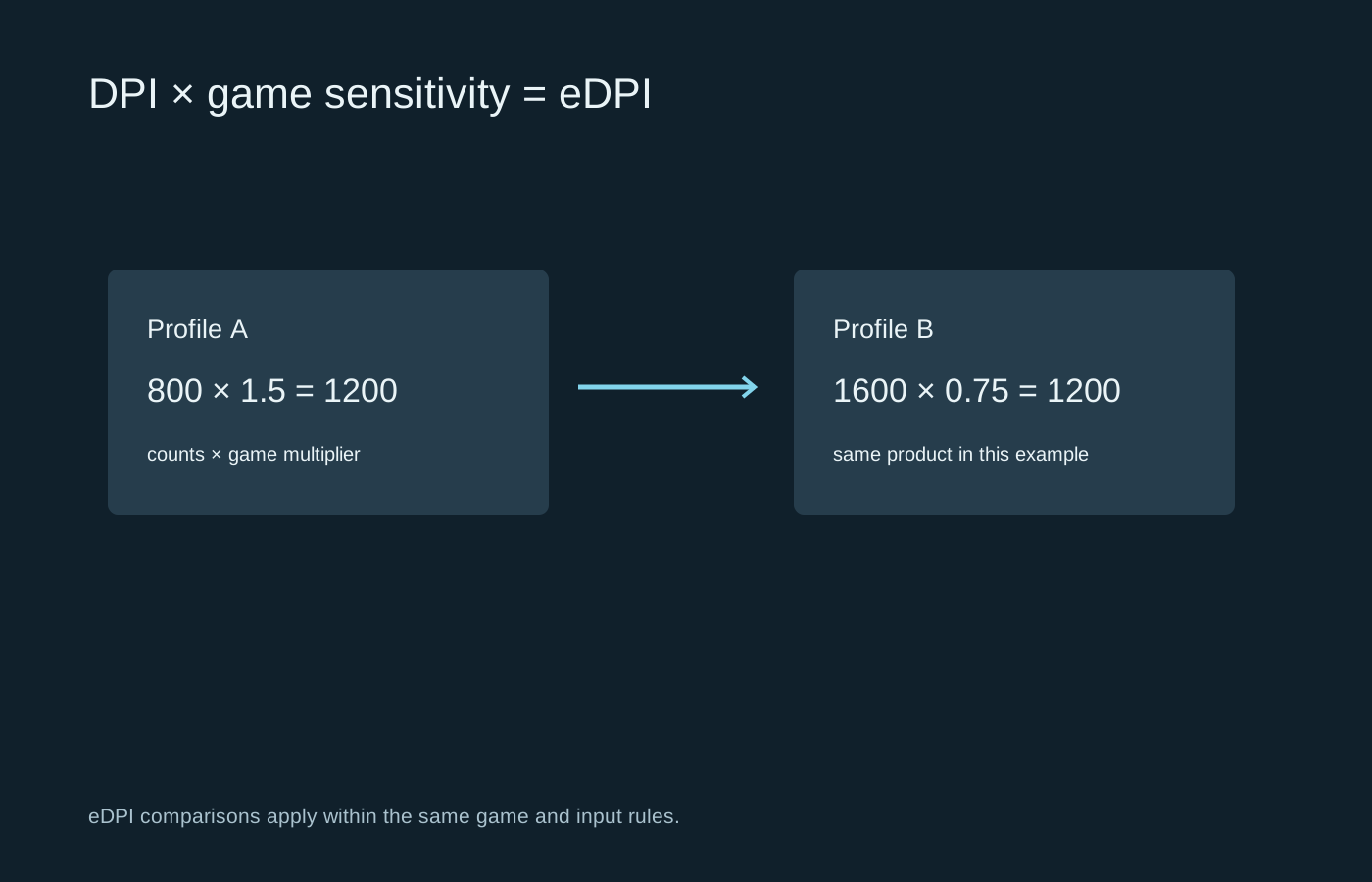
Separate the mouse setting from the game multiplier before copying somebody else’s sensitivity.
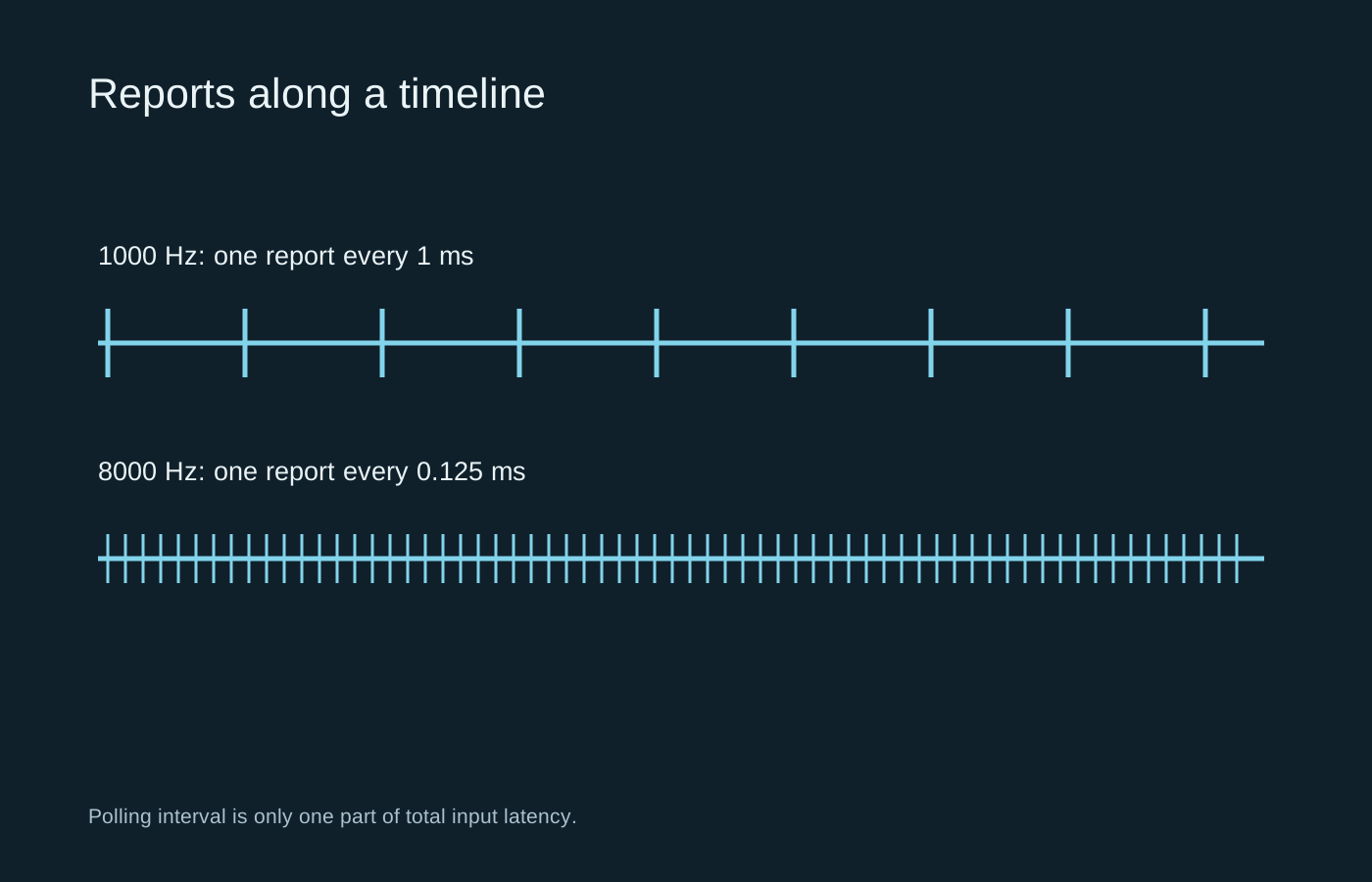
A higher report rate shortens one interval, but the whole game still has to process and display the input.
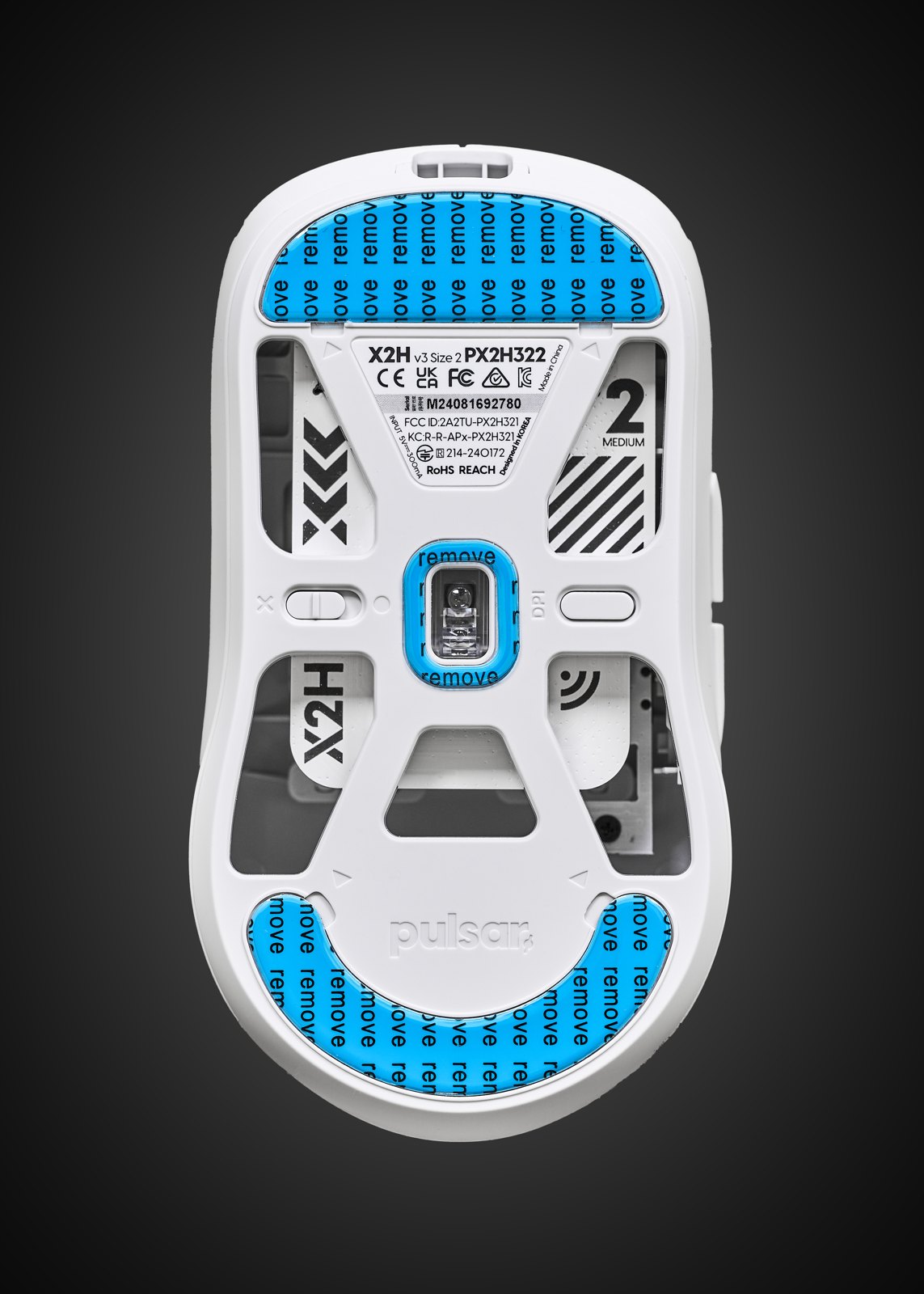
Tracking consistency, surface behaviour and lift-off matter more than the largest DPI figure on the box.
Photo: Anil Öztas · CC BY 4.0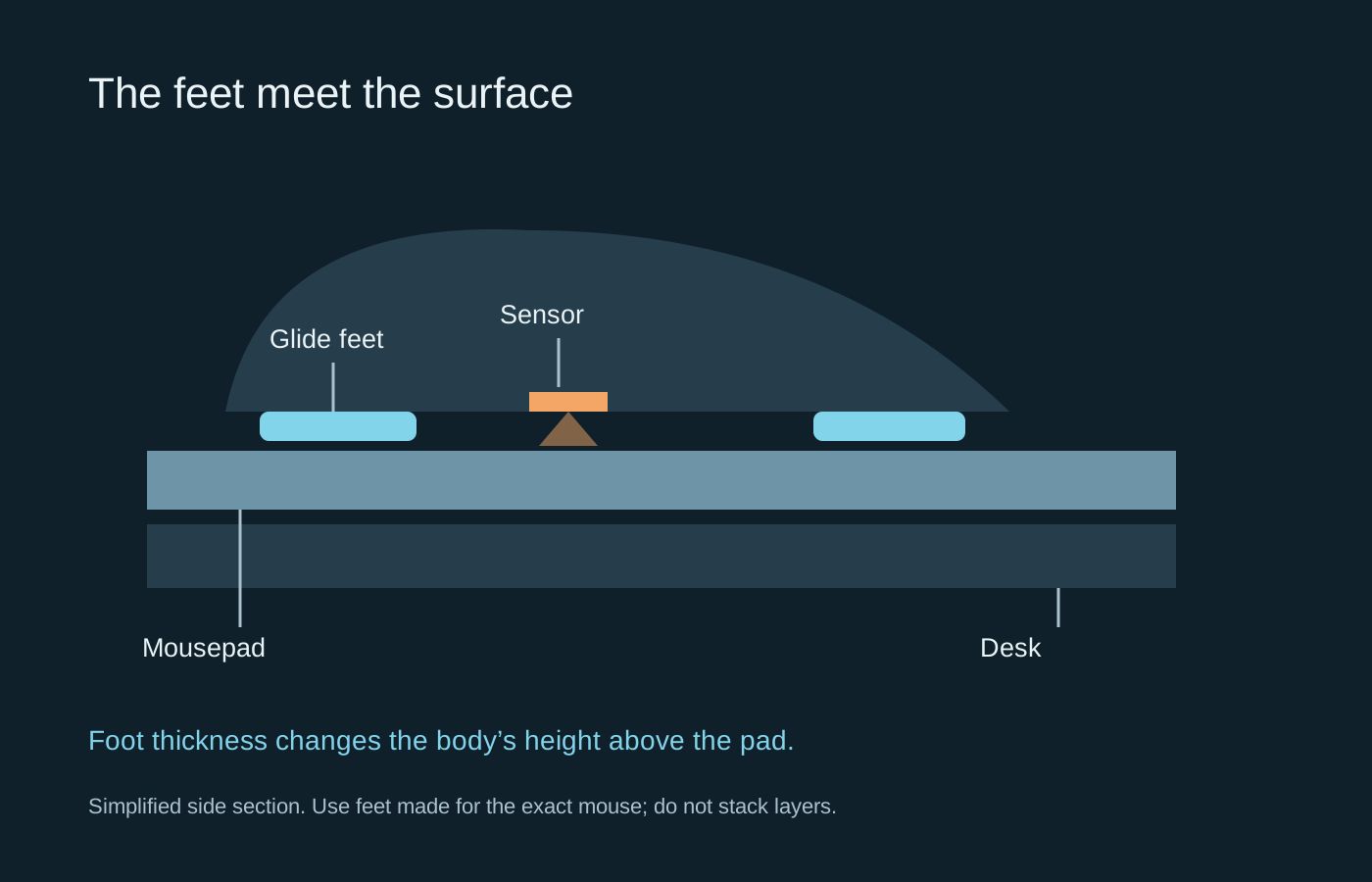
The glide comes from the feet and the surface together, so changing either can alter the feel.
Compare connection modes, charging and cable behaviour instead of treating wired or wireless as a quality label.
Photo: Jacek Halicki · CC BY-SA 4.0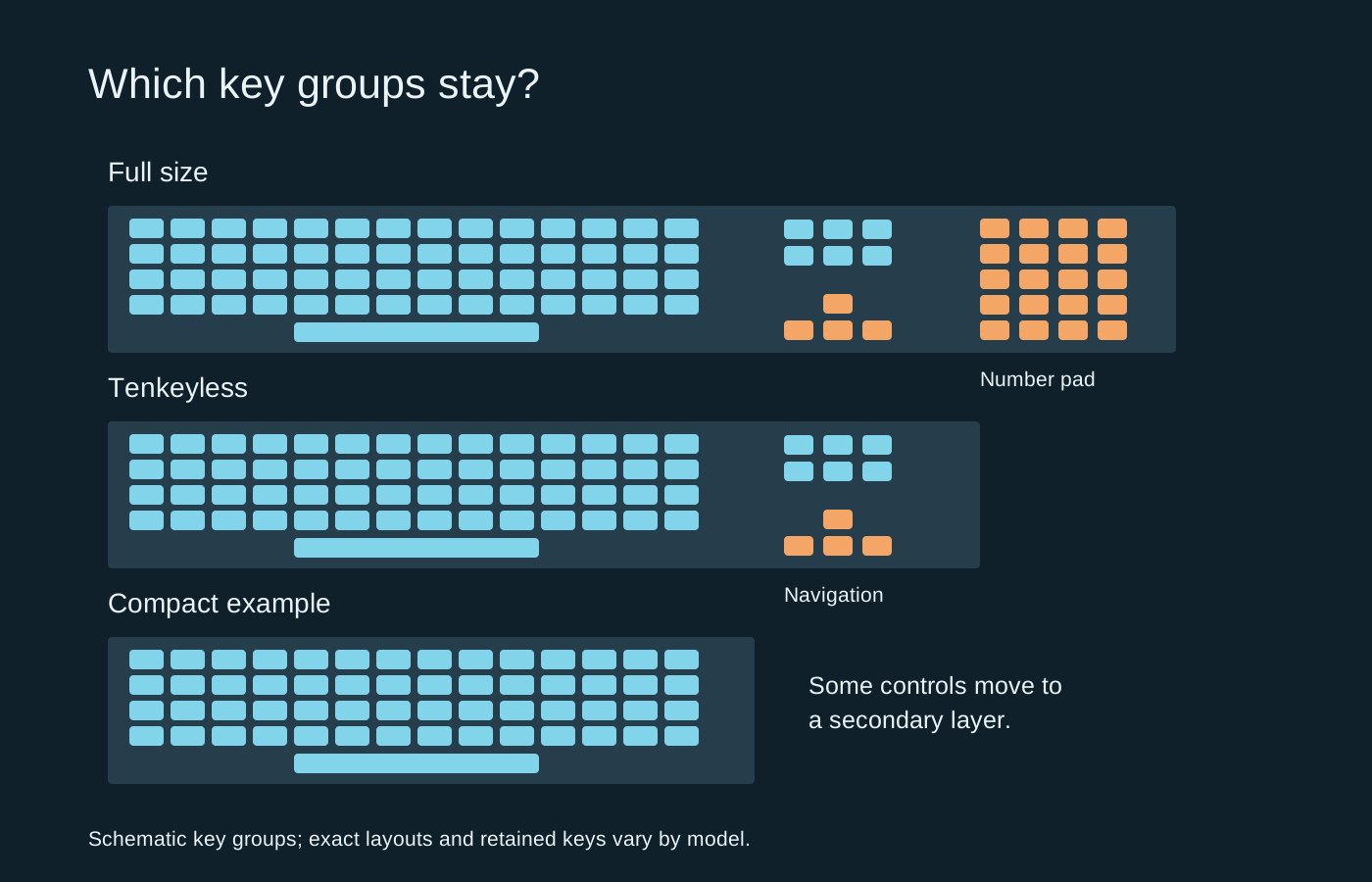
Choose the keys you need first, then use the remaining desk space to judge the size.
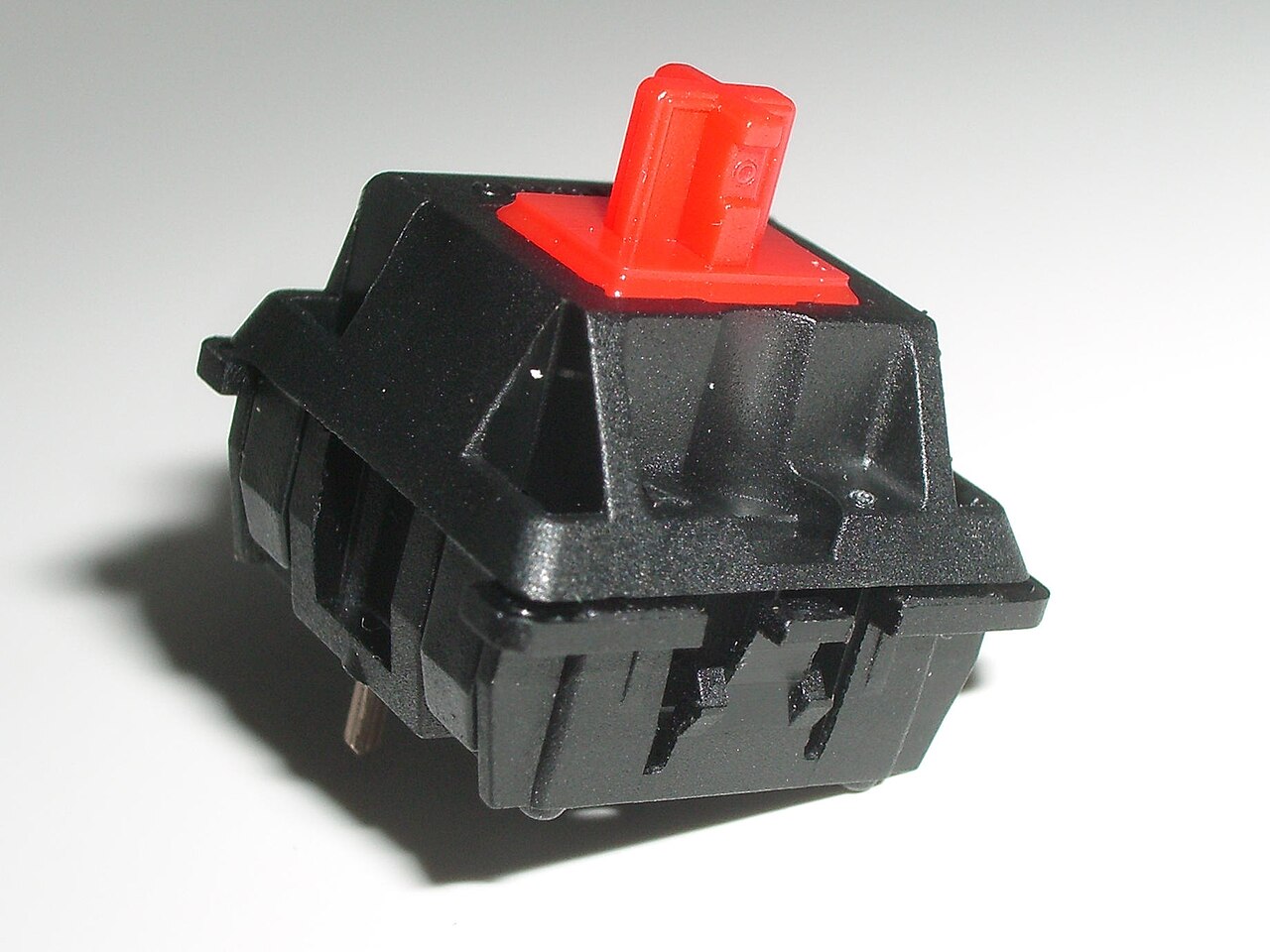
Switch feel and keyboard sound are related, but they are not the same thing.
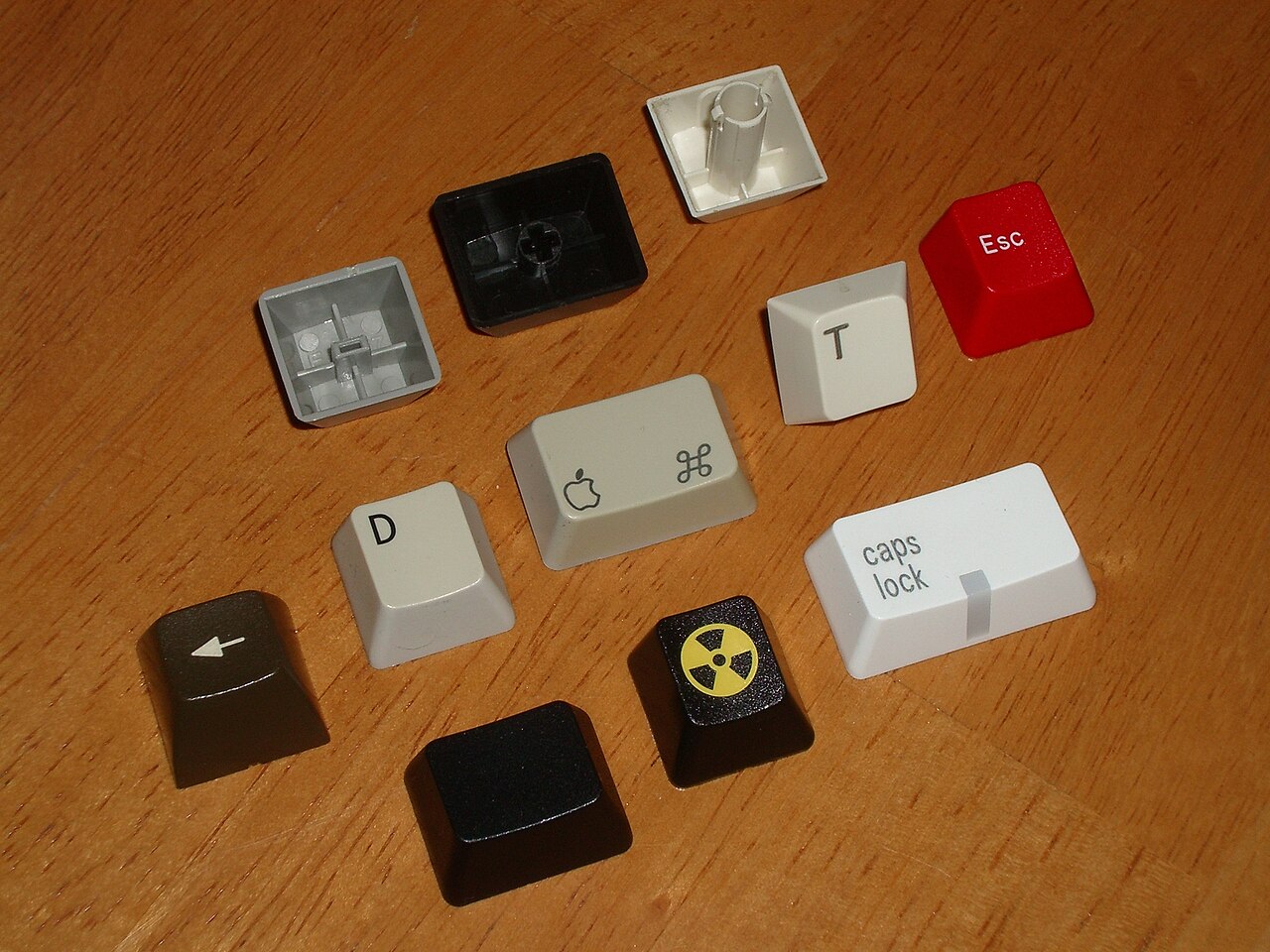
Check the whole layout, including the awkward keys, before buying a replacement keycap set.
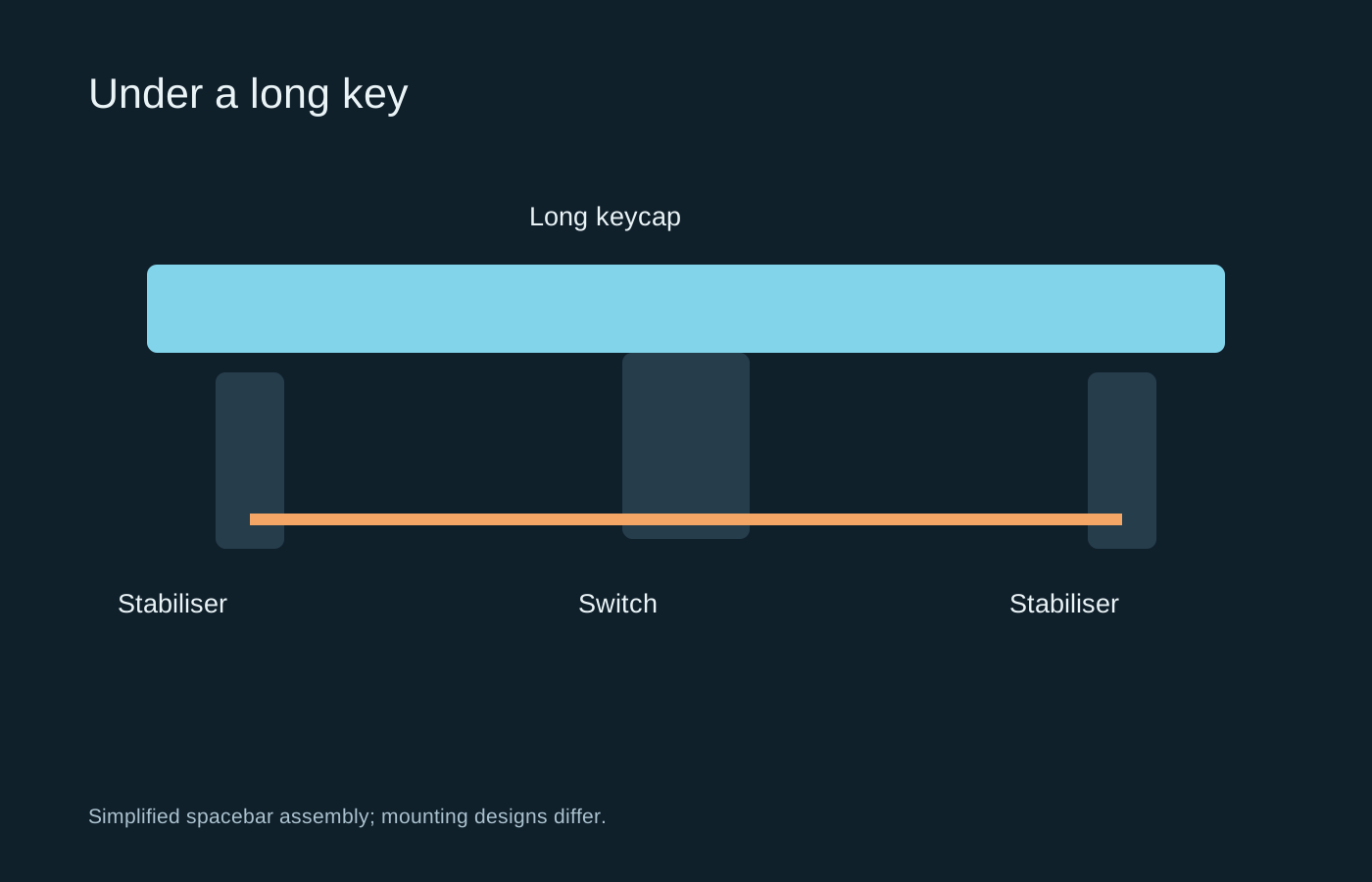
A long key has extra moving parts, so a noisy spacebar does not necessarily mean its switch is faulty.
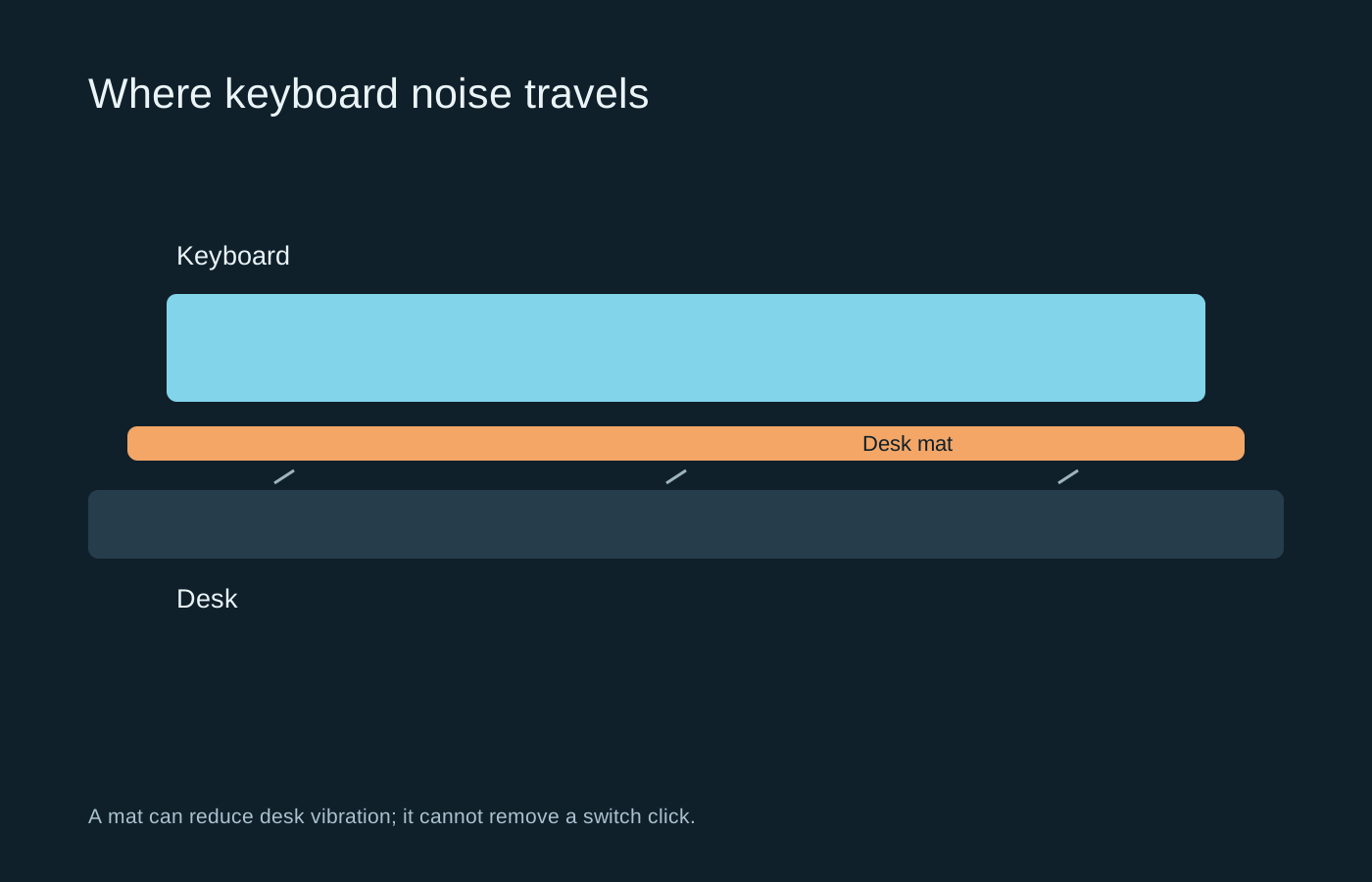
Identify whether the noise comes from the switch, the key impact or the desk before changing parts.
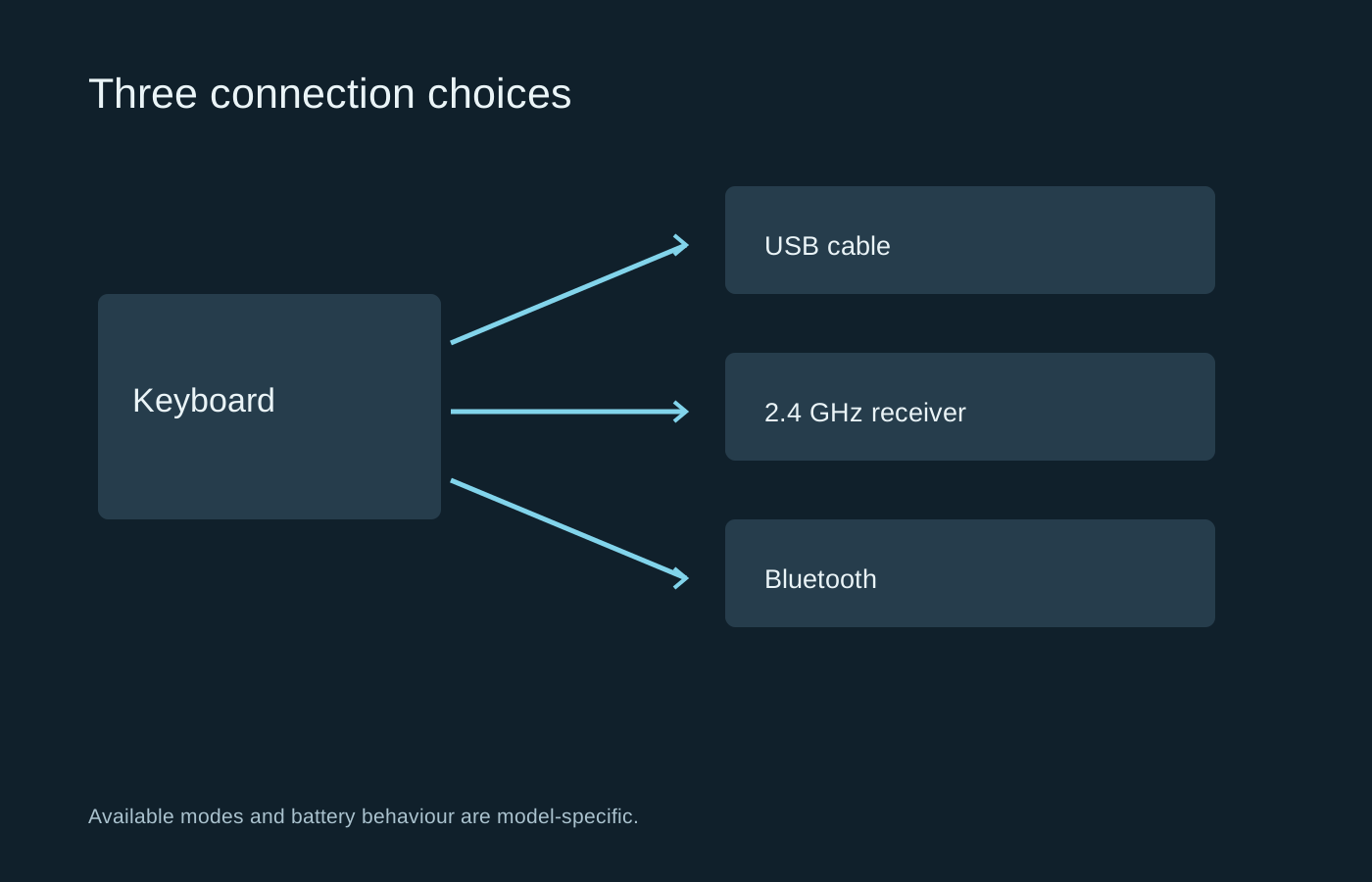
A wireless keyboard may offer several modes, each with different pairing, charging and wake behaviour.
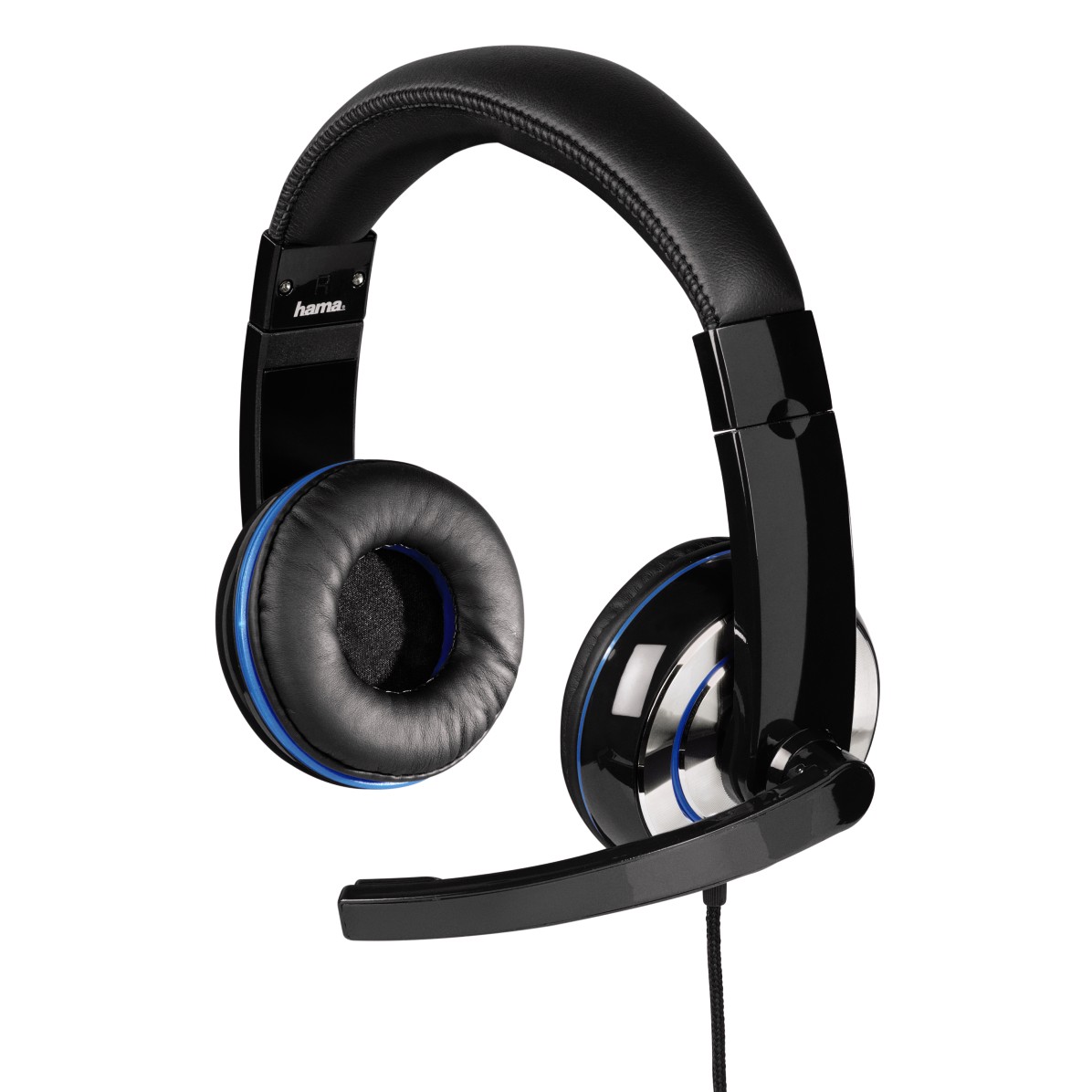
Ear cushions, headband pressure and the shape of your ears all affect how a headset feels.
Photo: Hama GmbH & Co KG · CC BY-SA 4.0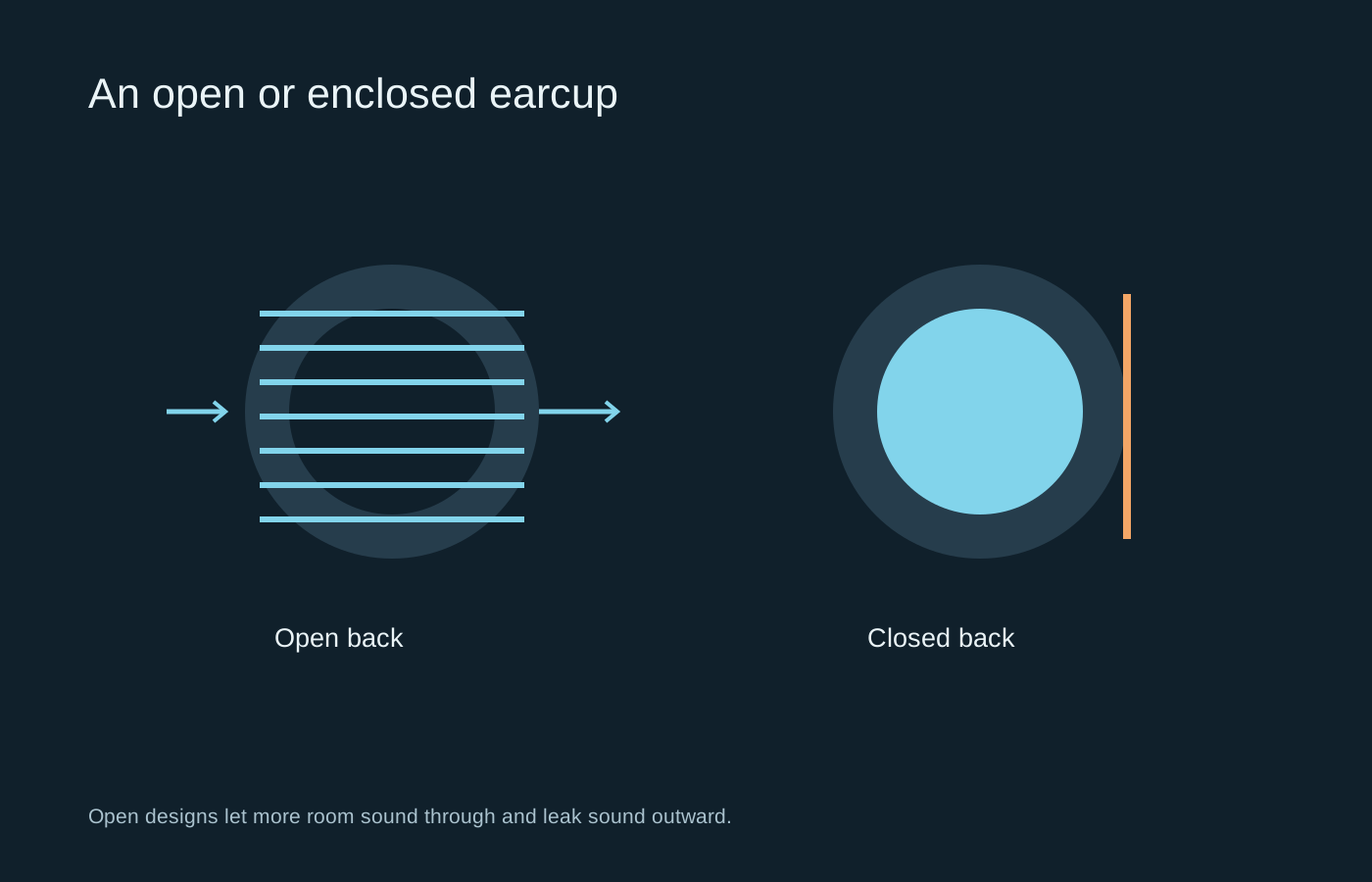
The room and the people in it often decide this choice before any discussion of soundstage.
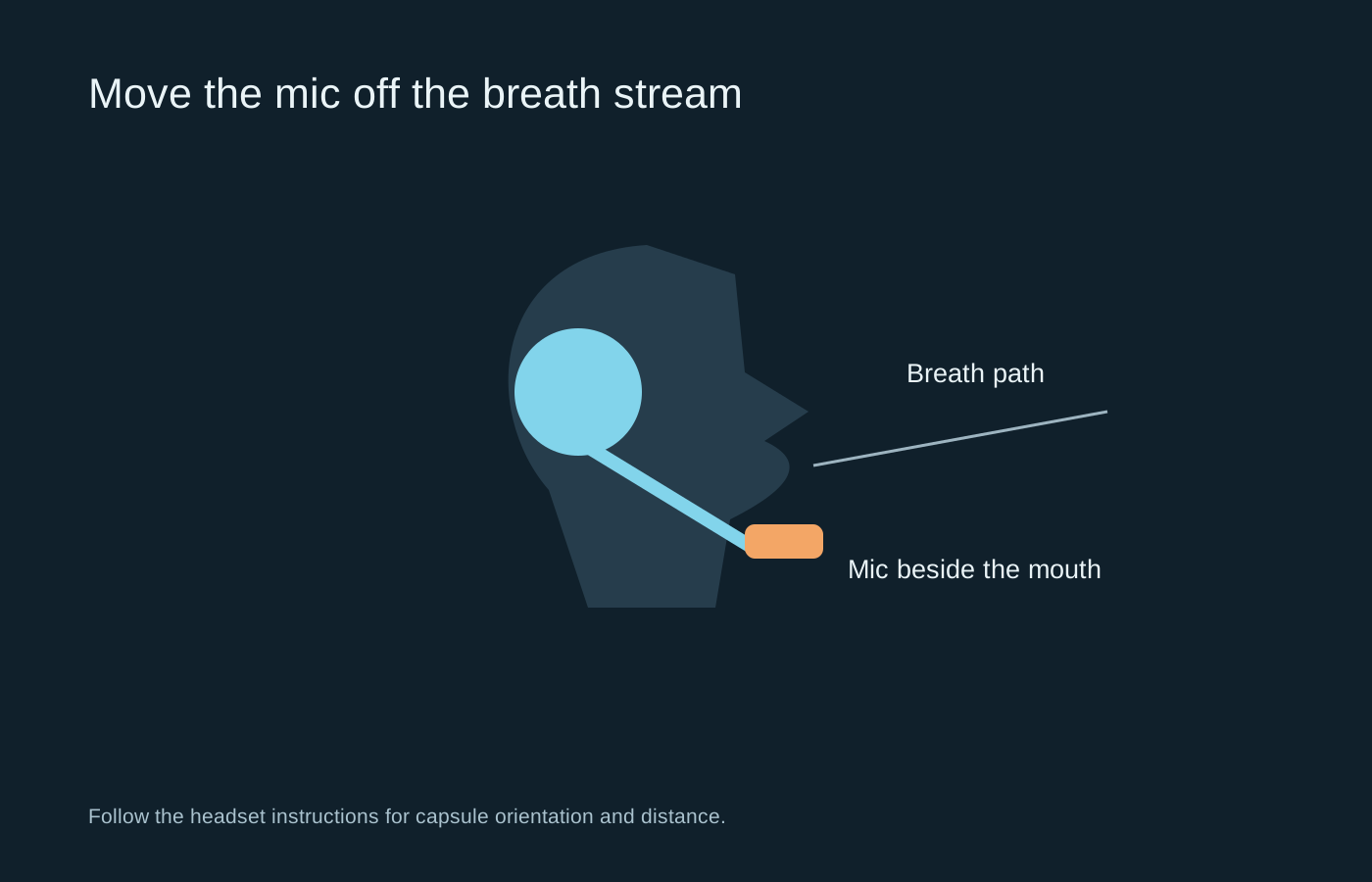
Fix placement and input selection before adding layers of voice processing.
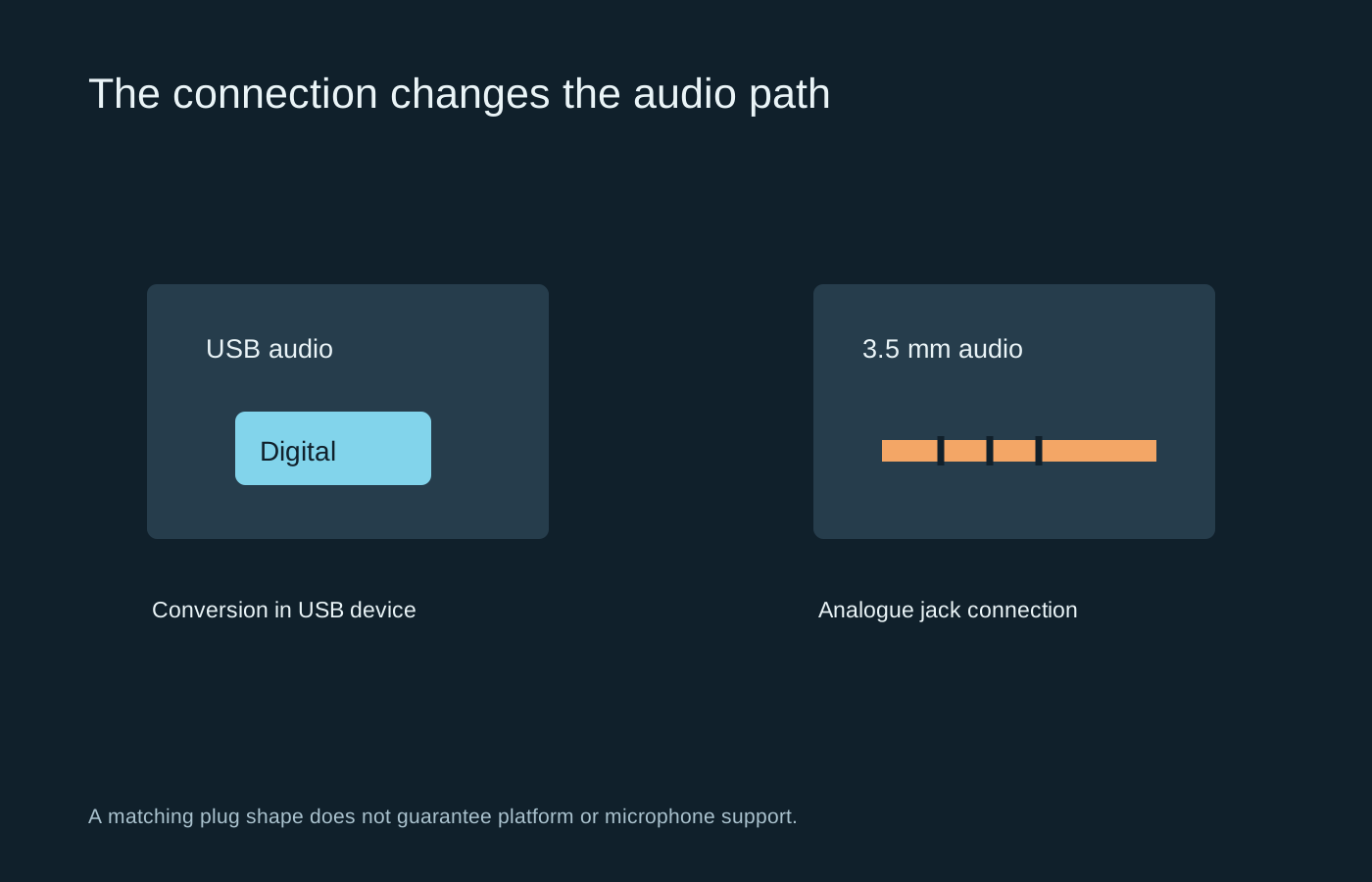
The connector determines where conversion happens and which compatibility questions to ask.
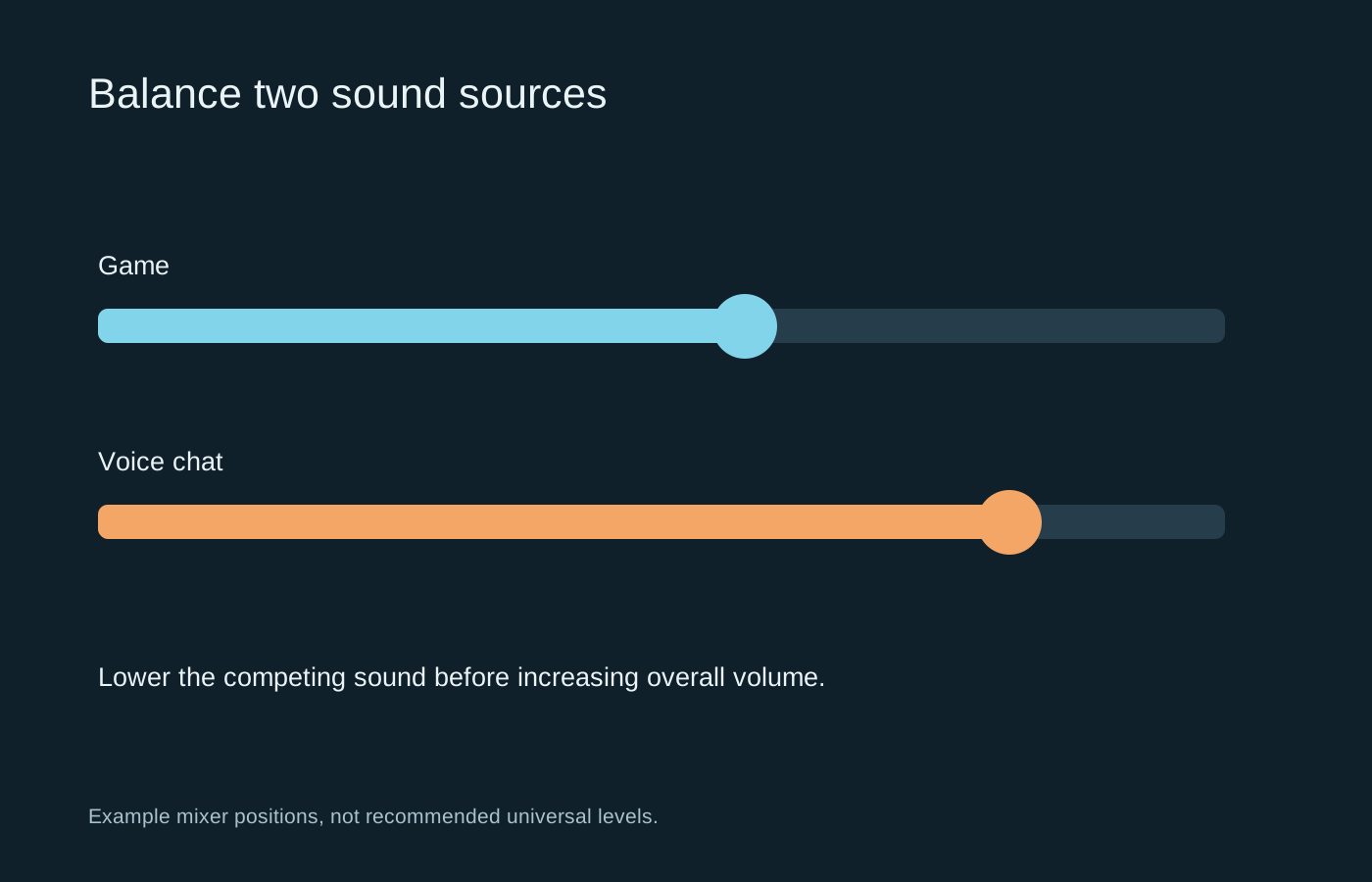
Make speech intelligible by reducing competing sound, rather than continually increasing the master volume.
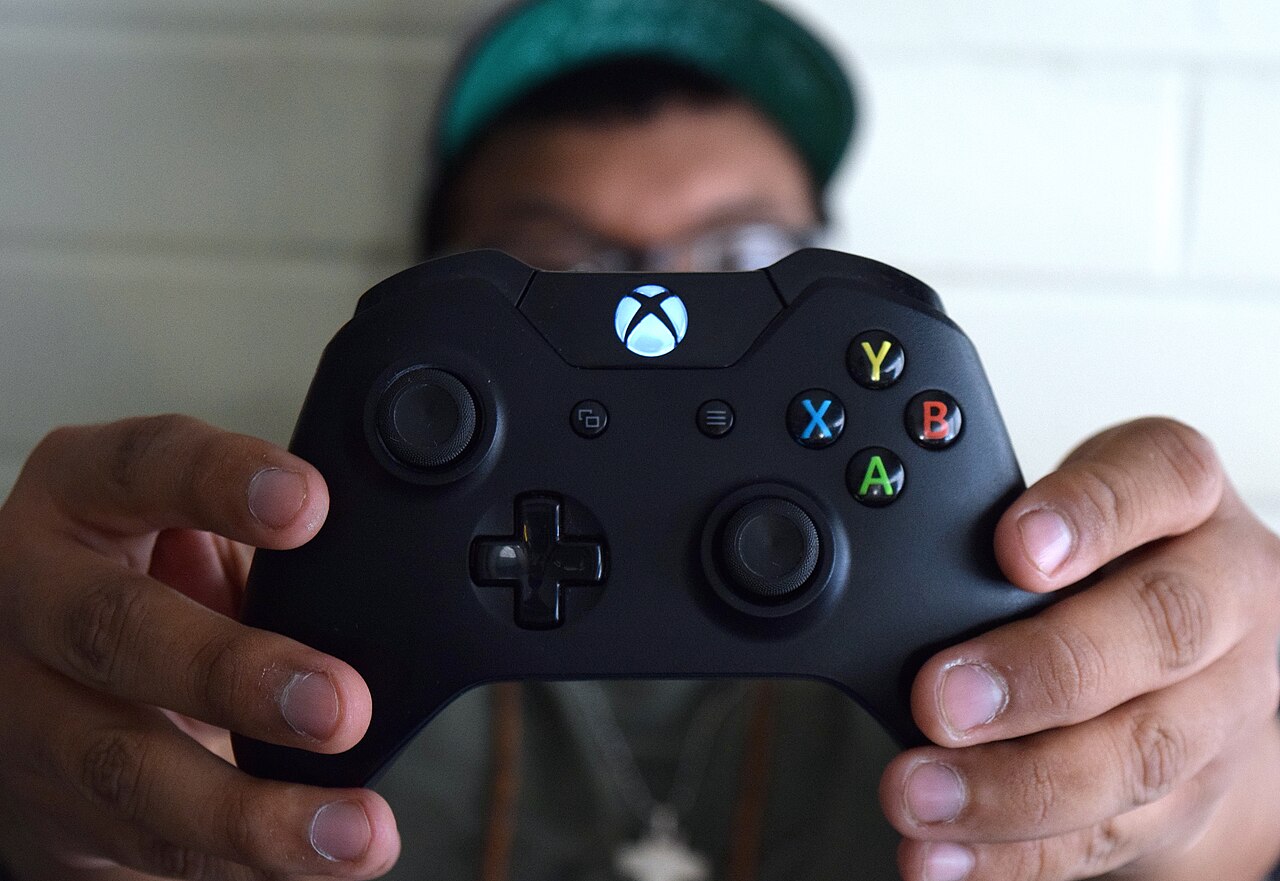
A comfortable controller lets you reach its controls without repeatedly changing your grip.
Photo: Mylesclark96 · CC BY-SA 4.0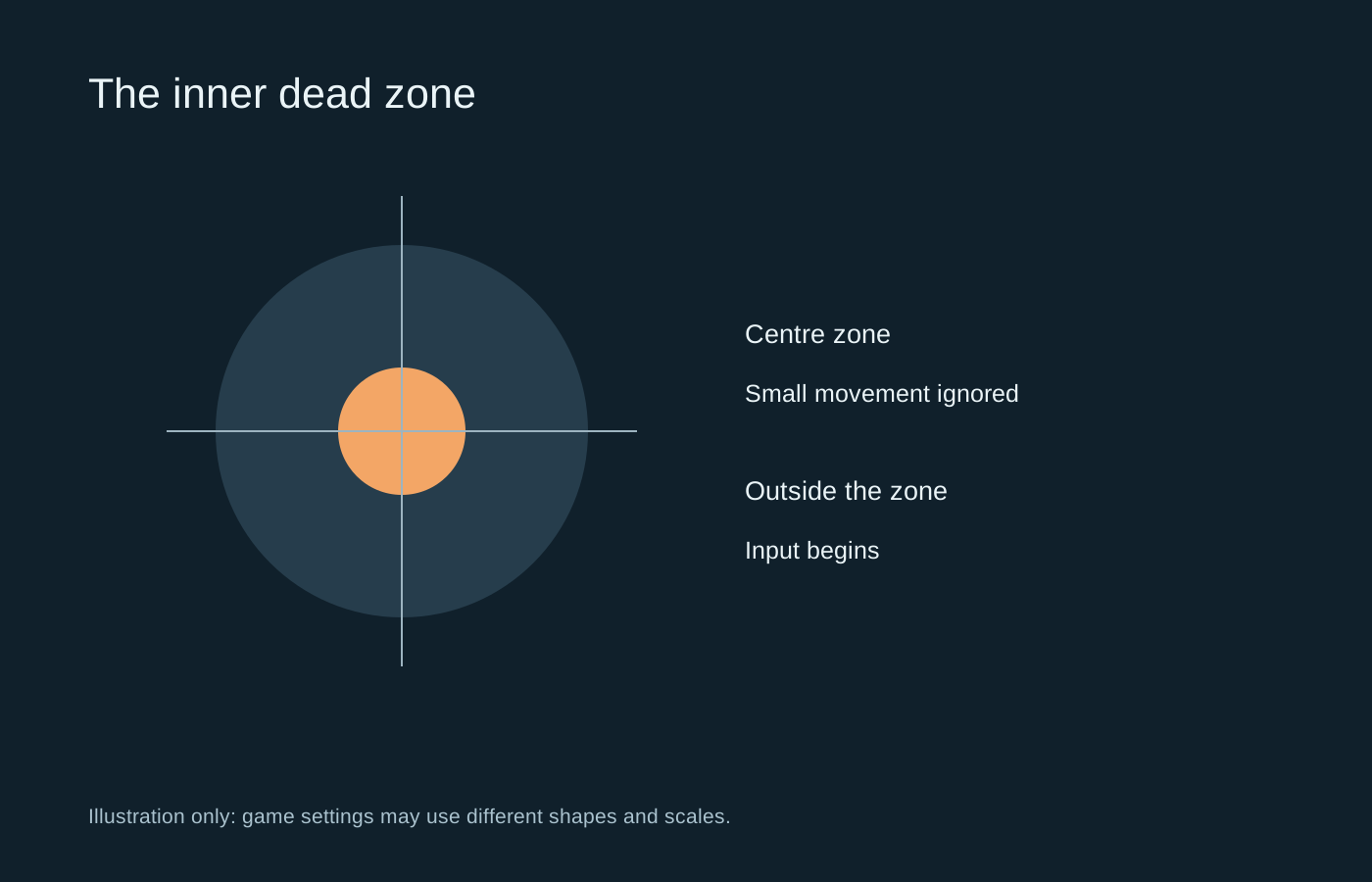
An inner dead zone filters small stick movement near centre; it does not change every part of aiming.
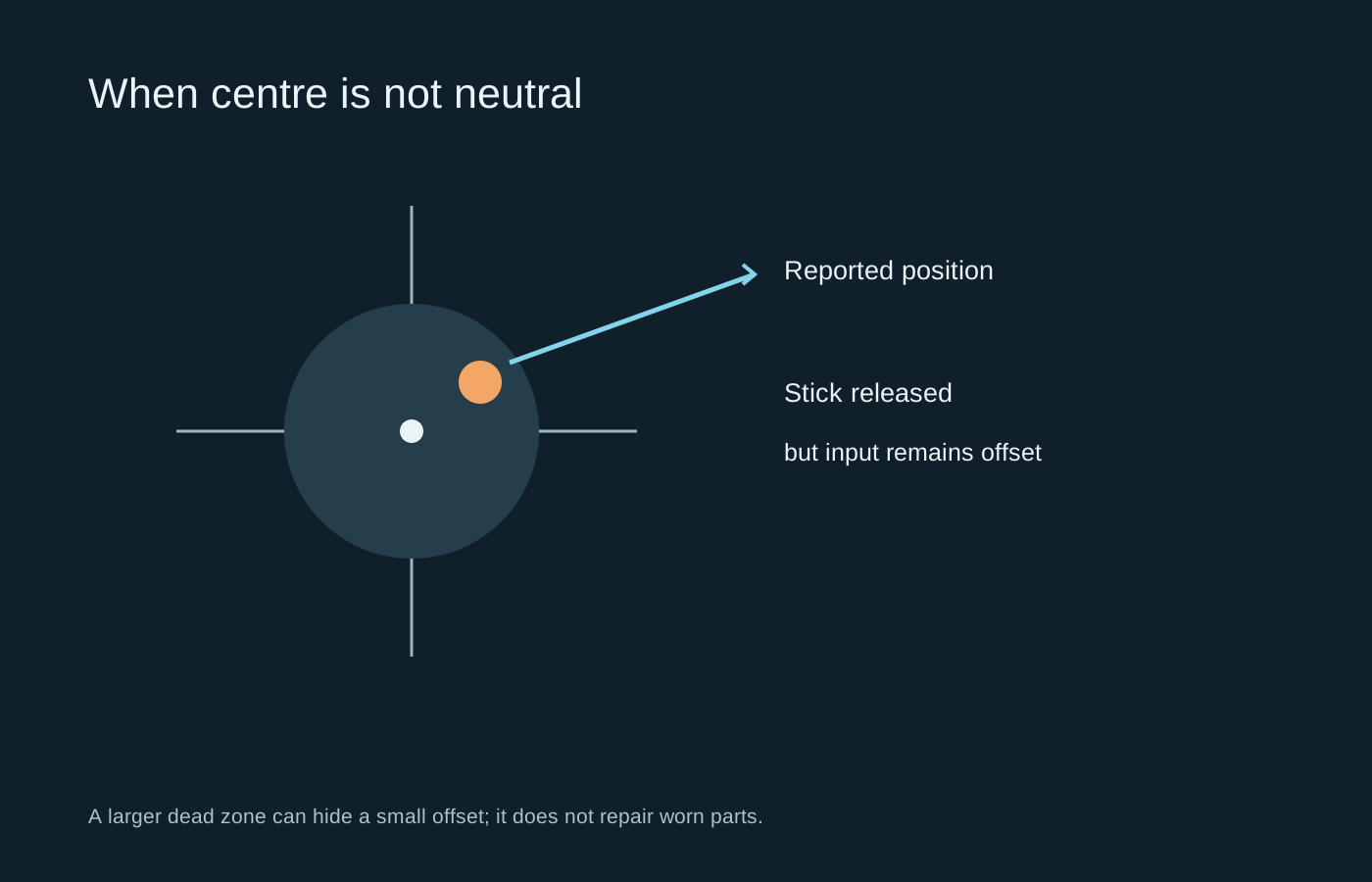
First establish whether unwanted movement follows the controller, the game or an input profile.
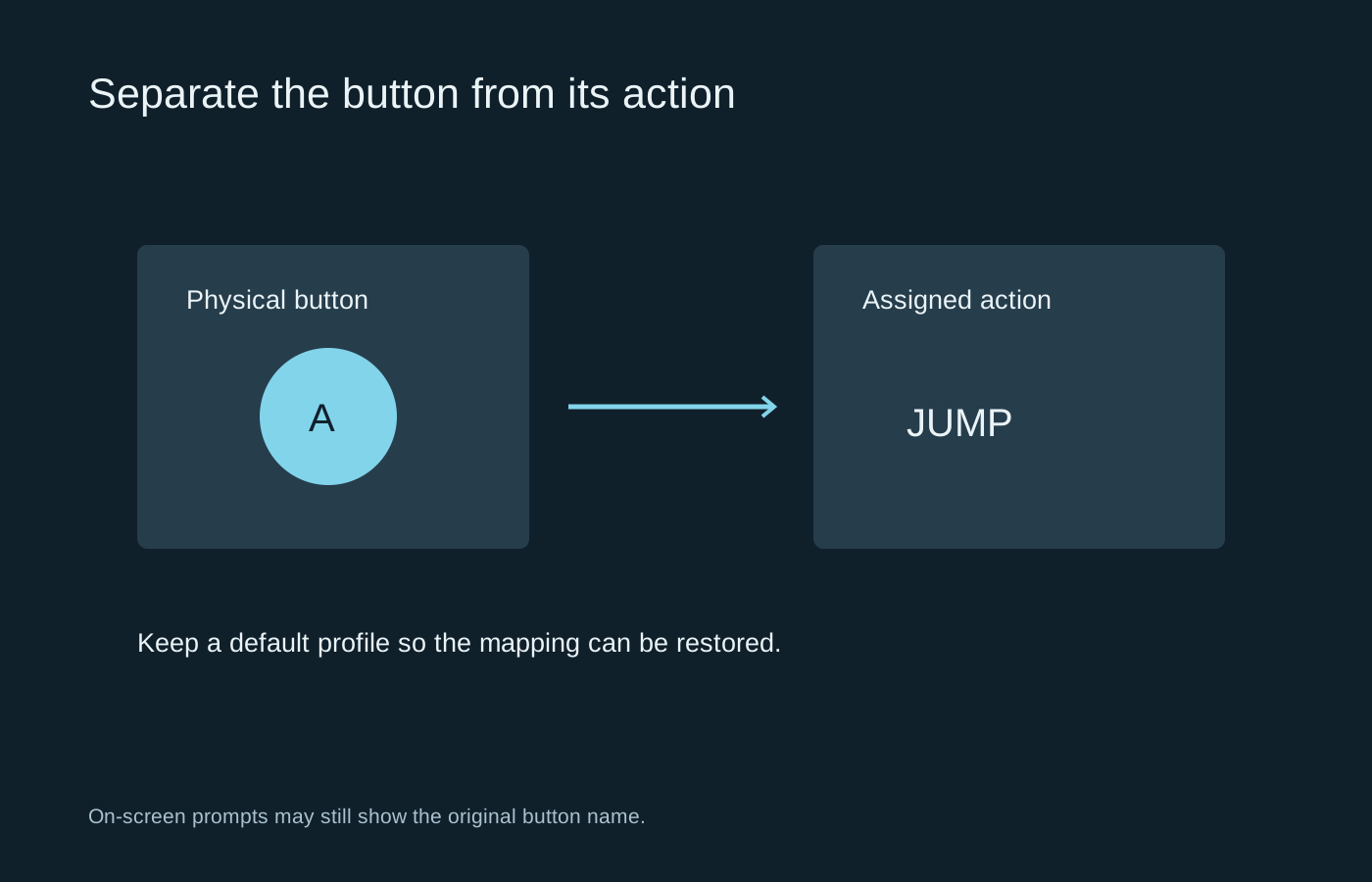
Remap a difficult action deliberately, and keep a way back to the default layout.
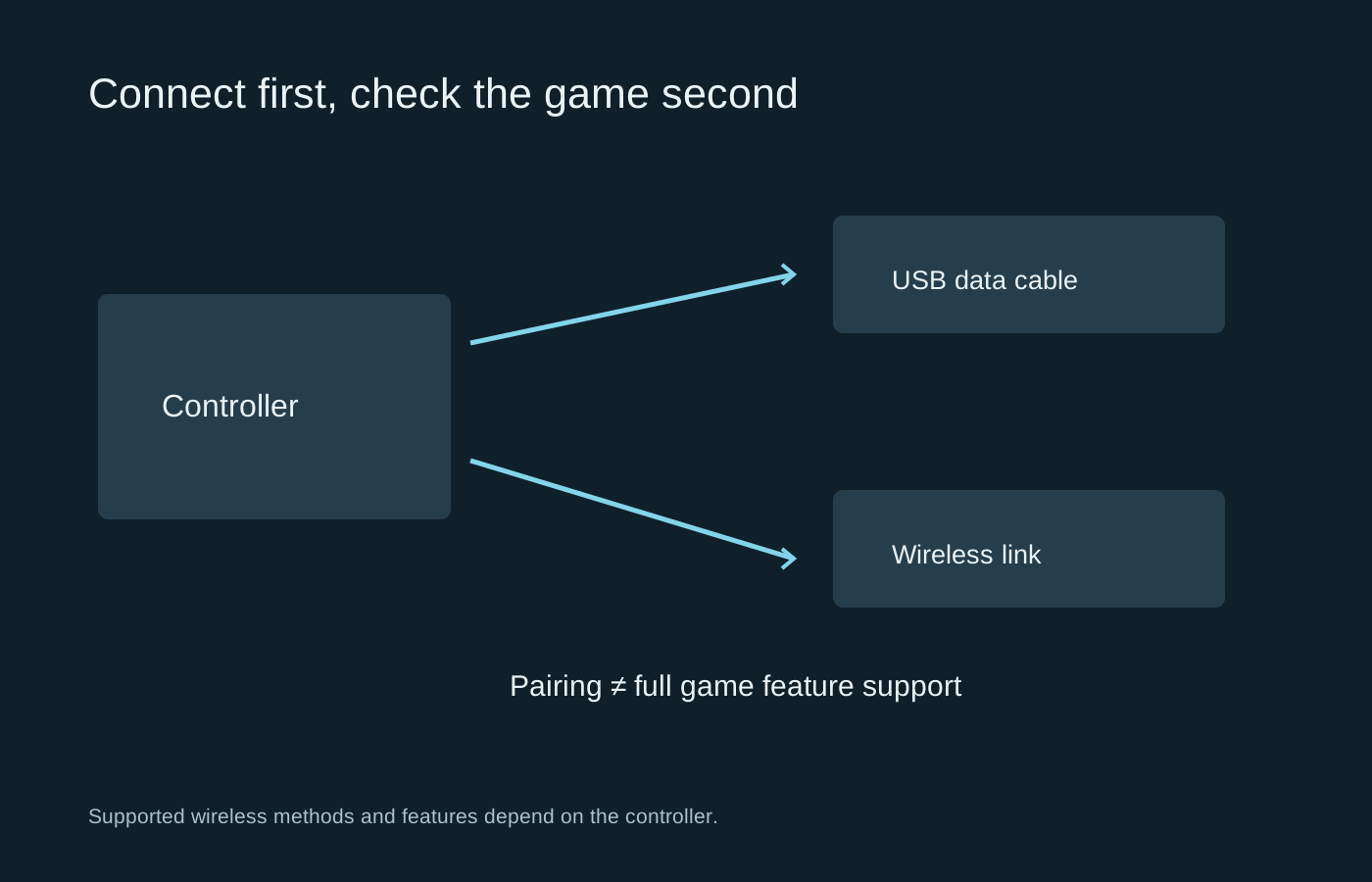
Separate connection, game recognition and advanced feature support when setting up a controller on PC.
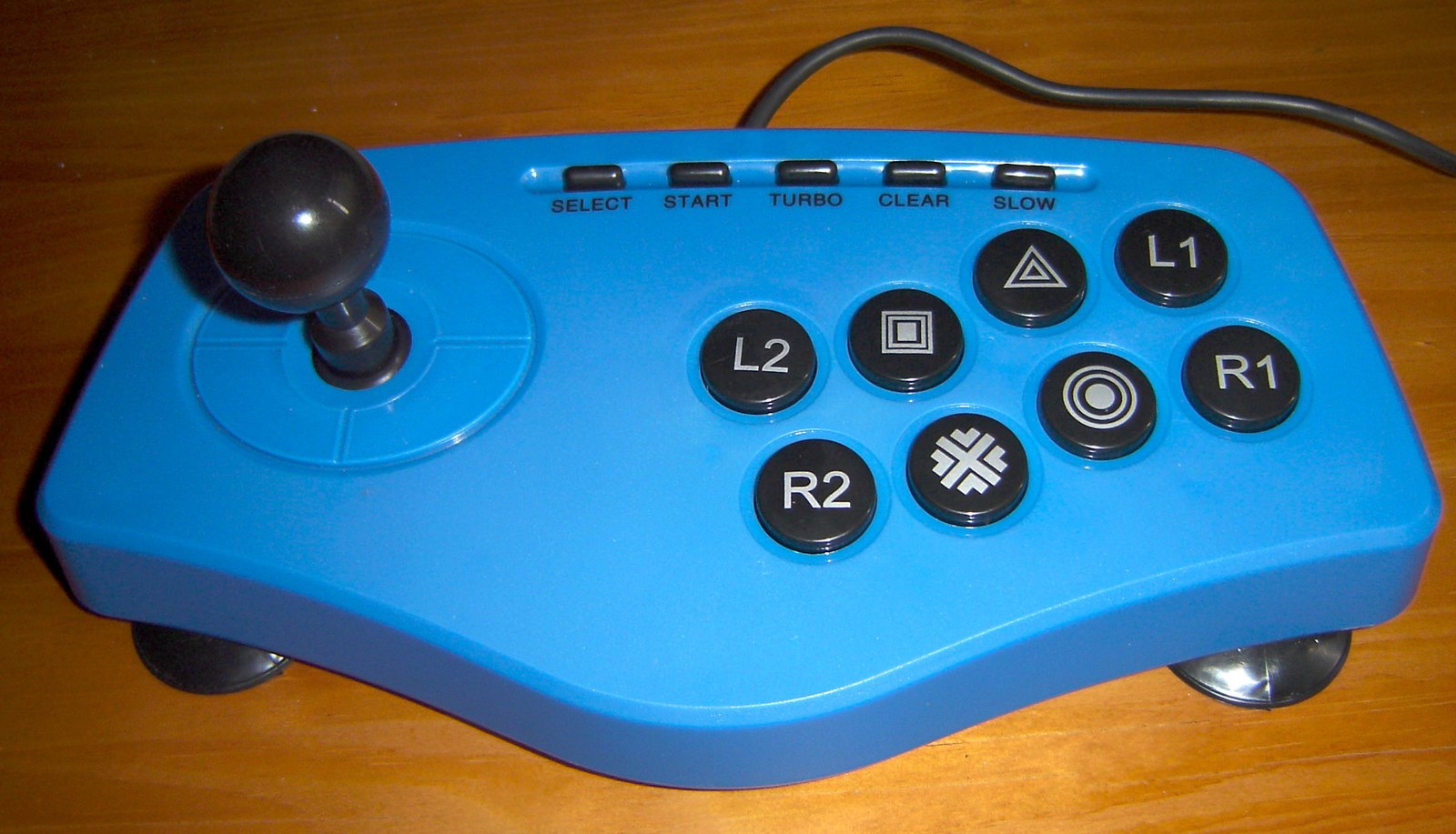
The best control style is the one whose movement and button arrangement you can learn comfortably.
Photo: Carioca · CC BY-SA 3.0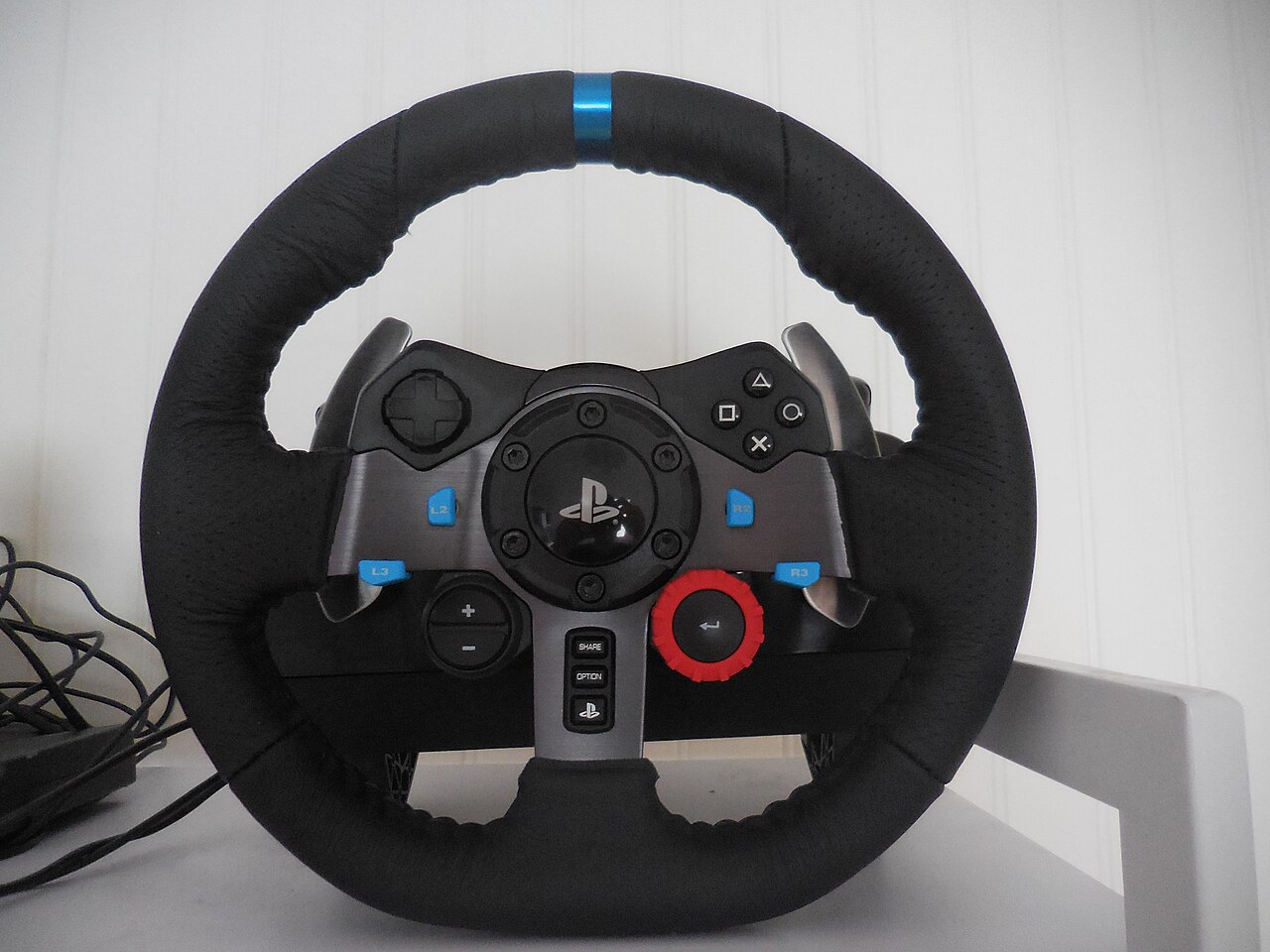
Check mounting, pedals and platform support before deciding how much force feedback you want.
Photo: Antoineets · CC BY-SA 4.0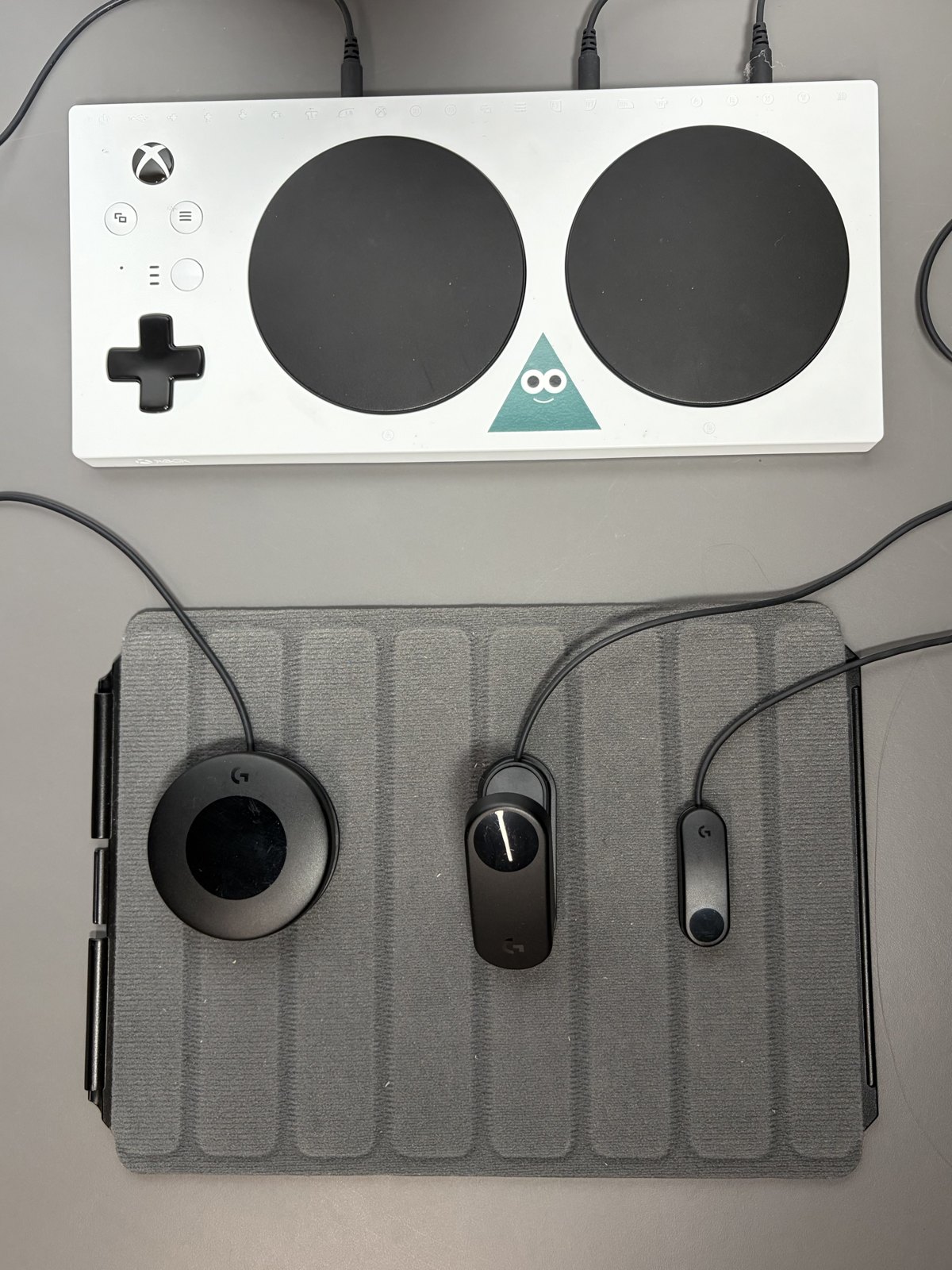
Build the control arrangement around the player’s available movements and chosen games.
Photo: InclusiveGameLab · CC BY-SA 4.0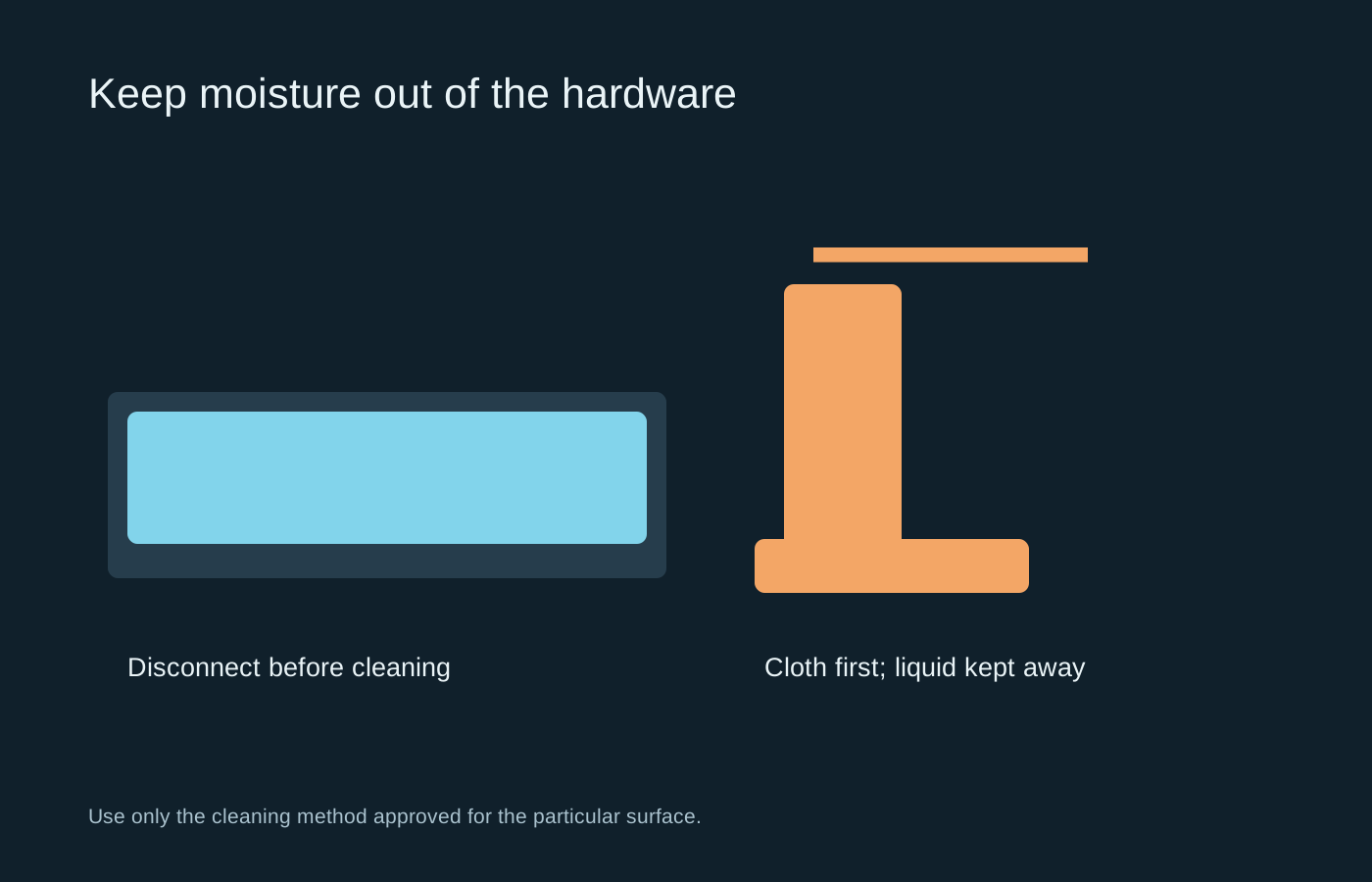
Disconnect the device, identify the surface and keep liquid out of openings.
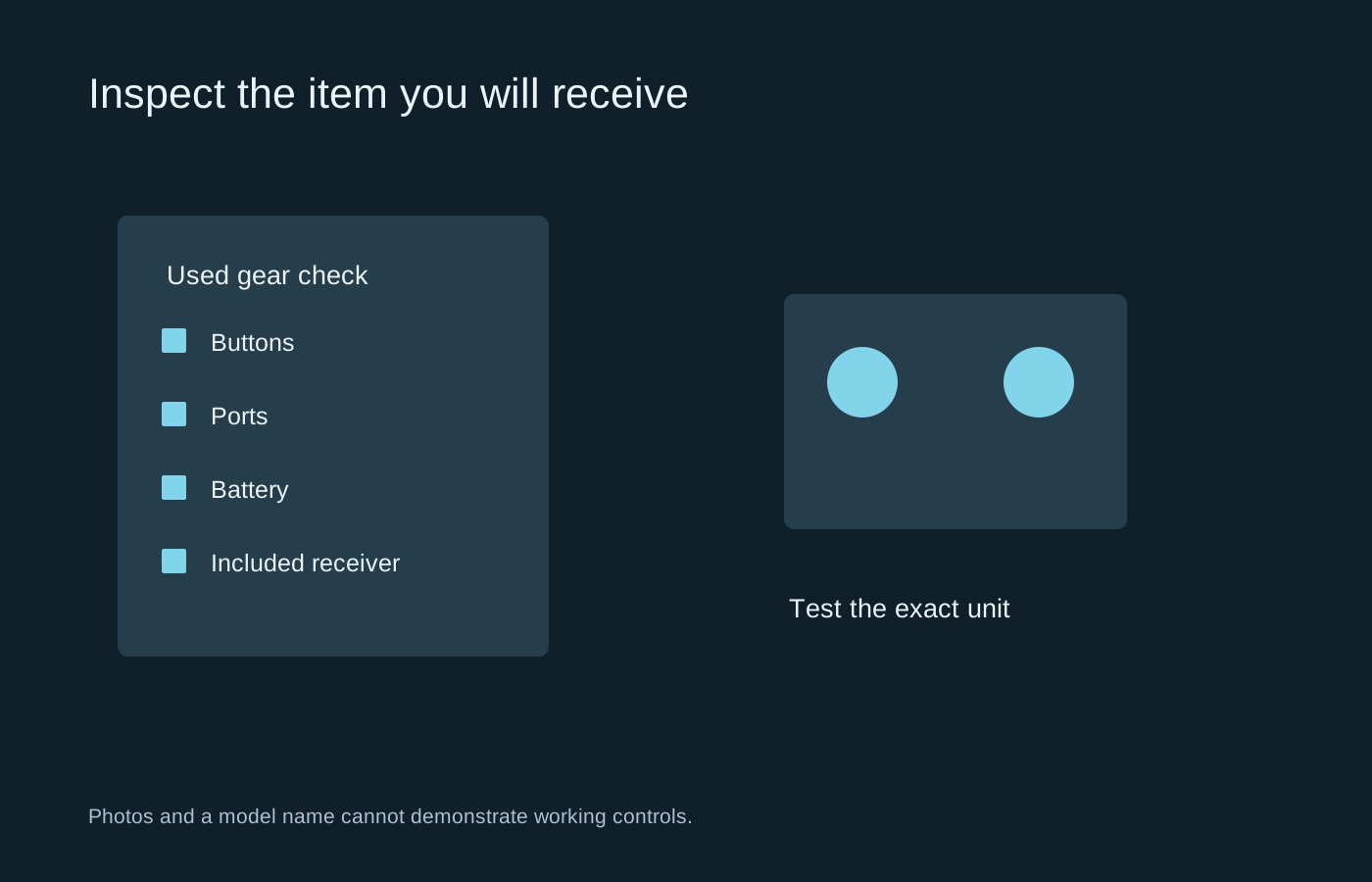
Ask for a demonstration of the exact item, including the small accessories that make it work.
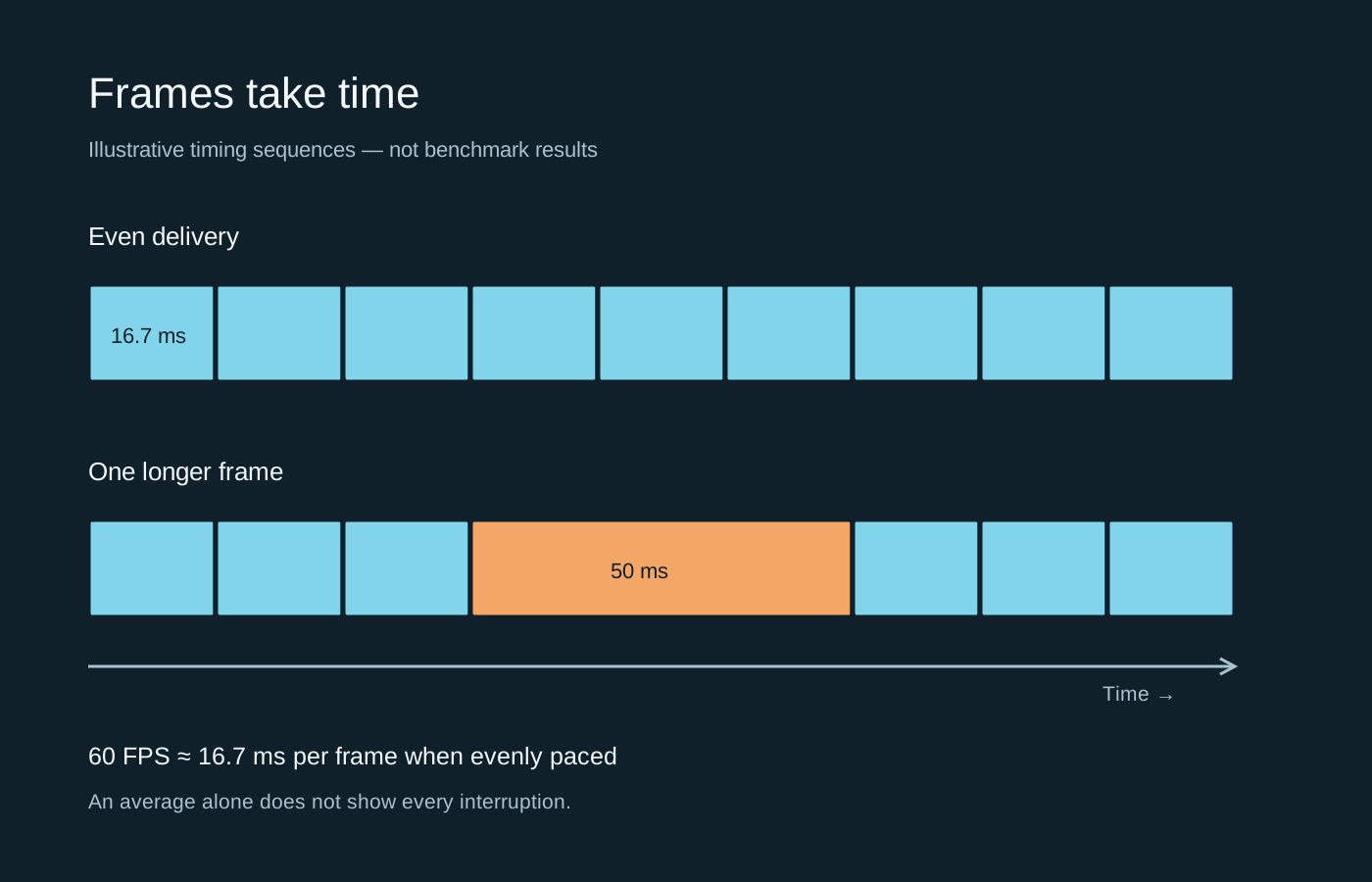
An average FPS figure can hide an uneven sequence. A frame-time graph shows where the pauses occur.
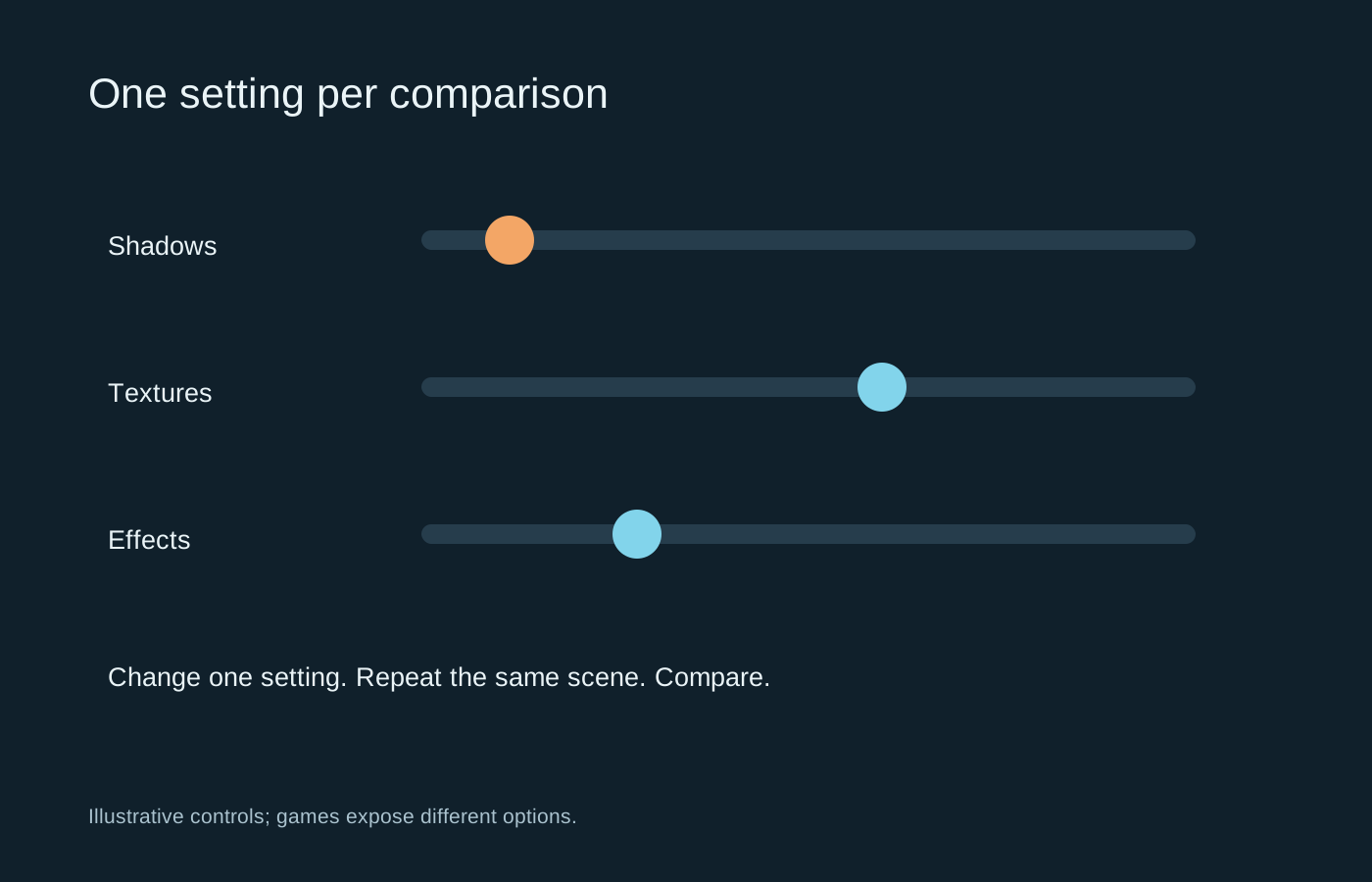
Use a repeatable scene and a saved baseline so you can tell which change helped.
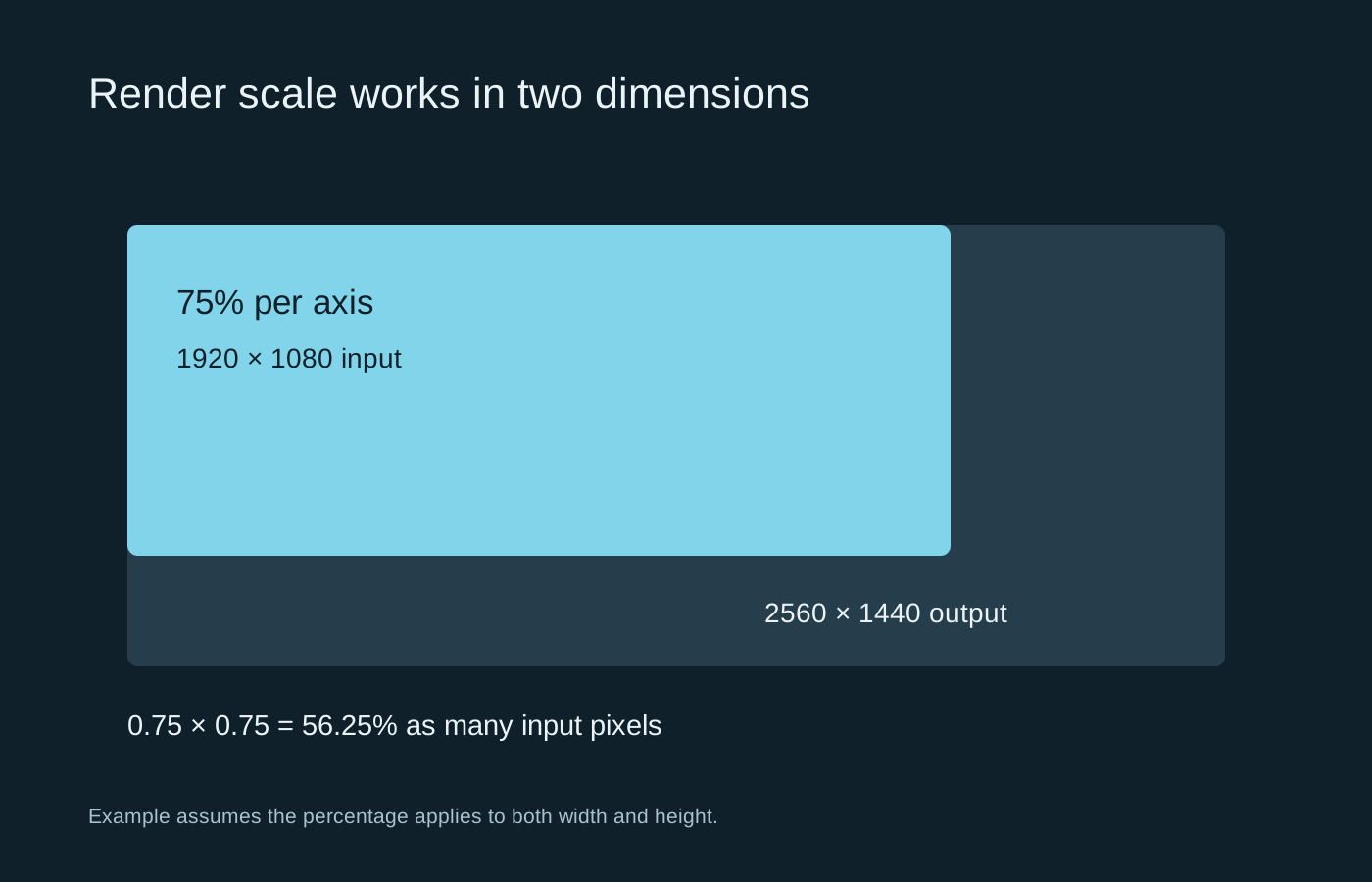
Display resolution and internal render scale describe different stages of the image.
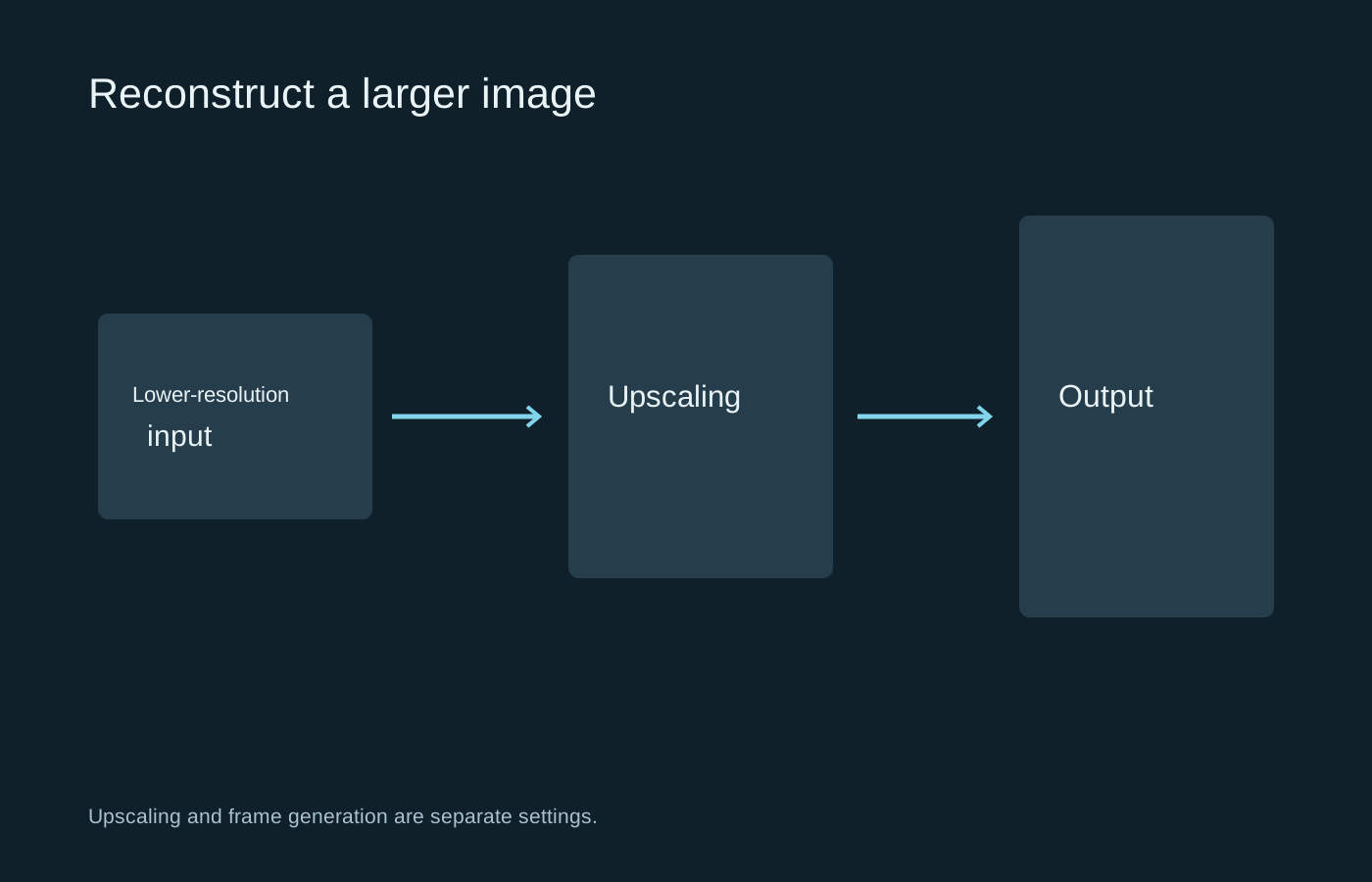
Judge an upscaler in motion, and keep frame generation separate while you compare.
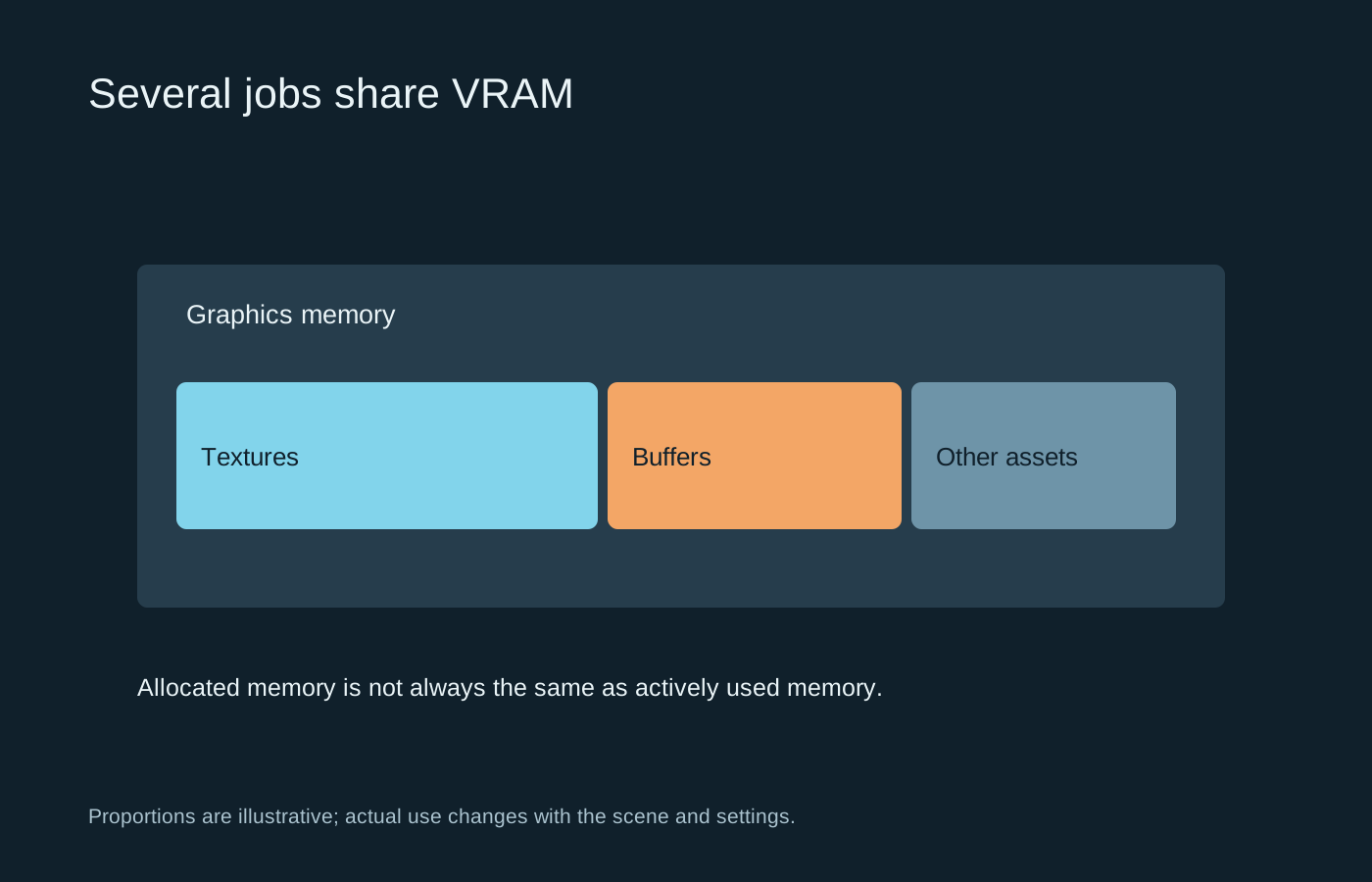
Memory capacity, allocation and actual pressure are related, but they are not interchangeable readings.
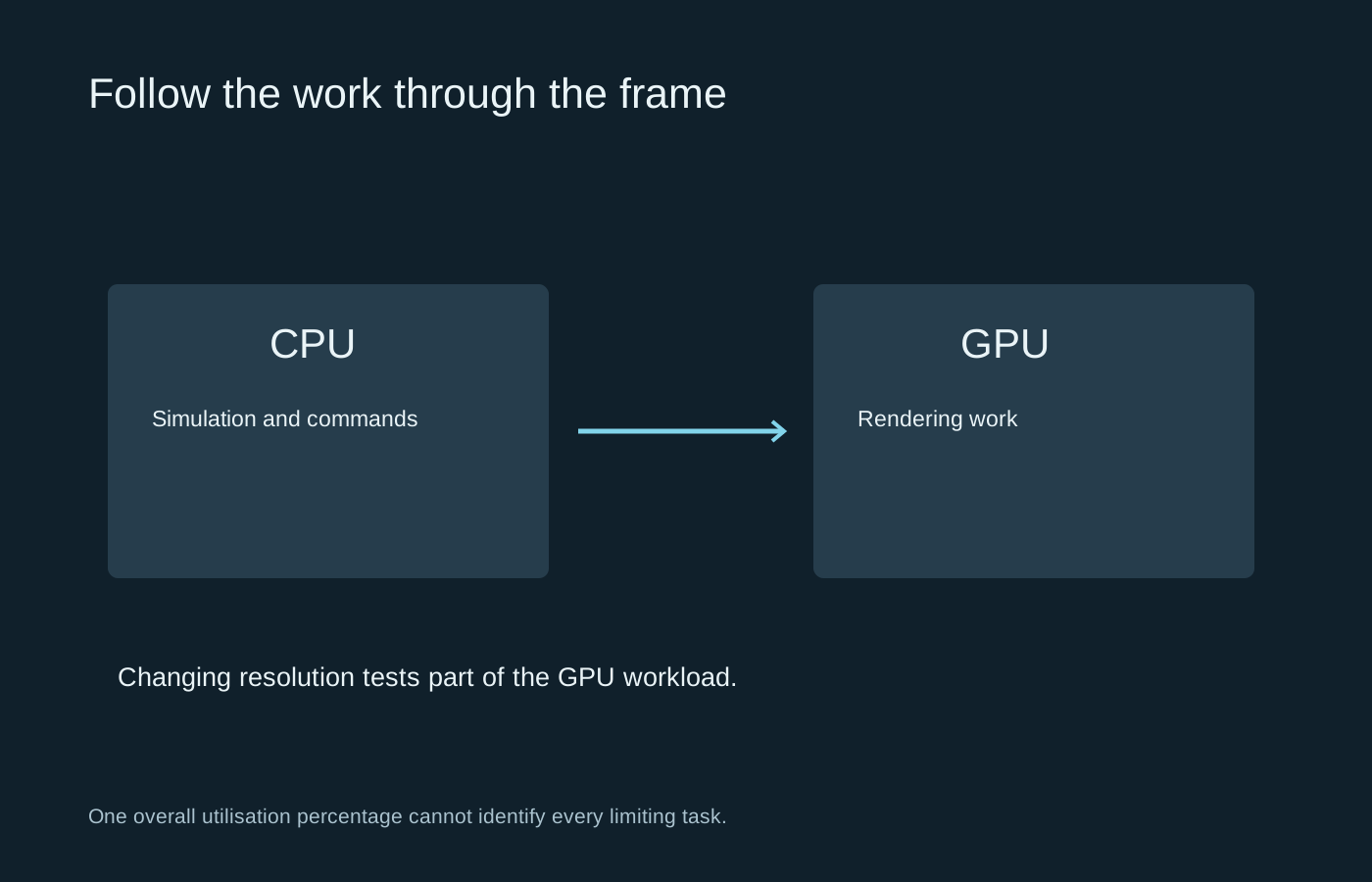
Use changes in workload to test a hypothesis, rather than relying on one utilisation percentage.
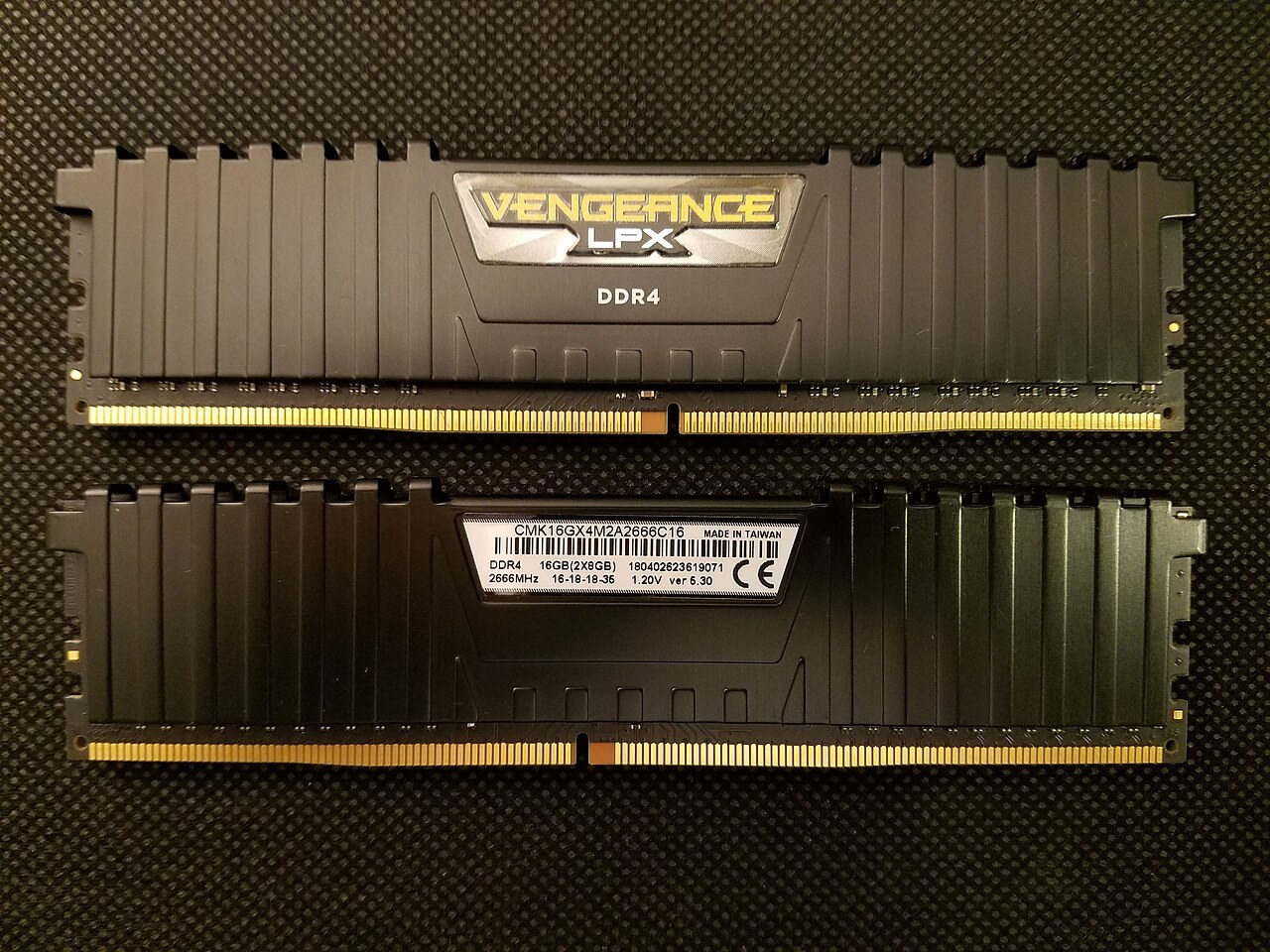
Look at the games you play, the applications beside them and the memory your motherboard can actually accept.
Photo: Bretwa · CC BY-SA 4.0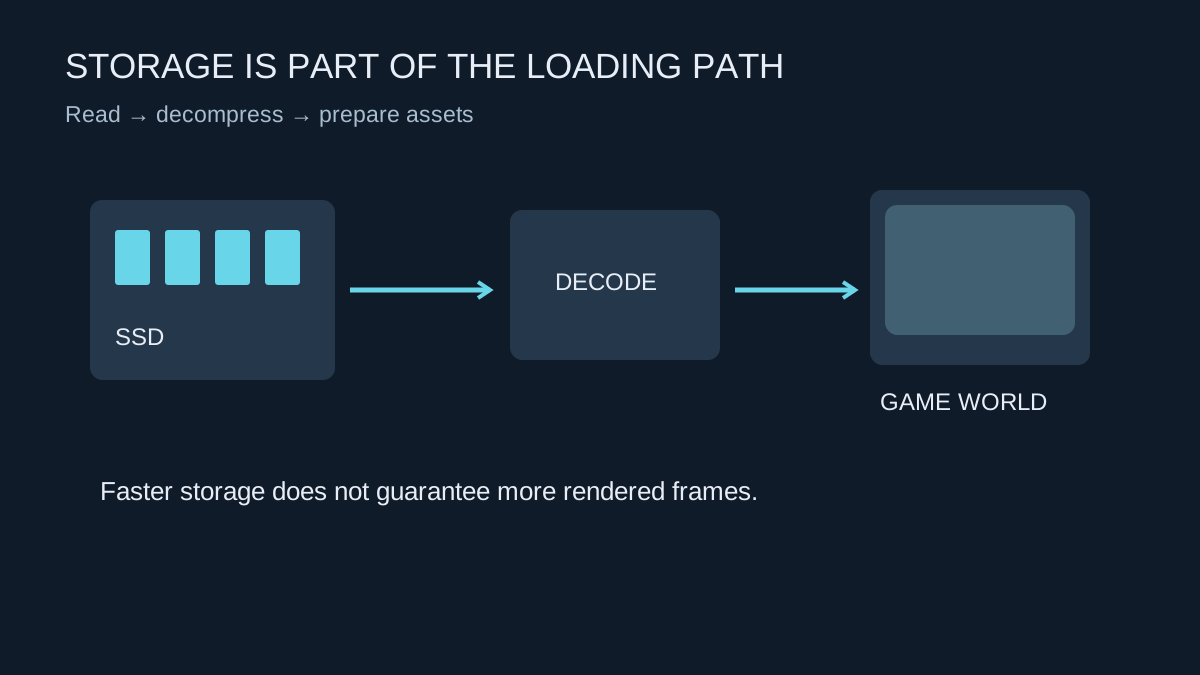
An SSD can shorten waits and help asset delivery, but it does not replace the graphics hardware that draws each frame.
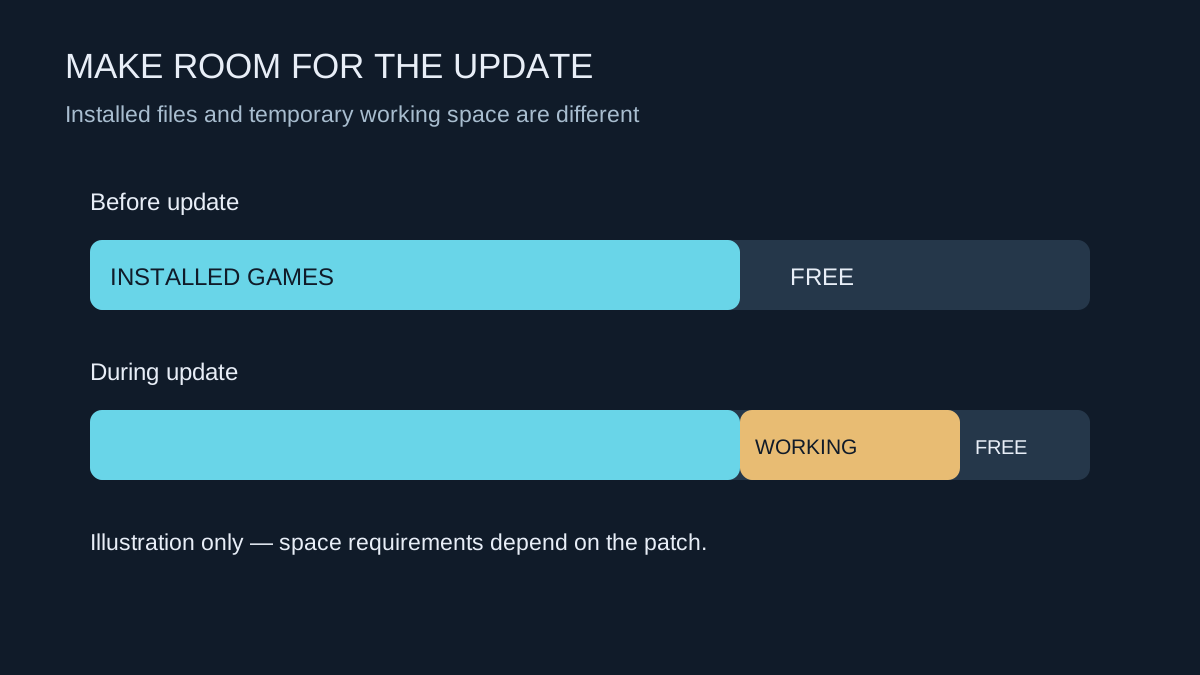
A patch can need room to unpack and rebuild files, even when its download looks small.
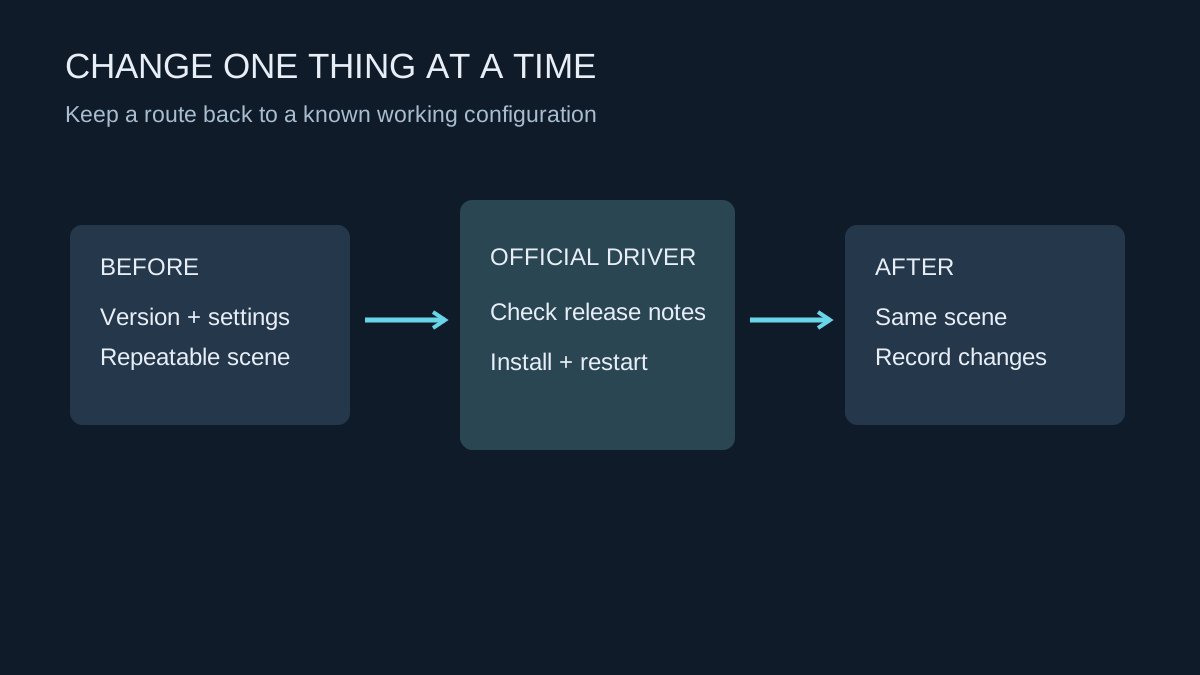
Record the working version, use the hardware maker’s download and leave enough time to test afterwards.
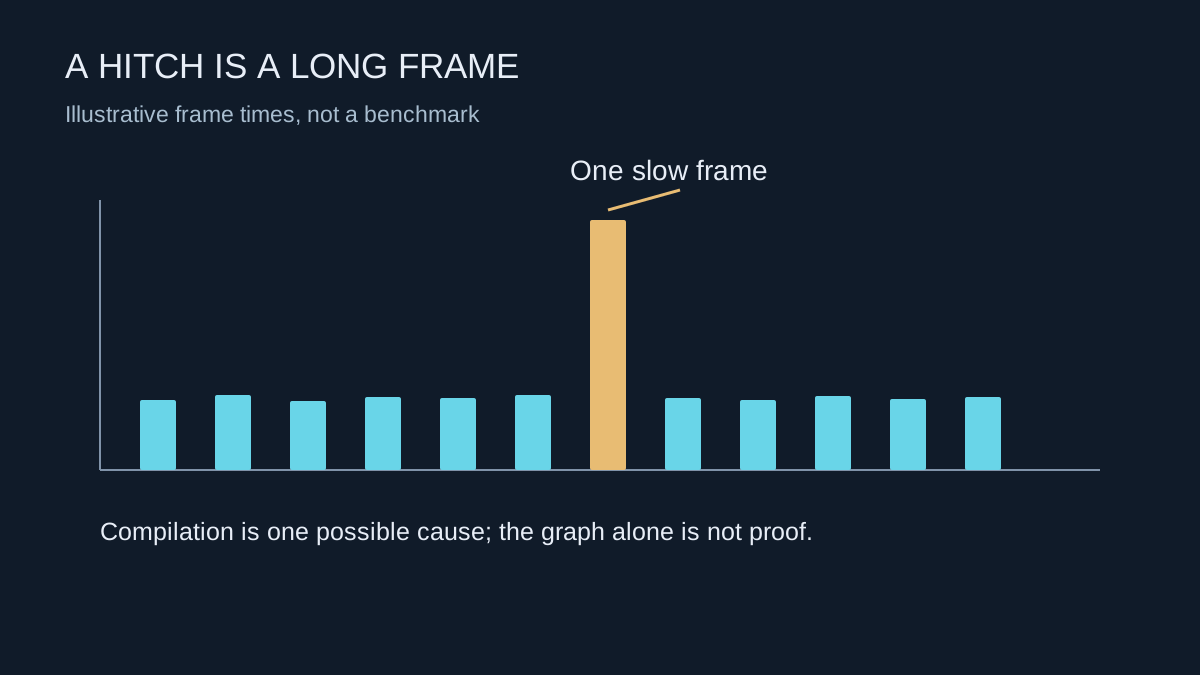
A sudden pause on first encountering an effect can have a different cause from consistently low performance.
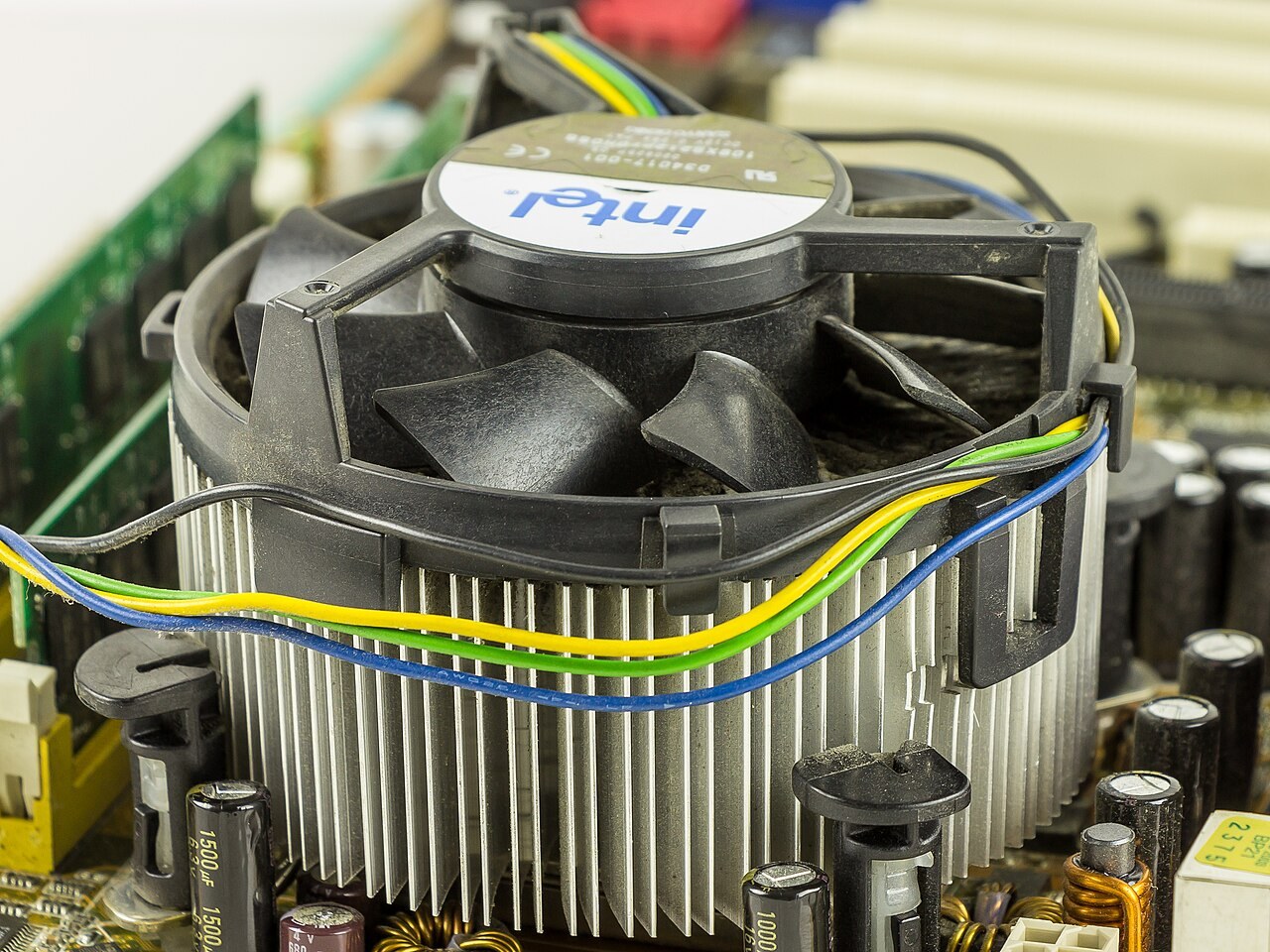
Compare temperatures, workload and the kind of noise before changing fan settings or buying a cooler.
Photo: Raimond Spekking · CC BY-SA 4.0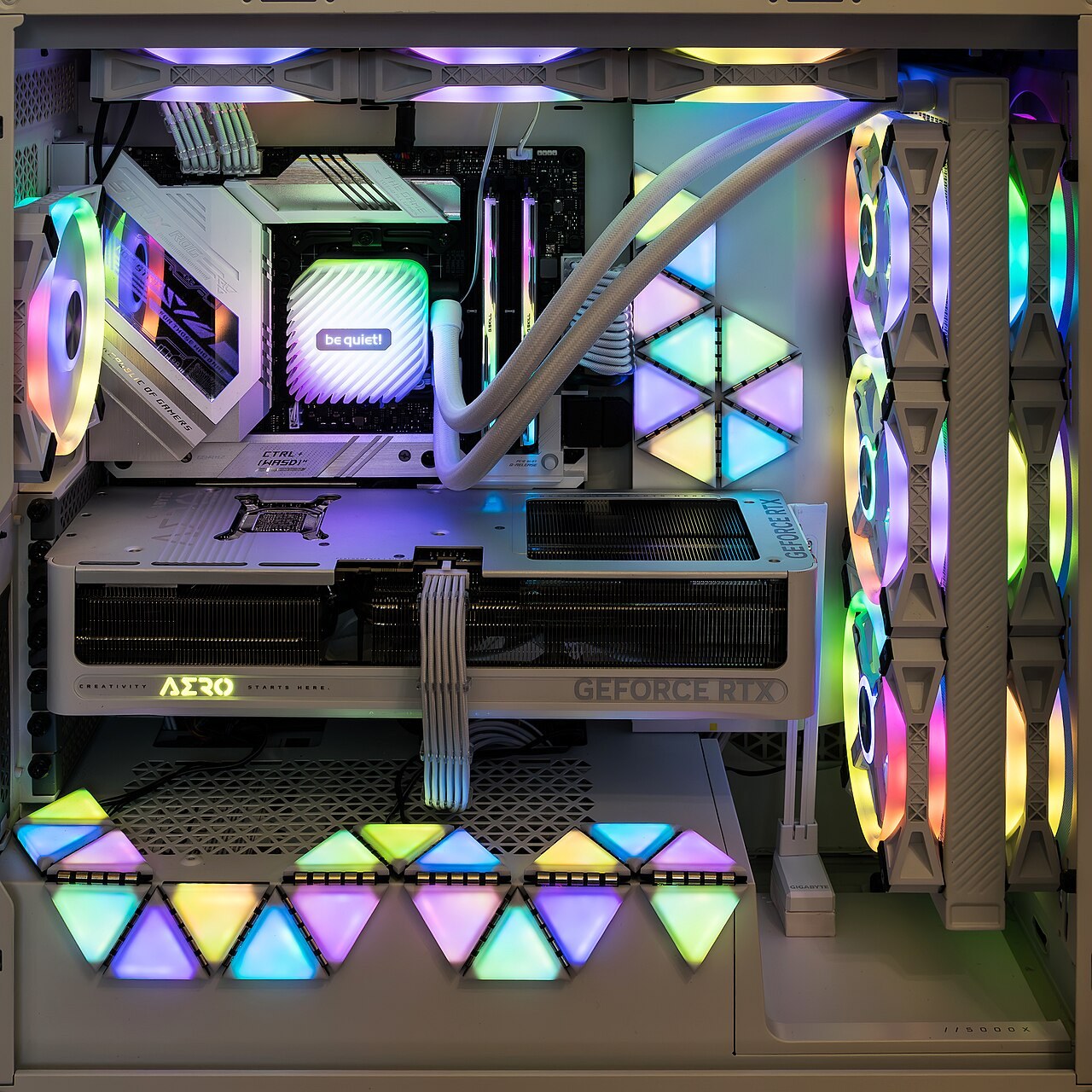
Follow the route air can actually take through the case, including filters, radiators and the space outside it.
Photo: Jacek Halicki · CC BY-SA 4.0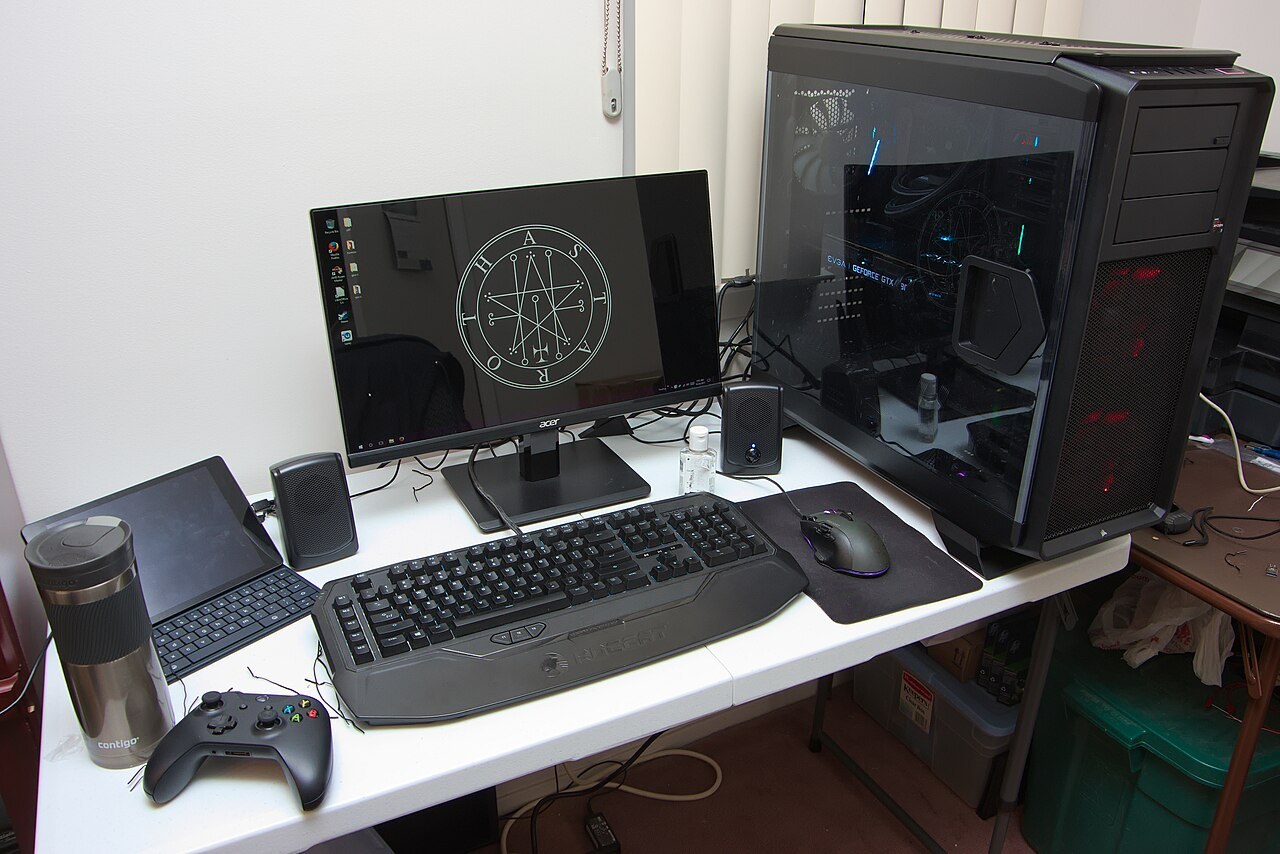
Ask for the complete specification and support terms, not just the processor and graphics-card names.
Photo: Brian Wong · CC BY-SA 2.0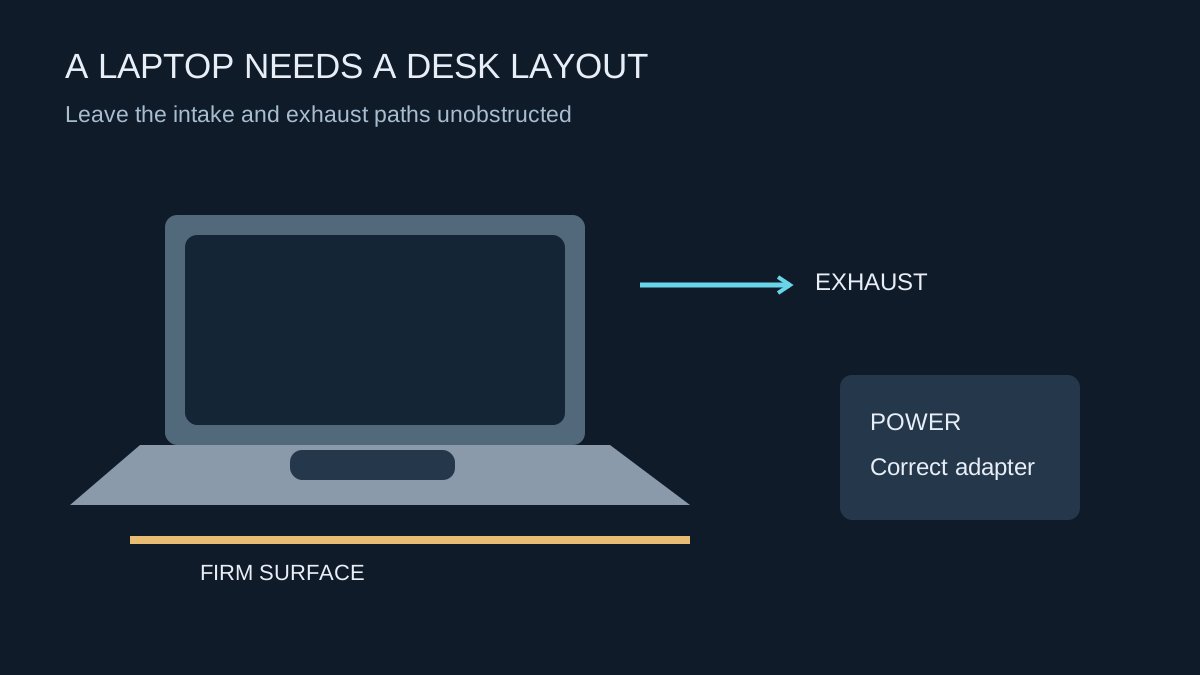
Treat power, cooling and the display connection as parts of one setup before adding a dock or monitor.
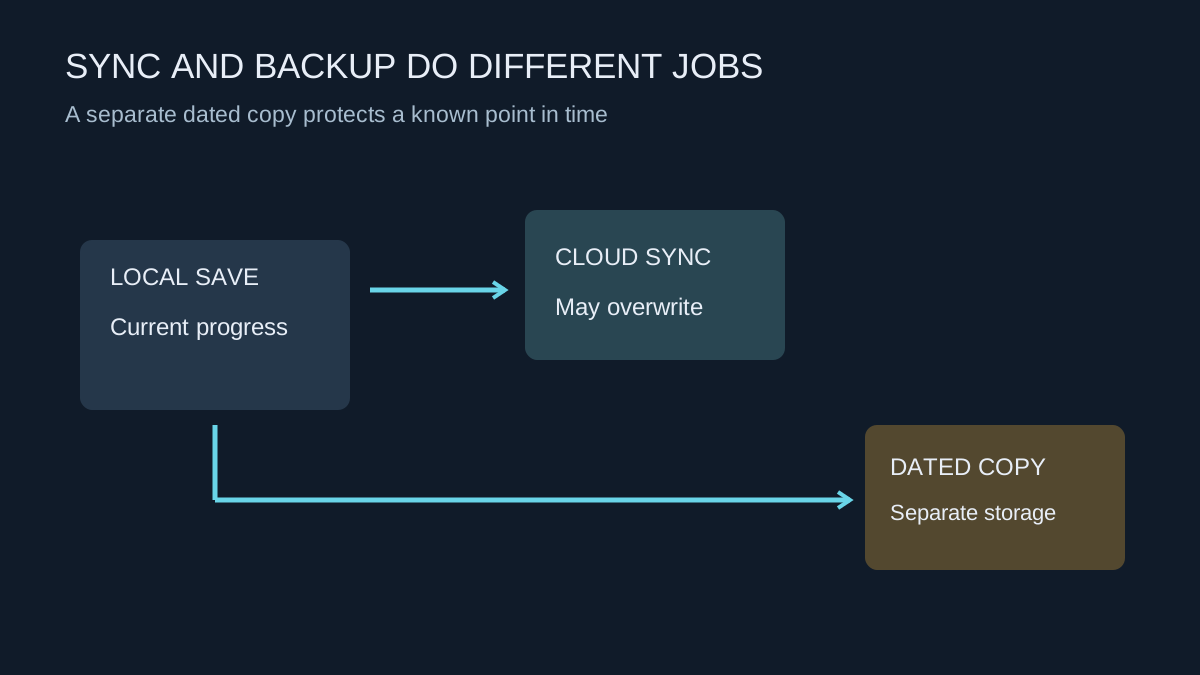
Keep a recoverable copy of progress before moving computers, reinstalling Windows or experimenting with mods.
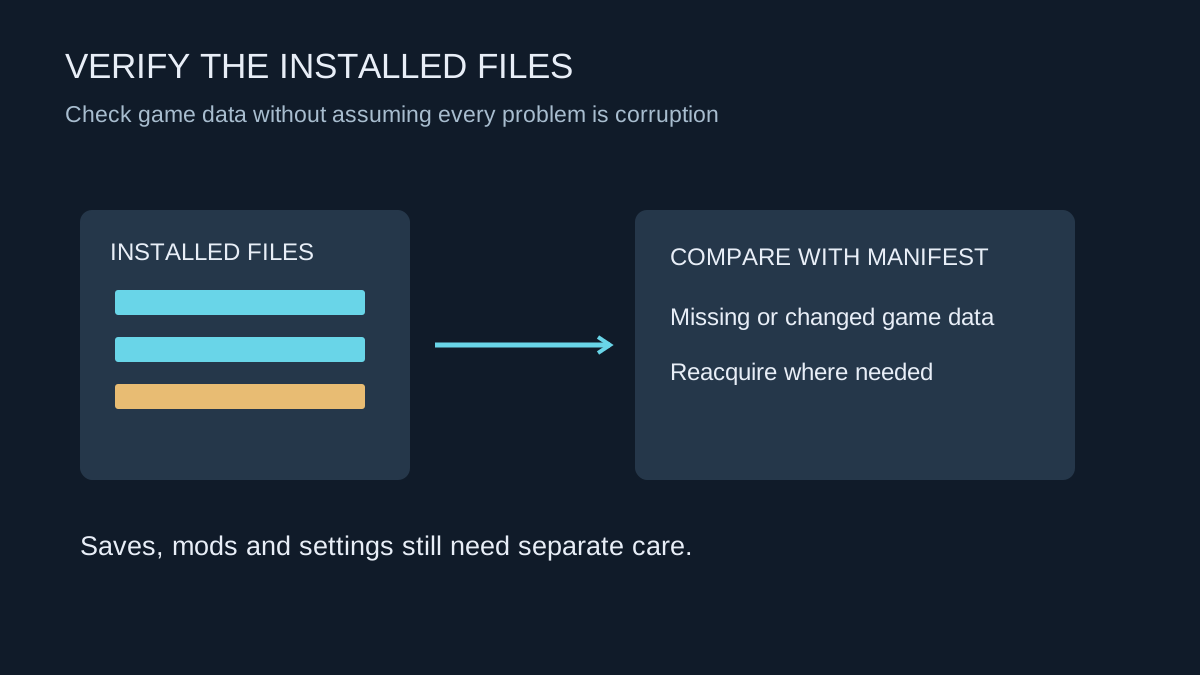
Verification checks installed game data. It is useful for certain faults, but it does not diagnose the whole computer.
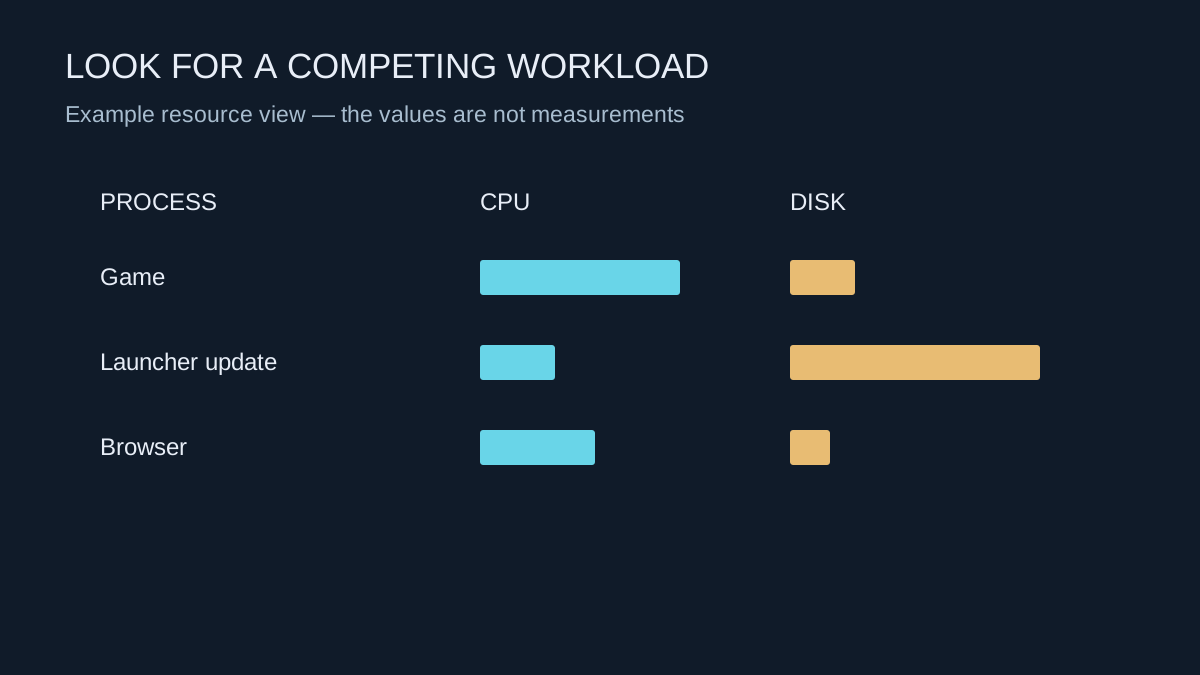
Look for a process competing for a resource at the moment the game slows down, rather than closing everything blindly.
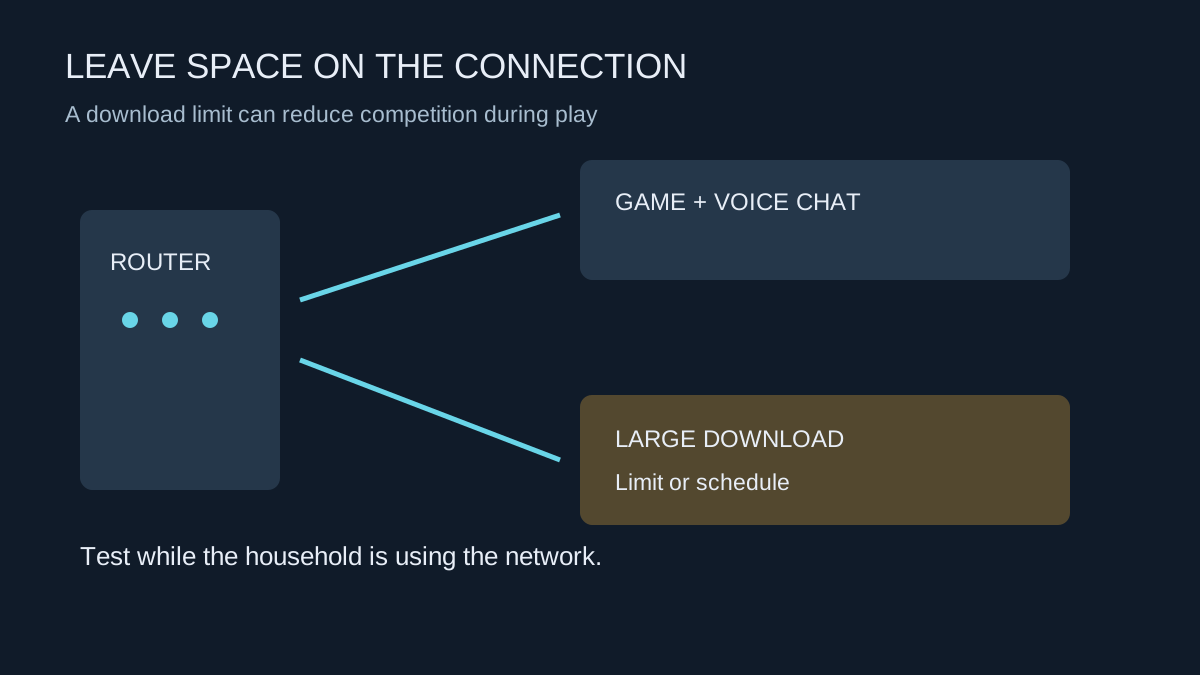
A download schedule or limit can protect a shared connection without requiring a different internet package.
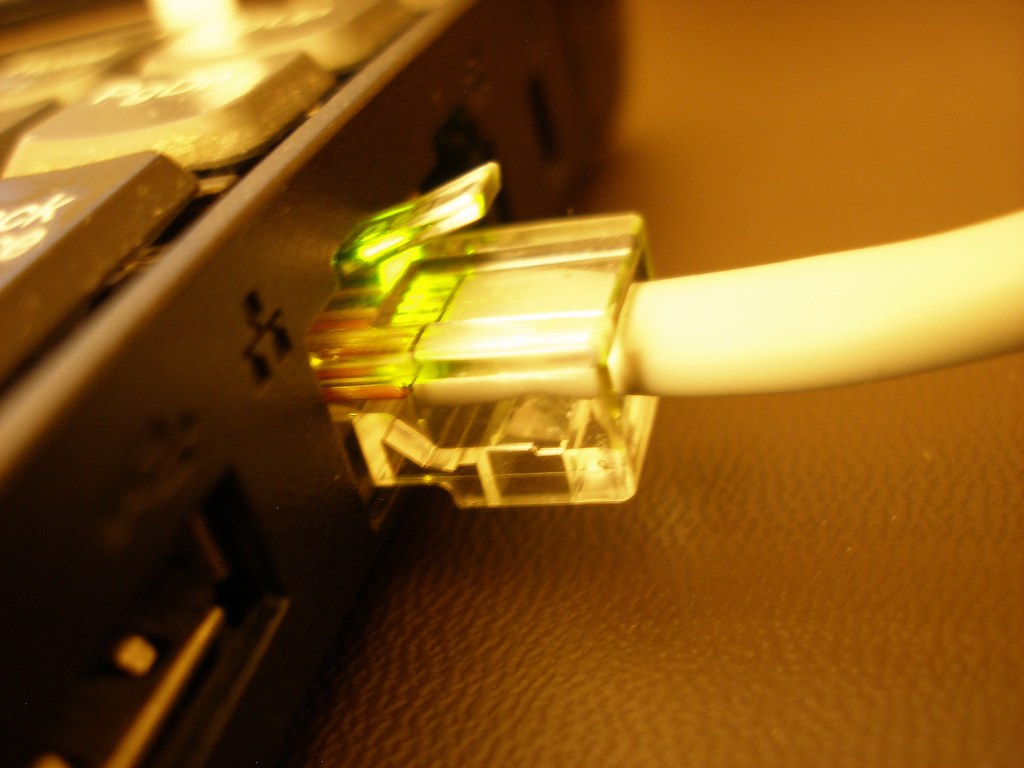
Compare consistency where you actually play, including the route between the router and the internet.
Photo: Khairil Yusof from Malaysia · CC BY 2.0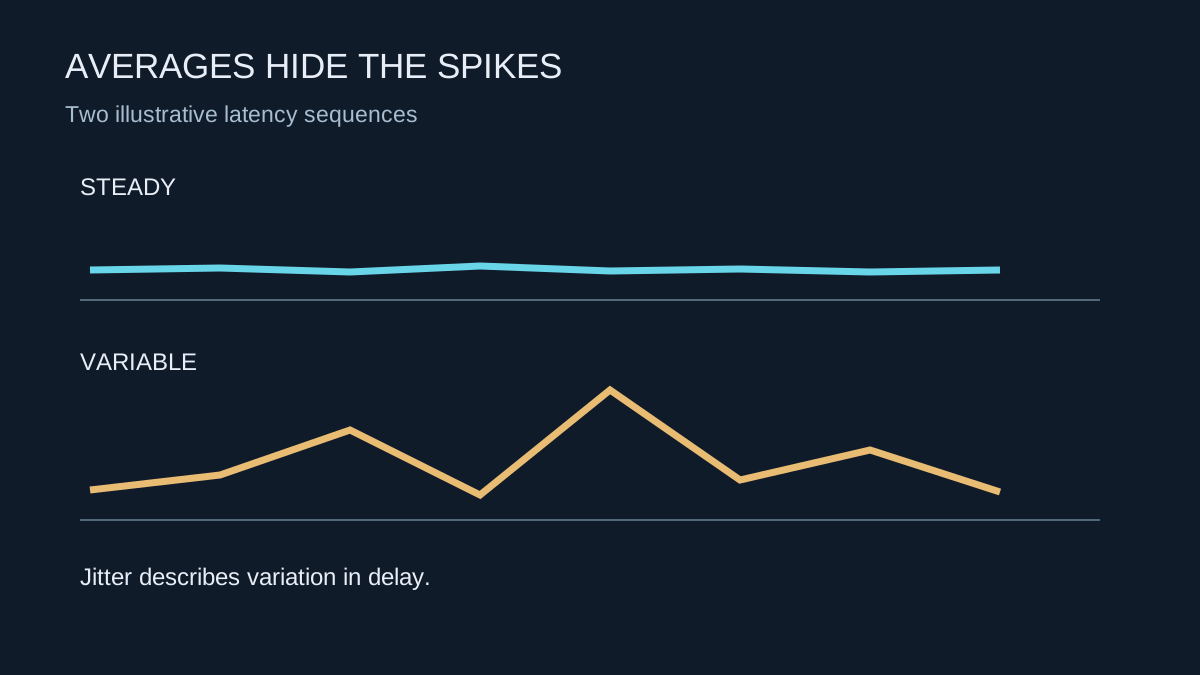
An average latency value can look acceptable while individual delays vary enough to disrupt play.
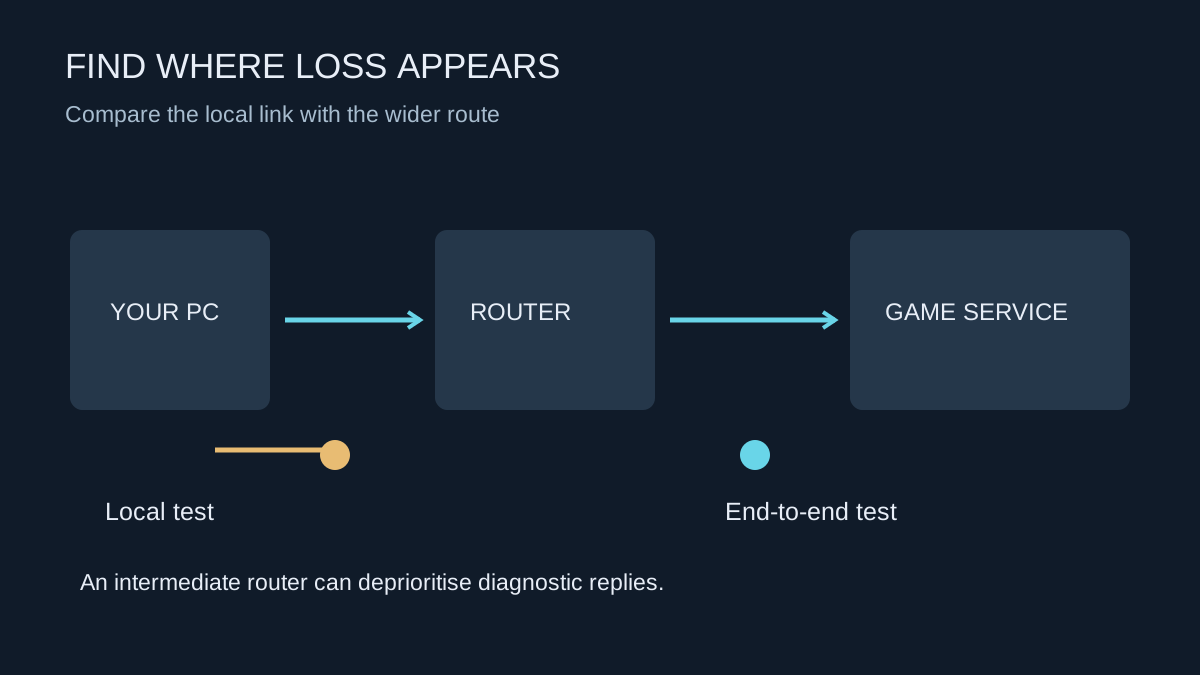
Build evidence about where packets stop arriving before changing ports, buying hardware or blaming a server.
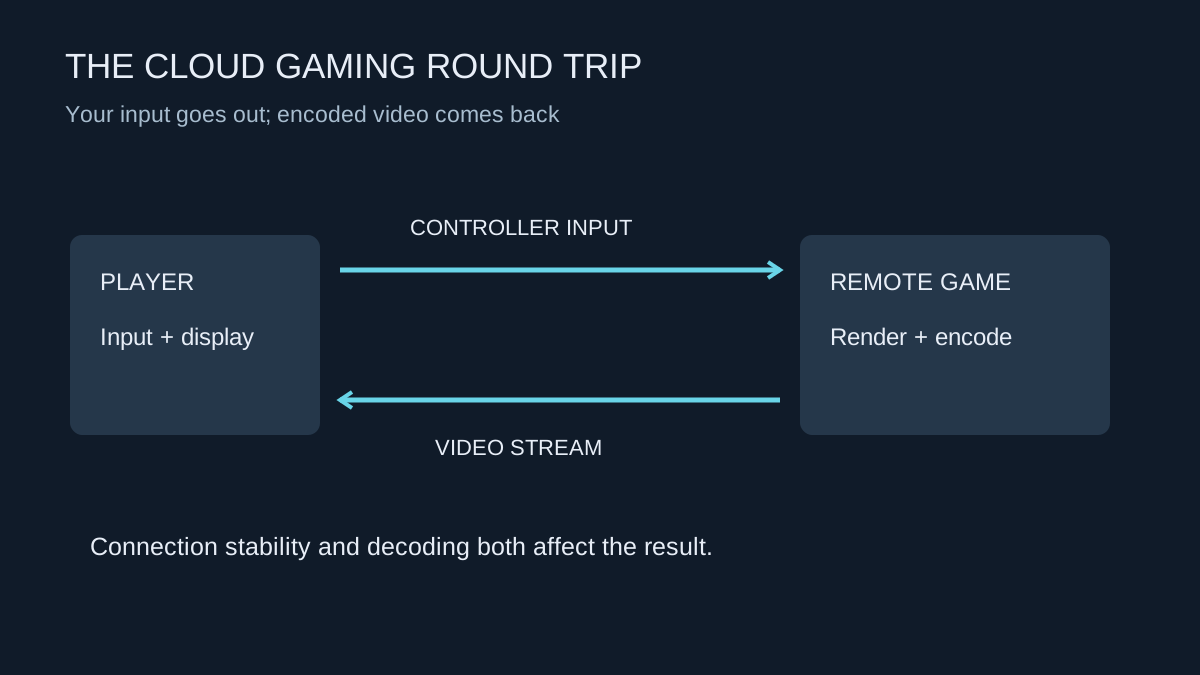
Test the service on your own connection and device before treating it as a replacement for local hardware.
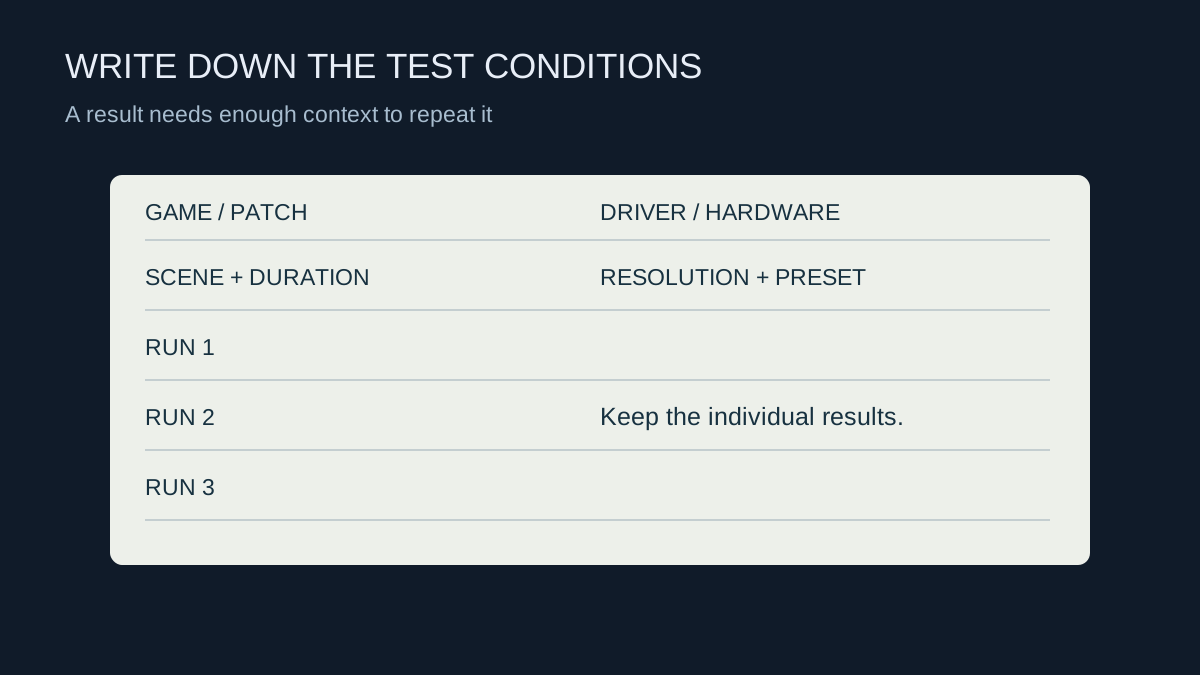
Record enough context to repeat a comparison and keep the individual runs instead of only the best result.
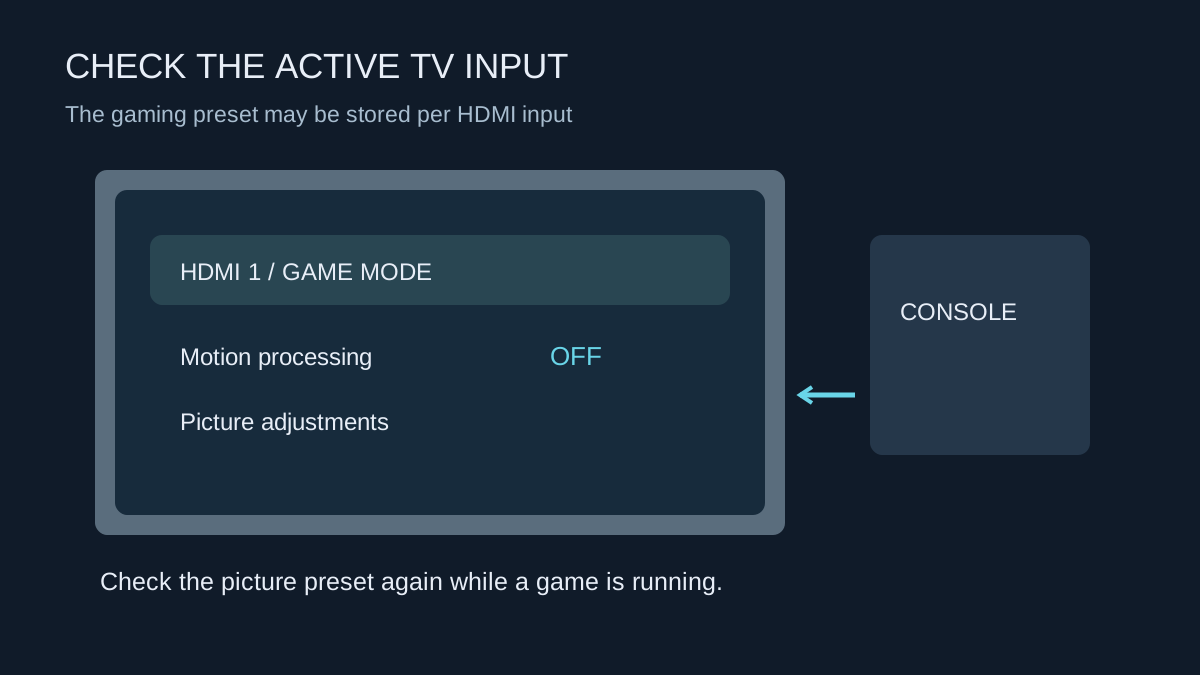
Find the gaming preset on the input you use, then check how it behaves with HDR and automatic switching.
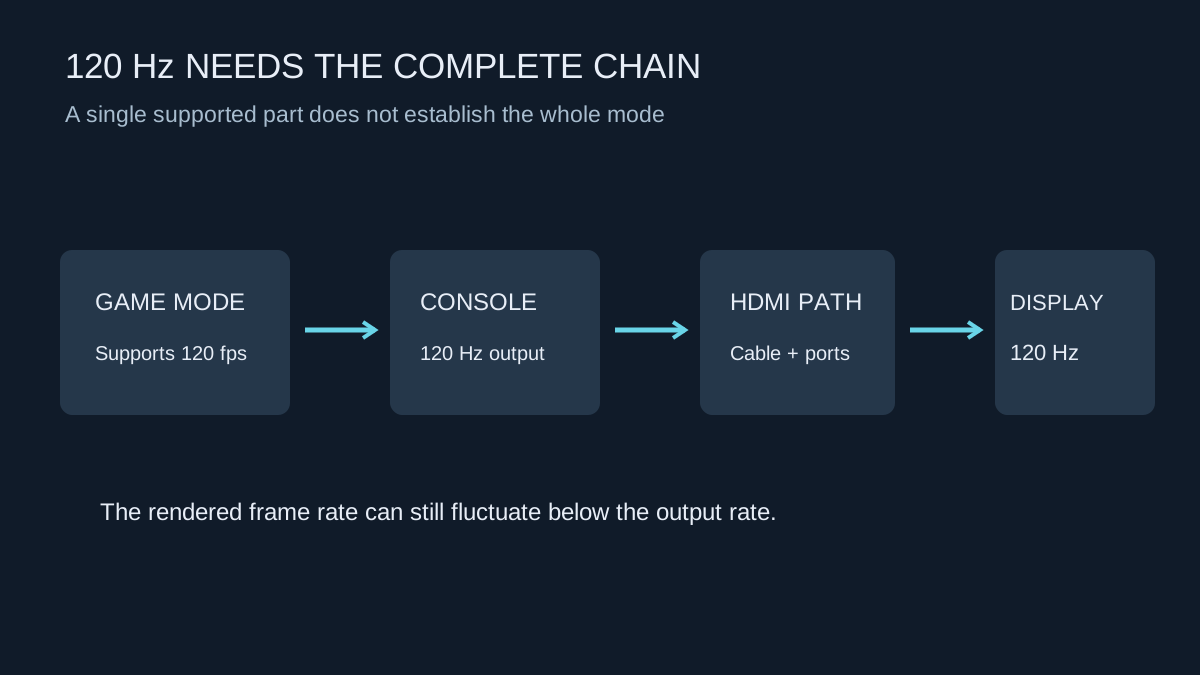
A game, console, HDMI path and display must all support the mode you are trying to use.
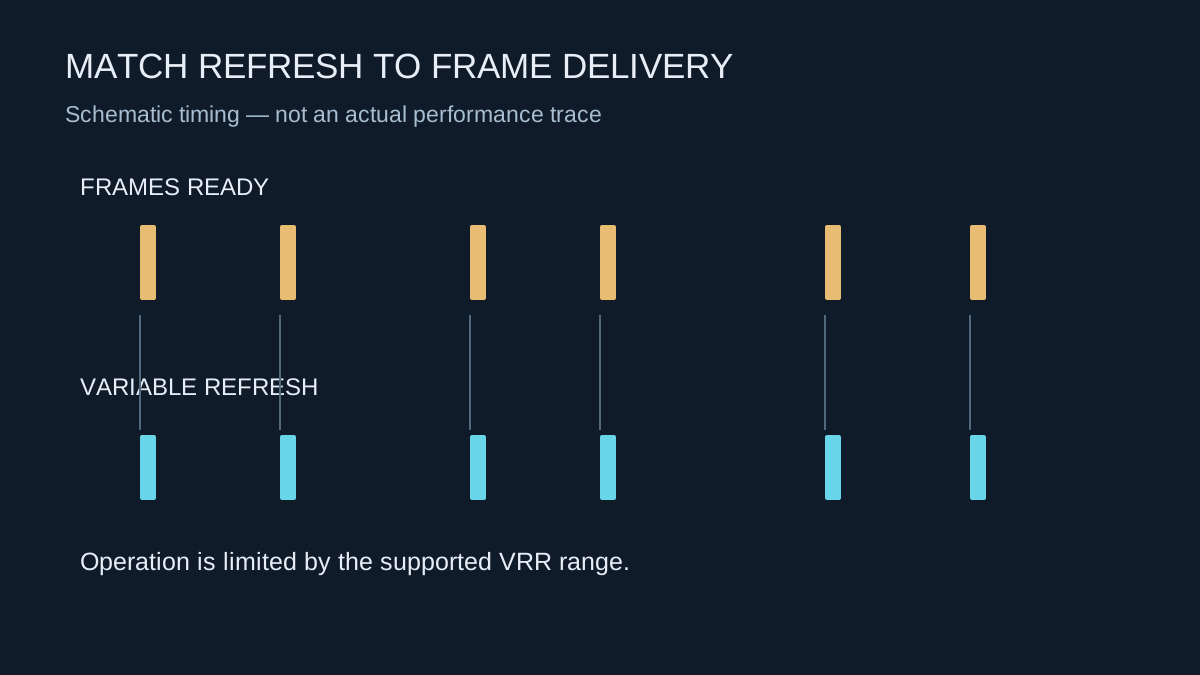
VRR can make fluctuating frame delivery less distracting, but it operates within the limits of the console and display.
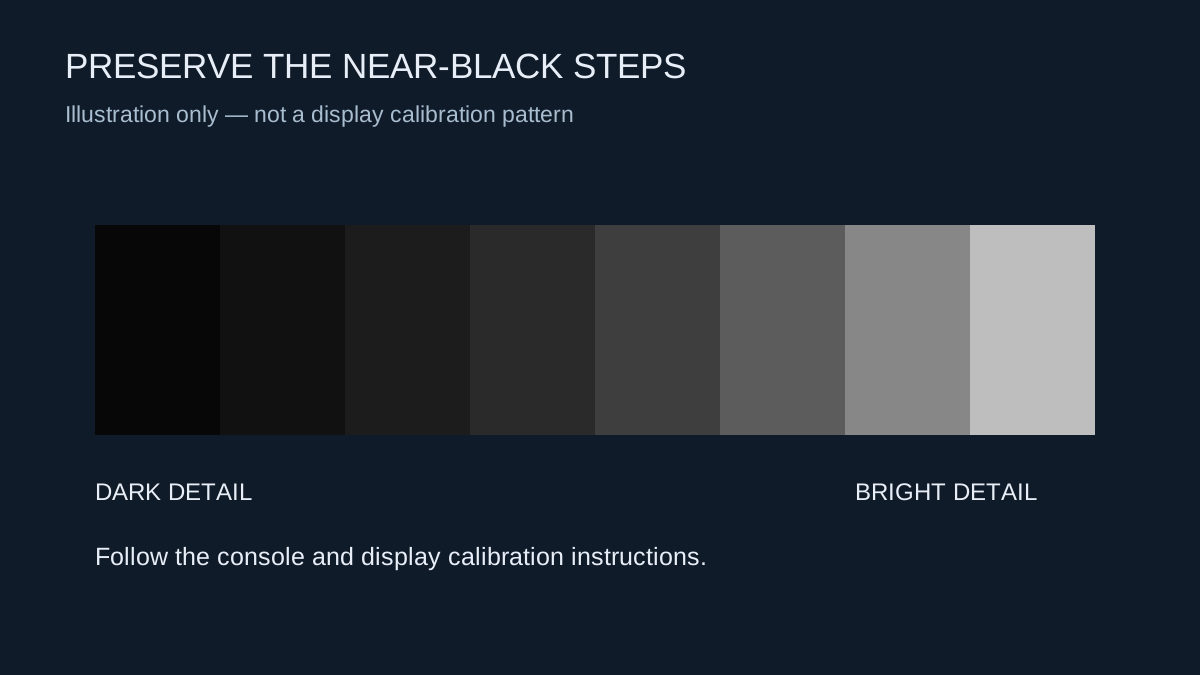
Calibrate for your screen and room, and separate HDR controls from settings that change the overall picture style.
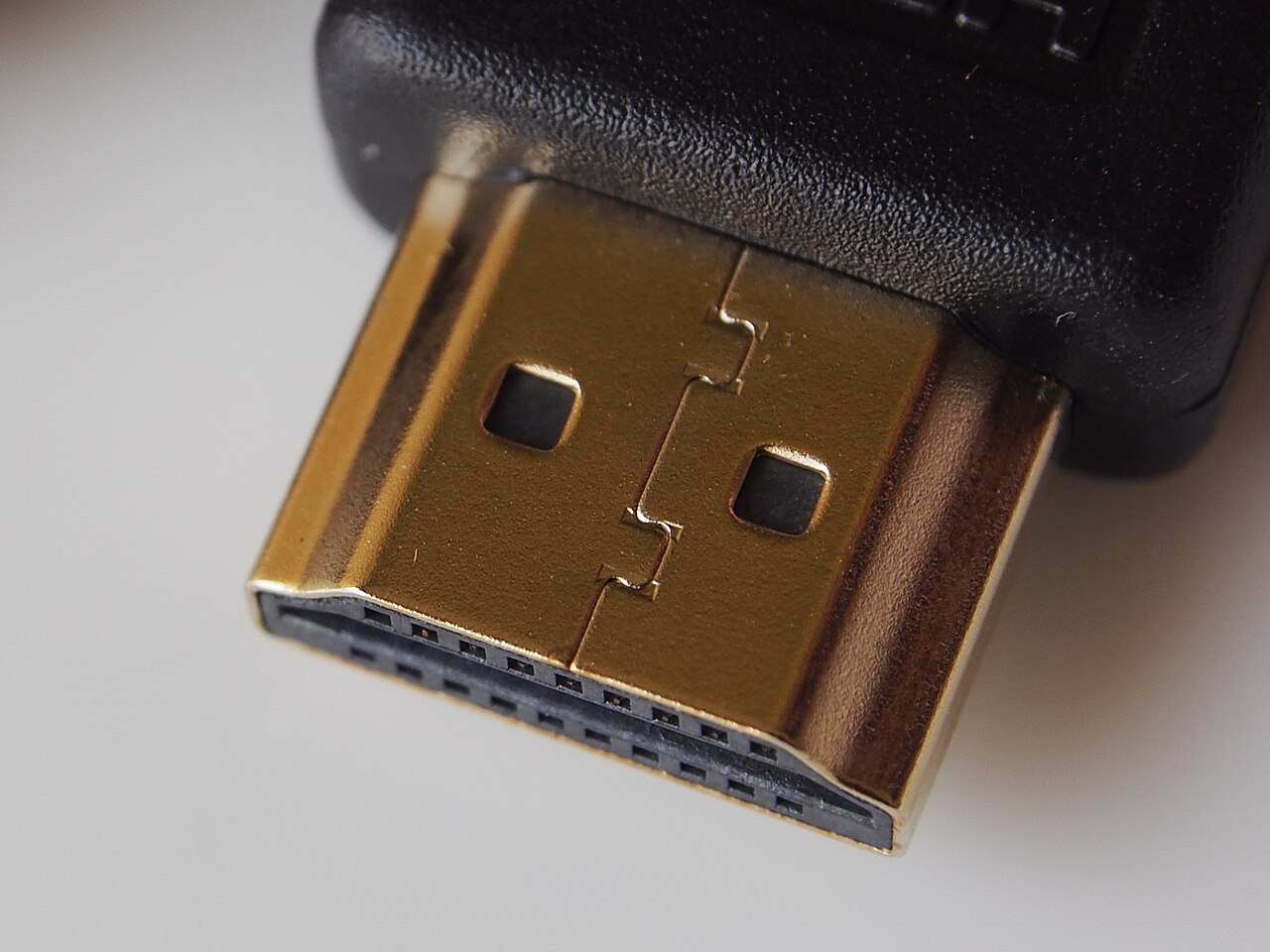
Match the cable’s certified capability to the signal you need, then keep the connection simple.
Photo: Pradeep717 · CC BY-SA 4.0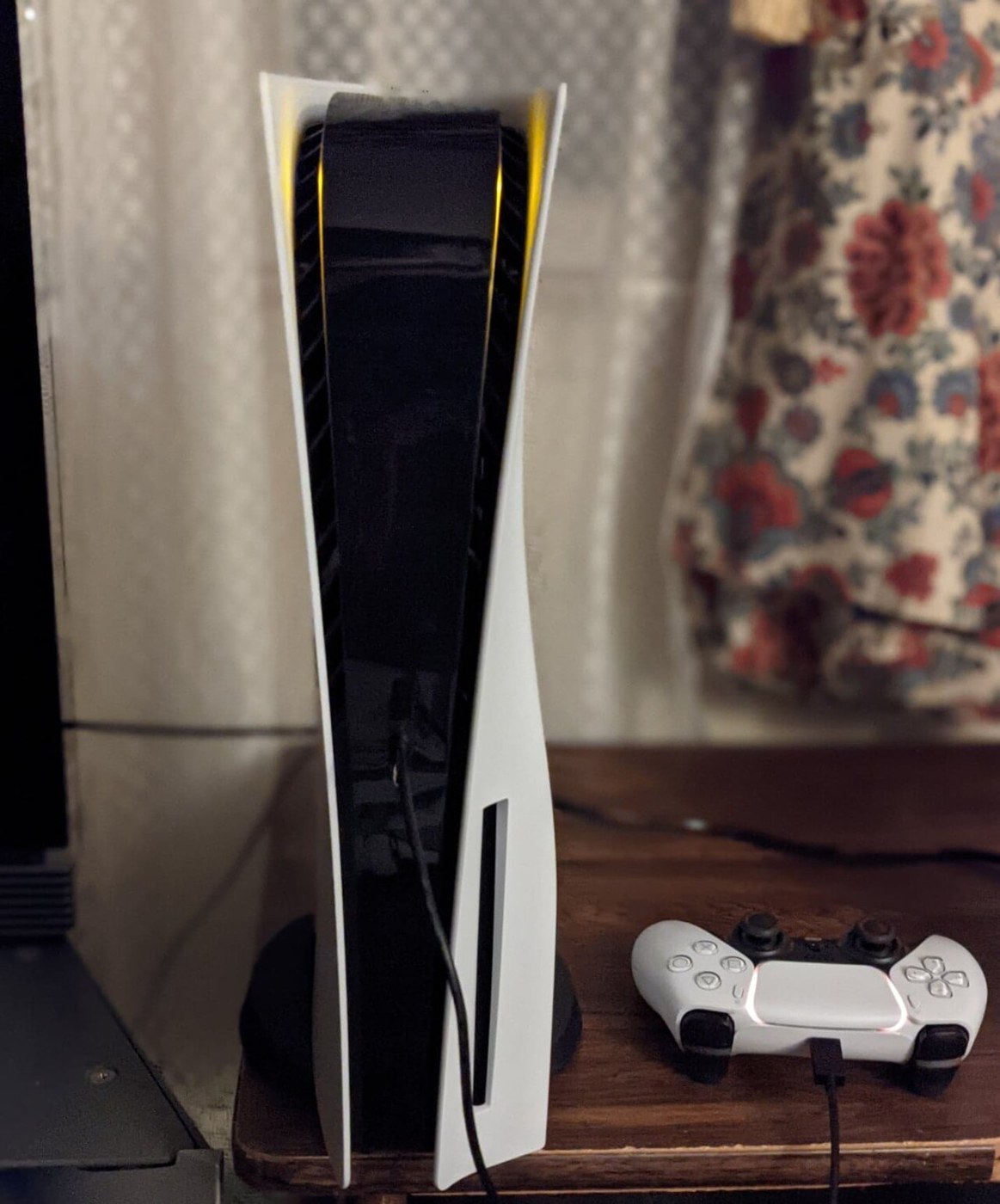
Give the console’s intake and exhaust paths space, including the air outside the cabinet.
Photo: Osh33m · CC BY-SA 4.0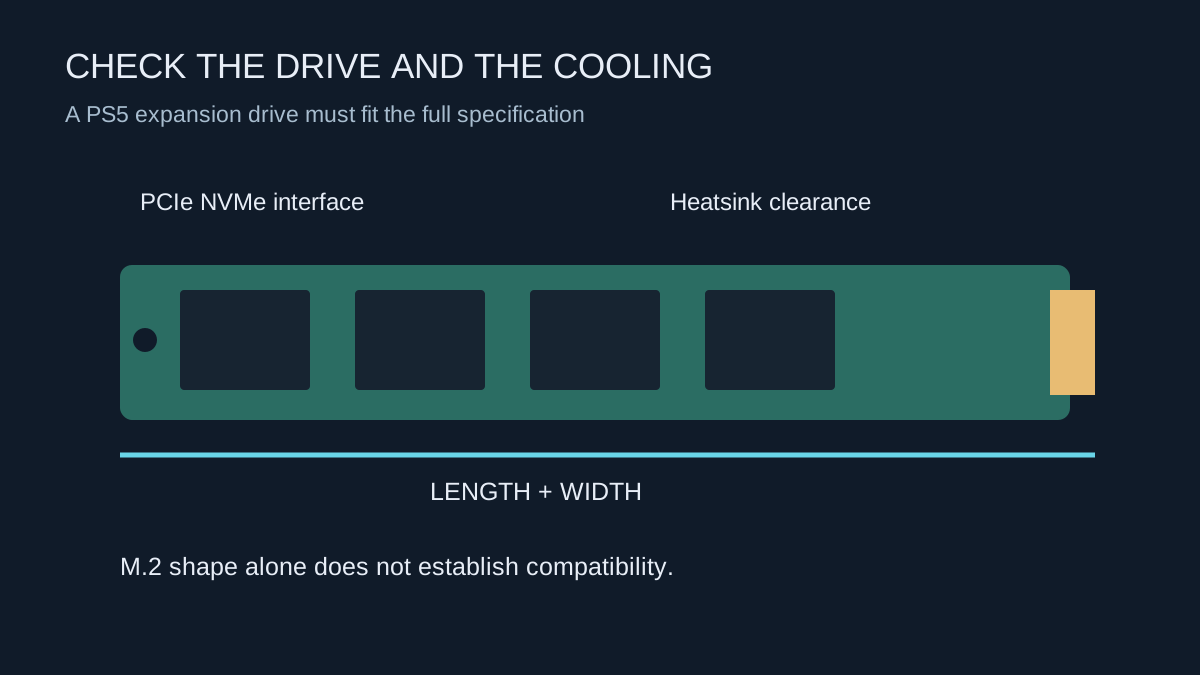
Identify the console’s supported expansion method before comparing drive capacity or advertised speed.
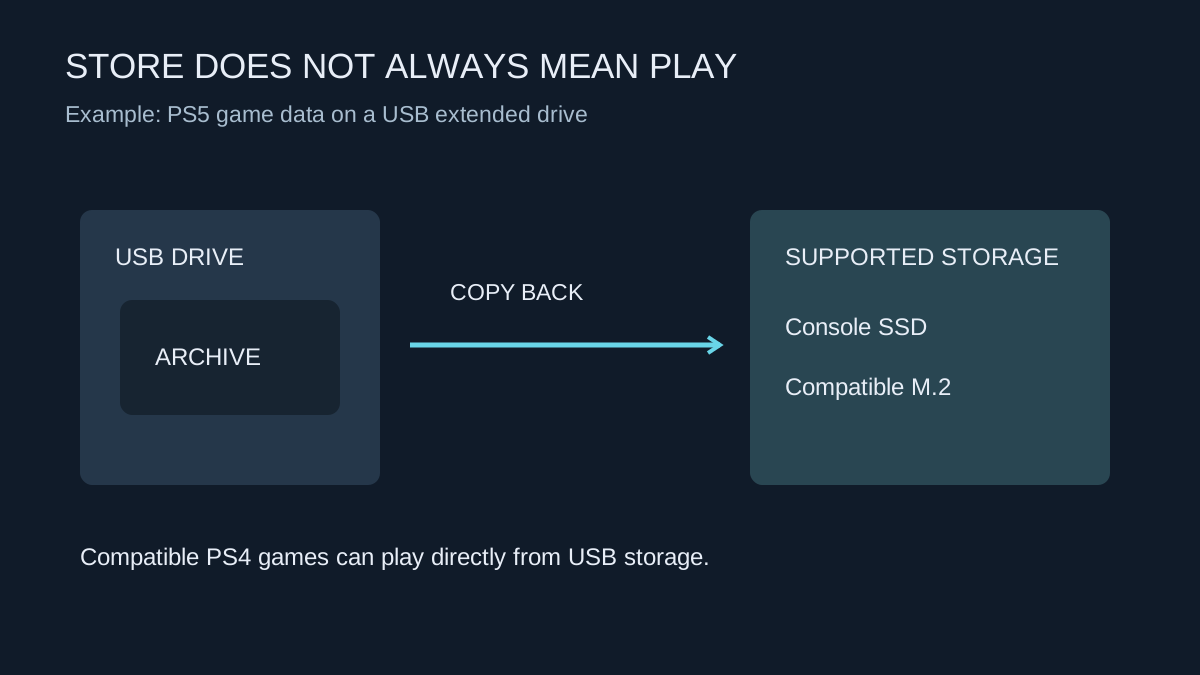
Check whether a drive will launch your games or only store them between transfers.
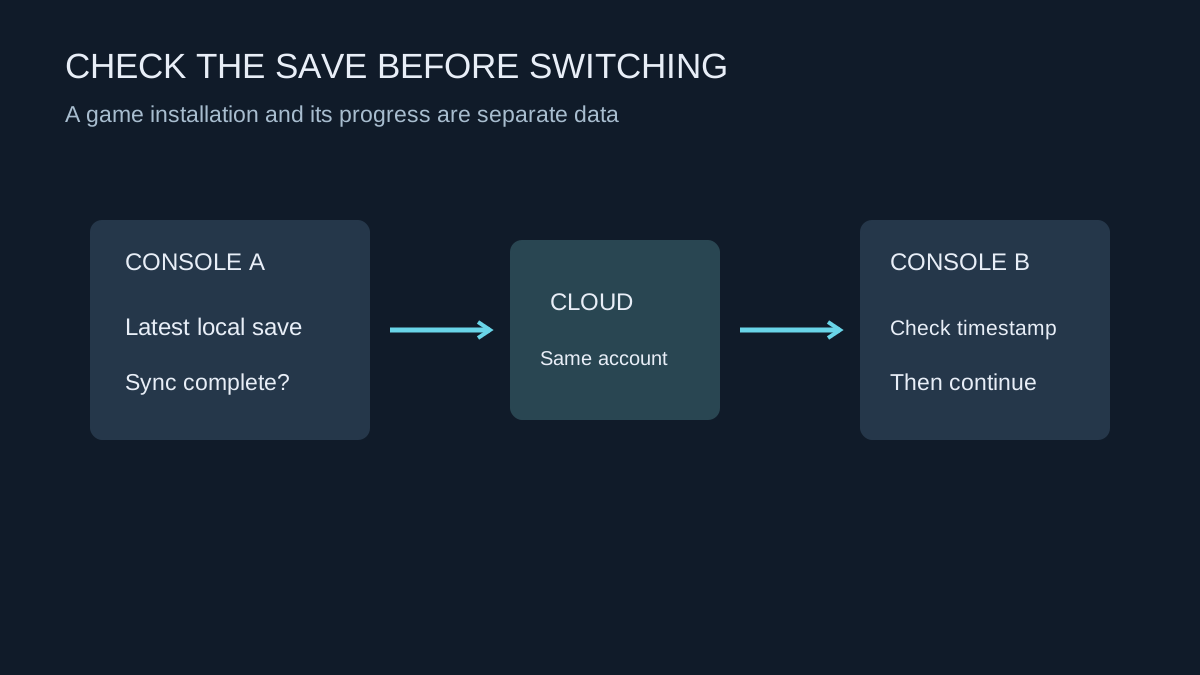
Confirm that the right account and the latest progress have synchronised before changing consoles or deleting local data.
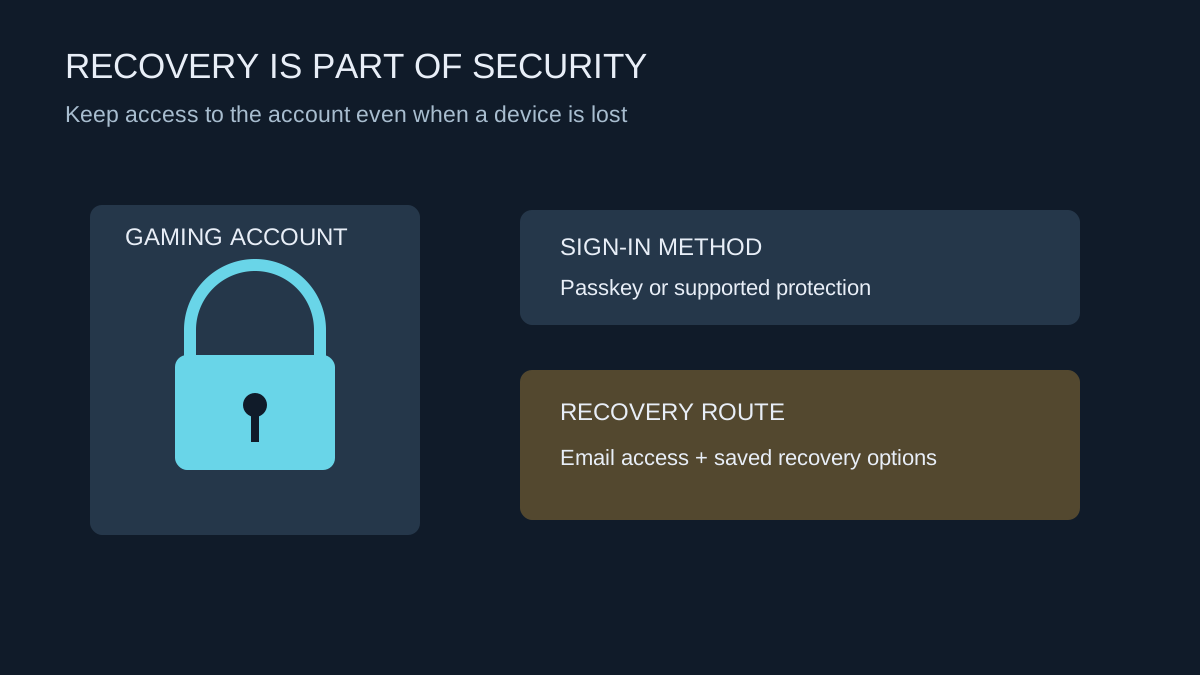
Protect the sign-in route and the recovery route together, especially before replacing a phone or selling a console.
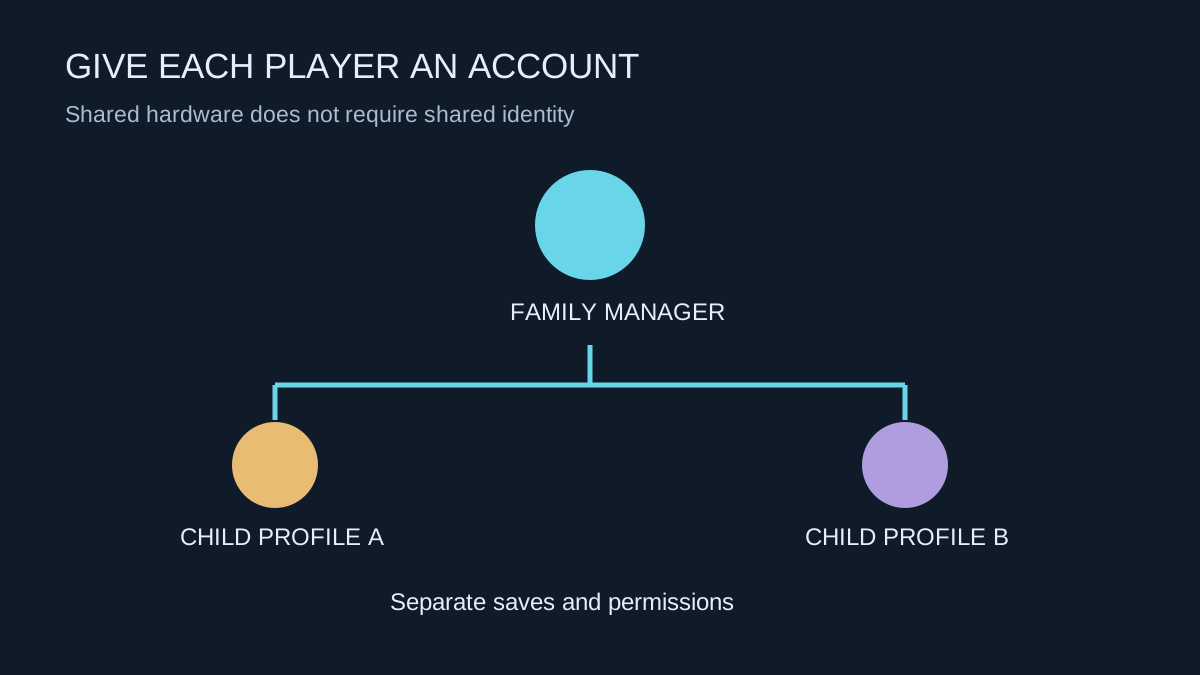
Separate player profiles, purchases and communication permissions before the console becomes part of the daily routine.
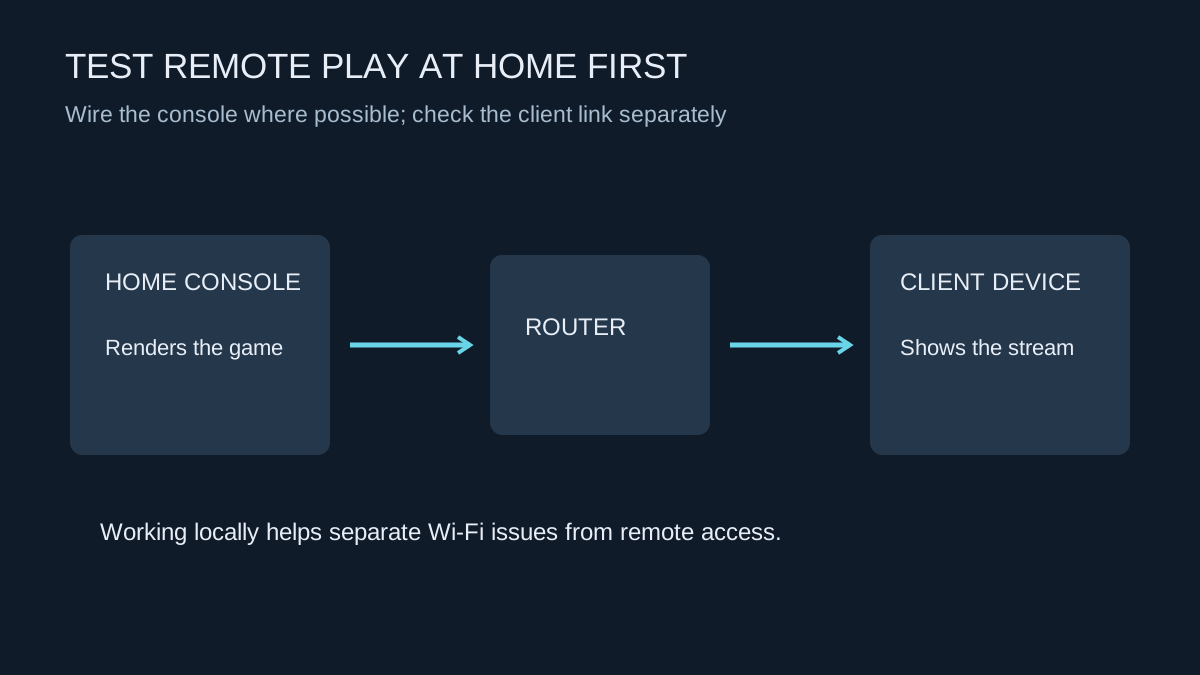
Establish a working local session before troubleshooting play from another network.
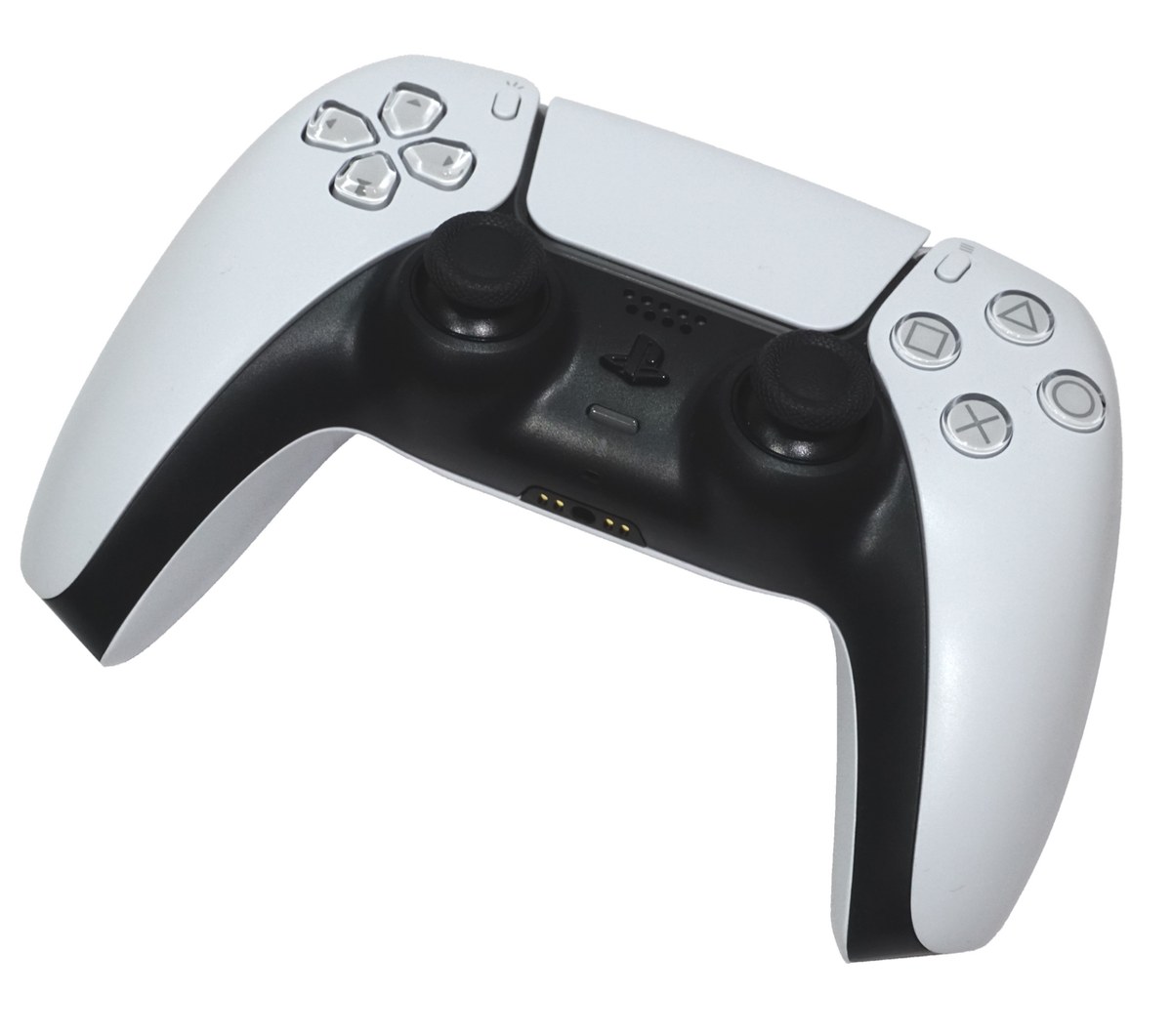
Check the controller model, connection method and previously paired device before resetting anything.
Photo: Alex Cochrane · CC BY-SA 4.0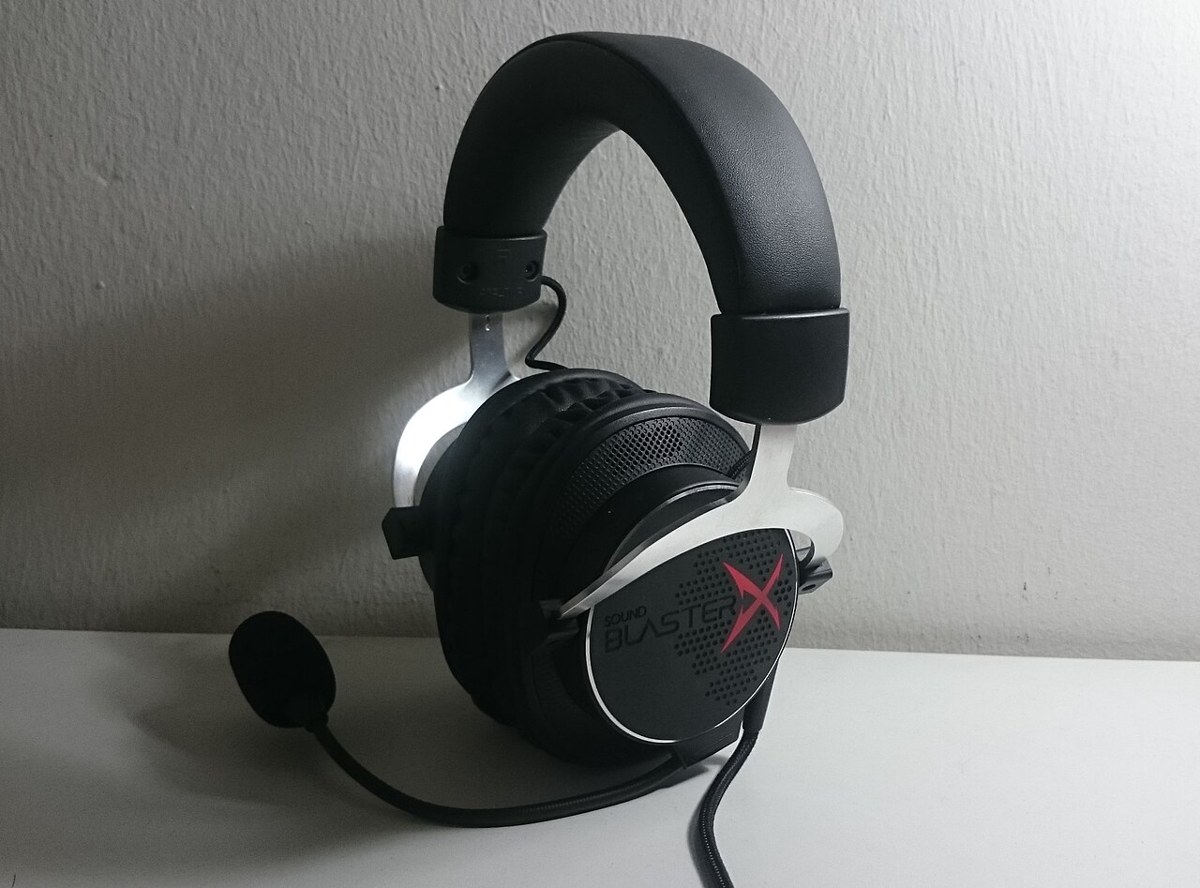
Check how game sound and microphone audio travel, not just whether the headset plug fits.
Photo: Dinopkk · CC BY-SA 3.0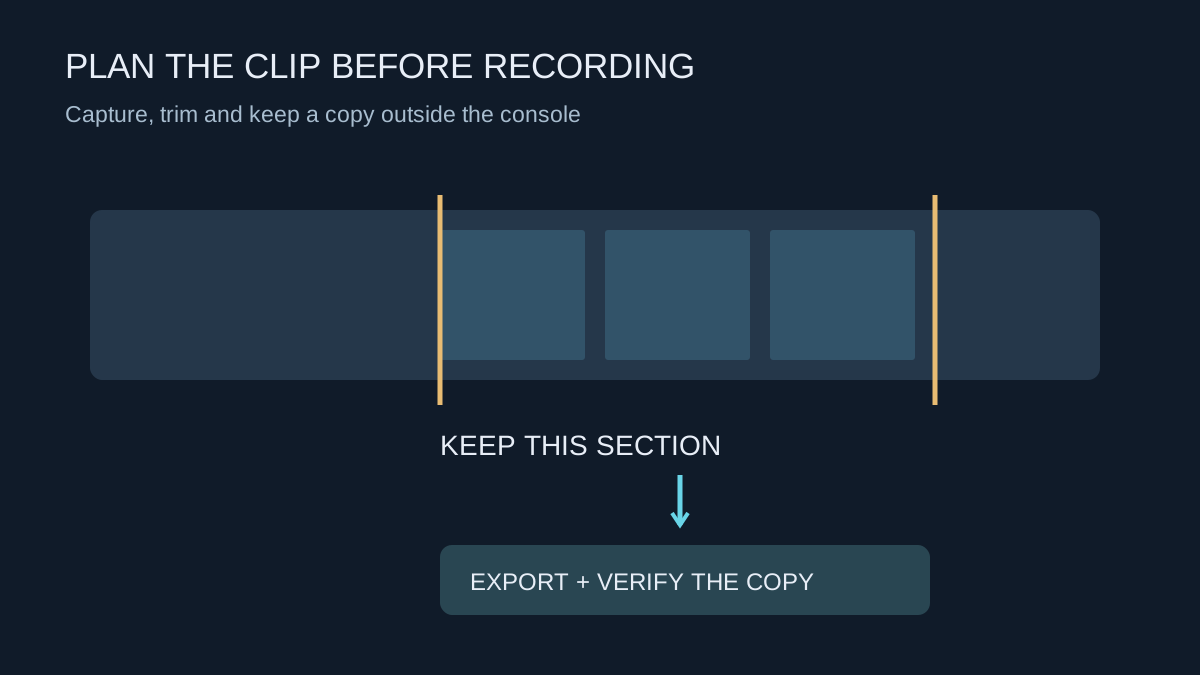
Choose clip length and format around what you want to keep, then verify exported copies before clearing space.
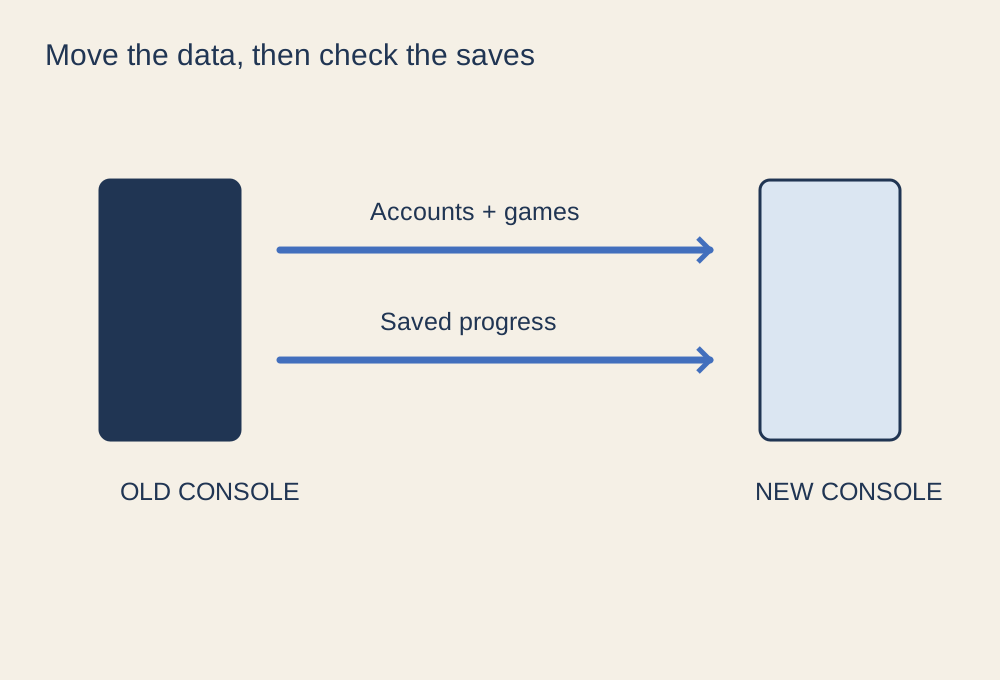
Separate installed games, account access and saved progress before retiring the old machine.
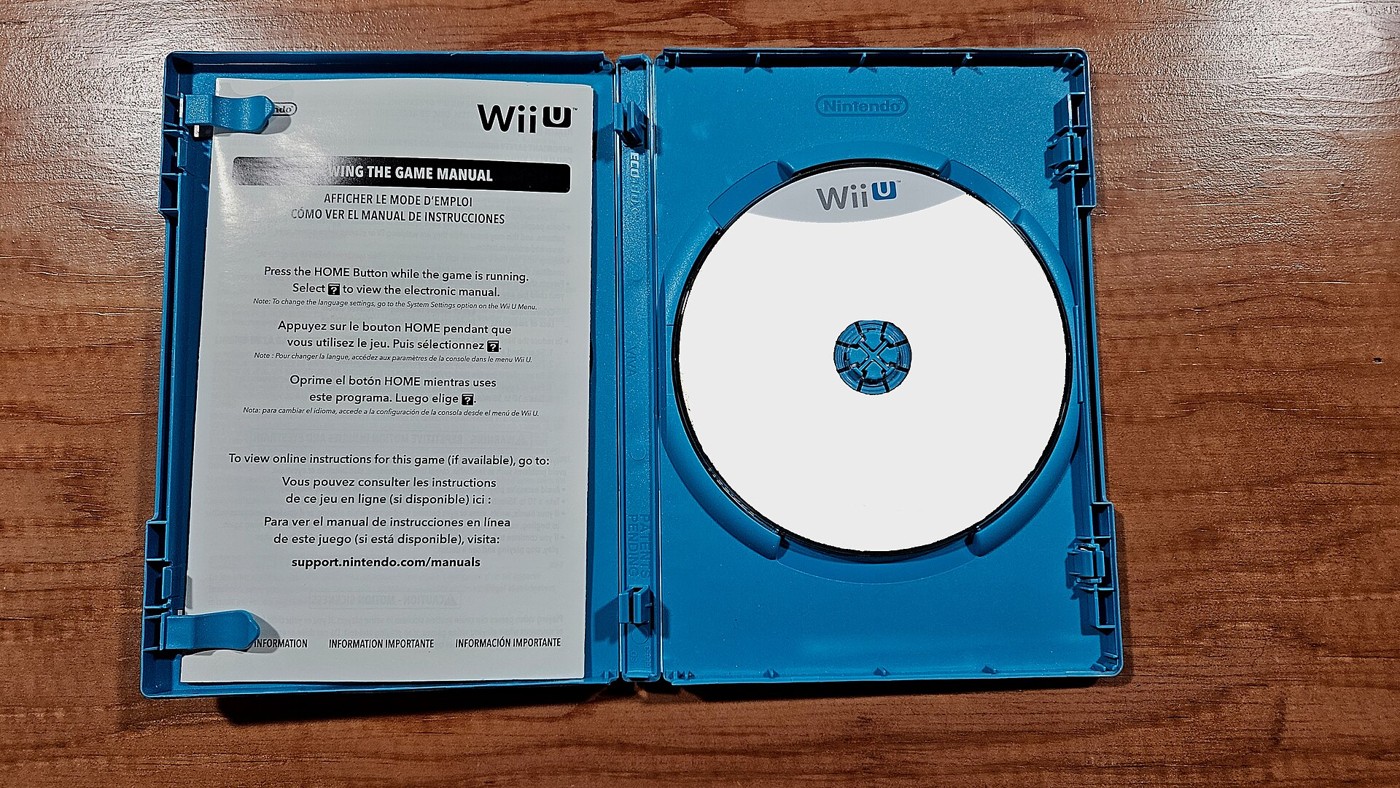
Compare the licence, storage needs and future access as well as the price on the box.
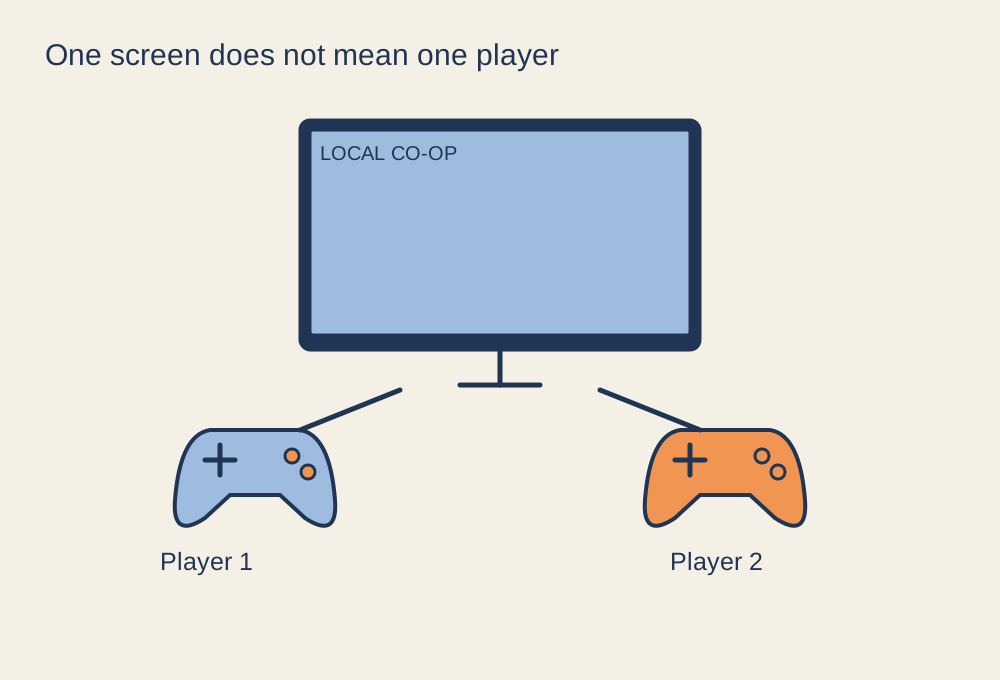
Check the player count, input devices and joining process before everyone arrives.
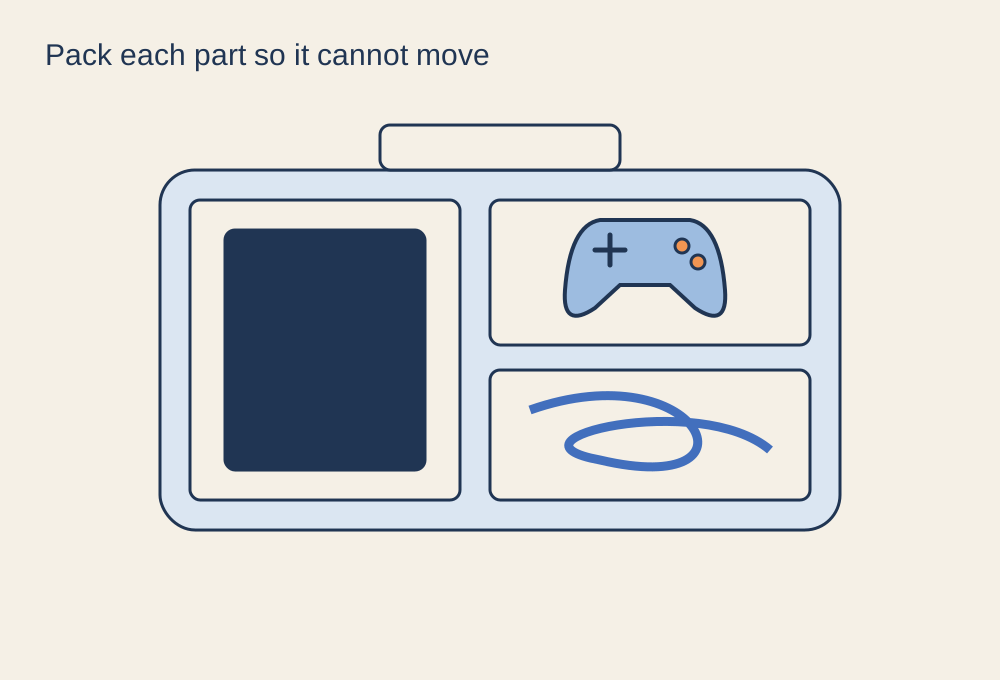
Protect the machine, separate loose accessories and confirm the destination connections.
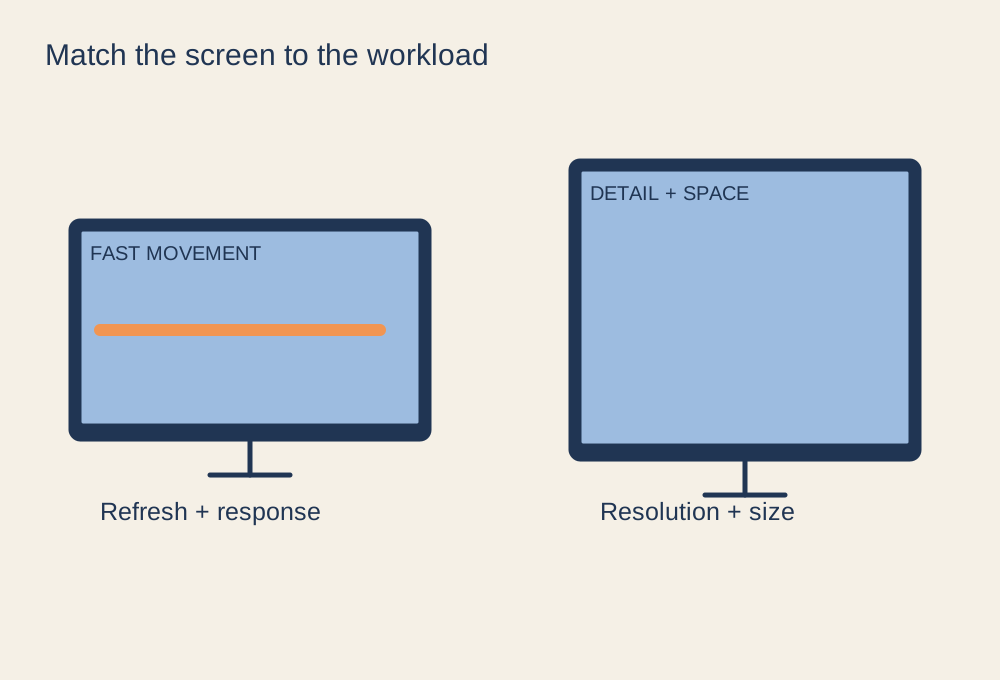
Build a shortlist from your games, graphics hardware and viewing conditions.
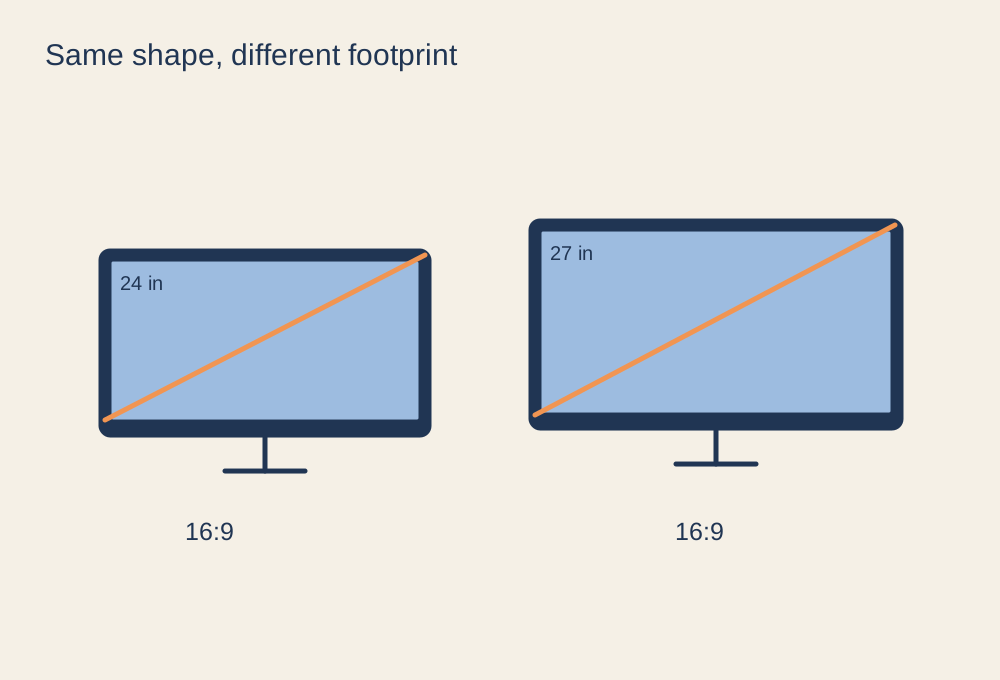
Compare pixel density and desk space, not just the extra three inches.
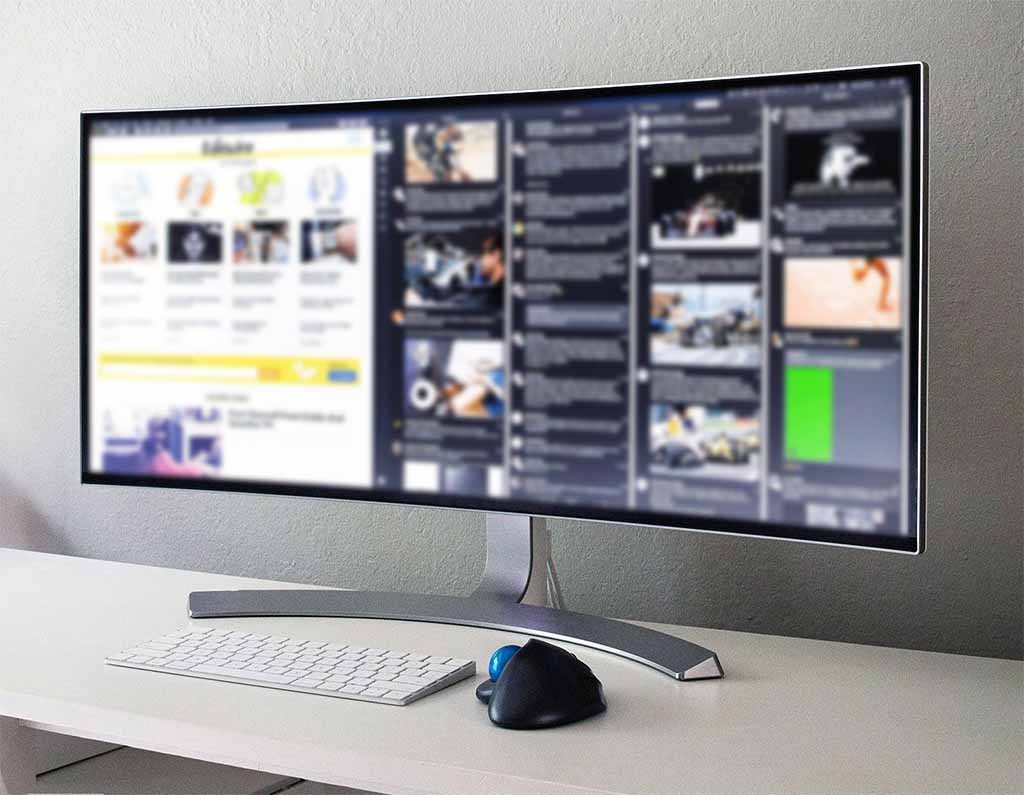
Check game support, pixel workload and the usable width of your desk.
Photo: Lipsbaterando · CC BY-SA 4.0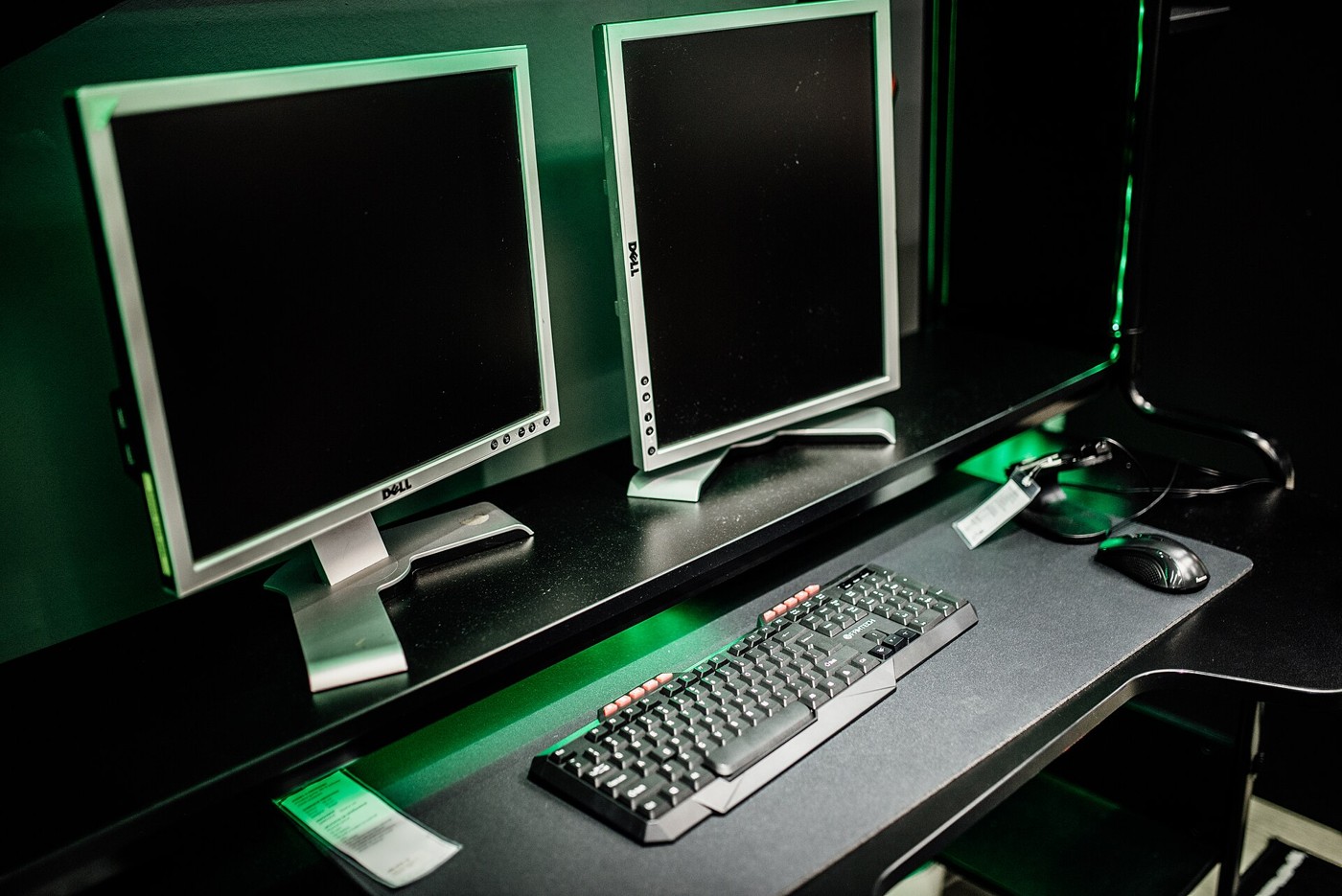
Keep the main game centred and make the second display easy to reach with your eyes.
Photo: Shixart1985 · CC BY 2.0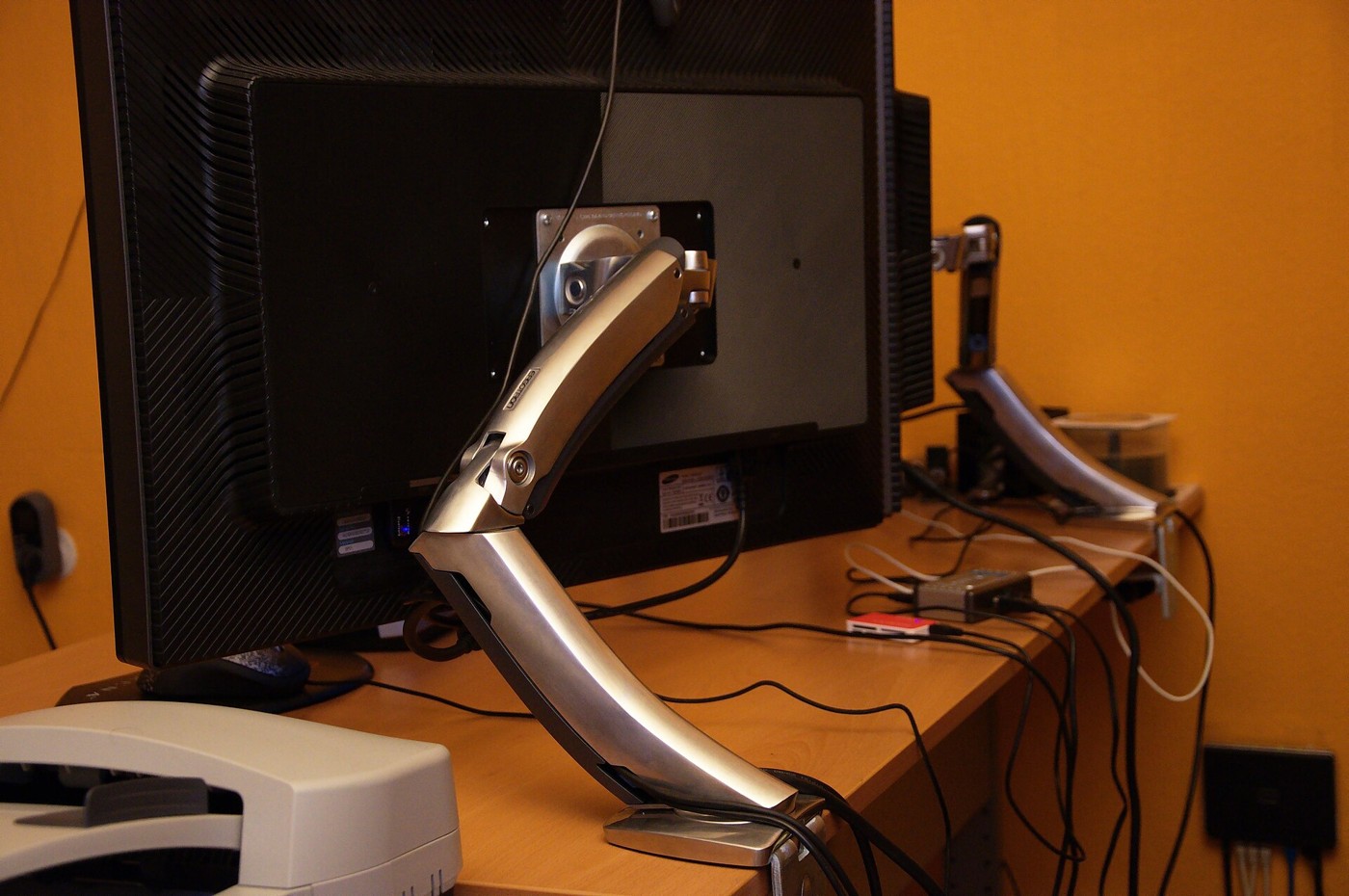
Check weight, mounting pattern, desk construction and movement before choosing an arm.
Photo: Ben Scholzen · CC BY 2.0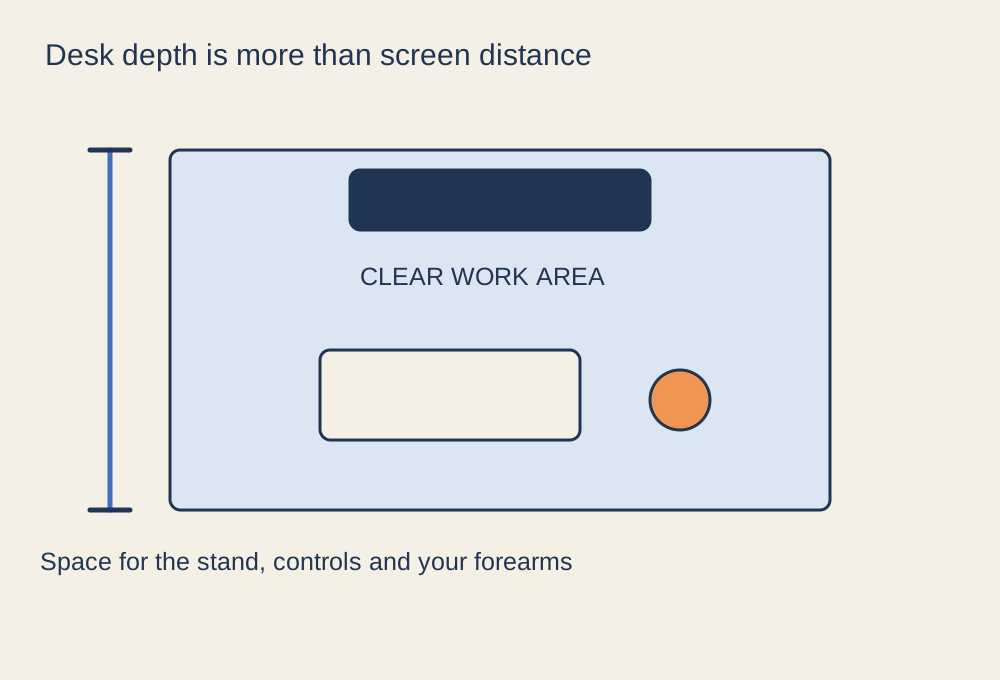
Measure the space taken by the screen stand, controls and your normal sitting position.
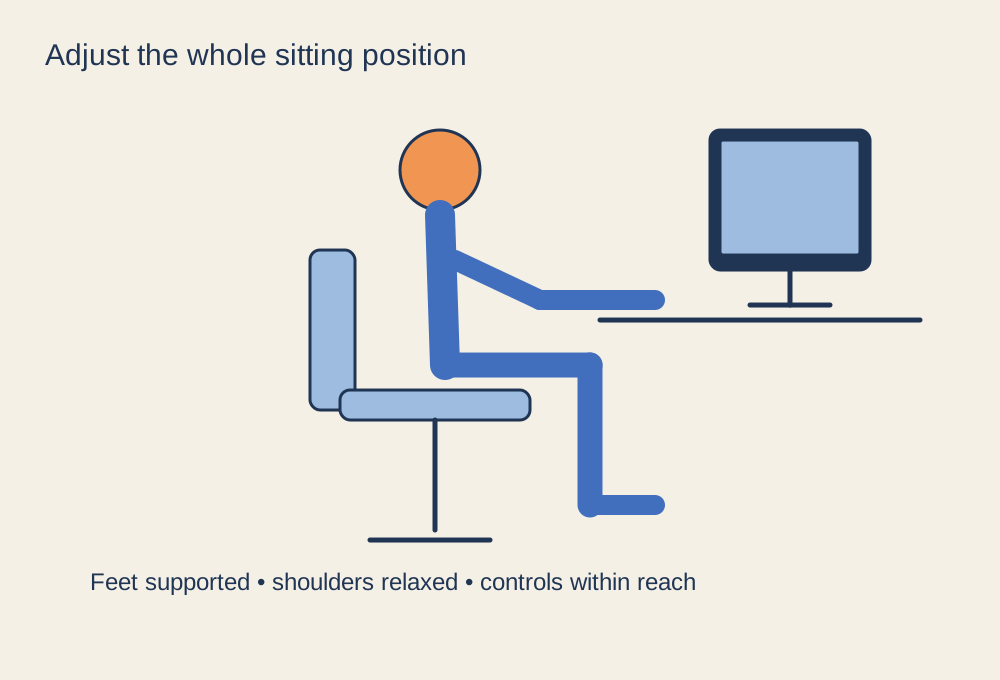
Adjust the chair, controls and screen as one arrangement, then allow room to change position.
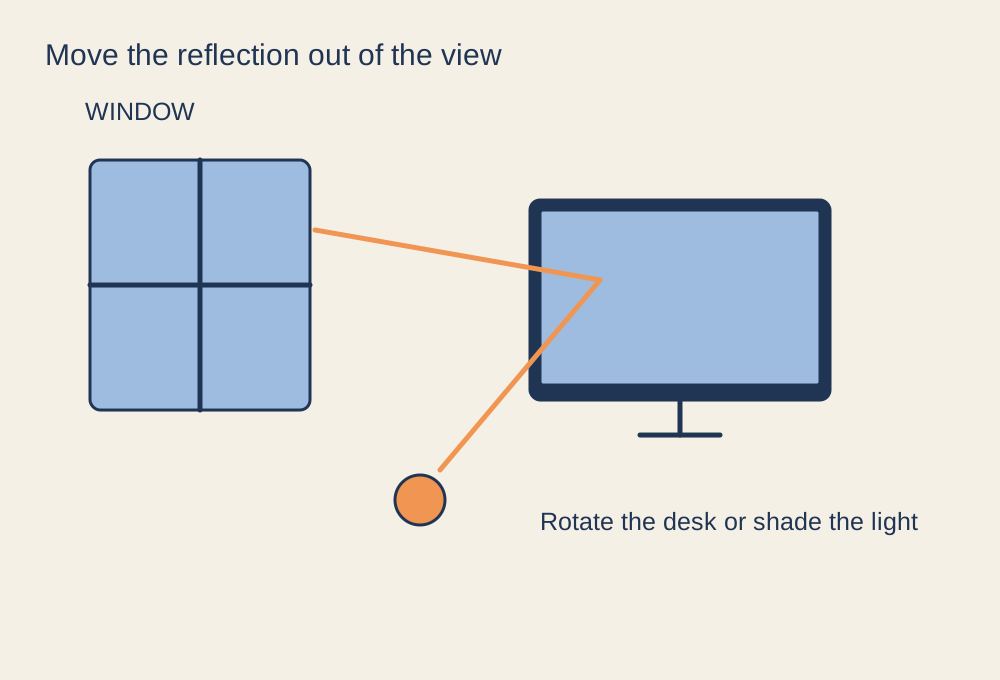
Find the light source that creates the reflection before changing display settings.
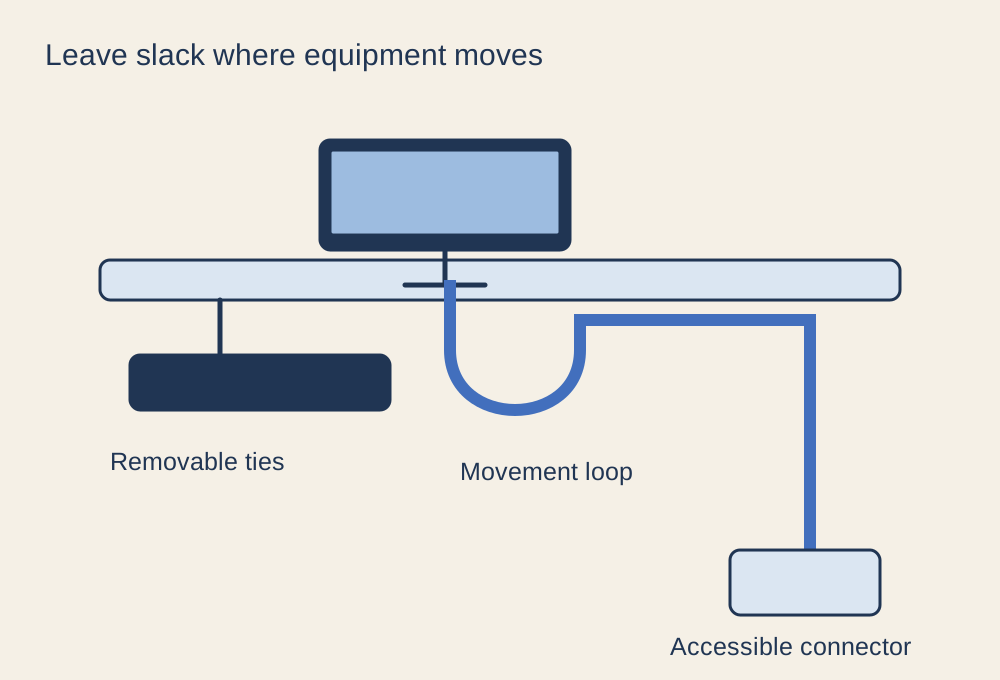
Keep connectors accessible and leave slack for screens, chairs and adjustable desks.
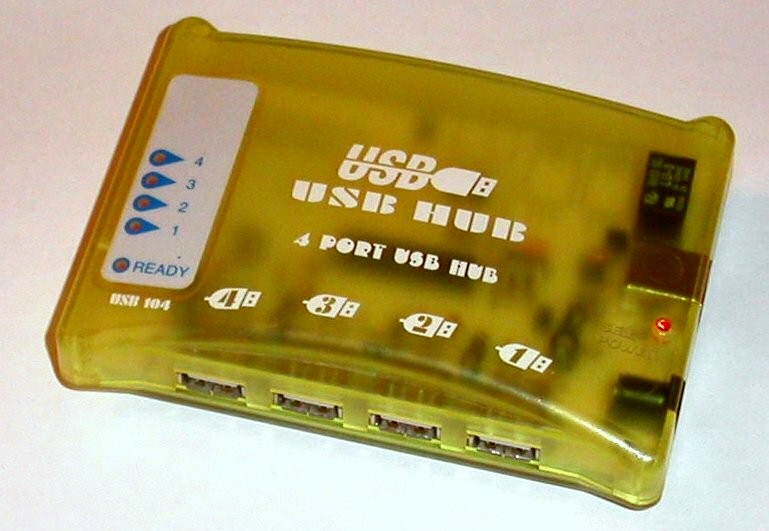
Separate port count, data bandwidth and power before adding more connections.
Photo: Pascal Giessler · CC BY-SA 3.0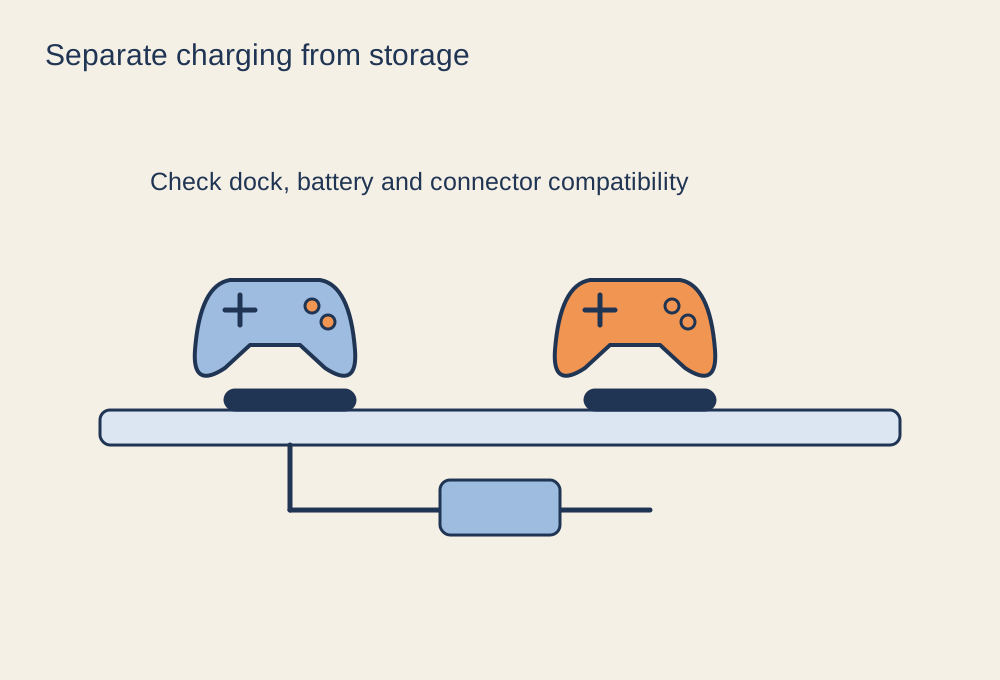
Give each device a compatible charging connection and a place to return after play.
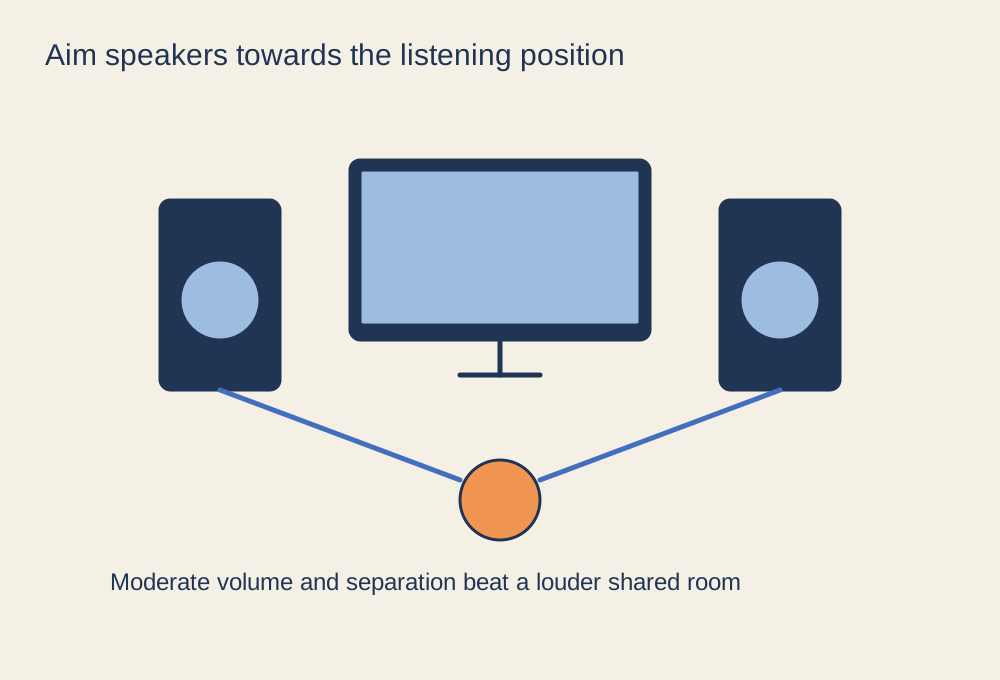
Arrange clear near-field sound without filling the whole room with game audio.
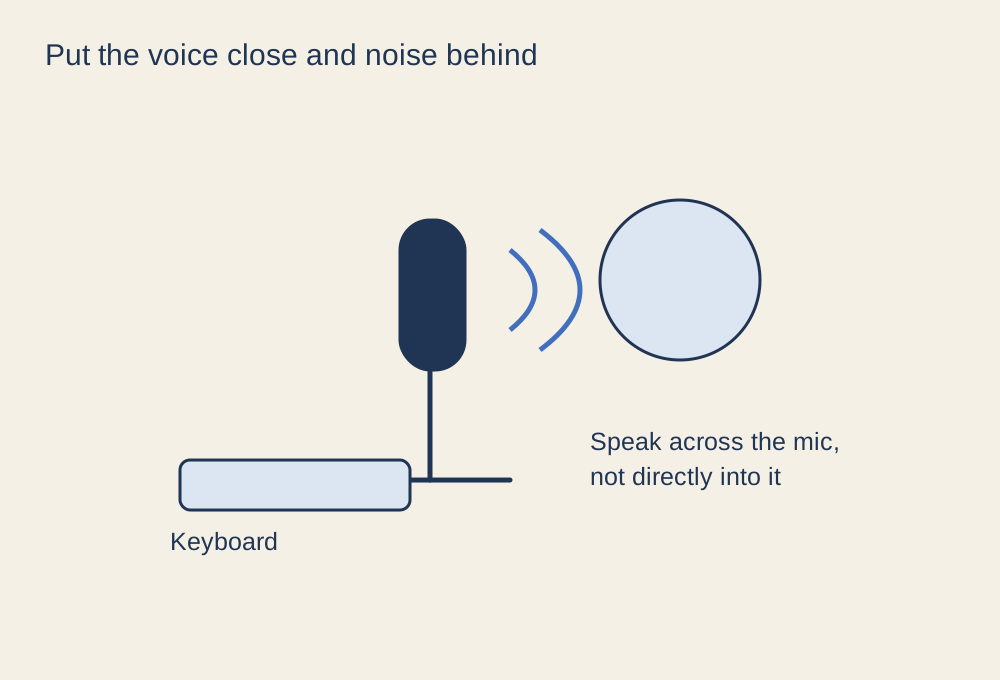
A consistent position makes voice chat easier to balance than repeated gain changes.
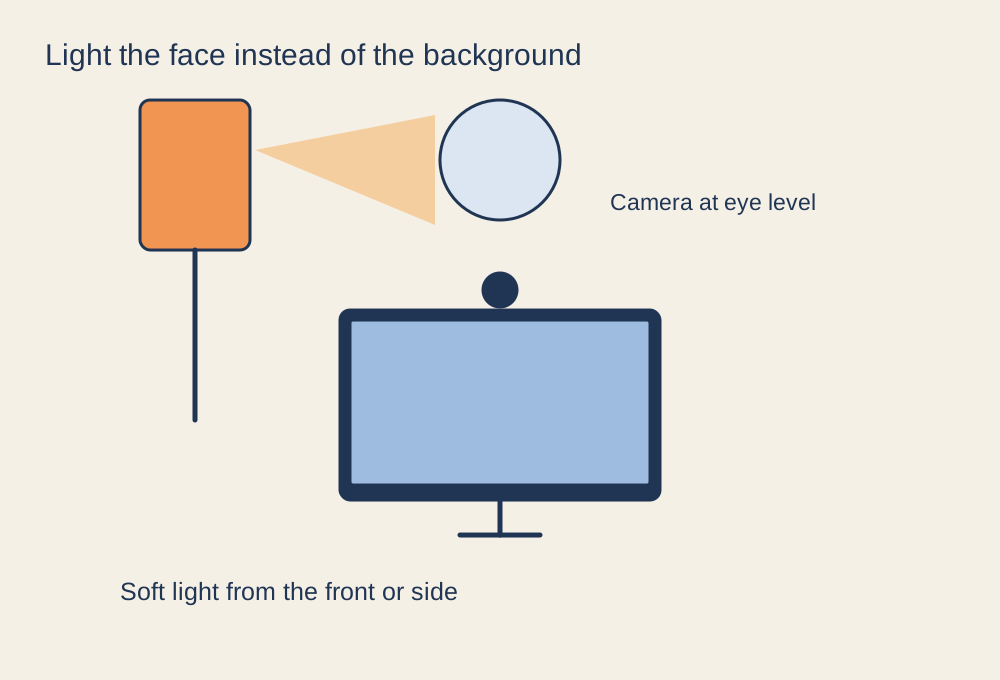
Move and soften the light before replacing a webcam that struggles in a dark room.
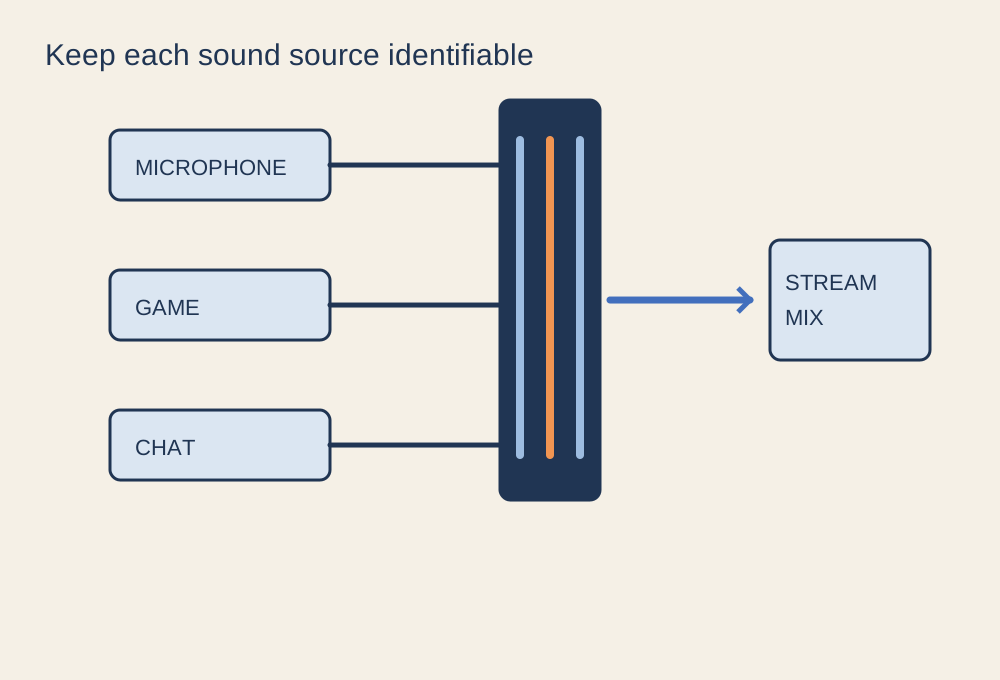
Trace each sound from its source to the stream and to your own headphones.
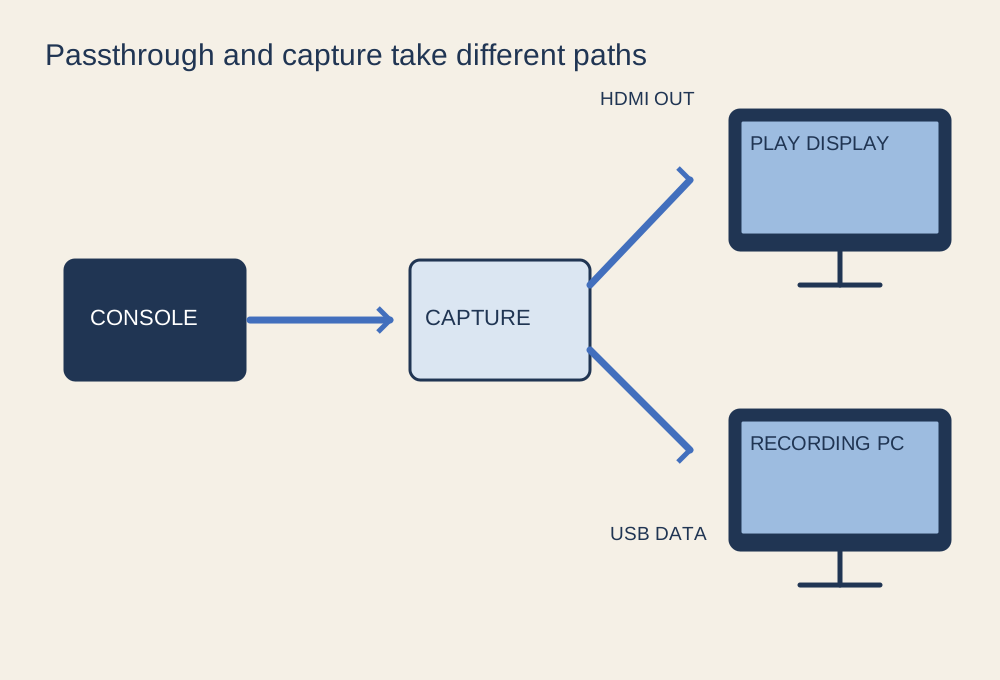
Check source, passthrough display and recording computer as separate links.
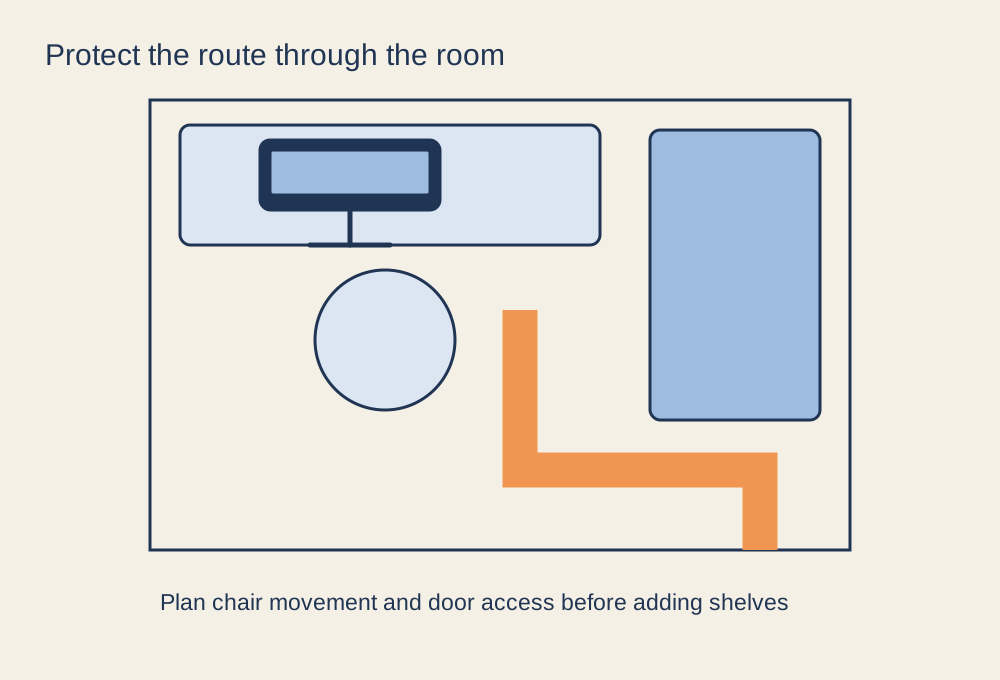
Plan the walking route and chair movement before adding storage or a second screen.
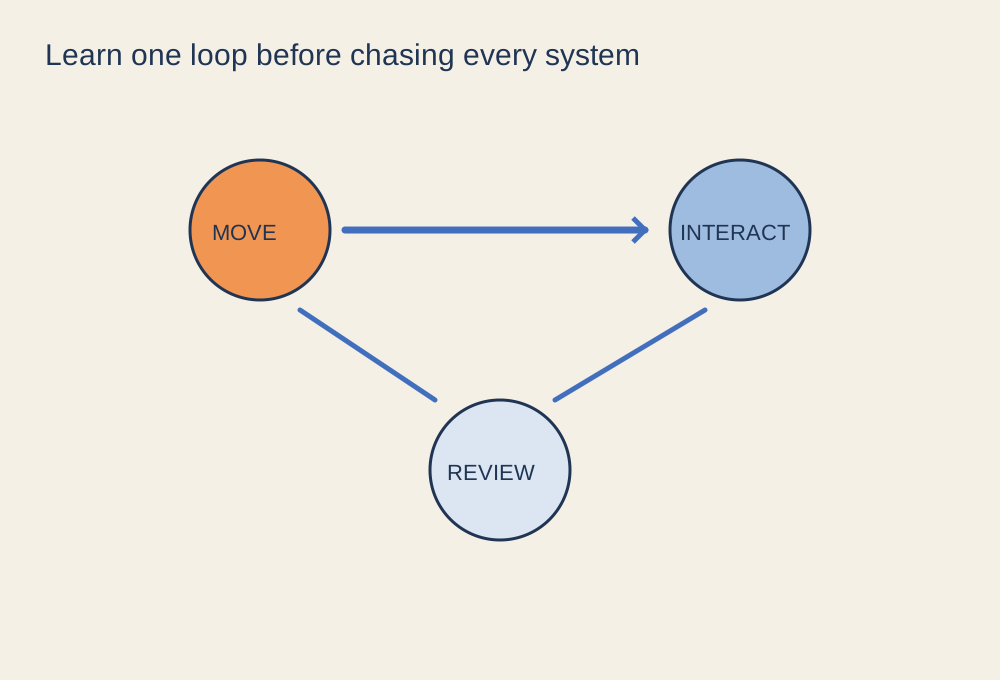
Learn the basic loop and the save behaviour before trying to understand every system.
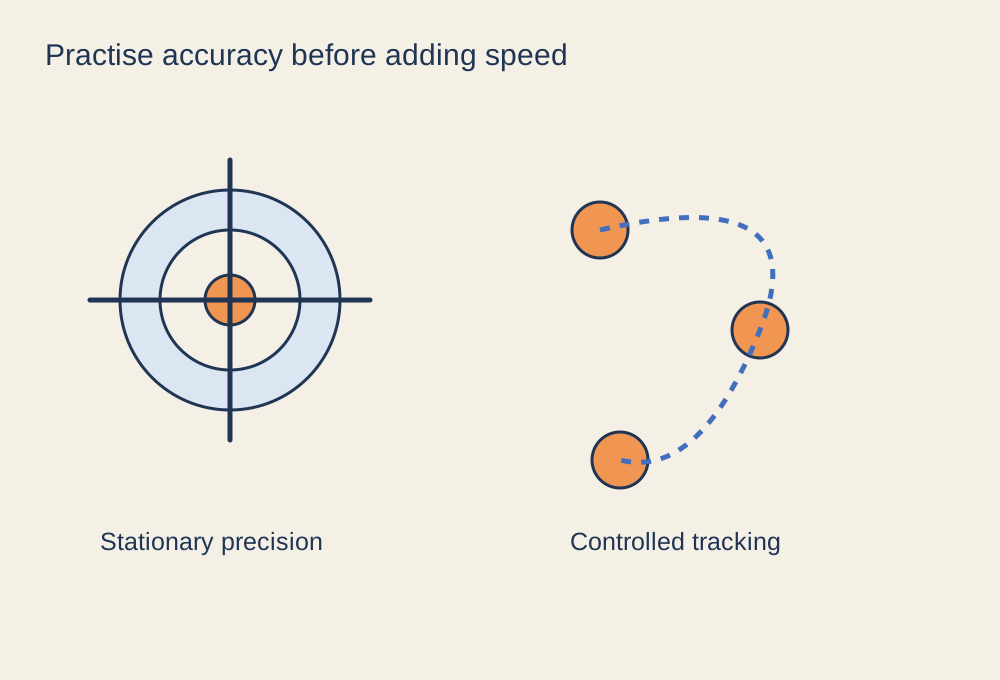
Use a brief, repeatable drill to identify the movement you want to improve.
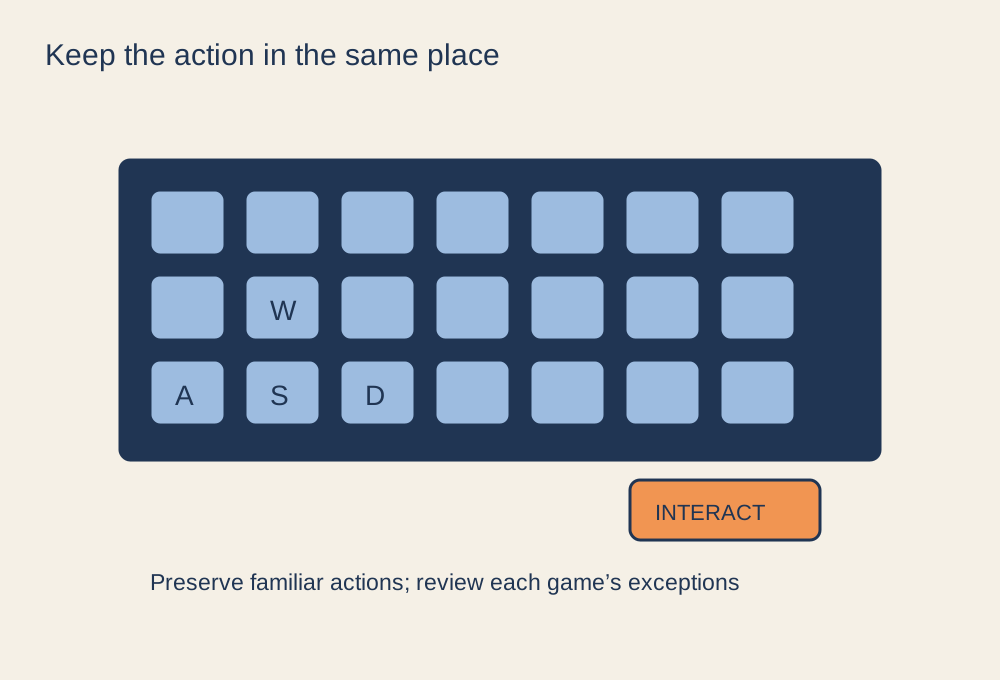
Preserve familiar actions while leaving room for each game’s different mechanics.
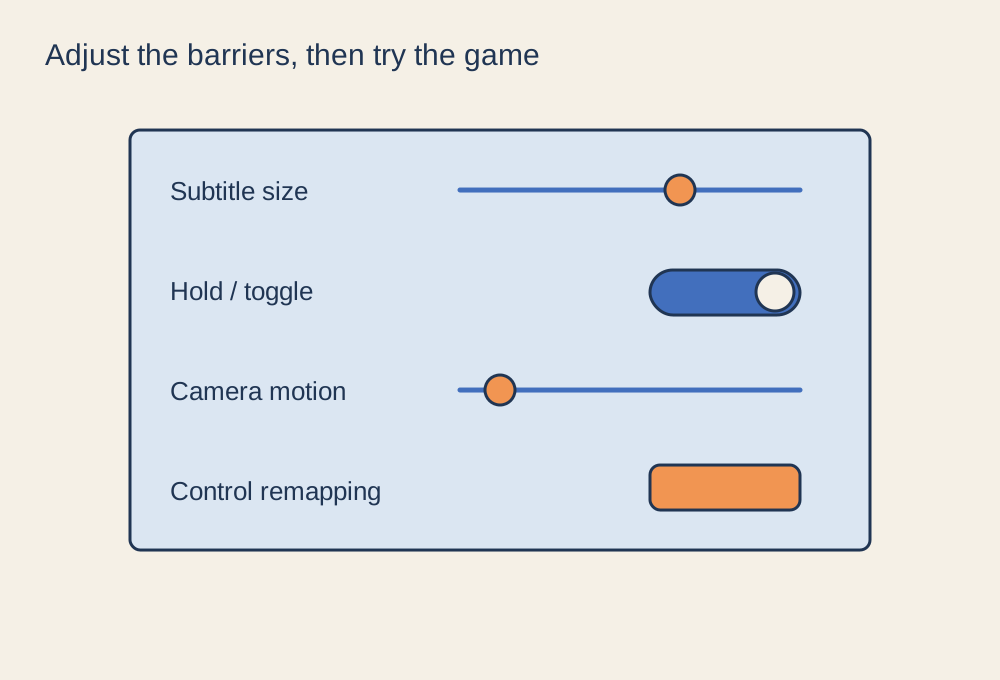
Look for the settings that remove a specific obstacle, then test them during play.
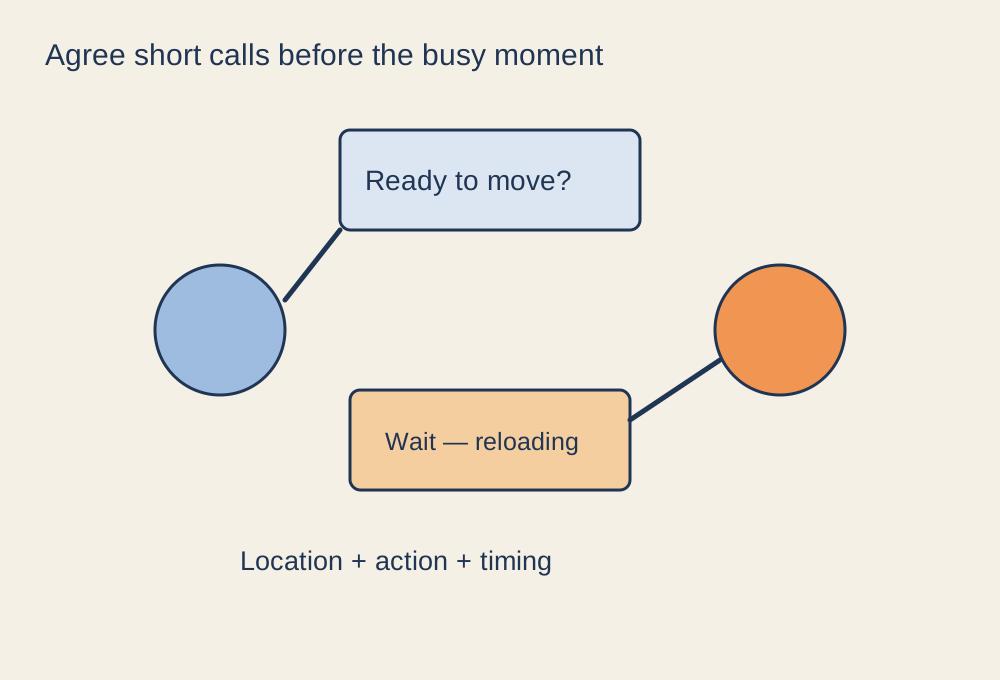
Agree the kind of session you want, then keep important calls short and specific.
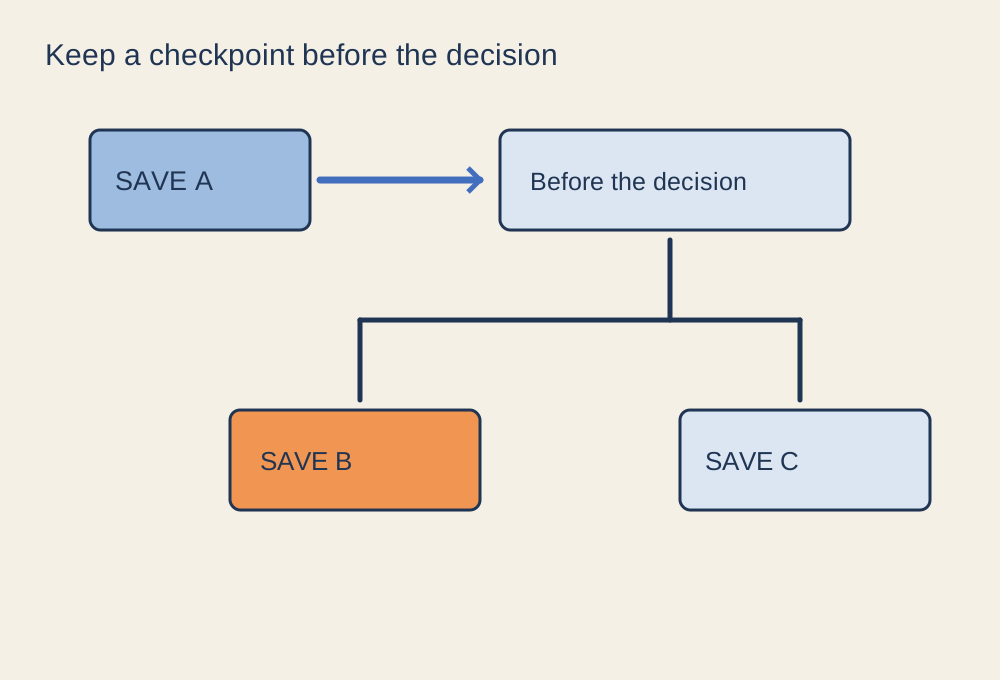
Understand autosaves and cloud sync before treating a save slot as a backup.
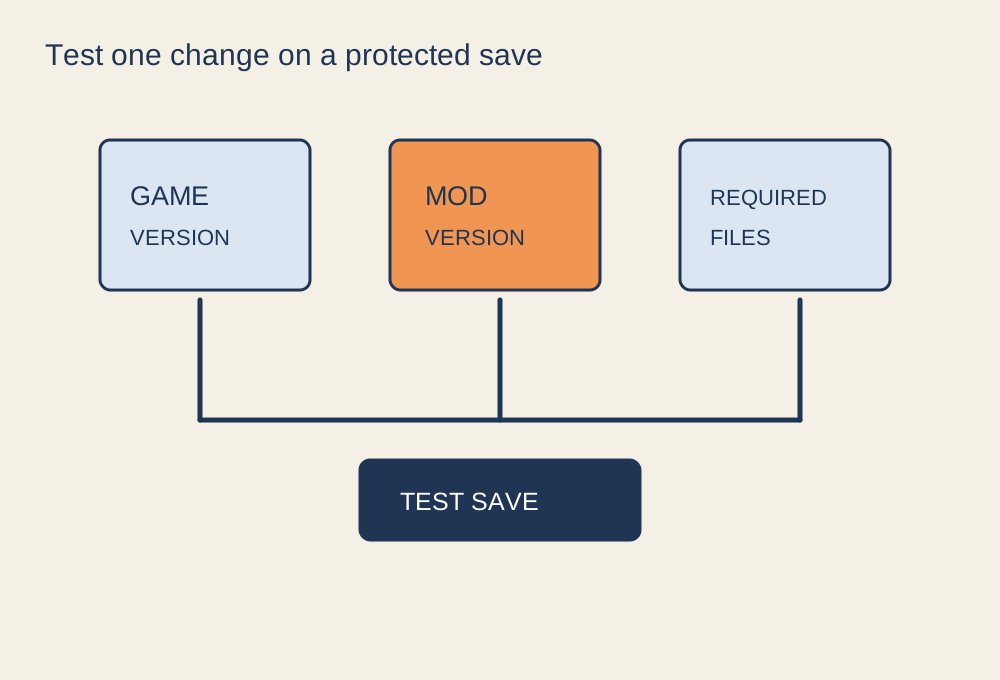
Confirm the source, game version, dependencies and recovery route before changing files.
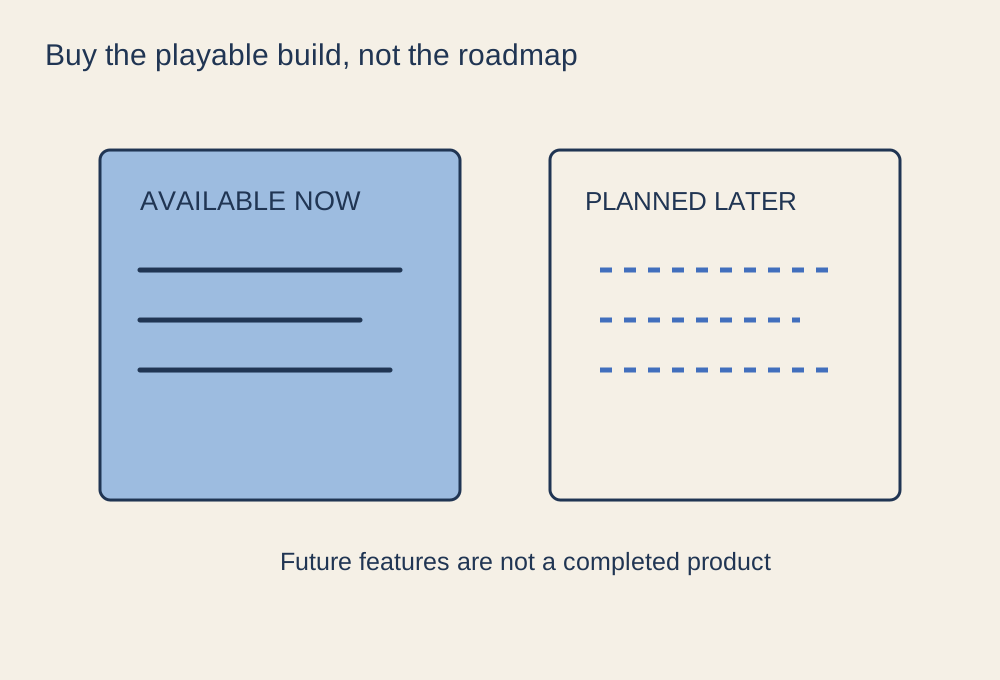
Judge the game that can be played now, then treat the roadmap as uncertain future work.
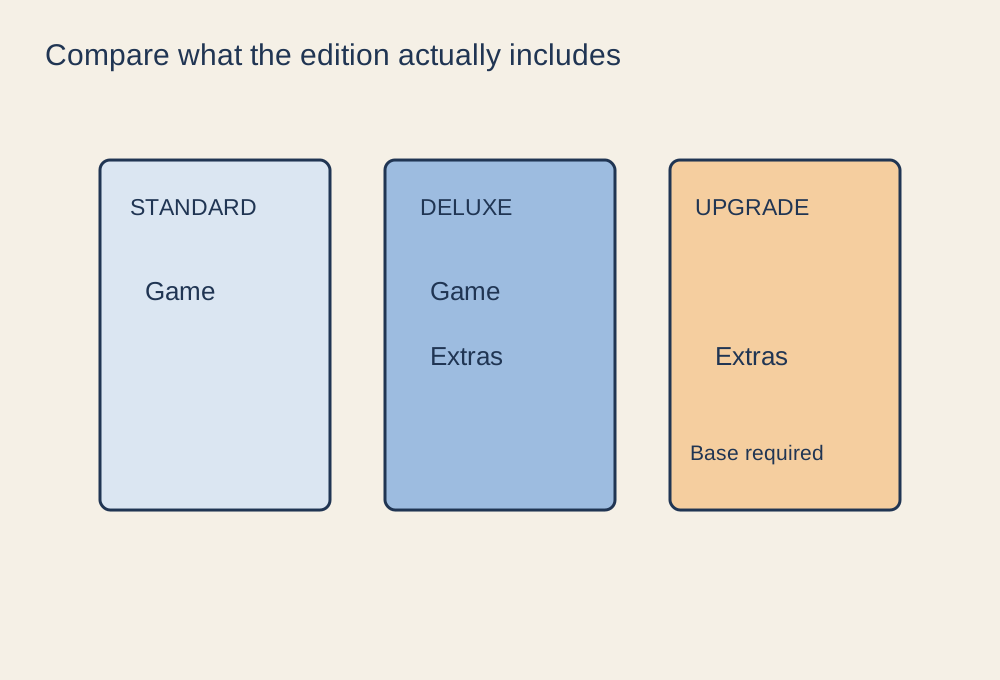
Make a small contents comparison before paying for a larger edition or an upgrade.
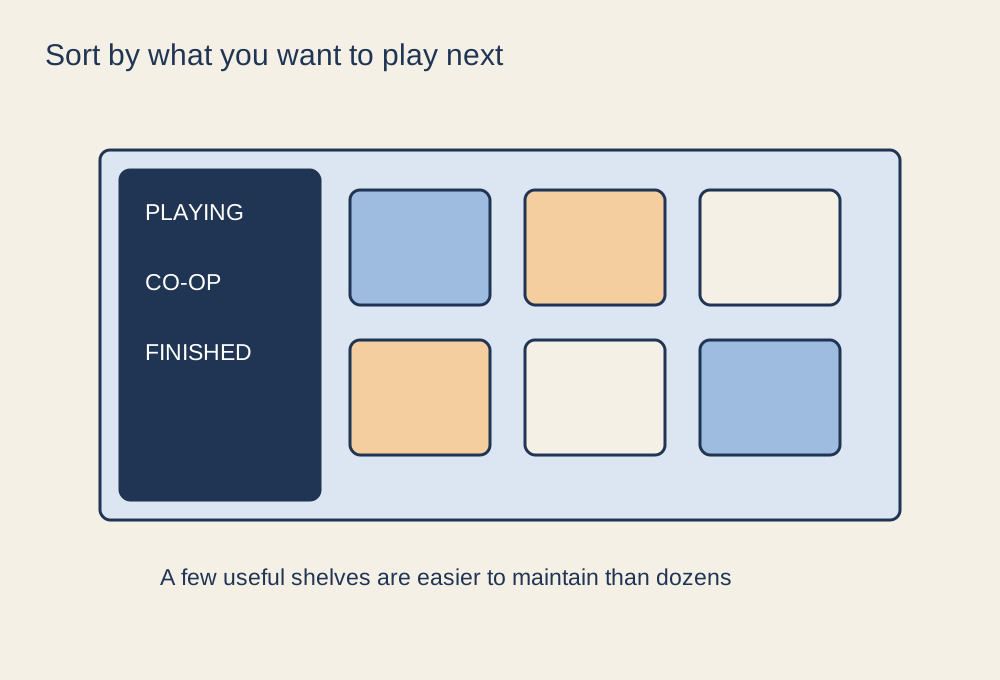
Use a few collections that help you choose a game, rather than cataloguing every detail.
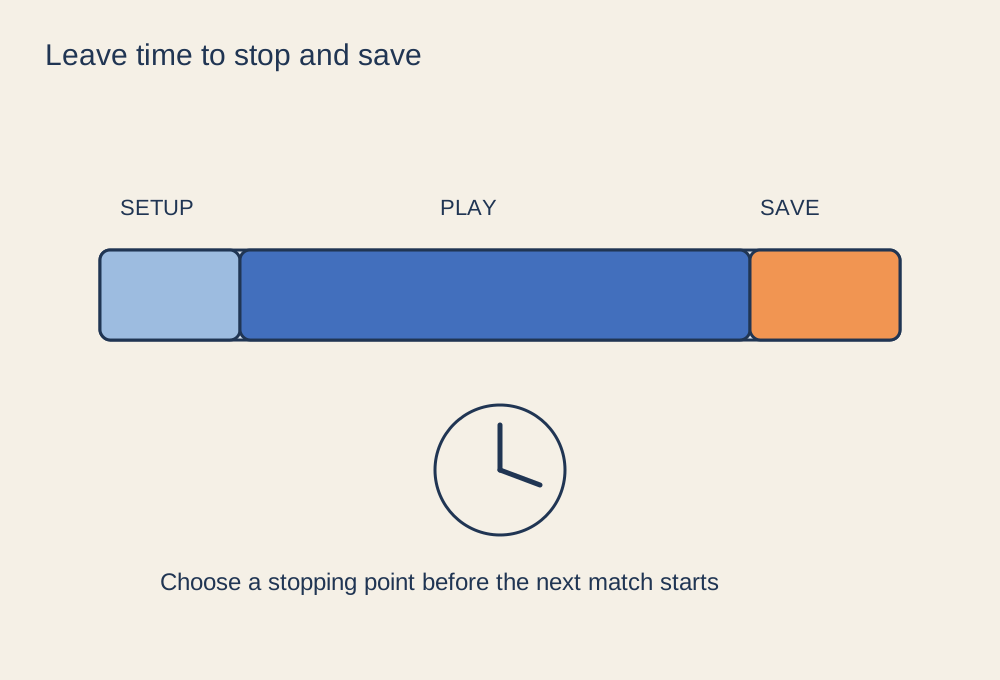
Choose an activity with a stopping point that fits the time you really have.
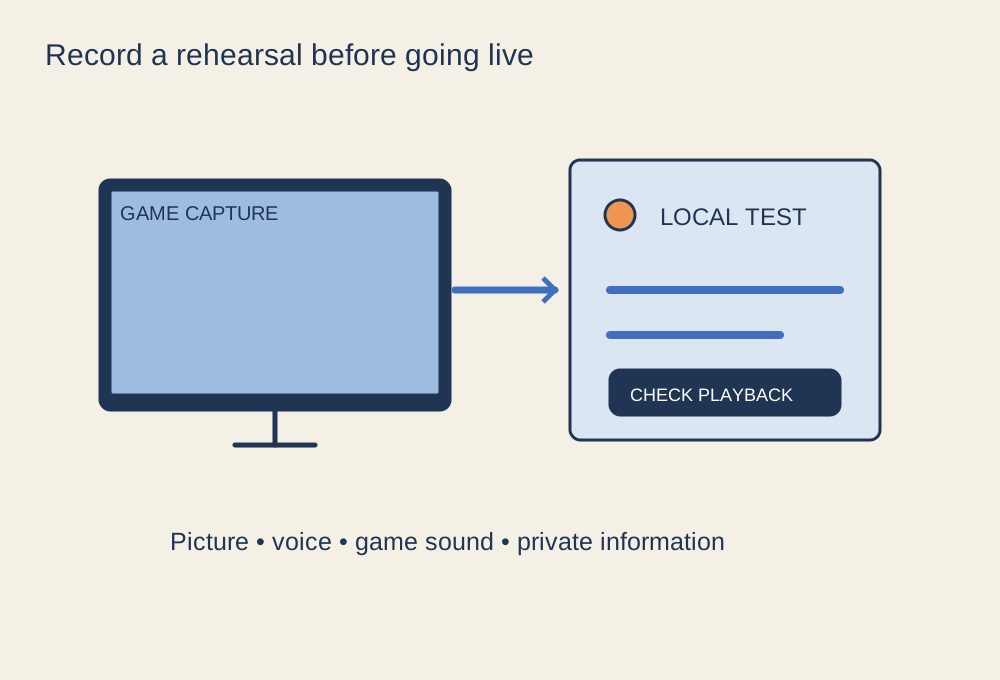
Build a small scene, record a rehearsal and check what the audience can see and hear.


.jpg)
