Define what you expect the system to run
A prebuilt PC should be compared against a display resolution, a group of games and a budget. A machine intended for a high-refresh competitive game is a different purchase from one intended for richly detailed single-player games at a higher resolution. Tell the seller what you actually plan to do, including recording or streaming, instead of asking whether the computer is simply good for gaming.
If performance figures are supplied, ask for the game version, resolution, graphics preset and whether upscaling or generated frames are included. A number without those conditions is difficult to compare. Do not assume a promotional image of a game proves it was tested on the exact configuration being sold.
Get the parts that small print tends to omit
Request the full CPU and GPU models, installed memory arrangement, motherboard, storage model and power-supply specification. A description such as fast SSD leaves important questions unanswered. Ask how many storage and memory slots remain available and whether adding a drive affects any other ports.
Cooling and case access matter after purchase. Check whether dust filters are accessible, whether the computer fits your available space and where the vents are. Confirm the ports you need for your monitor, headset and wired network. A USB-C socket does not by itself establish support for every display or charging feature.
Find out whether the motherboard, power supply and case use standard replaceable parts or a proprietary arrangement. Proprietary hardware is not automatically defective, but it can change future repair and upgrade options. Get a specific answer for the model you are ordering, since related product families can use different internal designs.
Ask how repairs and upgrades would work
Request a concrete answer about a future storage addition: which slot would be used, whether a bracket or cable is included and whether the case can be opened through a documented user procedure. This often reveals more than a broad claim that the machine is upgradeable. The same approach applies to memory: ask how many modules are fitted, not only the total capacity.
For power, an advertised wattage is only one part of the specification. The exact unit, available connectors and the system maker's supported upgrade options matter. Do not assume that any future graphics card will fit the case or work with the supplied power arrangement. Ask the seller to confirm a proposed upgrade rather than treating empty-looking space in a product photograph as clearance.
Check how service is delivered. Will a failed component be replaced individually, or must the whole tower be shipped? Does a return require the original packaging? Are user files your responsibility before service? These questions affect inconvenience and data preparation even when two computers have similar purchase prices.
Finally, ask whether the advertised configuration is guaranteed or whether parts can be substituted with equivalents. If substitutions are allowed, define which details you care about, such as available storage slots or wireless capability, and get those confirmed in the order. A substitute may be acceptable, but it should not silently remove the feature that motivated your purchase.
Separate purchase price from ownership terms
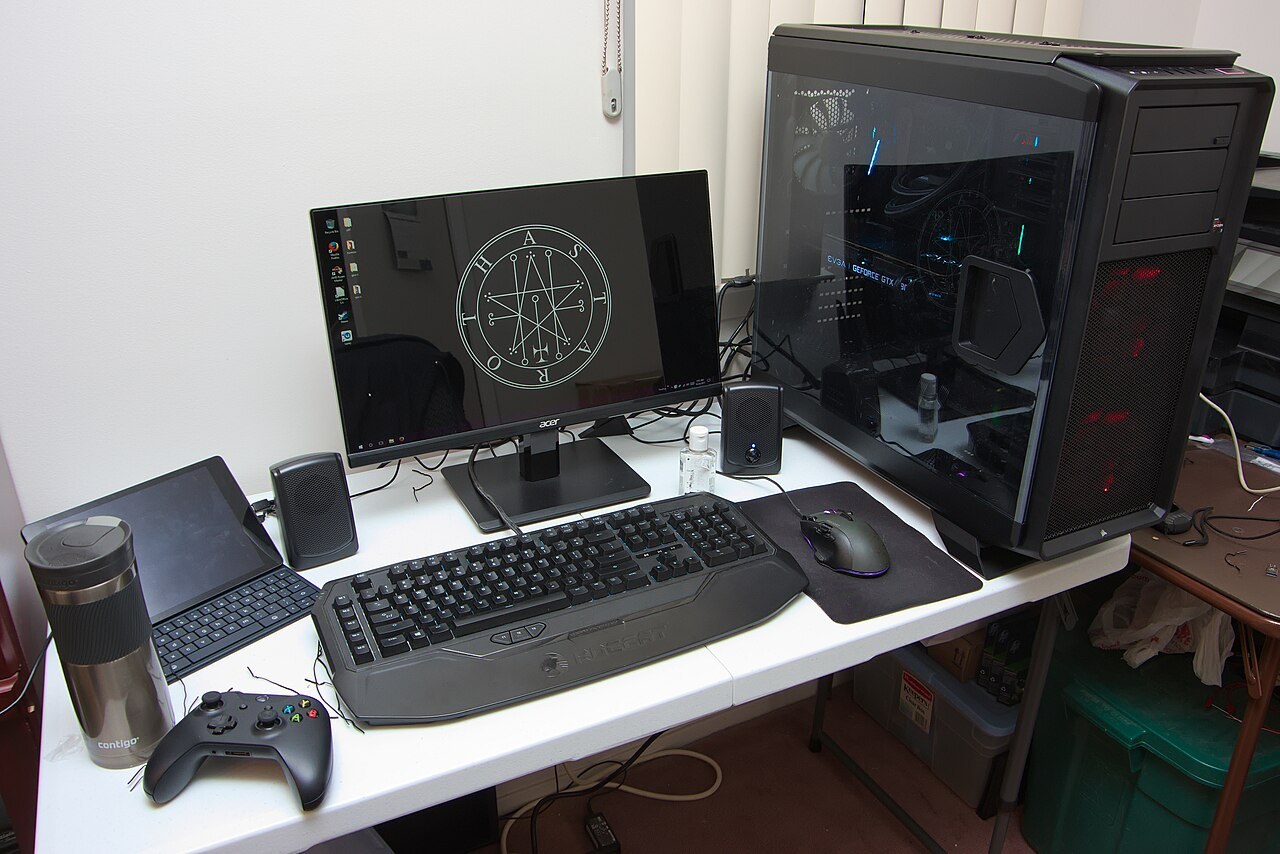
Check what is included: an operating-system licence, wireless networking, delivery and any accessories. A monitor pictured beside the tower may be an illustration rather than part of the order. Save the final written configuration so that substitutions can be checked on arrival.
Read the seller's support and return terms, including who pays transport if the system needs service. Ask whether adding user-serviceable memory or storage changes any warranty conditions, and keep the answer in writing. Do not rely on a general statement about all computer warranties.
When the PC arrives, inspect it for shipping damage before normal use, confirm the ordered components in the system information and run the games you bought it for. Keep packaging until you know the unit is working and you understand the return procedure. This first inspection is much easier than reconstructing the original configuration several months later.