Find out what the game preserves
Games use different saving systems. A manual slot may preserve a campaign at a chosen moment, while an autosave may rotate through recent checkpoints or replace a single file. Some online games keep progress on a server and offer no comparable local choice. Read the game's explanation and check the save menu before relying on a method from another title.
If several people use the same device, identify which profile owns the save. A shared game installation does not mean shared progress. Avoid loading a similarly named character under the wrong profile and then creating new progress that makes the situation harder to untangle.
Give manual slots a purpose
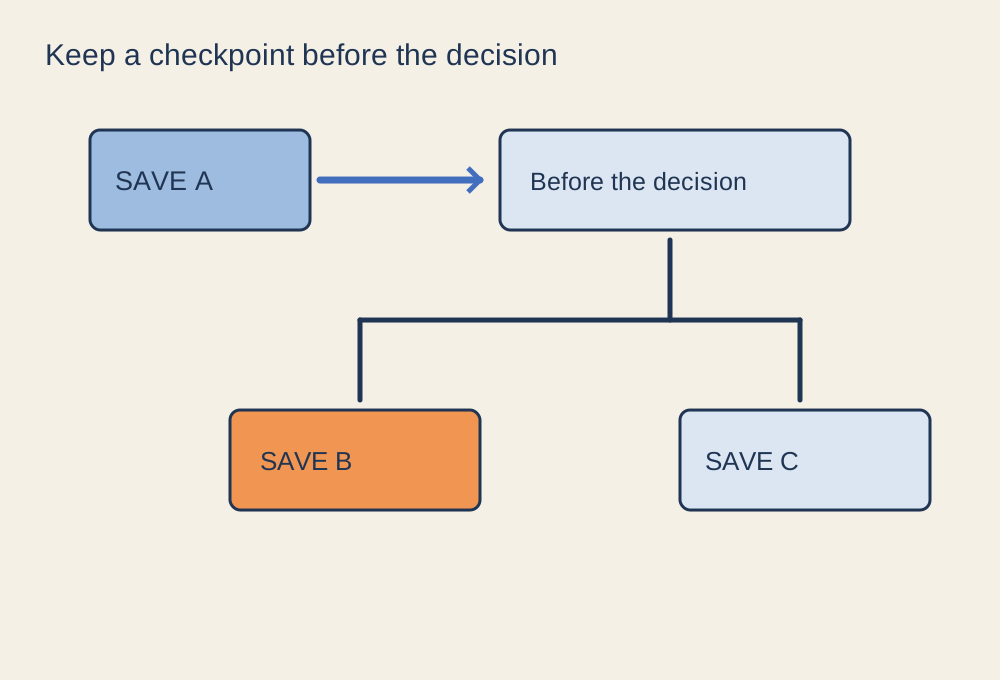
Where the game supports several slots, keep a normal rotating save and a clearly identified checkpoint before an important decision or major change. Use the game's naming feature if available, or record the slot and situation elsewhere. A label such as “before entering the final area” is more useful than relying only on a small thumbnail.
Do not overwrite every older slot during one session. If something goes wrong, several copies made after the same mistake are not useful alternatives. At the same time, keep the system simple enough that you remember which save is current. A few deliberate checkpoints are easier to manage than dozens of indistinguishable files.
Treat sync as a separate process
Cloud synchronisation can move supported data between devices, but it is not automatically a versioned backup service. Steam notes that games can use its cloud for different kinds of data and that support cannot recover lost saves. Let the game close and the sync finish before opening it on another machine. If a conflict appears, inspect the device and time information before choosing a copy.
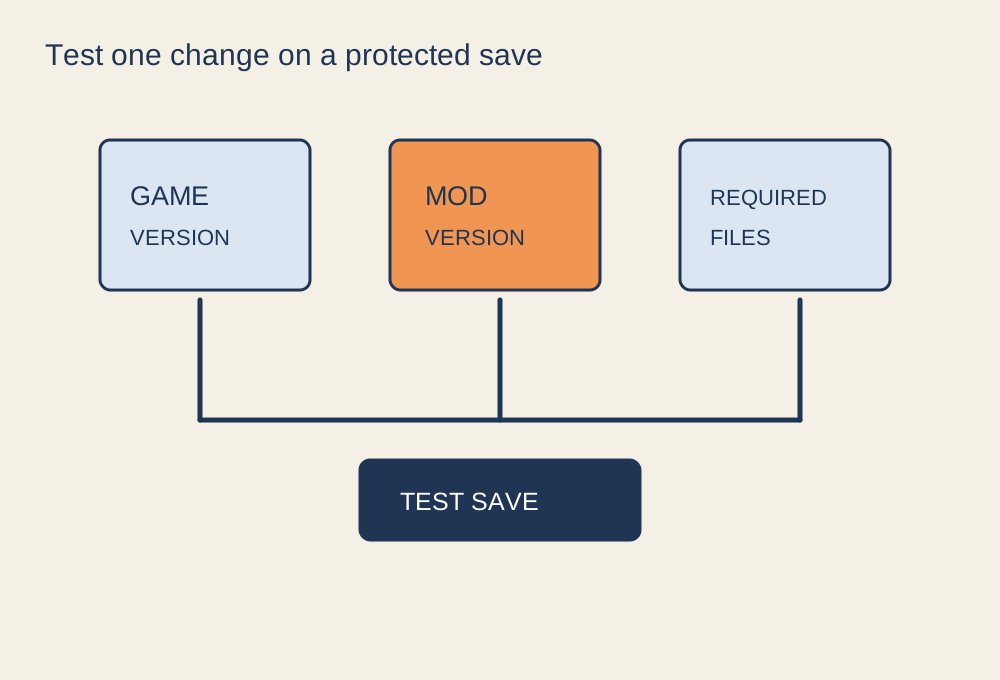
For a local backup, follow the game's documented method where one exists. Do not assume copying the installation folder includes the saves, and avoid editing or moving unknown files while the game is running. Mods can change save compatibility, so preserve an untouched save before adding them when the game allows it.
When returning after a long break, load the intended slot and check the location, quest or character state before overwriting anything. A short note about the next task can help you resume without accidentally replacing a useful checkpoint simply because its date looked old.