Three broad feels
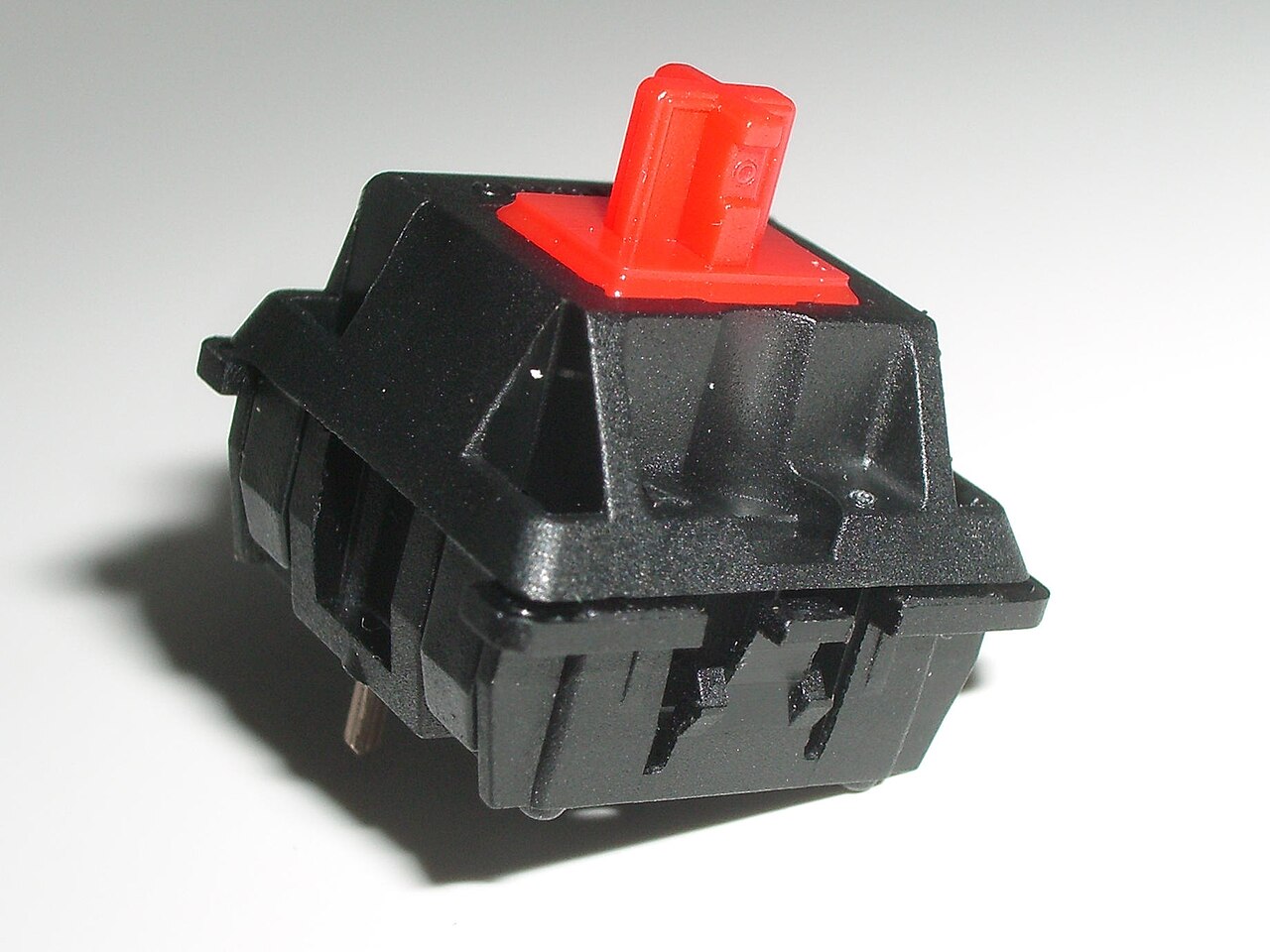
A linear switch moves without a deliberate tactile bump. A tactile switch adds a noticeable change in resistance during the press. A clicky switch produces an intentional click as part of its mechanism. These categories help narrow a choice, but each contains switches with different force, travel and return behaviour.
Colour is not a reliable language across manufacturers. A red stem from one range need not match a red stem from another. Read the actual switch name and specifications. Also distinguish the force needed to actuate the switch from the force near the bottom of its travel; a single quoted number may not describe the whole press.
Sound comes from more than the switch
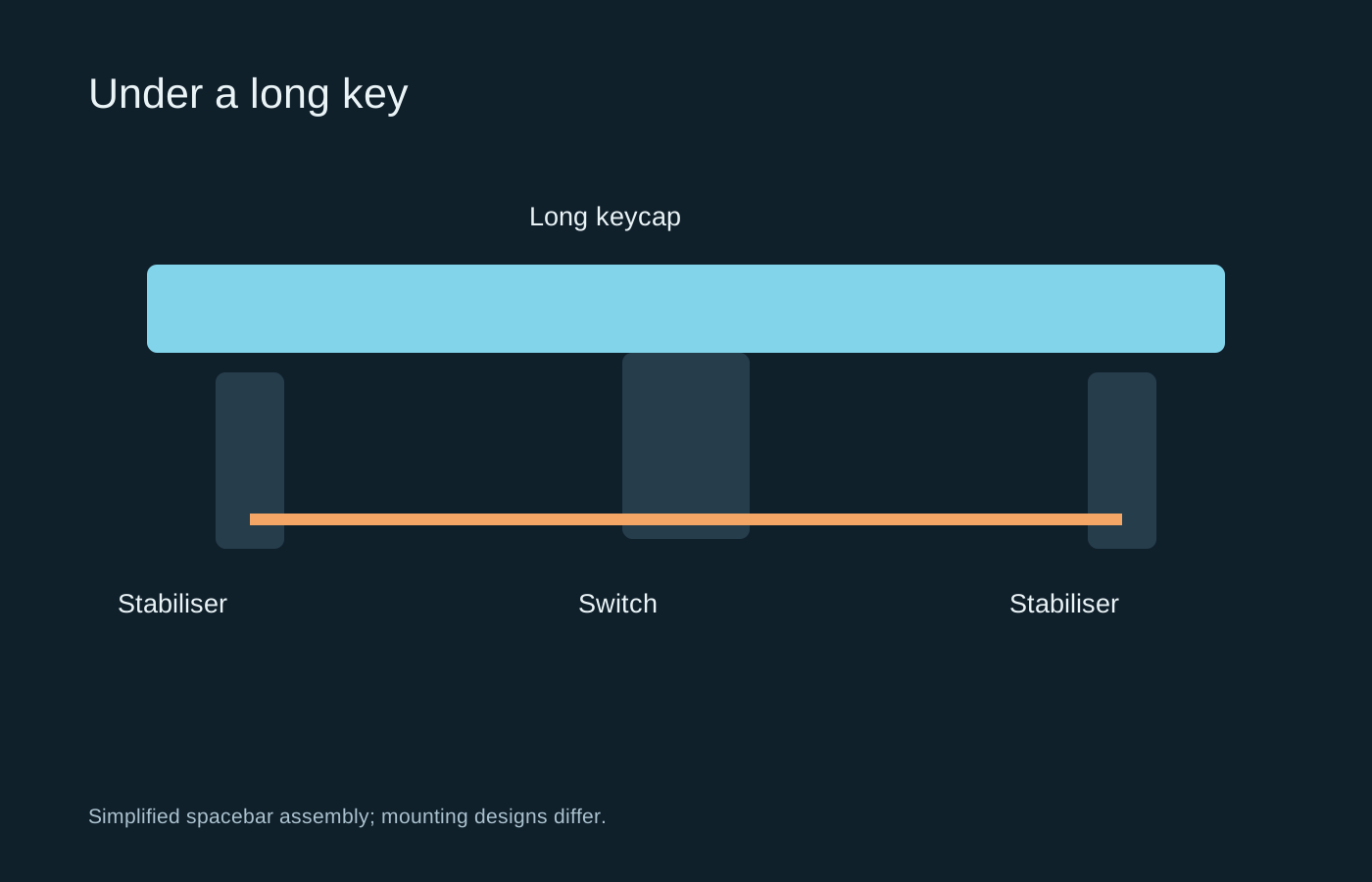
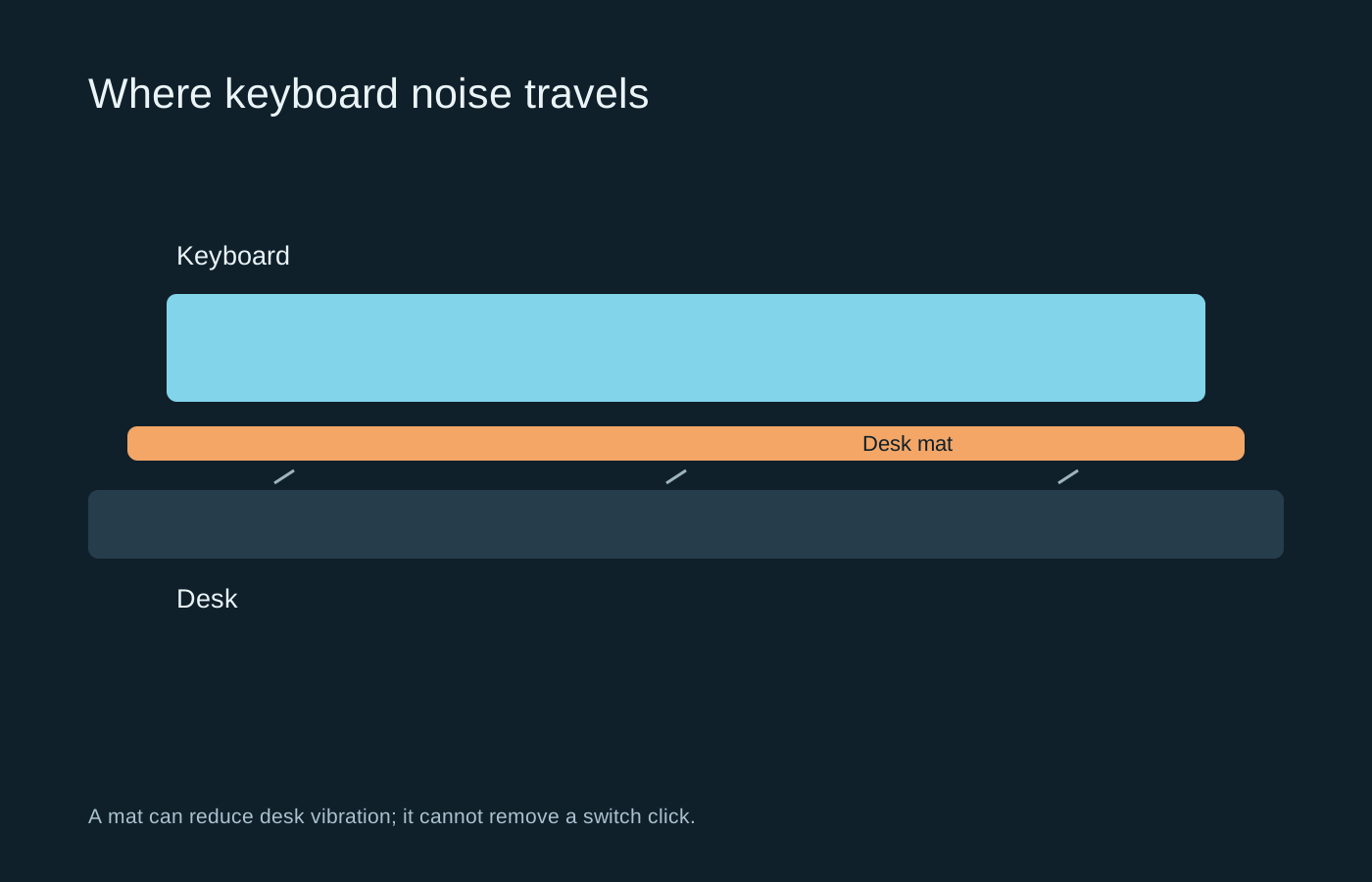
A non-clicky switch can still be loud when the keycap reaches the bottom or returns to the top. The keycap, plate, case, desk and stabilisers all contribute. A recording of one keyboard cannot demonstrate how the same switch will sound in another case or room.
Silent switches use damping to reduce parts of that impact noise. They can feel different, and they do not make a keyboard literally silent. If another person shares the room, consider the whole board rather than assuming that any linear switch will be quiet enough.
Actuation is not the end of travel
A switch can register a press before the key reaches the bottom. That electrical actuation point is different from the full travel you feel under your finger. A short actuation distance does not automatically mean the entire key moves a short distance, and it does not prevent someone from pressing all the way down.
For repeated game inputs, try releasing and pressing again at a natural pace. The release behaviour matters alongside the initial press. On keyboards with adjustable actuation features, use the model’s explanation and retain a default profile. Extremely sensitive settings may register an unintended resting movement, so test menu navigation and ordinary typing as well as rapid game actions.
Compatibility before experimentation
A switch tester can reveal whether you dislike a heavy spring or a sharp bump, but it does not reproduce sustained typing on a complete board. If you already own a hot-swappable keyboard, check its exact socket and switch compatibility before buying a set. Mechanical, optical and magnetic systems are not interchangeable merely because their housings look similar.
Some switches have extra locating pins; some boards support only particular families. Do not force a switch into place or cut parts based on a generic online suggestion. Follow the keyboard maker’s instructions for installation and removal.
For a first choice, think about errors as well as speed. An extremely light switch can make unintended presses easier if you rest your fingers heavily. A very heavy one can feel tiring during ordinary text entry. Try repeated presses and a short paragraph, not just one satisfying click. Choose a feel you can use consistently across the tasks the keyboard will actually perform.