Check the mode you intend to use
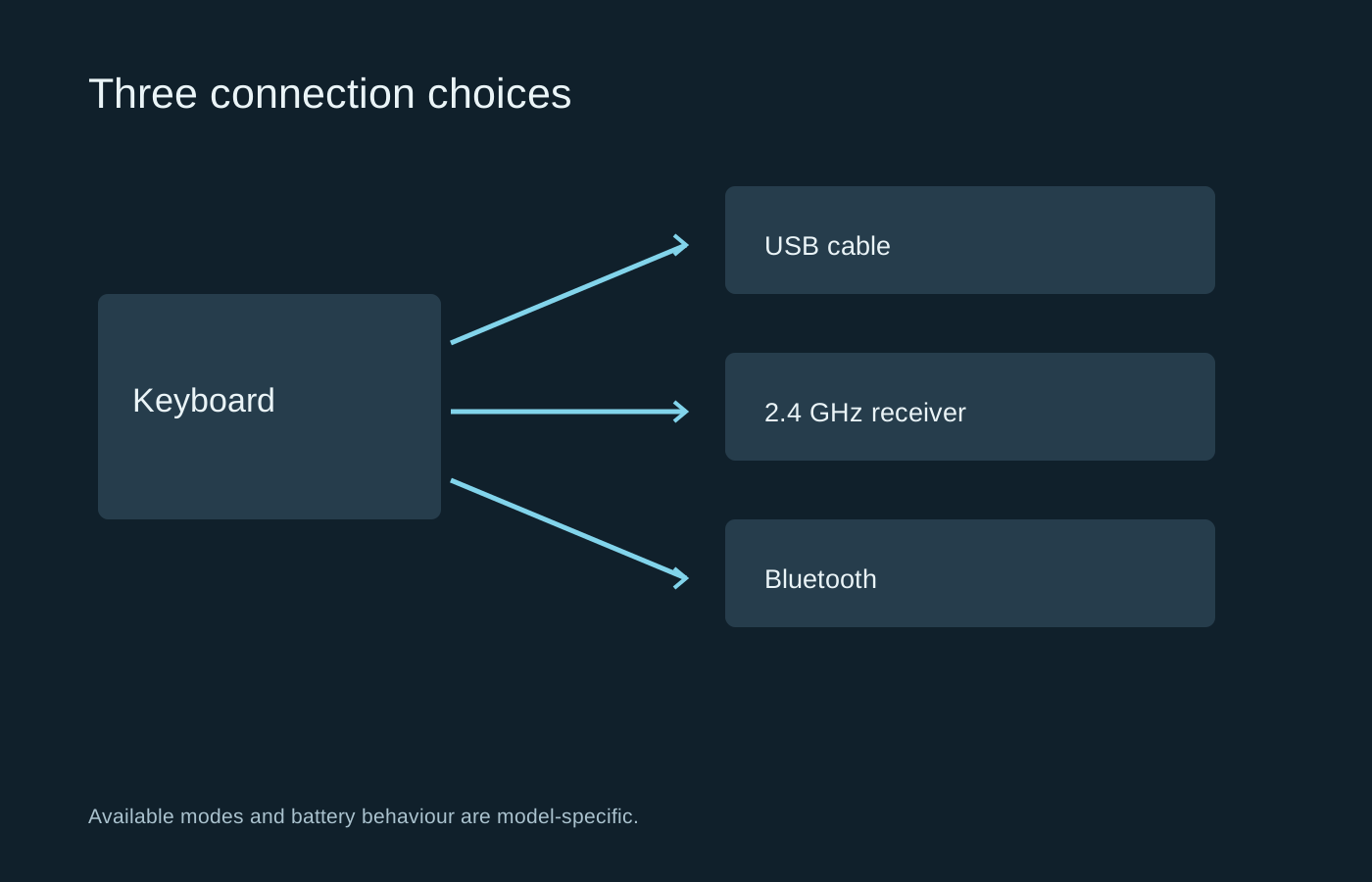
Bluetooth, a dedicated 2.4 GHz receiver and a USB cable are different connections. A keyboard may support all three, only two, or just one. Read the mode-specific specification rather than assuming that a headline polling rate or feature applies to every connection.
Bluetooth can make switching between compatible devices convenient. A dedicated receiver may be the preferred gaming connection on a particular model. A cable may provide both charging and data, but some products use a cable only for charging while continuing to communicate wirelessly. Confirm the arrangement before relying on it as a backup.
Pairing and switching are everyday features
Consider how you move between a gaming PC and another device. Check the switch or shortcut used to change mode, and whether it is easy to trigger accidentally. A board can seem unresponsive simply because it is connected to the wrong saved device.
Keep the receiver in a known place when it is not in use. Receivers are often model-specific, and a spare from another keyboard may not pair. If replacement availability matters to you, check it before purchase. An extension cable or a convenient front port may also make the receiver easier to position and harder to forget.
Test wake-up behaviour during ordinary use. Some keyboards sleep to conserve power and handle the first press differently. You should know whether the first key wakes the board, sends an input, or both. This matters when entering passwords or returning to a game after a pause, even if the keyboard performs well once awake.
Make battery claims comparable
Quoted endurance usually depends on lighting, connection mode and other settings. Compare those conditions with your intended use. A figure measured with the backlight off does not predict how often a brightly lit board will need charging.
Look at where the charging connector sits and whether the cable can remain connected without blocking the mouse. A long battery life is less useful if charging requires dismantling the desk arrangement. If the board uses replaceable batteries, follow the specified type and handling instructions rather than substituting an unrelated rechargeable chemistry.
Before an important session, check the battery indicator and keep a compatible data cable available if the keyboard supports wired operation. Save the pairing instructions somewhere accessible from another device. If the board disconnects, test one mode at a time and note whether the failure follows the keyboard, receiver or computer. That gives support a much clearer starting point than simply reporting that wireless is unreliable.