Adjust before judging
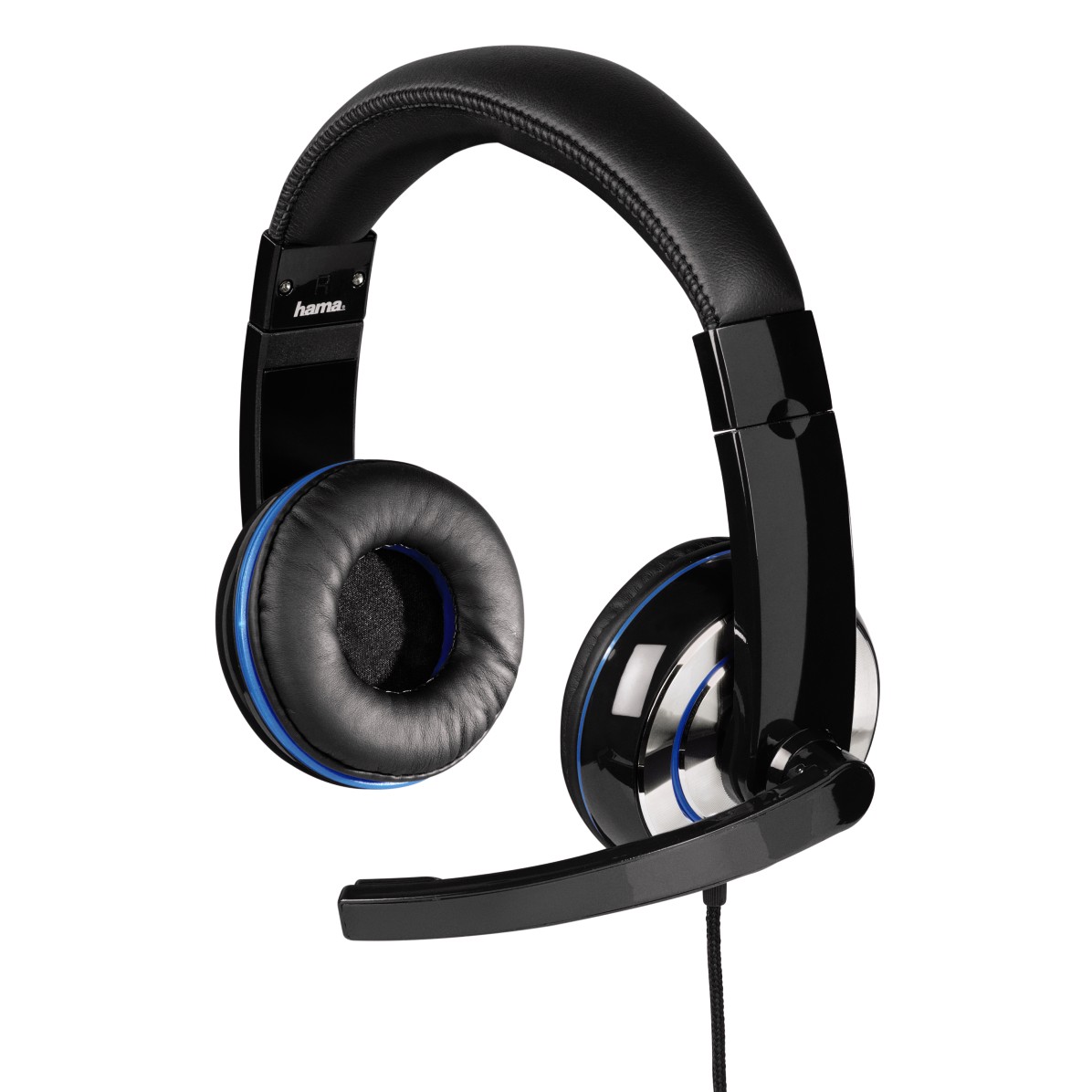
Start with the headband long enough that the earcups sit around your ears rather than pulling upward on them. Adjust each side and check whether the cups can rotate to meet your head naturally. A headset that feels wrong at its smallest setting may simply need a different adjustment.
Wear any glasses you normally use. Their arms can change the cushion seal and create pressure points that are absent during a quick bare-headed try-on. Also check whether the inside of the cup touches your ear. A large outer shell does not guarantee a deep or wide internal opening.
A short demonstration can reveal an obvious problem, but warmth and pressure may develop later. Where return terms allow, try the headset through an ordinary session with breaks. Notice whether you keep lifting one cup, pushing the band forward or tightening the fit to stop it slipping.
Do not stretch or bend the headband beyond the manufacturer’s instructions to force a better fit. Materials and hinges differ. If the basic shape is wrong, modifying it may damage the headset without solving the pressure problem. Check replacement-cushion availability as well, since worn cushions can change both fit and sound.
Check the adjustment mechanism after moving it several times. It should hold the selected position during normal use. A cup that slowly slips downward can create pressure elsewhere and make a good initial fit misleading.
Keep comfort separate from loudness
A poor seal can tempt you to raise the volume to overcome room noise. Instead, check the fit and decide whether the headset’s isolation suits the room. Open and closed designs behave differently, and neither label guarantees comfort for every listener.
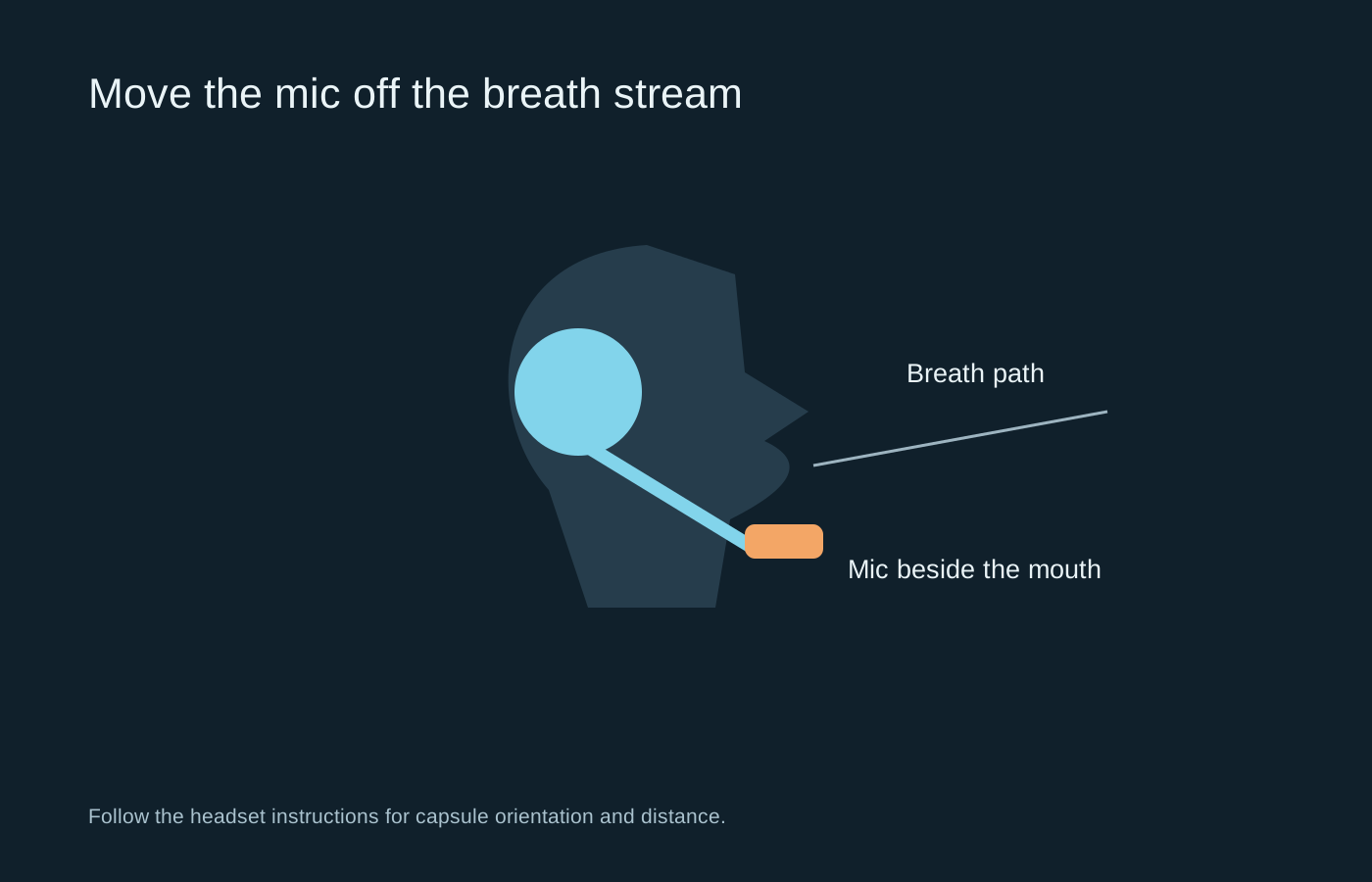
The cable and microphone also matter. A cable pulling at one cup can feel like uneven clamping, while a boom that will not stay positioned adds repeated adjustment. Route the cable with slack and check that controls are reachable. If discomfort persists, take the headset off rather than trying to get used to pain. A workable headset should support the session without becoming the main thing you notice.