Start with the console model
An internal storage upgrade is not the same operation across console families. PS5 provides a documented M.2 expansion slot for compatible drives. Xbox Series X and Series S use their supported storage-expansion cards for comparable expansion functionality rather than a user-installed generic M.2 drive. Do not buy a part simply because a listing says it is fast enough for consoles.
Find the exact model and current manufacturer instructions. Separate an approved expansion procedure from replacing an internal system component that was not intended as a routine user upgrade. The latter can involve different service, software and warranty considerations, and this guide is not a substitute for those procedures.
For PS5, compare the whole specification
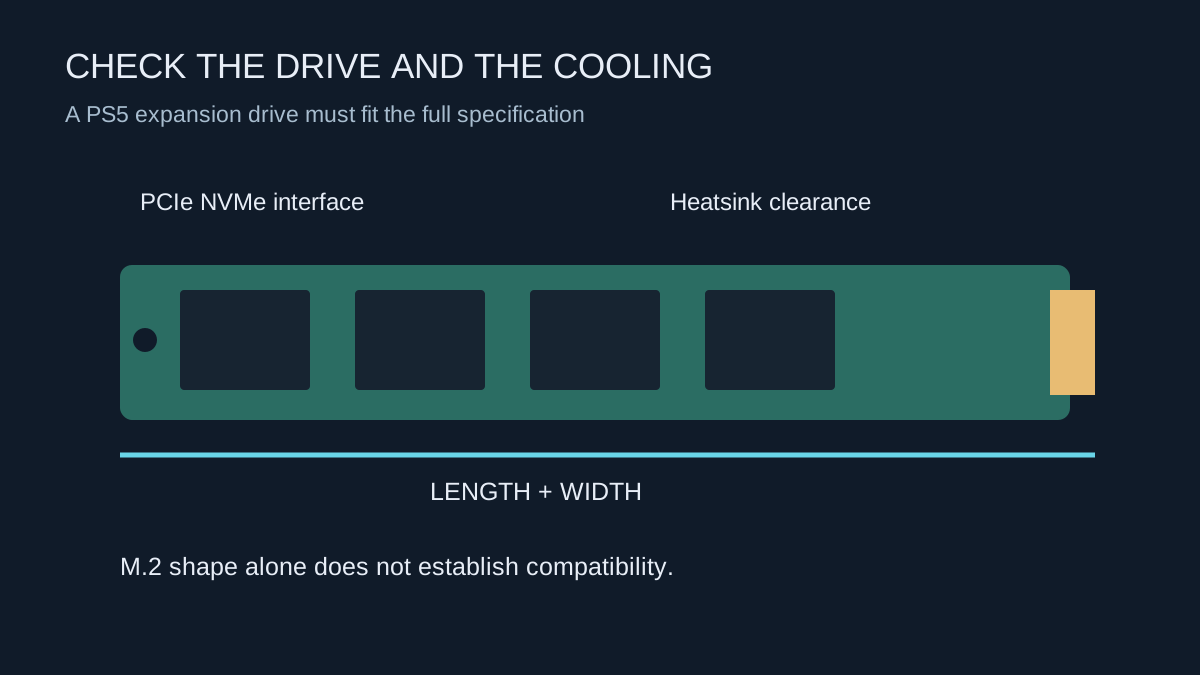
Sony specifies a supported PCIe Gen4 x4 M.2 NVMe drive, compatible dimensions and effective heat dissipation. An M.2 SATA drive is not supported. Check the current official capacity, form-factor and dimensional requirements before purchase, including the total assembly with its heatsink. A bare circuit board fitting the slot does not establish that a larger cooling enclosure will fit.
Read the specification for the exact product variant. A drive sold with and without a heatsink can have two different heights and two different prices. A retailer photograph may show the cooler while the selected option supplies only the bare drive. Save the part number and the final product description.
Do not reduce compatibility to one sequential-speed number. The drive interface, physical fit and cooling remain requirements even when the advertised speed exceeds the recommendation. If a manufacturer claims console compatibility, check what configuration that claim covers.
Choose capacity around your library
List the games you want installed at the same time and include likely update space. A larger drive can reduce repeated transfers, but buying maximum capacity may not be necessary if you regularly rotate only a few titles. Compare the complete cost, including required cooling and any installation service you need.
Distinguish playable expansion from an archive drive. If the goal is simply to avoid downloading an occasional game again, supported external storage may meet that need at a different cost. If the goal is to launch a large collection without transferring it first, the supported playable-storage option is the relevant comparison.
Check the seller's return conditions and the drive manufacturer's warranty information. Keep the receipt and packaging until the installed drive has been recognised and tested. A capacity or product-name match is not a replacement for confirming the exact model supplied.
Prepare before opening the expansion area
Back up or otherwise protect important data through the console's supported methods. Read the complete installation instructions for your model before starting, prepare a clear work surface and use the specified tools. Shut down, disconnect and allow the equipment to cool as directed. Avoid improvising around a screw or cover that does not fit as expected.
The first-time PS5 setup formats the expansion drive, which erases its existing contents. Confirm that the drive contains nothing you need elsewhere. Do not interrupt formatting or a data transfer. Follow the official sequence for the spacer, fastening, covers and supports rather than leaving the slot open because a heatsink is too large.
Verify with a real installation
After the console recognises the drive, check the reported capacity and move or install a game using the console controls. Launch it and play a representative section. Keep a note of any error and whether it appears only on the new storage. Sony advises moving an affected game back to internal console storage as a troubleshooting comparison.
Keep saved progress separate in your thinking: adding space for game installations does not automatically change cloud-save arrangements. Once the drive is working, review the default installation location so new downloads go where you expect. That final setting is easy to miss after the physical installation has taken all your attention.