Connect everything before hiding anything
Cable routing starts with a working setup. Connect the display, peripherals and power supplies, then test the equipment in the arrangement you intend to use. If you conceal the cables first, a faulty lead or wrong port becomes harder to diagnose. Label both ends of similar cables before they disappear behind the desk.
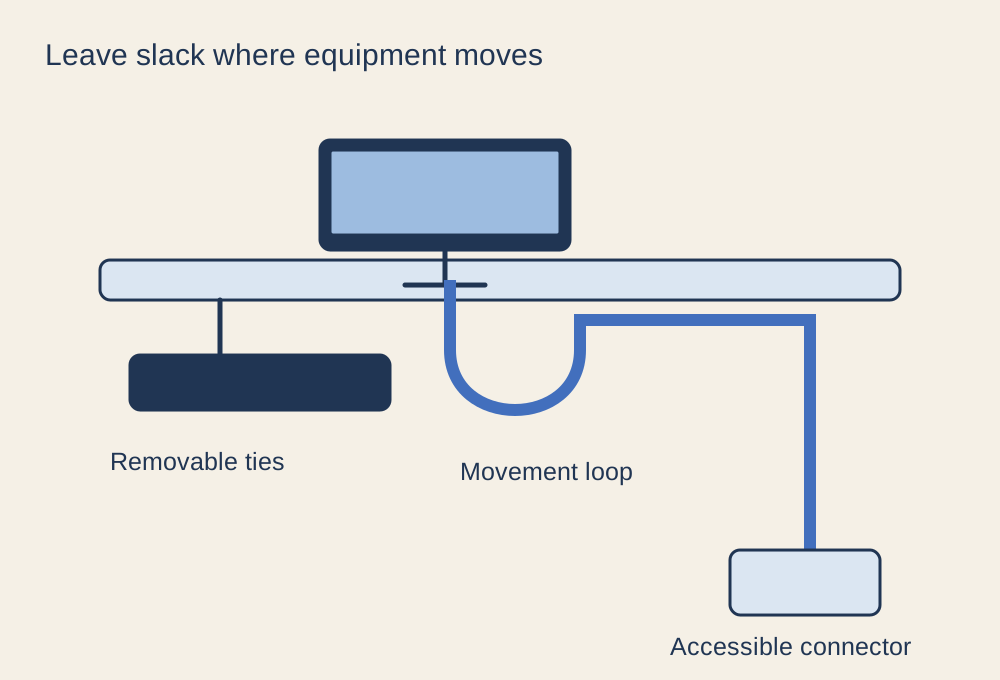
Separate cables that stay in place from those you unplug often. A controller charging cable should remain easy to reach; a monitor power lead may be secured farther back. Leave access to the power switch and connectors you might need during troubleshooting. A completely hidden connection is not an improvement if changing a mouse requires dismantling the desk.
Allow for movement
Move the monitor through its normal height and angle range while watching the cables. Leave a gentle service loop at moving joints so the connector is not pulled sideways. Keep cables out of pinch points in monitor arms and chair mechanisms. Use the arm maker's routing channels where suitable, but do not force a thick bundle into a clip designed for fewer leads.
If the desk changes height, test the full range before securing the final run to the wall or floor. A cable that reaches at sitting height may become taut when the desk rises. Also check nearby furniture and the power supply position: a hanging adapter should not be supported by tension on its lead.
Choose restraints you can undo
Reusable ties and accessible trays make later changes easier. Tighten a tie only enough to guide the bundle; avoid crushing cable jackets or forcing tight bends. Keep heavy adapters supported and vents clear. Follow the equipment and power-strip instructions, including load limits, rather than treating a tidy bundle as proof that an electrical arrangement is suitable.
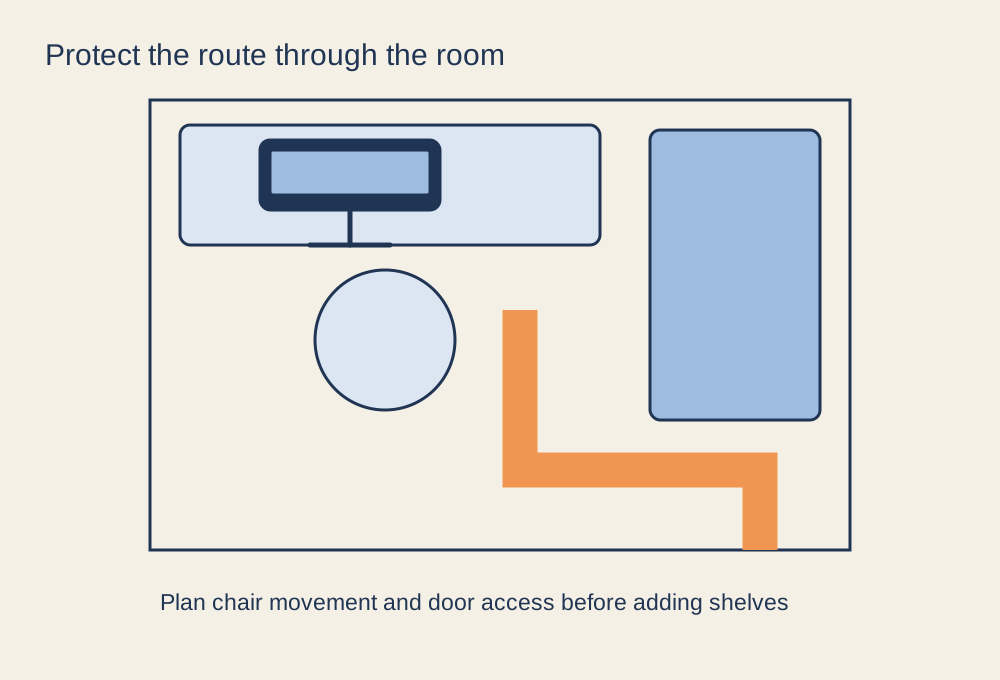
Route floor crossings away from feet and doors. Where a crossing cannot be avoided, use an appropriate cable-management solution for the setting. Do not hide a damaged cable under a rug or tape and continue using it. After finishing, unplug and reconnect one commonly changed device as a maintenance test. If that simple action is difficult, loosen the routing now while you remember where everything goes.