Mark the space you need to move
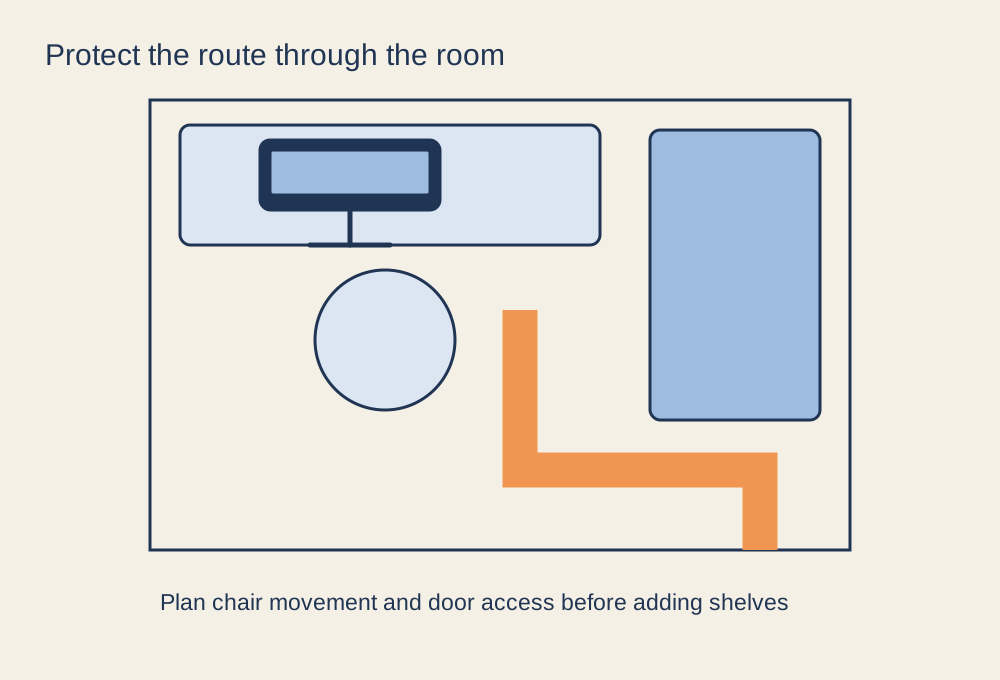
Measure the room with the door open and the chair pulled back. A desk can fit against the wall yet leave no usable route past it during a session. Mark the chair's normal movement area and keep access to doors, drawers and windows in the plan. A narrow gap that works with the chair tucked in may disappear as soon as someone sits down.
Put the most frequently used controls within reach, then decide what can live elsewhere. Game boxes, spare cables and occasional accessories do not all need permanent desktop space. Keep heavier items on suitable stable storage and avoid placing equipment where it could fall onto the screen or your hands.
Use the vertical space selectively
A monitor arm can release desk surface, but it still needs a compatible mounting point and room to move. Wall shelves require appropriate installation and should not block ventilation or make cables hang across the work area. Check the actual depth of shelves and screens rather than treating vertical storage as space with no cost.
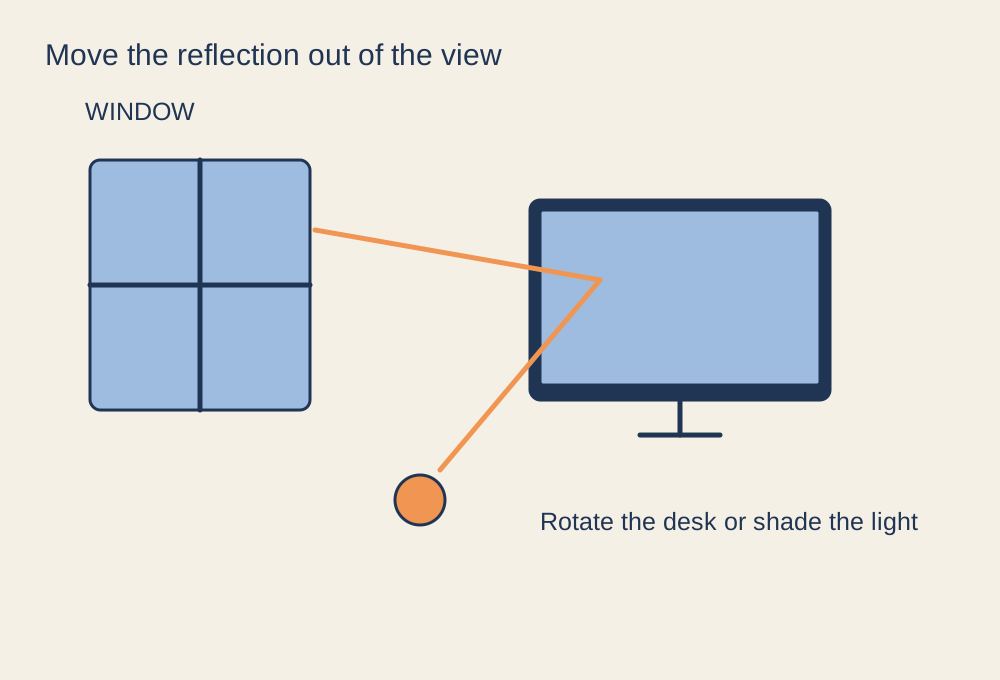
Choose a second display only if it serves a task that cannot be handled comfortably on the first. In a small room, a tablet or simply switching windows may be enough for occasional reference material. More screens can create both a physical fit problem and more reflected light, heat and cabling.
Test the room during ordinary use
Try the arrangement with the computer running, the door in its usual position and any other person using the room. Check whether fan exhaust has clear space and whether a nearby cupboard becomes an awkward obstacle. Do not run a console or computer inside closed furniture unless the equipment and furniture arrangement explicitly allow adequate cooling.
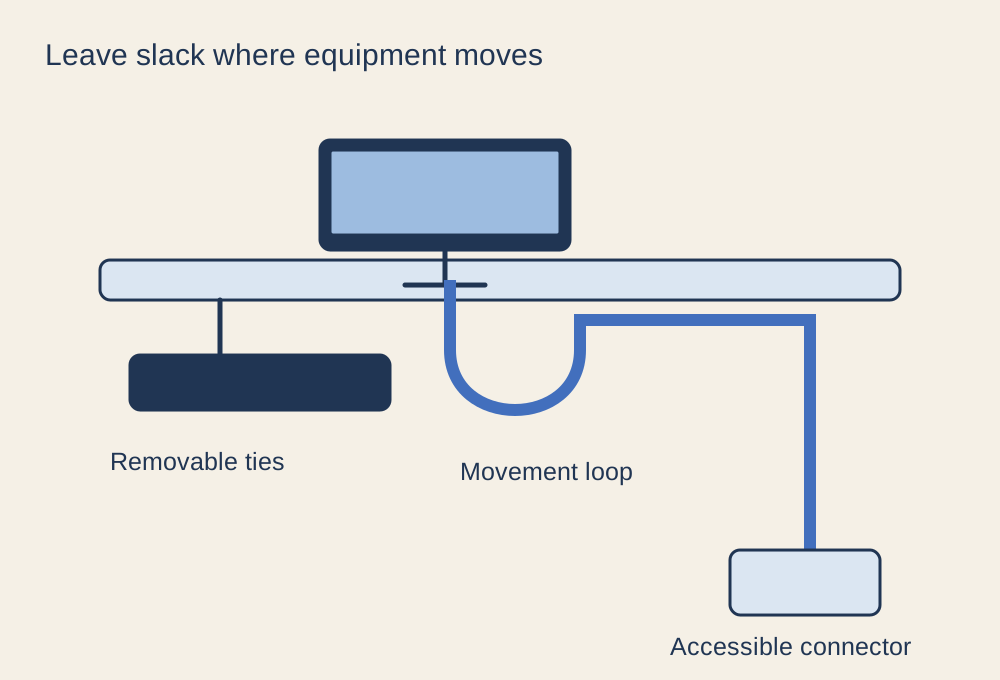
Keep an accessible charging point and a place for headphones so they do not occupy the keyboard area between sessions. Route cables along a deliberate path without obstructing the floor. Finally, perform the small jobs that happen every week: plug in a controller, clean the desk and reach the computer's ports. If those actions require moving half the room, reduce the permanent equipment or change the layout before buying more storage.