Check the destination before packing
Find out whether the destination has a suitable display input, a safe place for the console and the network access your games need. A television mounted close to the wall may have an HDMI socket that is hard to reach. Hotel or guest networks can require a browser sign-in that is less straightforward on a console than on a phone. Download necessary games and updates beforehand where possible, while checking the game's actual offline requirements.
For international travel, read the electrical ratings printed on the console's power supply and follow the manufacturer guidance. A plug adapter changes the plug shape; it does not necessarily change voltage. Check transport rules separately for any battery-powered accessories you carry.
Shut down and separate the parts
Eject the game disc and shut the console down fully. Wait for it to finish before disconnecting power. Let a warm machine cool, then remove cables rather than leaving connectors attached where a knock could stress the sockets. Take photographs of a complicated home connection arrangement if that will make returning easier.
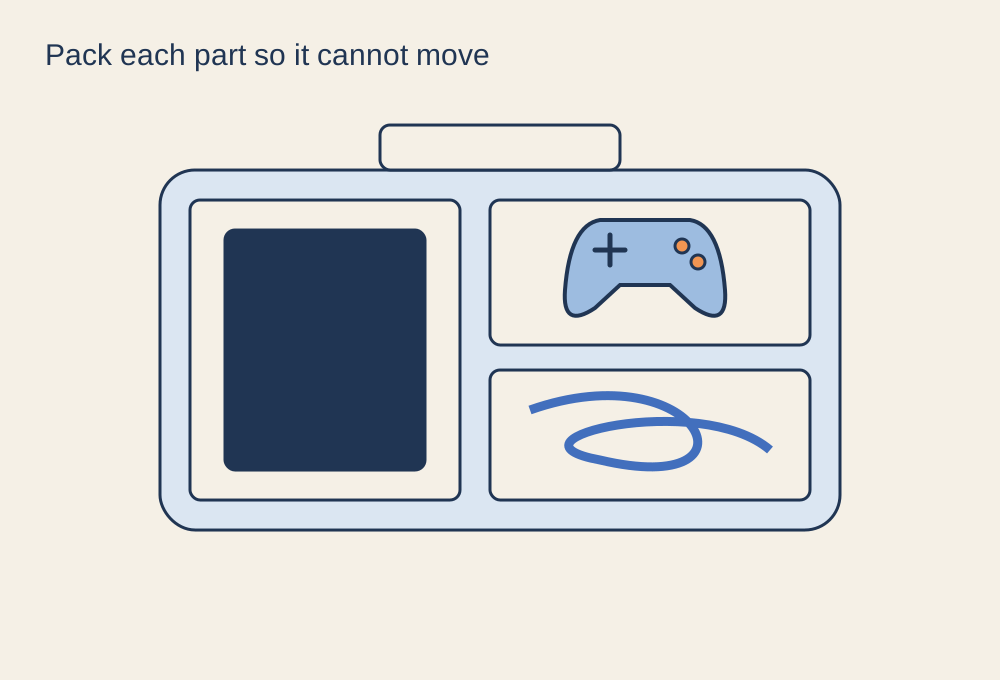
Use a fitted case or the original protective packaging if available. Keep the console from sliding around and avoid pressure on projecting parts, analogue sticks or delicate stands. Put cables and accessories in separate compartments or soft pouches so they cannot rub against the console casing. Do not wrap a heavy power supply against an exposed controller stick.
Pack the exact power lead, display cable and controller connection you need. Label similar cables if their capabilities differ. Include a game disc only when needed, stored in its case rather than loose in a bag. A short written inventory helps on the return trip, when chargers are often still connected behind furniture.
Rebuild a usable setup
At the destination, place the machine on a stable surface with the ventilation clearances specified by its manufacturer. Take it out of its travel case before operation. Avoid a closed cupboard, a soft bed or a stack of bags that blocks vents. Route the cables away from doors and feet.
After connecting, check picture and sound before moving the furniture back. A different television may need its own game mode or supported display setting, so do not assume the home configuration transfers perfectly. When leaving, sign out of any borrowed services or devices you used and check every socket against your packing list.