Start on the console’s actual HDMI input
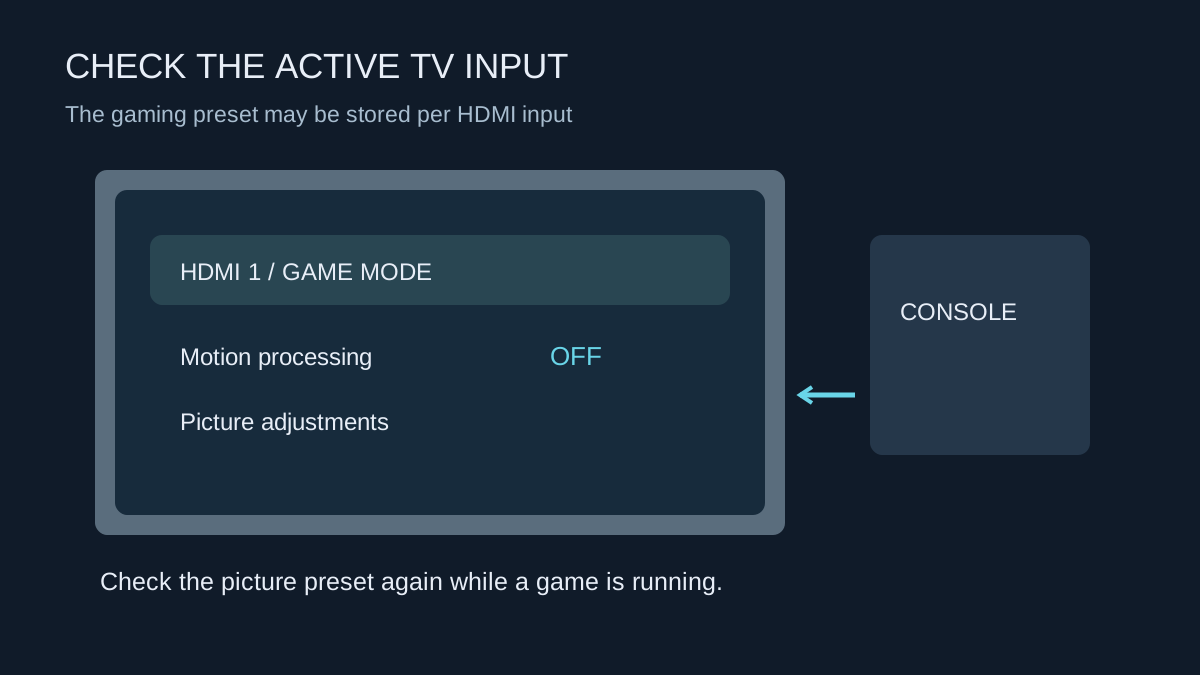
Televisions often keep picture settings separately for different inputs or signal types. Adjust the input connected to the console while a game is running. A preset changed during a streaming app or on another HDMI socket may not affect the console at all. Use the television manual to identify its gaming mode and supported input options.
A gaming mode generally reduces processing that can add delay. The picture may look different because motion smoothing and other treatments change. Do not judge its success only by how a film appears. Use a familiar game with responsive camera movement and compare the controls as well as the image.
Check automatic switching
Compatible consoles and displays can use automatic low-latency mode, often labelled ALLM. This can switch the display into a lower-latency mode without selecting a preset each time. Support needs to exist across the connection, including any receiver or switch in between.
On PS5, video-output settings provide information about the connected HDMI device and relevant features. Inspect that information rather than assuming the television's marketing name establishes every supported mode. If an automatic option behaves unexpectedly, compare a direct console-to-TV connection and consult both manuals.
Watch what happens when you leave a game for a video app and return. The television may change picture modes or retain separate adjustments. Make sure the mode you intended is active during play, not merely selected at some earlier point.
Make the picture readable
Set brightness and HDR using the display and console guidance. A gaming preset does not remove the need to see dark detail or avoid an overly bright screen in your room. Keep changes modest and use a familiar scene to check them. Settings copied from a different television size or model are not a reliable calibration.
If the display offers separate game-motion processing, test it deliberately; the name alone does not tell you its effect on delay. Keep a note of the original value. Once the controls feel right and detail is visible, save the settings for that input and check them again after major TV firmware changes or moving the console to another socket.