What the cable changes
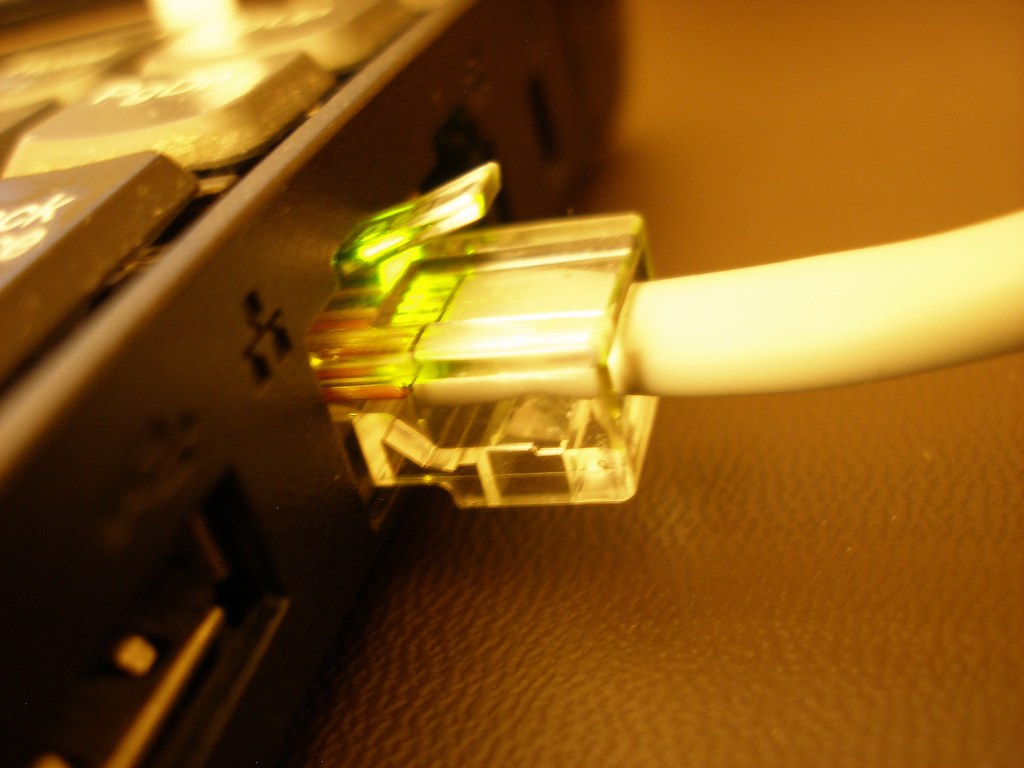
Ethernet removes the wireless radio link between the PC and the wired network point it reaches. That can avoid interference and signal variation on that part of the route. It does not remove congestion beyond the router, repair a distant game server or shorten the geographical distance to a match. A cable is a useful comparison tool, not a promise of zero latency.
When possible, test with a known-working cable directly to the main router or its wired network. A cable plugged into a wireless mesh node may still depend on a wireless backhaul. That is not the same experiment as a fully wired path, even though Windows reports an Ethernet connection.
Make Wi-Fi conditions visible
If a cable is impractical, check the PC's Wi-Fi hardware and antenna arrangement. Desktop antennas hidden behind a metal case can have a different experience from a laptop on top of the desk. Place supplied antennas as instructed and avoid trapping them among dense metal objects.
Distance, walls, neighbouring networks and other users all affect wireless operation. A higher-frequency band may offer useful capacity nearby but behave differently through obstacles. Try the router's supported bands in the actual room rather than assuming one band is always better. Record which network and band were used so that later comparisons are meaningful.
Moving the router or access point may help, but consider everyone who uses it. A location that improves one gaming desk while disconnecting a work room is not an unqualified success. For a larger home, a wired access point or properly planned mesh arrangement may be more useful than an unusually expensive adapter on one PC.
Test the symptom, not only download speed
Play the same game at comparable times with other traffic held as similar as possible. Record latency variation, packet-loss warnings and disconnections. A short speed test can reveal a major throughput problem, but it does not reproduce every route to a game server or every busy evening.
If both wired and wireless sessions fail at the same time, investigate the shared parts of the path: router, internet service and game service. If only Wi-Fi fails while a wired session remains stable, focus on the local wireless link. That distinction can prevent spending money on a graphics card for a connection problem.
For a permanent cable run, route it safely and use suitable cable and connectors. Do not leave it stretched across a doorway or crushed under furniture. Check tenancy and installation requirements before drilling or modifying walls. A neat supported route makes the wired connection easier to live with than a temporary cable that becomes a trip hazard.
Choose for the room you have
A stable Wi-Fi connection can be entirely suitable for a particular player, while a competitive player with an easy cable route may prefer Ethernet's simpler local path. The decision should come from repeatable observations and the practical layout. Keep the temporary wired test available when troubleshooting future network problems; it remains a valuable way to separate radio conditions from the wider service.
For example, suppose the same evening match shows interruptions on Wi-Fi but runs consistently over a temporary direct cable. That supports improving the wireless path or planning a cable route. If both tests deteriorate when another device begins an upload, changing the PC's Wi-Fi adapter would leave the shared bottleneck in place. In either case, the comparison tells you what to investigate; it does not establish a universal ranking of every wired and wireless product.