The diagonal is only the starting point
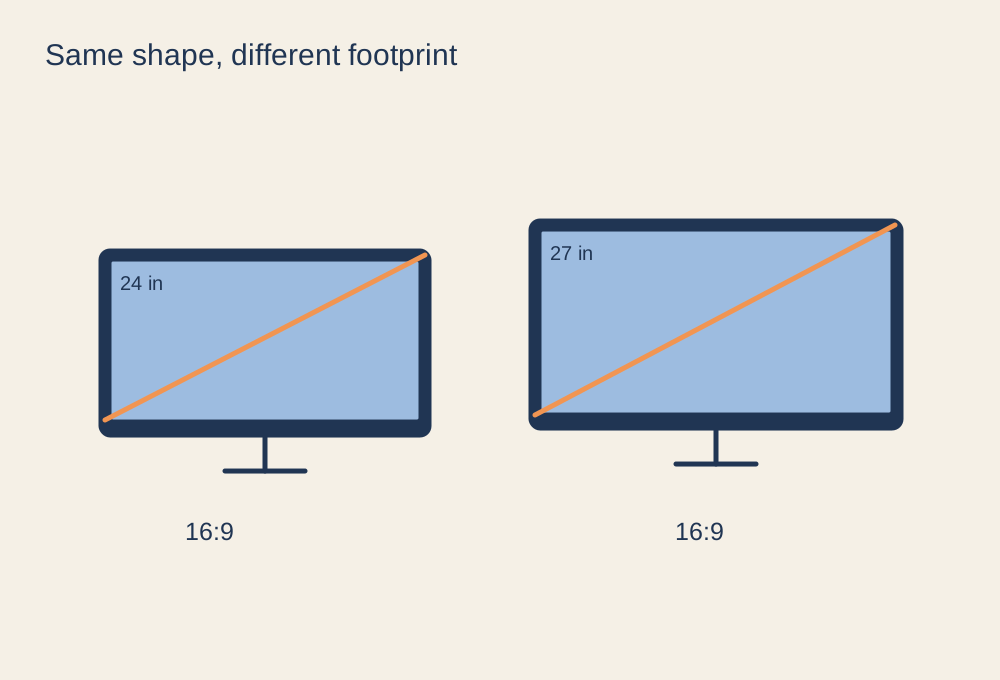
A 27-inch screen is larger than a 24-inch screen, but the experience also depends on resolution and viewing distance. When both use the same resolution, the larger display spreads the same number of pixels over more space. Text and interface elements can look larger, while fine detail may look less dense from the same seat. Increasing resolution changes that comparison and adds a different graphics workload.
Do not compare a 24-inch 1080p model and a 27-inch 1440p model as if size were the only difference. Note both specifications, along with refresh rate and panel behaviour. A size recommendation that ignores those details is difficult to apply to your own desk.
Try the footprint
Check the actual width, height and stand depth of each candidate. Make a paper or cardboard outline of the screen and place it where the monitor will sit. Keep your usual keyboard and mouse positions. Can you read the corners without repeatedly leaning or turning? Does the stand occupy the area where your mouse normally moves?
If you sit close to a shallow desk, a smaller screen may be easier to take in at once. A larger screen may suit a deeper desk or interface-heavy games, provided the controls remain comfortably reachable. The right position is not determined by a universal distance formula; legibility, vision needs and the rest of the workstation matter.
Think about the second use
If you also work or study at the desk, open the applications you use most. Extra resolution can create room for several windows, but tiny default text may need scaling. Scaling is a normal adjustment, not evidence that you chose the wrong display. Check whether the applications handle it cleanly.
For gaming, ask what you would actually gain from the larger image. If your current problem is blur during movement, increasing size alone will not address it. If the problem is reading small menus from your seat, a larger display or suitable interface scaling may help. Compare complete models, then choose the smallest size that meets your viewing needs without compromising the space for your controls.