
The Setup
Choosing a monitor around the games you play
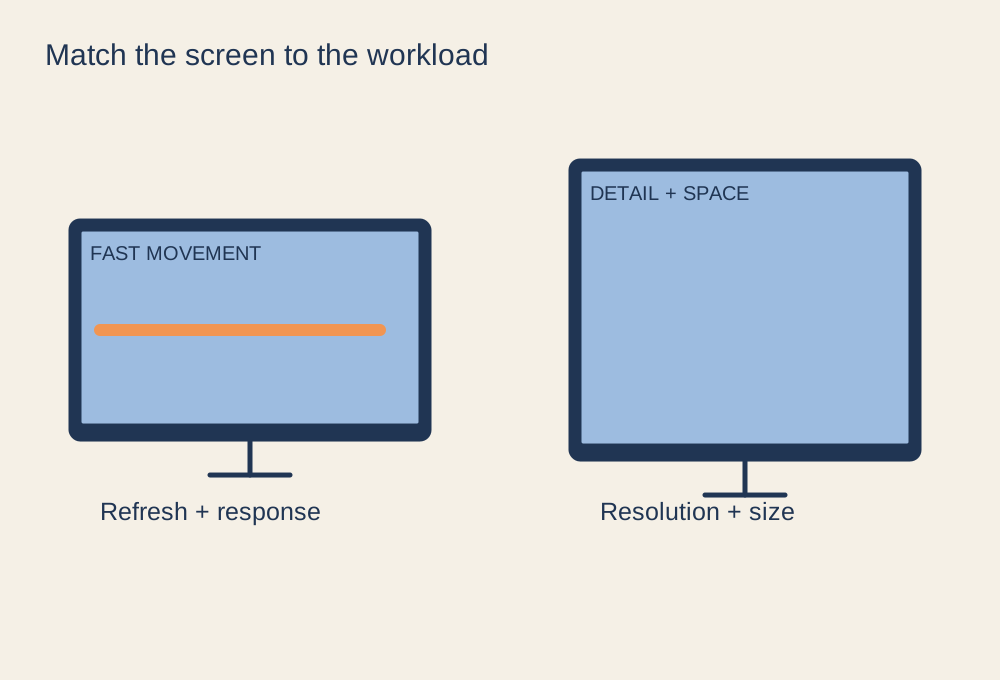
Build a shortlist from your games, graphics hardware and viewing conditions.
17 GUIDES
Screens, desks, sound and recording equipment.
Build a shortlist from your games, graphics hardware and viewing conditions.
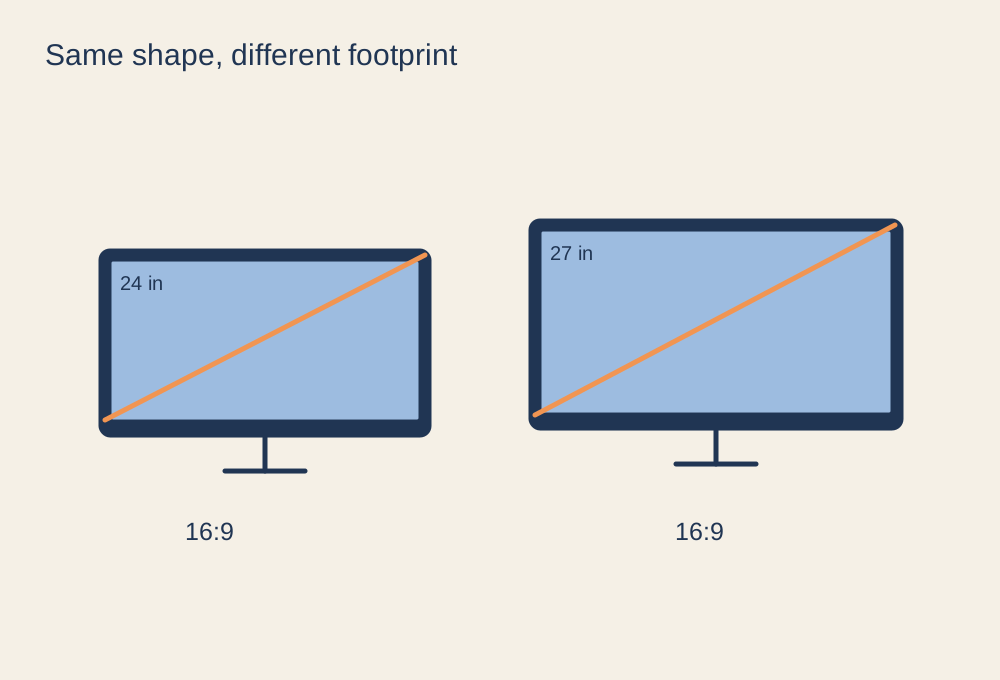
Compare pixel density and desk space, not just the extra three inches.
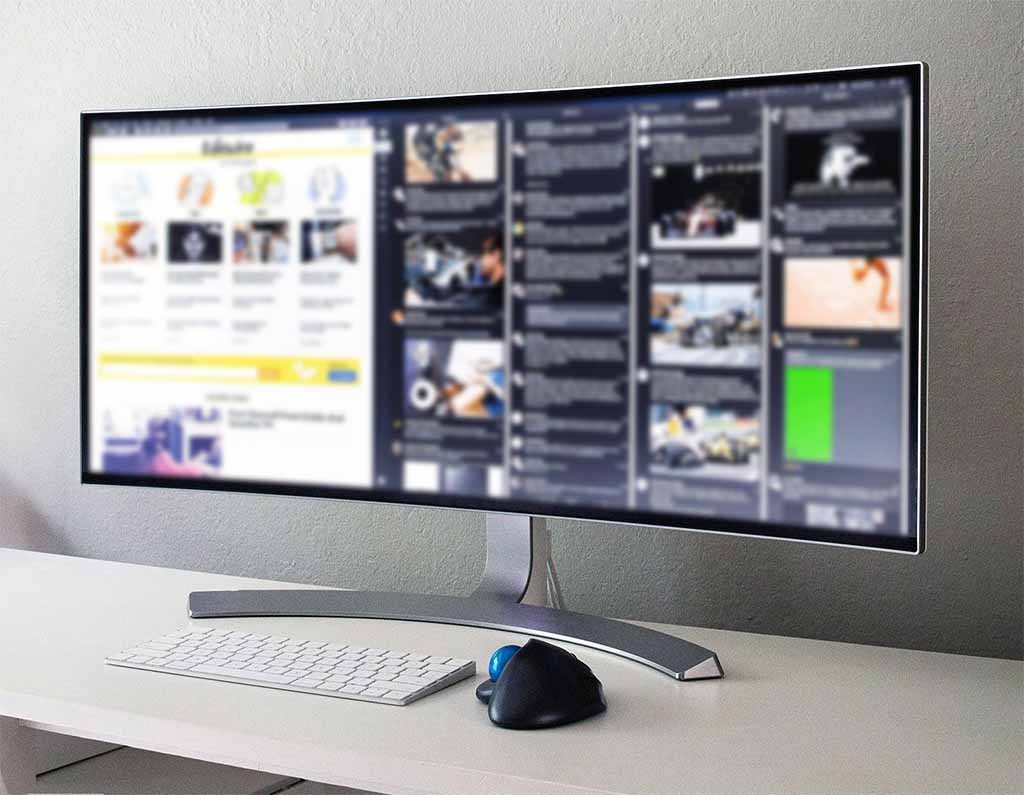
Check game support, pixel workload and the usable width of your desk.
Photo: Lipsbaterando · CC BY-SA 4.0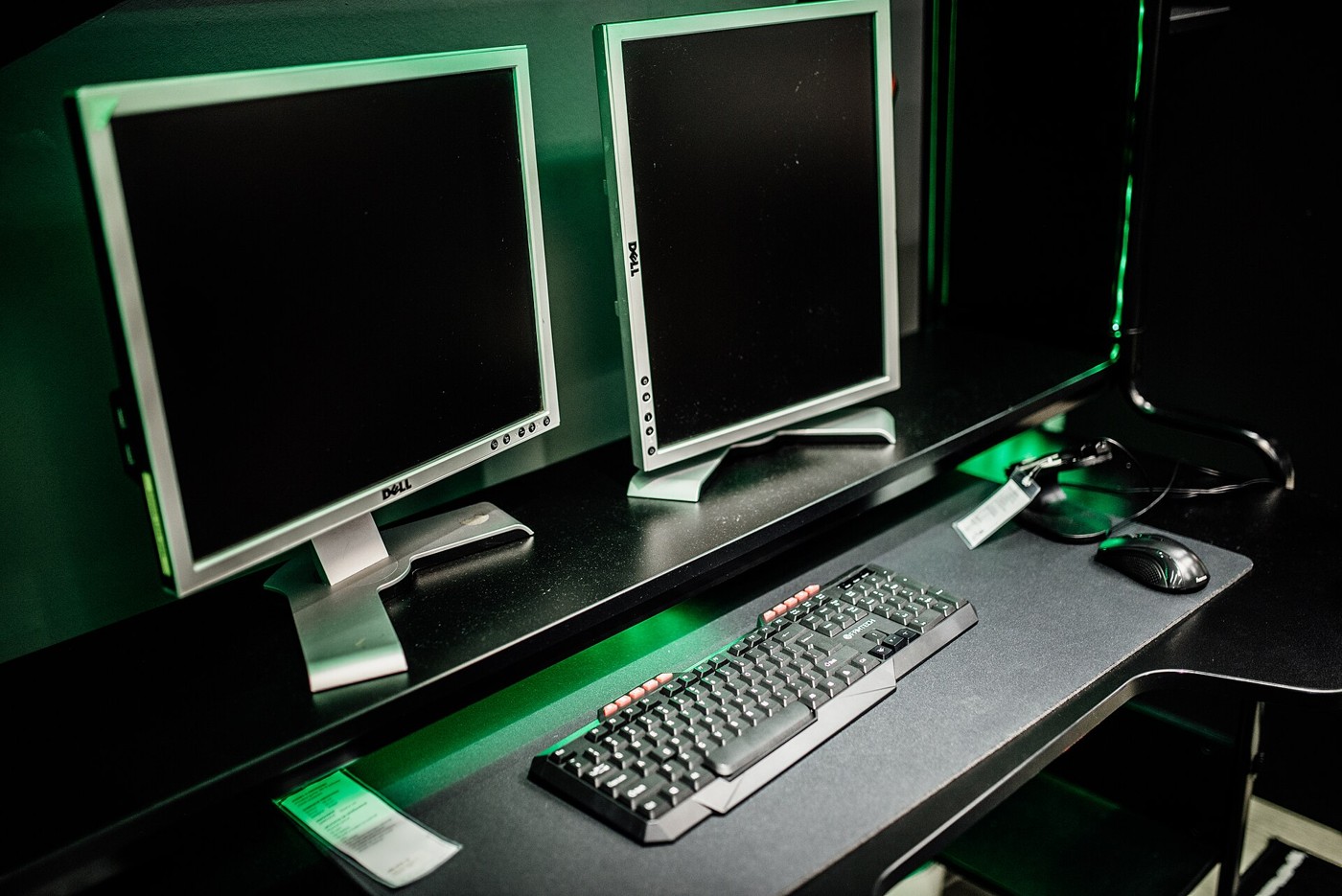
Keep the main game centred and make the second display easy to reach with your eyes.
Photo: Shixart1985 · CC BY 2.0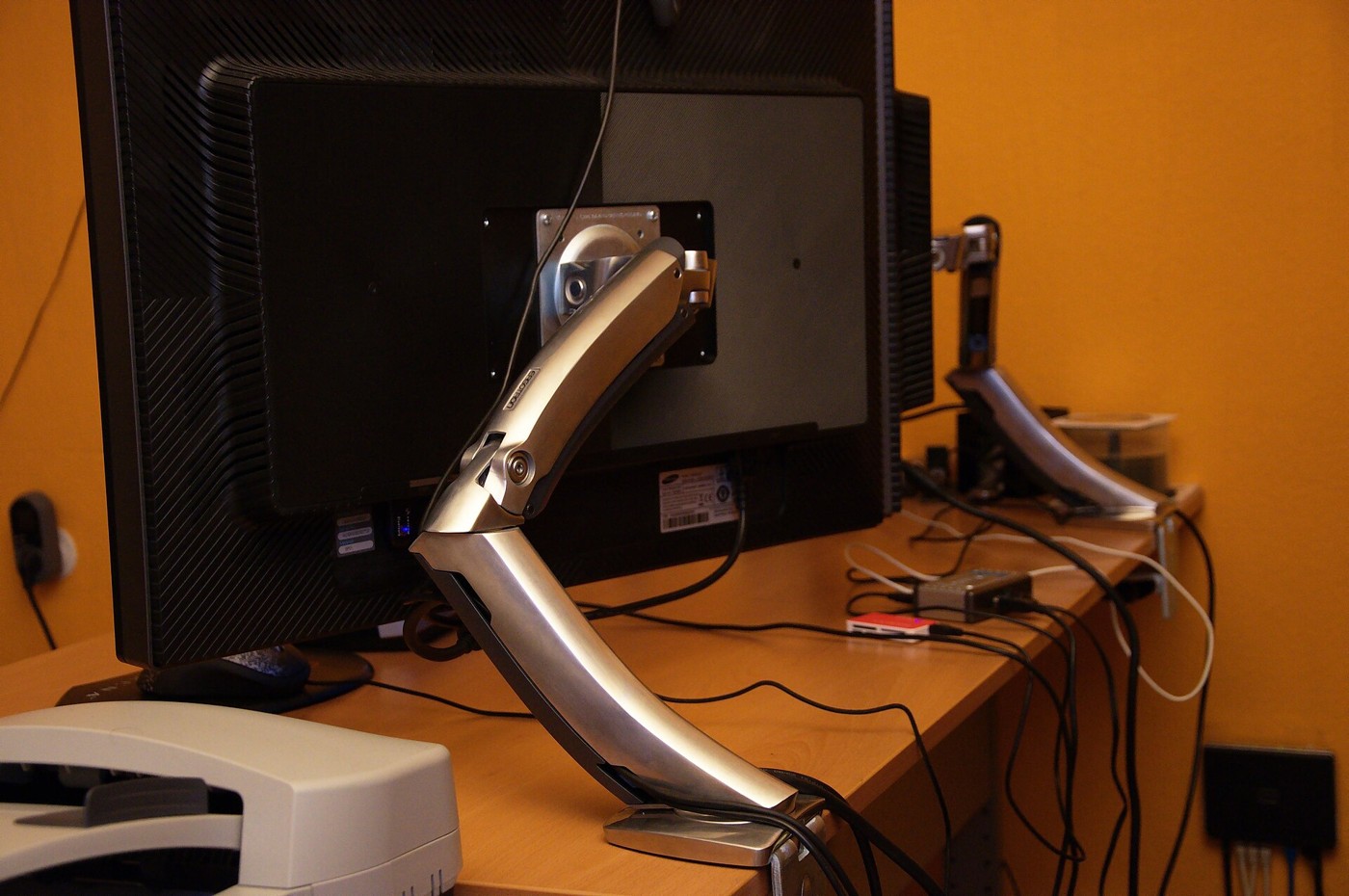
Check weight, mounting pattern, desk construction and movement before choosing an arm.
Photo: Ben Scholzen · CC BY 2.0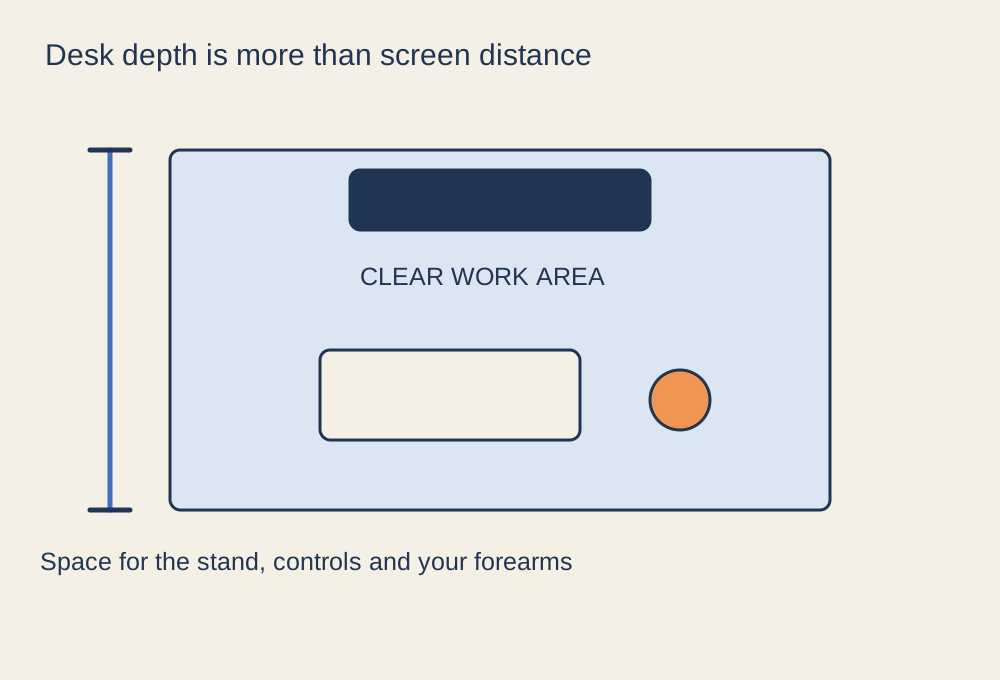
Measure the space taken by the screen stand, controls and your normal sitting position.
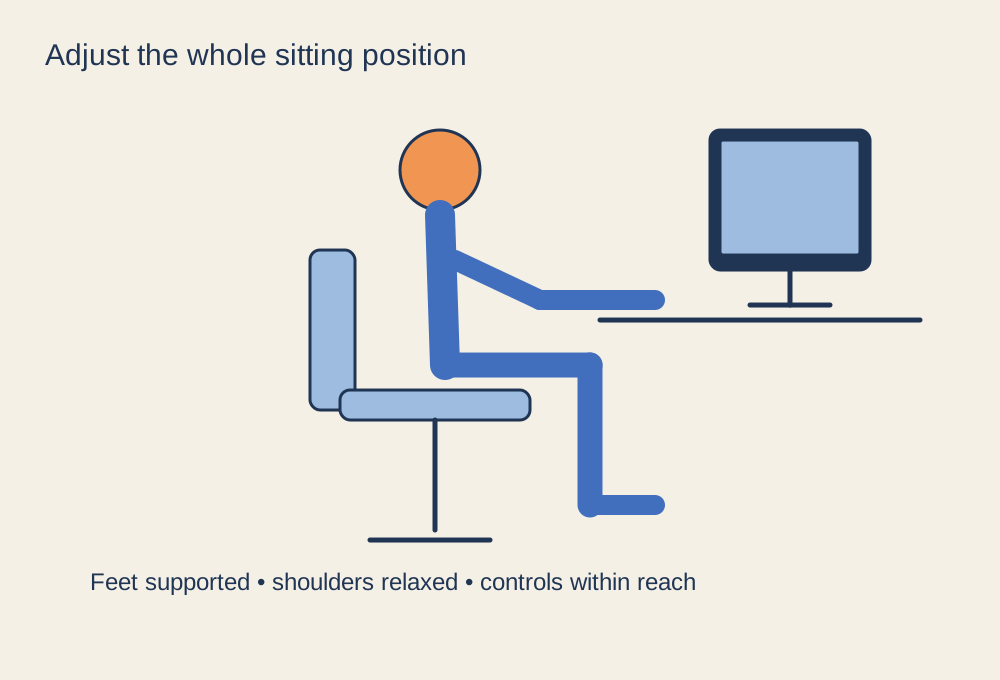
Adjust the chair, controls and screen as one arrangement, then allow room to change position.
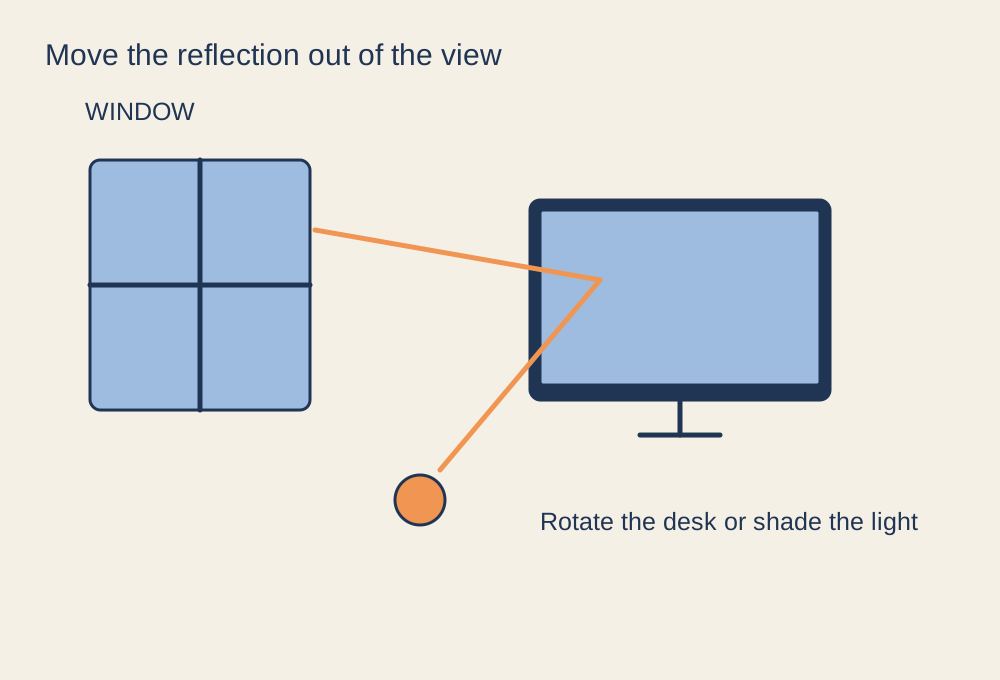
Find the light source that creates the reflection before changing display settings.
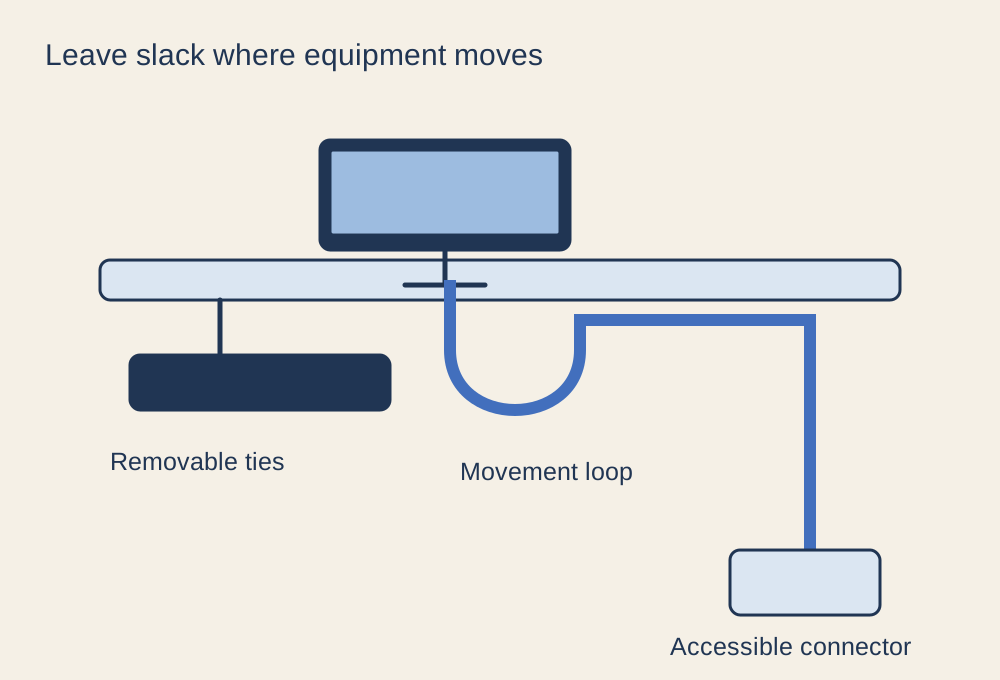
Keep connectors accessible and leave slack for screens, chairs and adjustable desks.

Separate port count, data bandwidth and power before adding more connections.
Photo: Pascal Giessler · CC BY-SA 3.0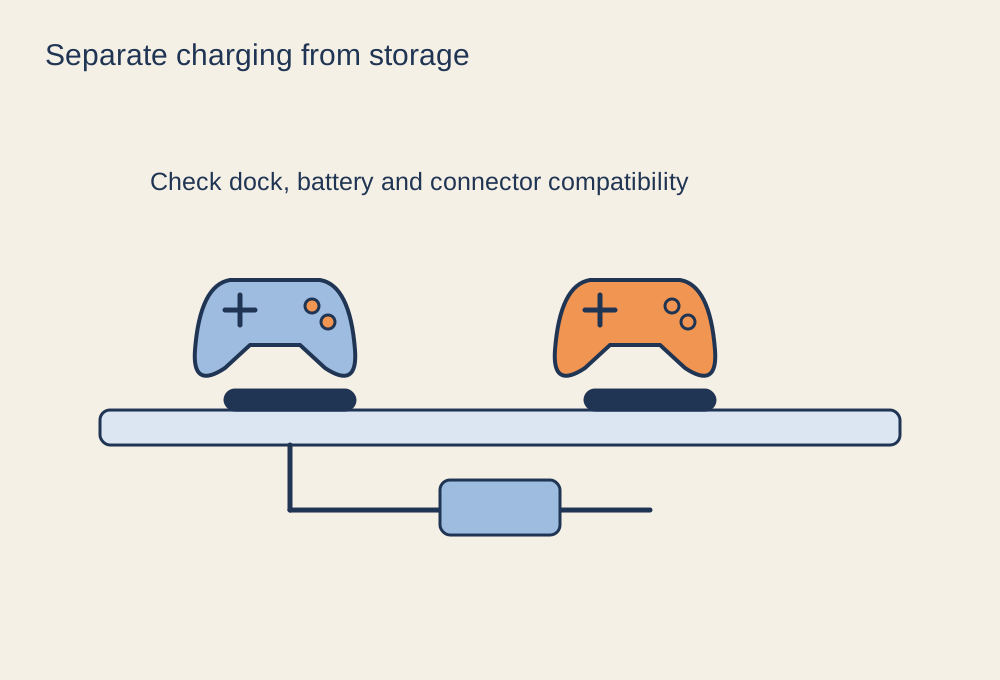
Give each device a compatible charging connection and a place to return after play.
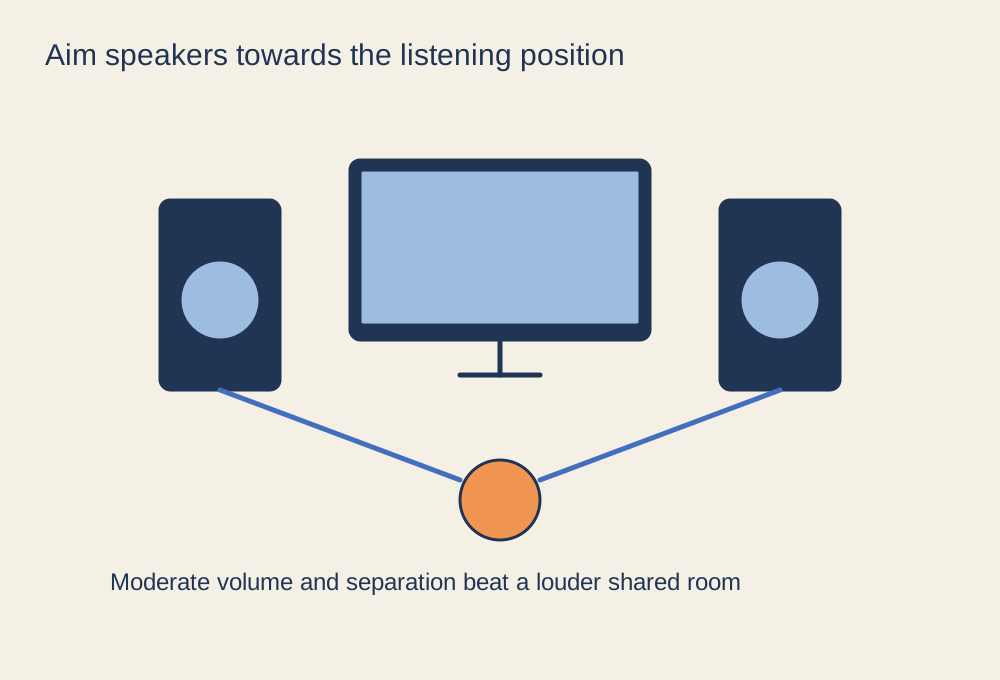
Arrange clear near-field sound without filling the whole room with game audio.
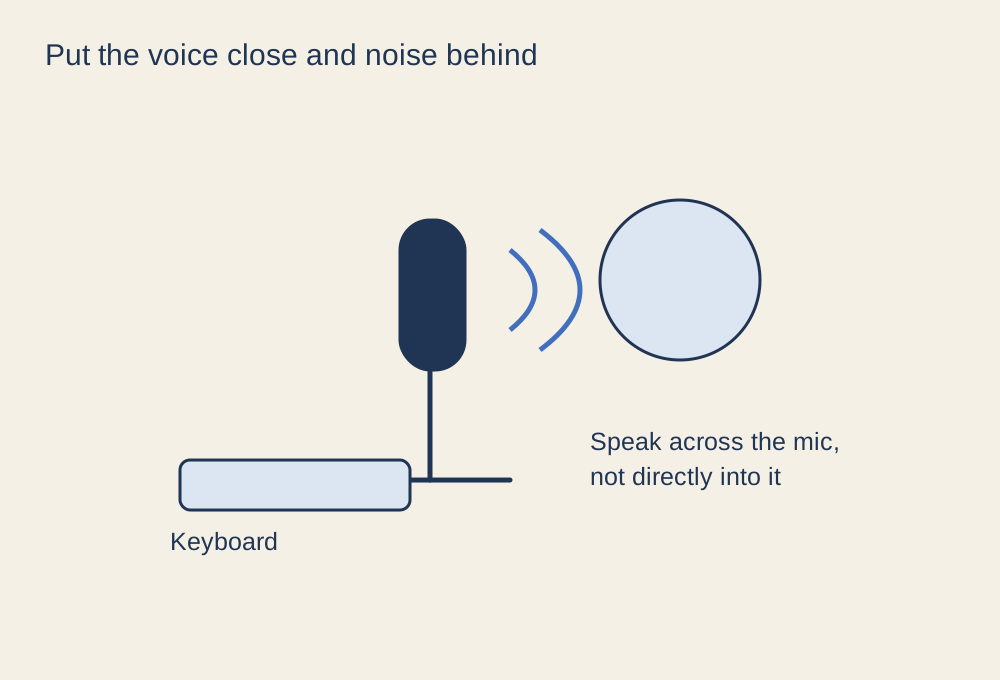
A consistent position makes voice chat easier to balance than repeated gain changes.
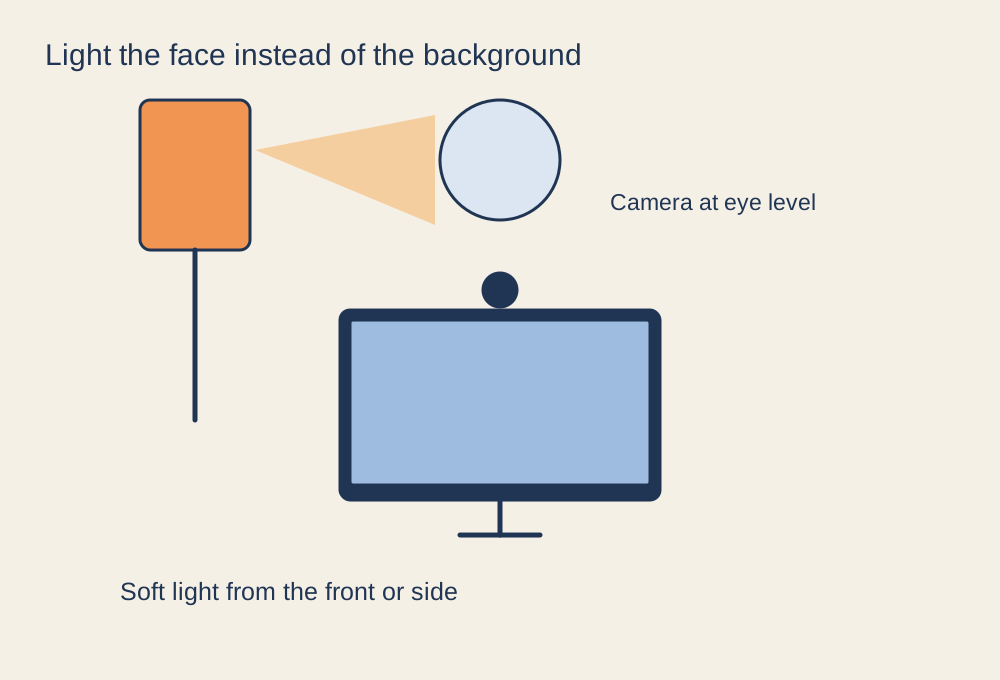
Move and soften the light before replacing a webcam that struggles in a dark room.
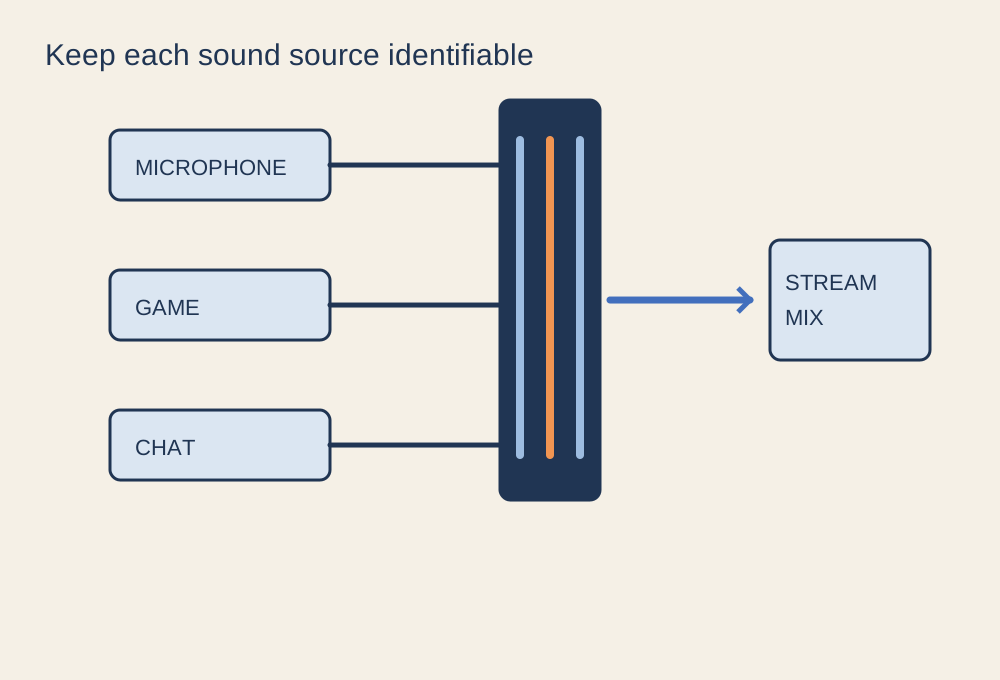
Trace each sound from its source to the stream and to your own headphones.
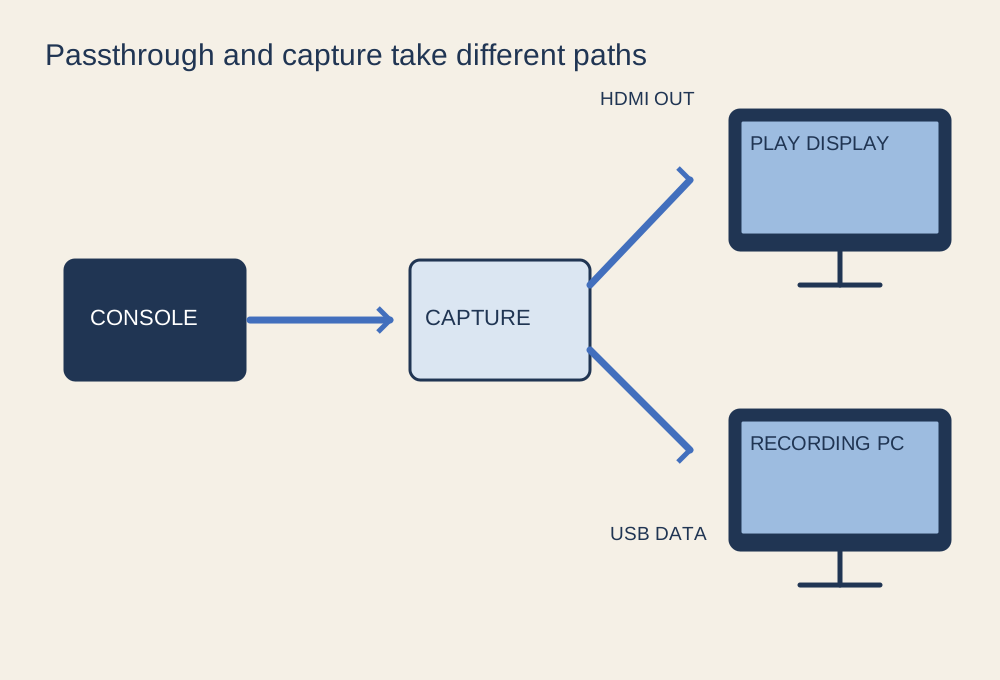
Check source, passthrough display and recording computer as separate links.
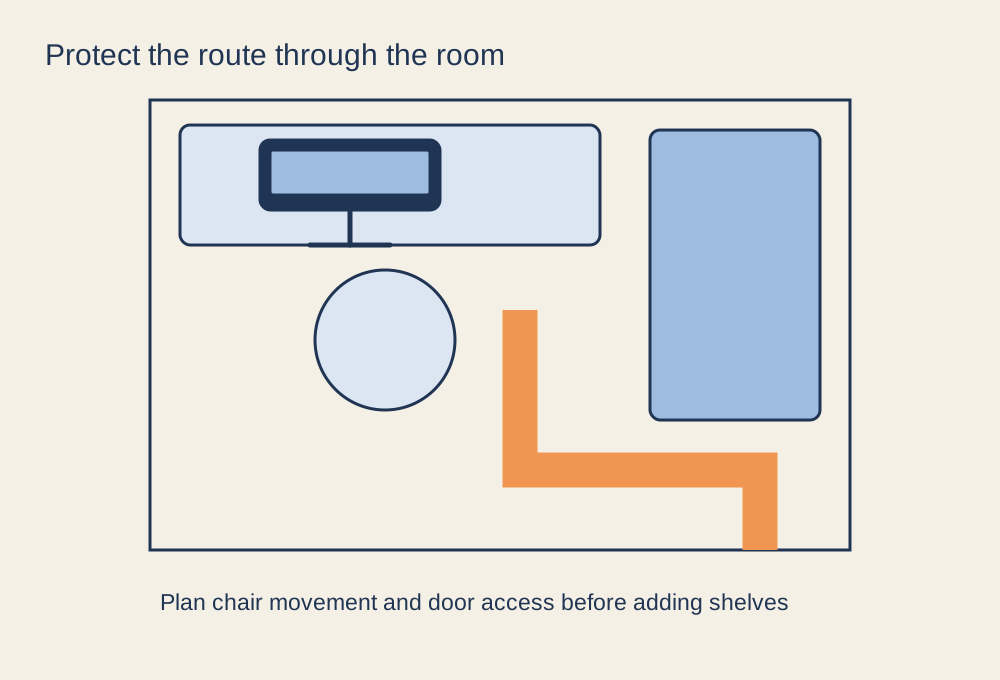
Plan the walking route and chair movement before adding storage or a second screen.


.jpg)
