
Gear
Finding a gaming mouse that fits your hand
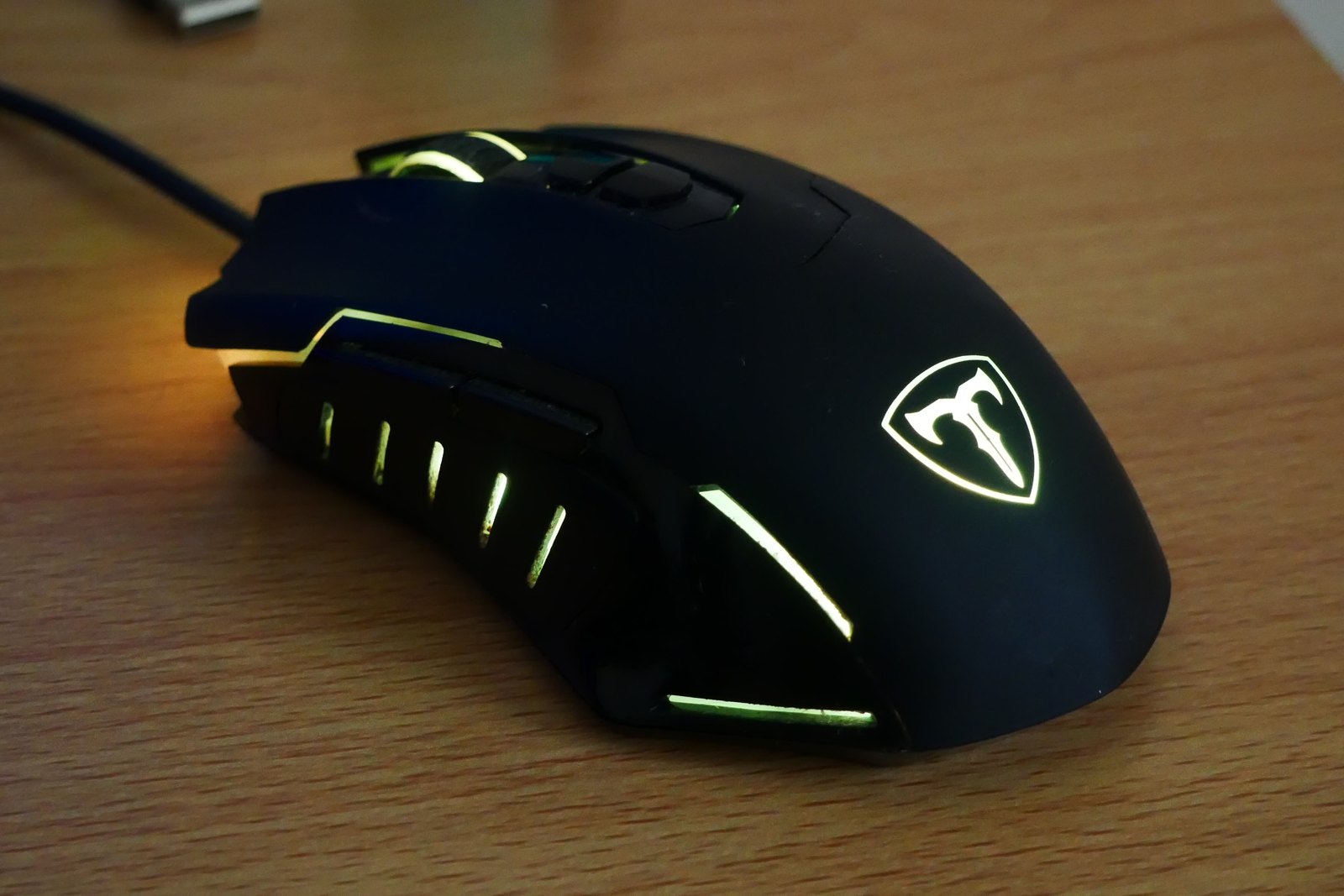
Shape and button reach deserve attention before the largest number on the specification sheet.
Photo: CAPTAIN MEDUSA · CC BY-SA 4.027 GUIDES
Mice, keyboards, headsets and controllers.
Shape and button reach deserve attention before the largest number on the specification sheet.
Photo: CAPTAIN MEDUSA · CC BY-SA 4.0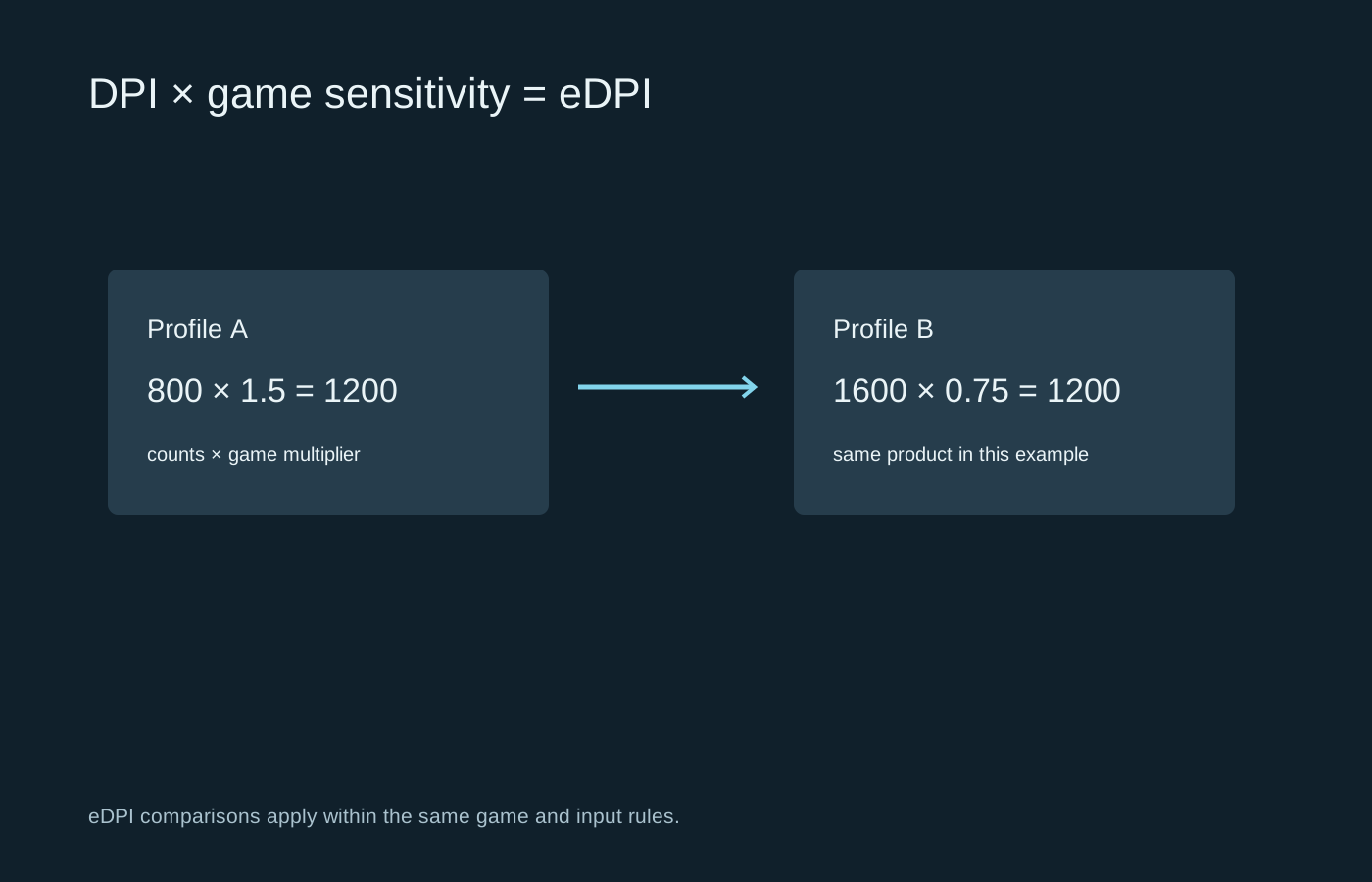
Separate the mouse setting from the game multiplier before copying somebody else’s sensitivity.
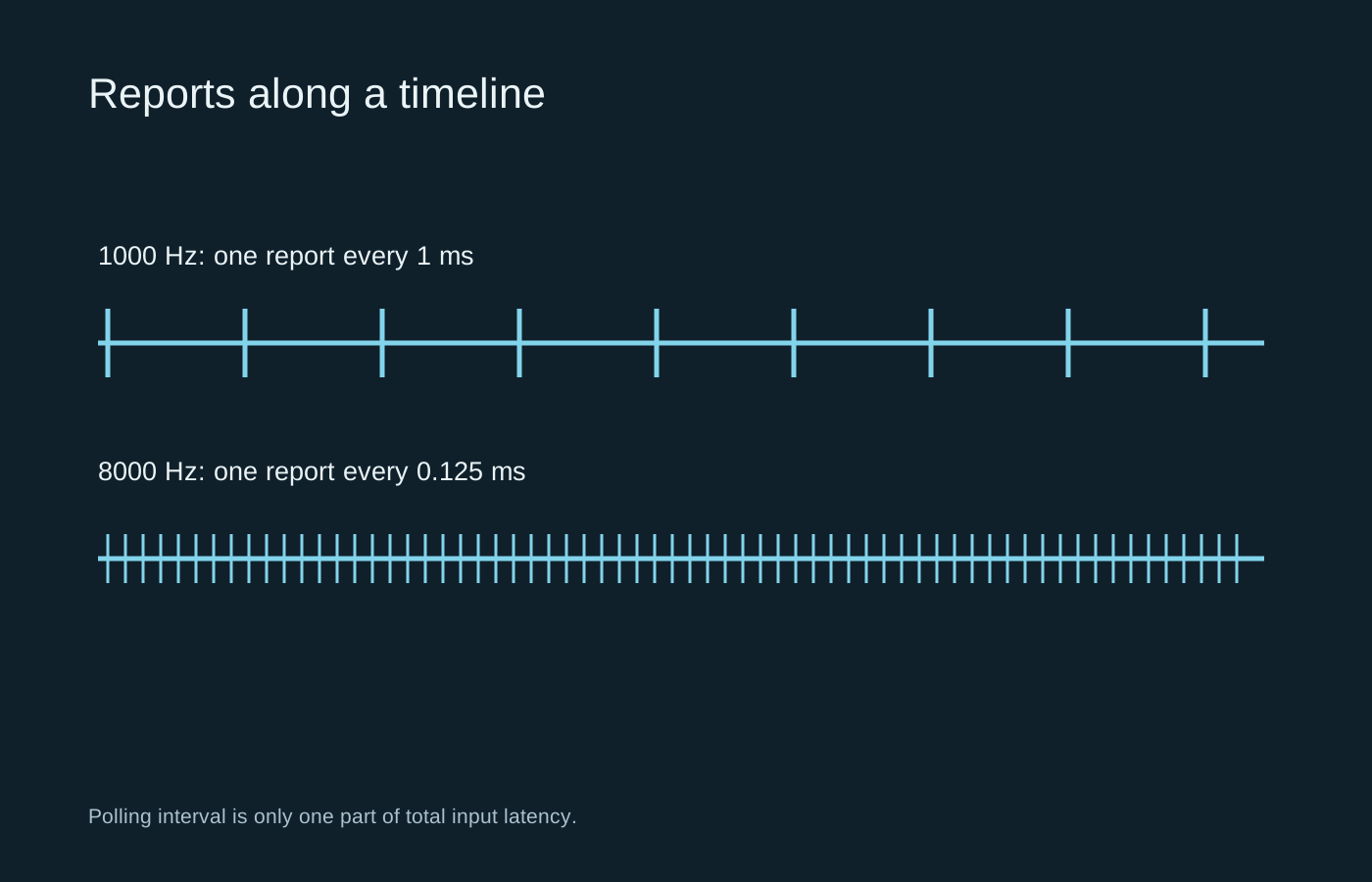
A higher report rate shortens one interval, but the whole game still has to process and display the input.
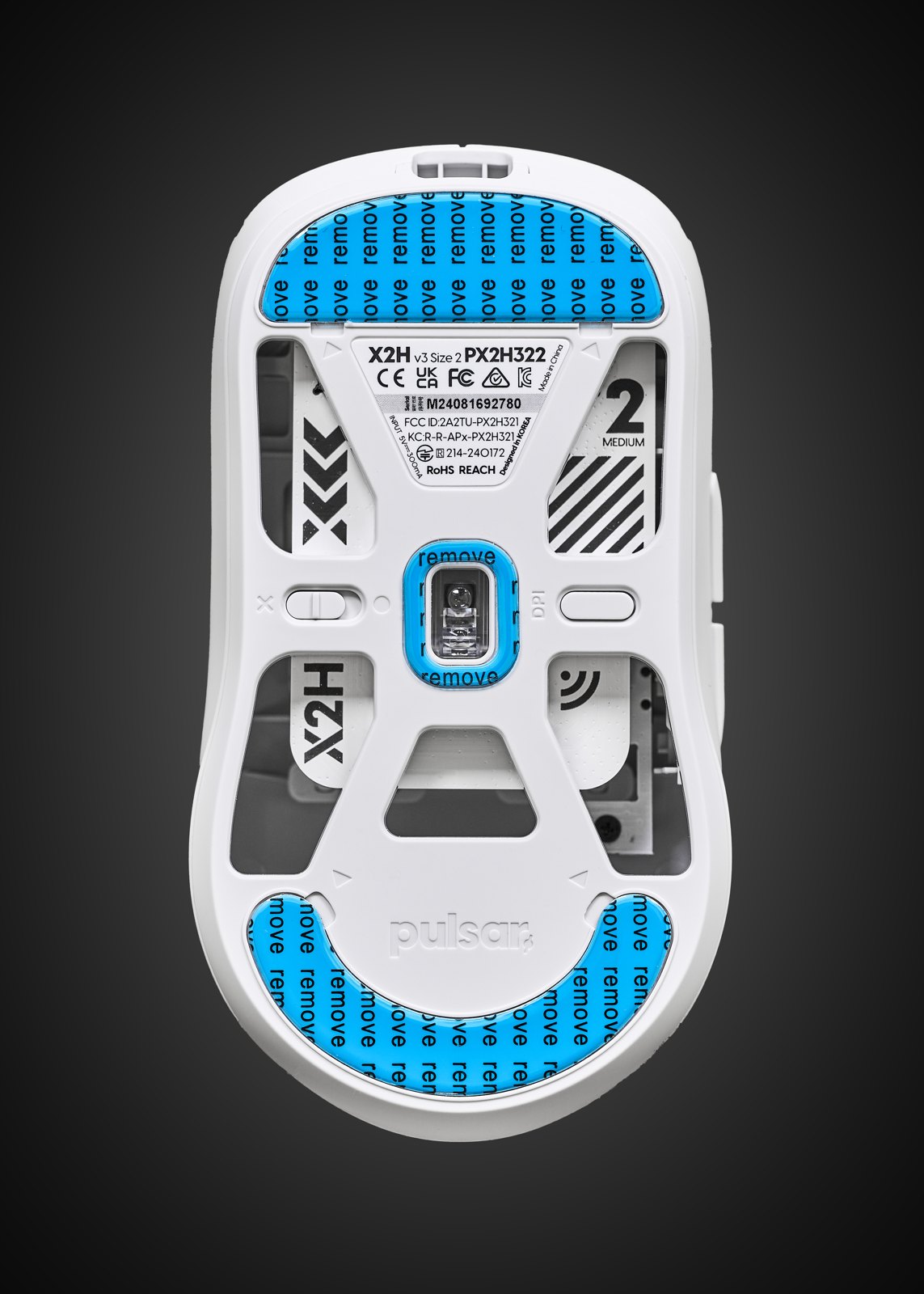
Tracking consistency, surface behaviour and lift-off matter more than the largest DPI figure on the box.
Photo: Anil Öztas · CC BY 4.0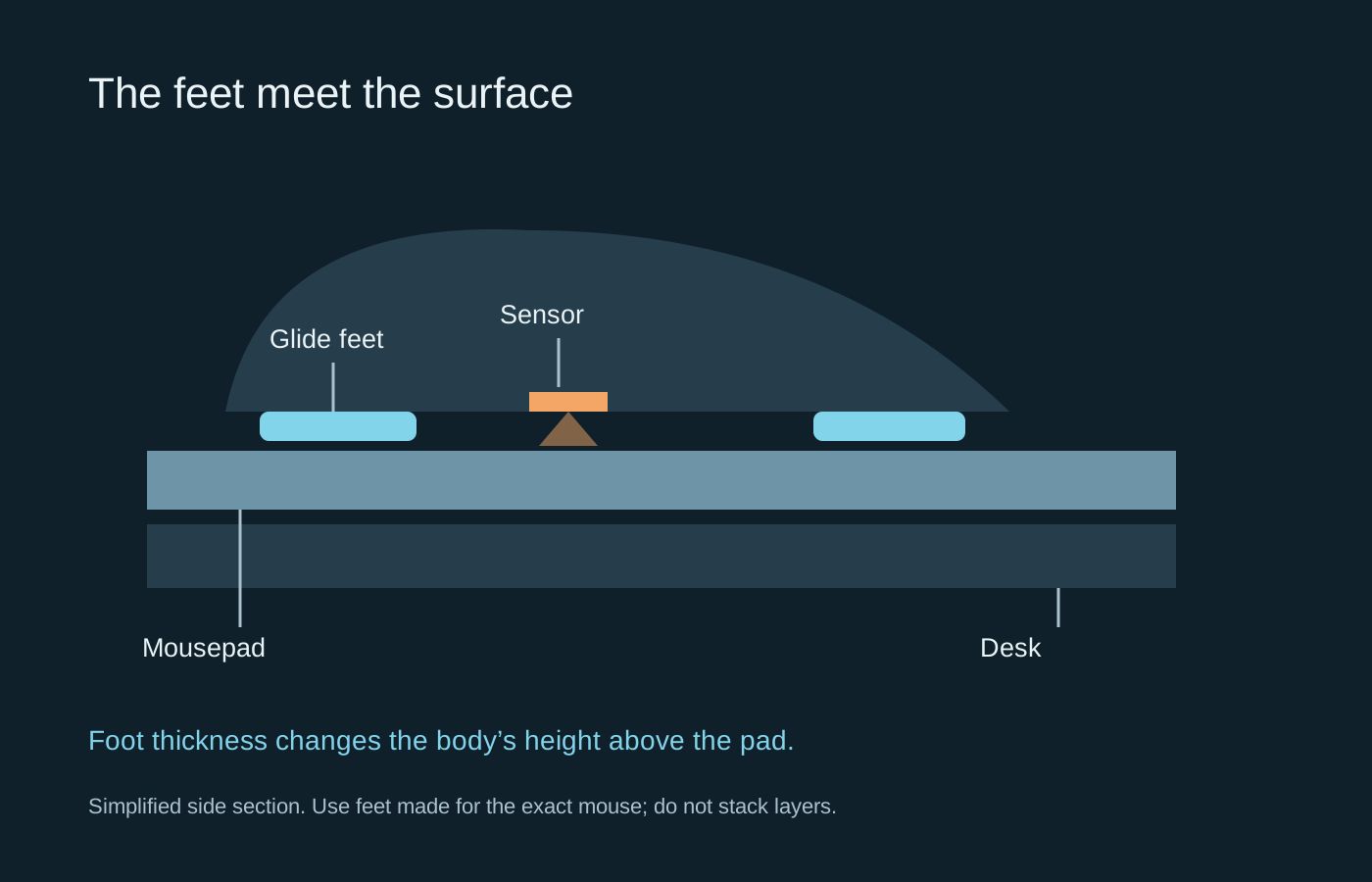
The glide comes from the feet and the surface together, so changing either can alter the feel.
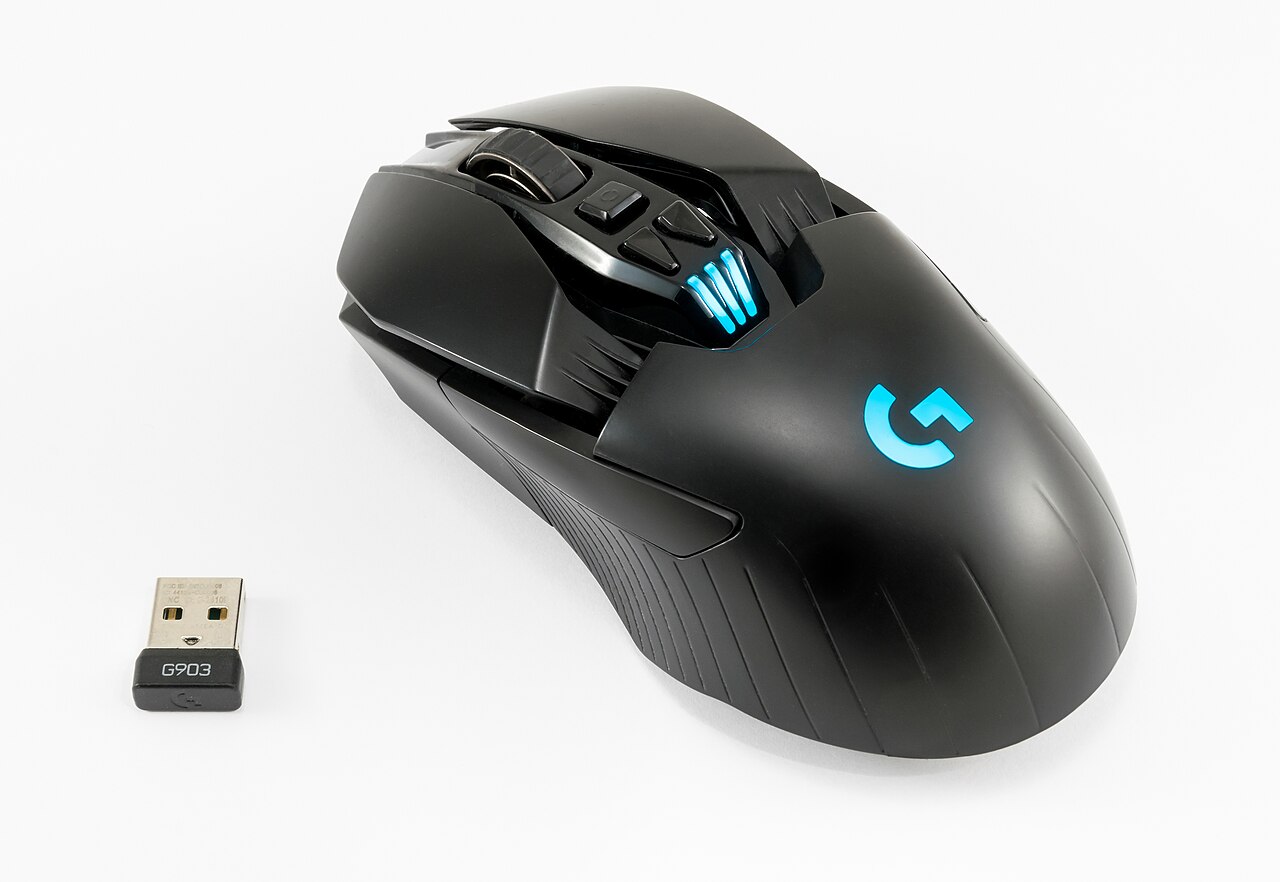
Compare connection modes, charging and cable behaviour instead of treating wired or wireless as a quality label.
Photo: Jacek Halicki · CC BY-SA 4.0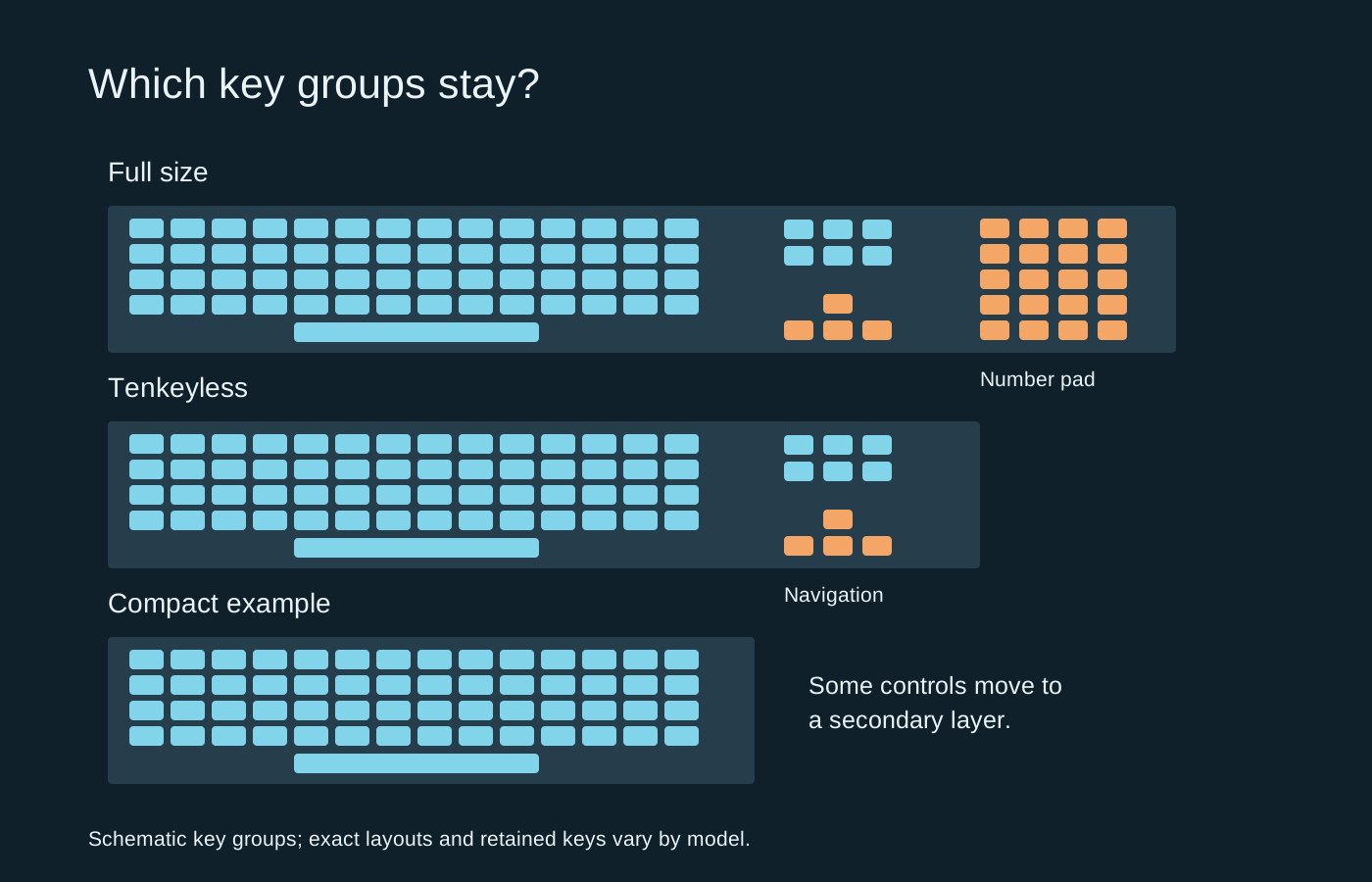
Choose the keys you need first, then use the remaining desk space to judge the size.
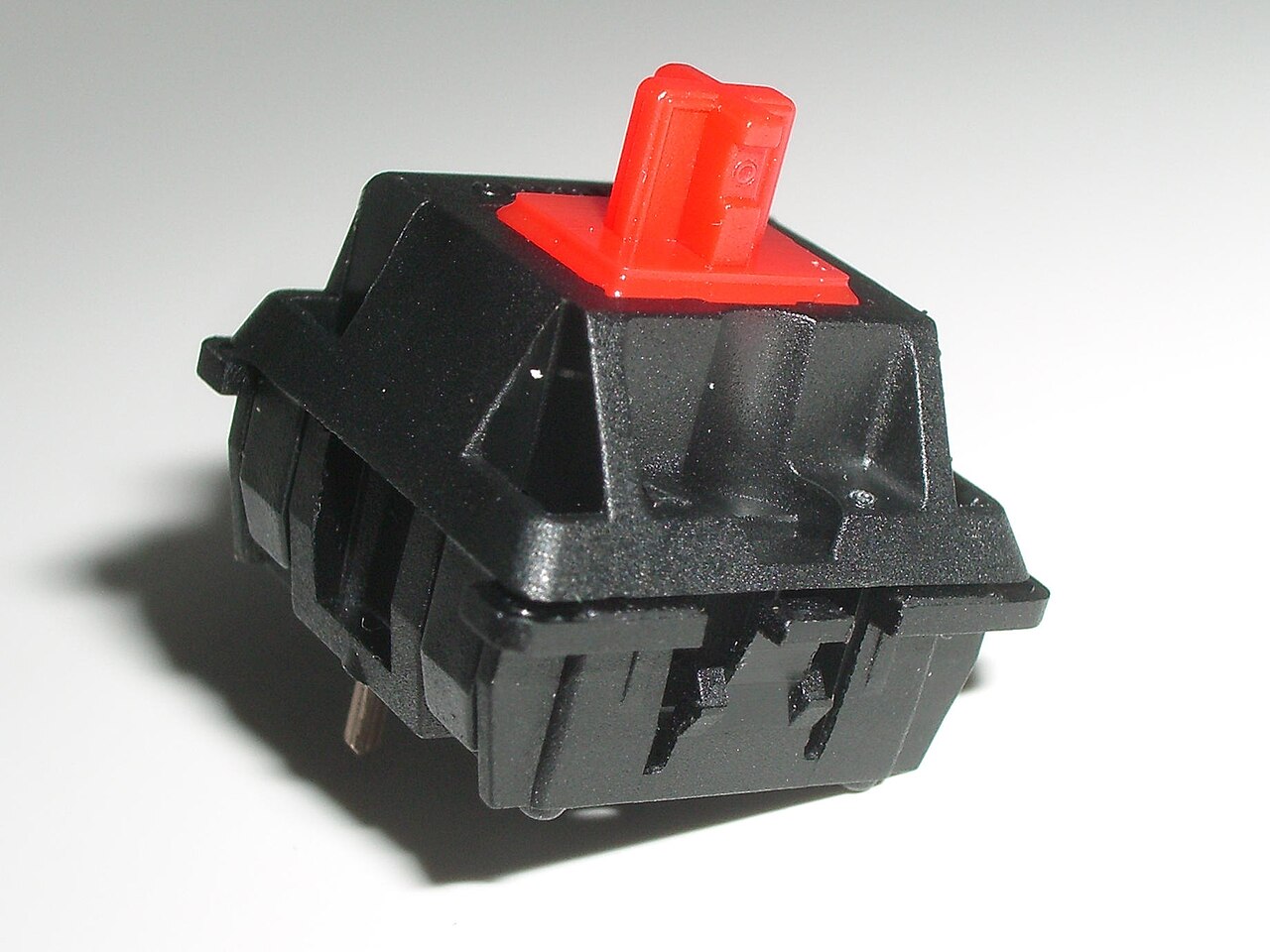
Switch feel and keyboard sound are related, but they are not the same thing.
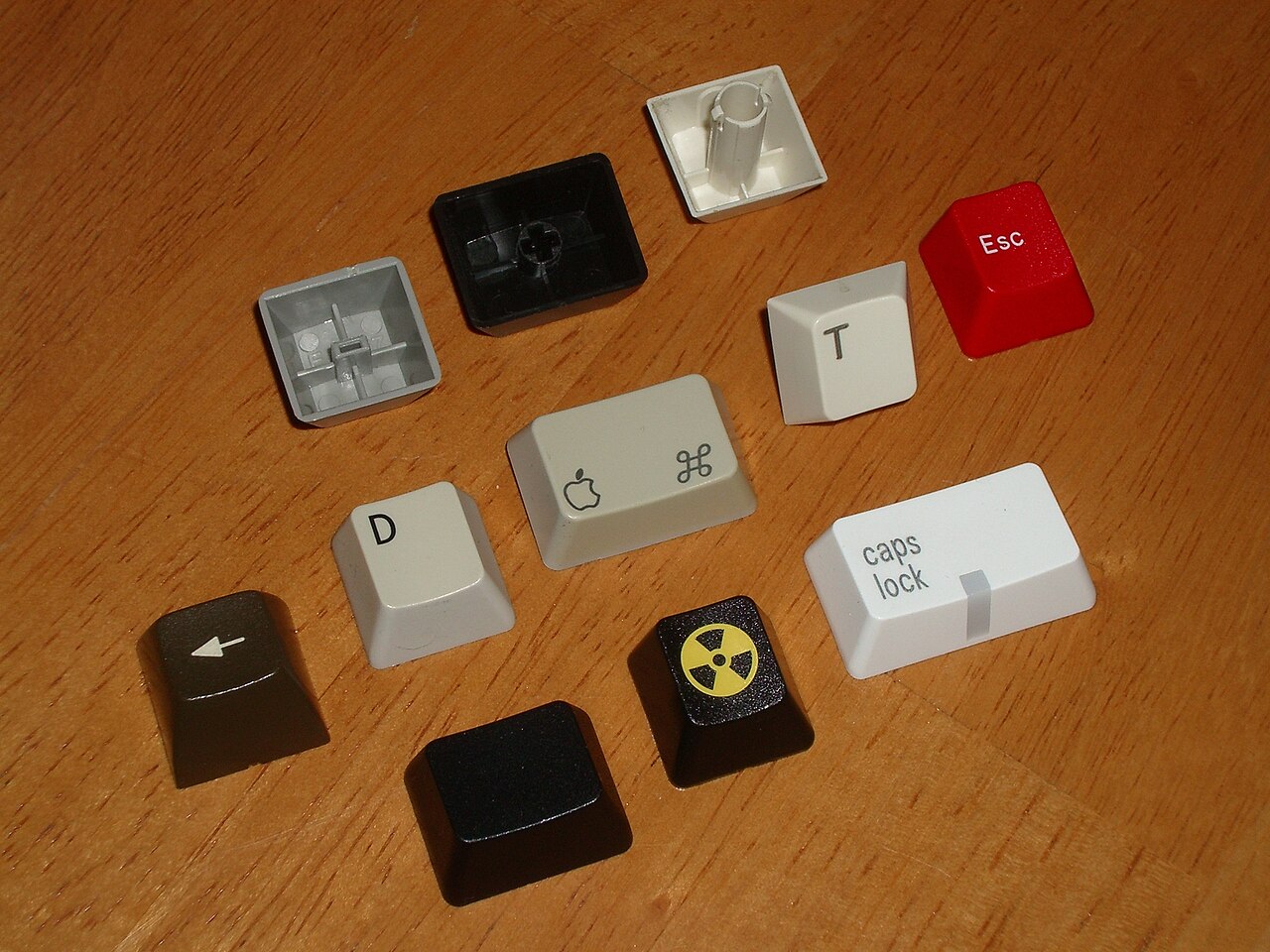
Check the whole layout, including the awkward keys, before buying a replacement keycap set.
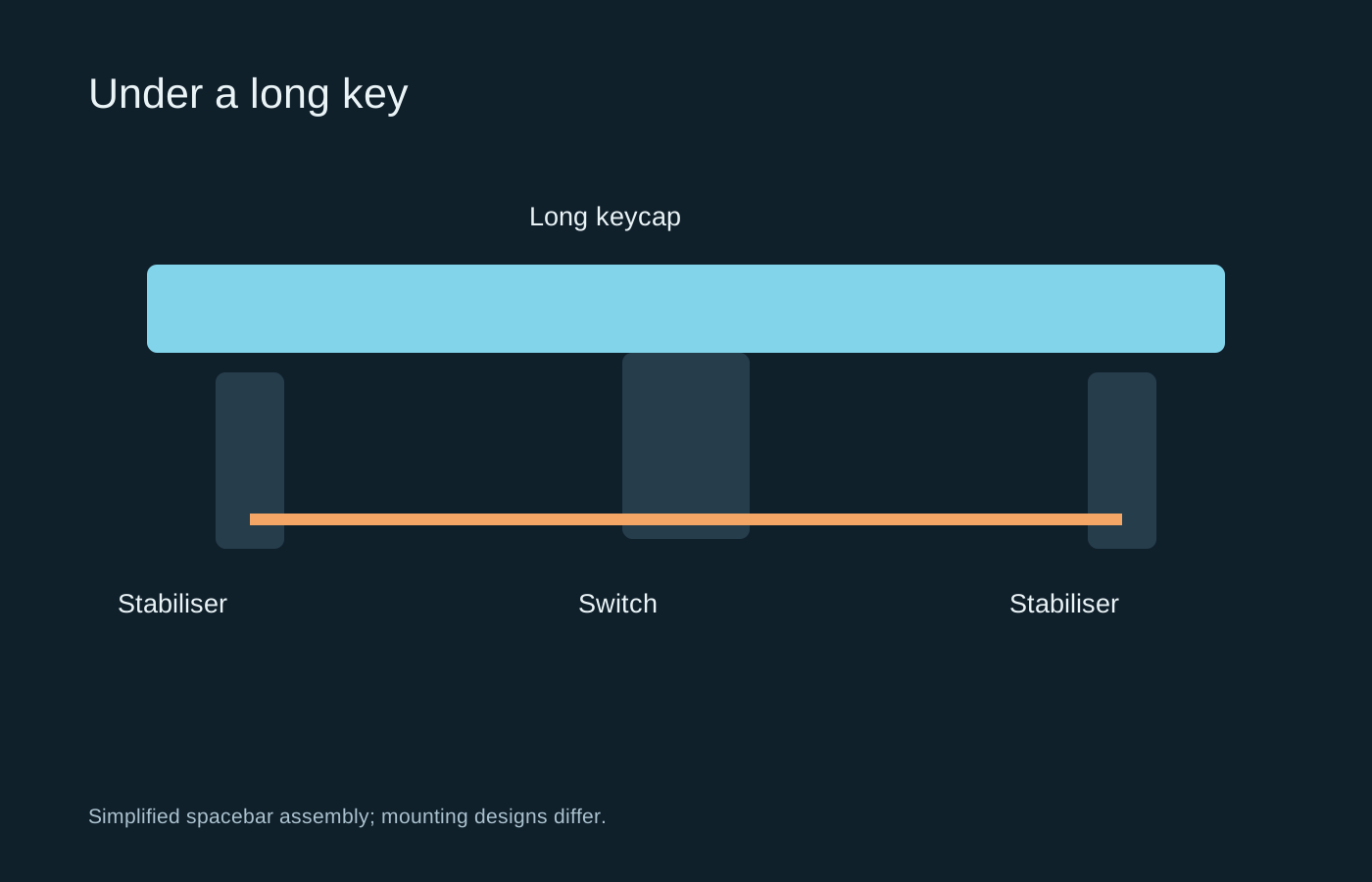
A long key has extra moving parts, so a noisy spacebar does not necessarily mean its switch is faulty.
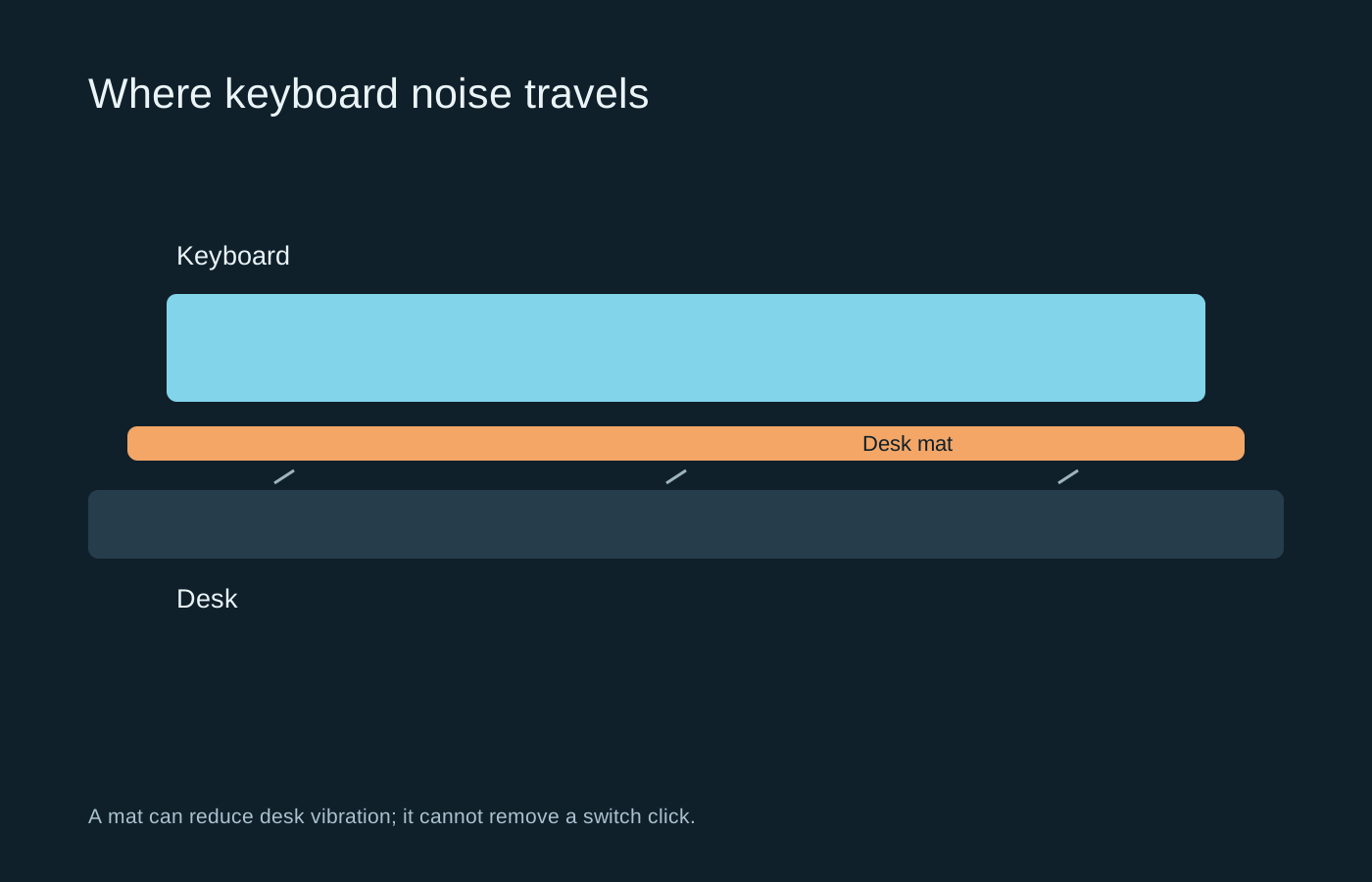
Identify whether the noise comes from the switch, the key impact or the desk before changing parts.
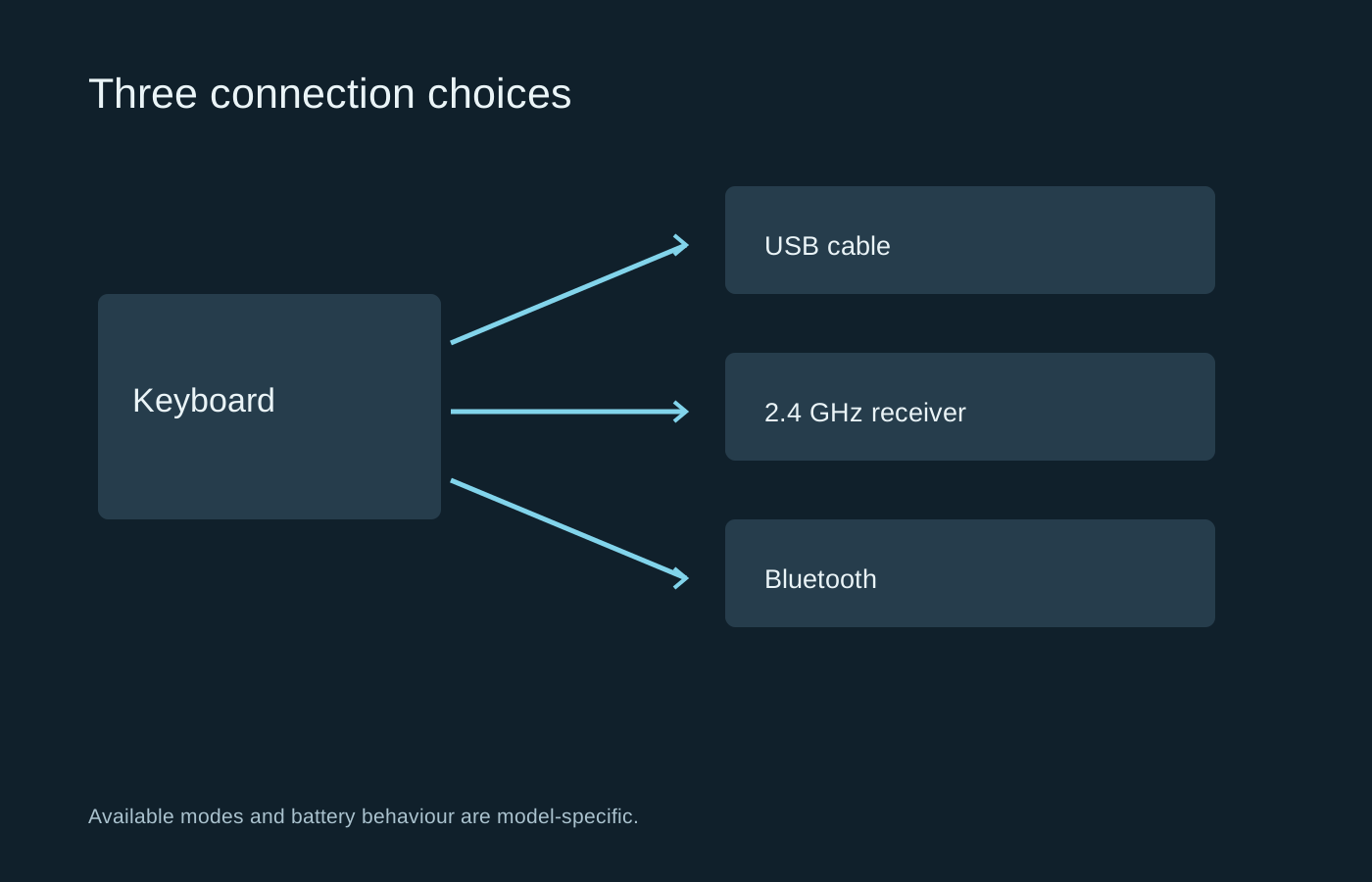
A wireless keyboard may offer several modes, each with different pairing, charging and wake behaviour.
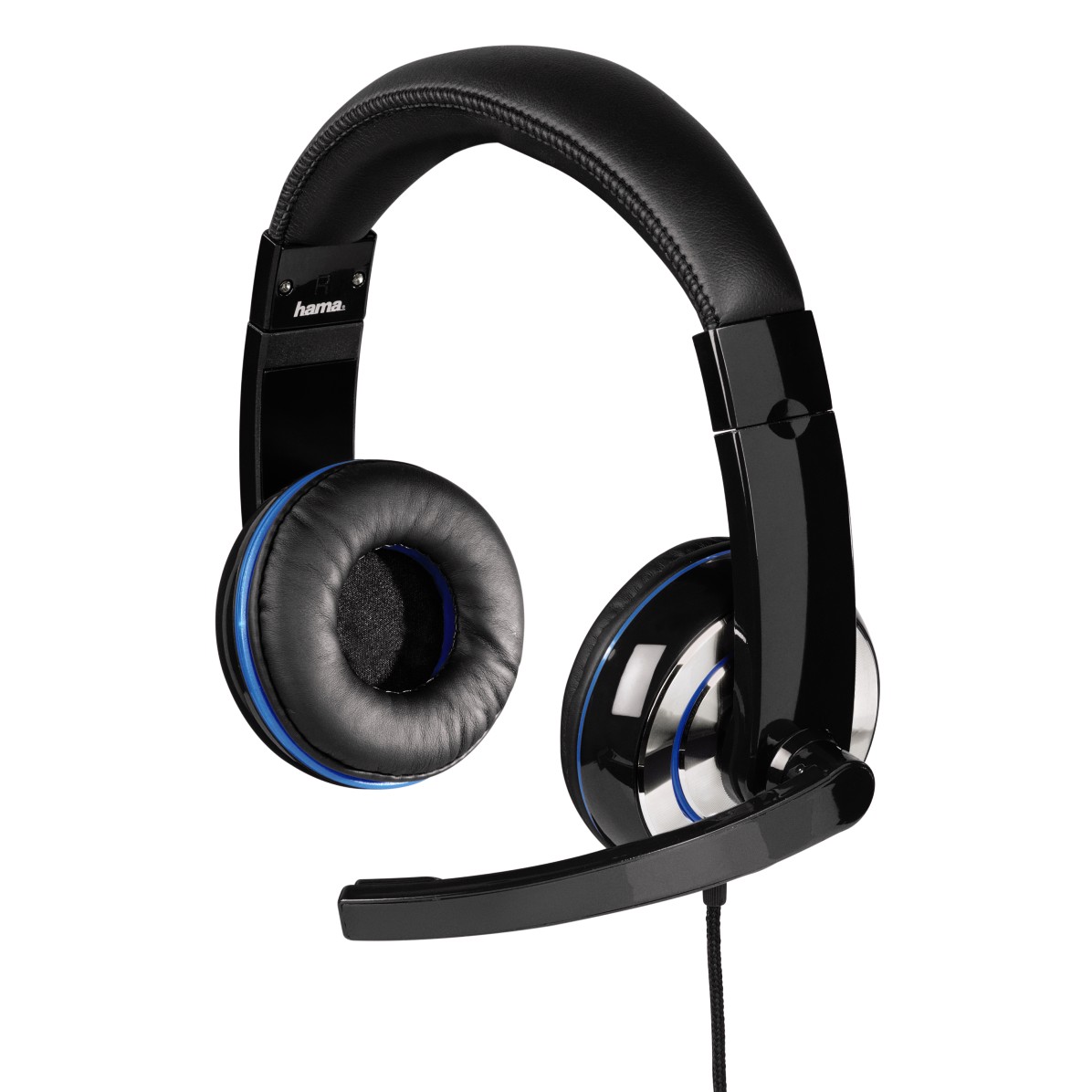
Ear cushions, headband pressure and the shape of your ears all affect how a headset feels.
Photo: Hama GmbH & Co KG · CC BY-SA 4.0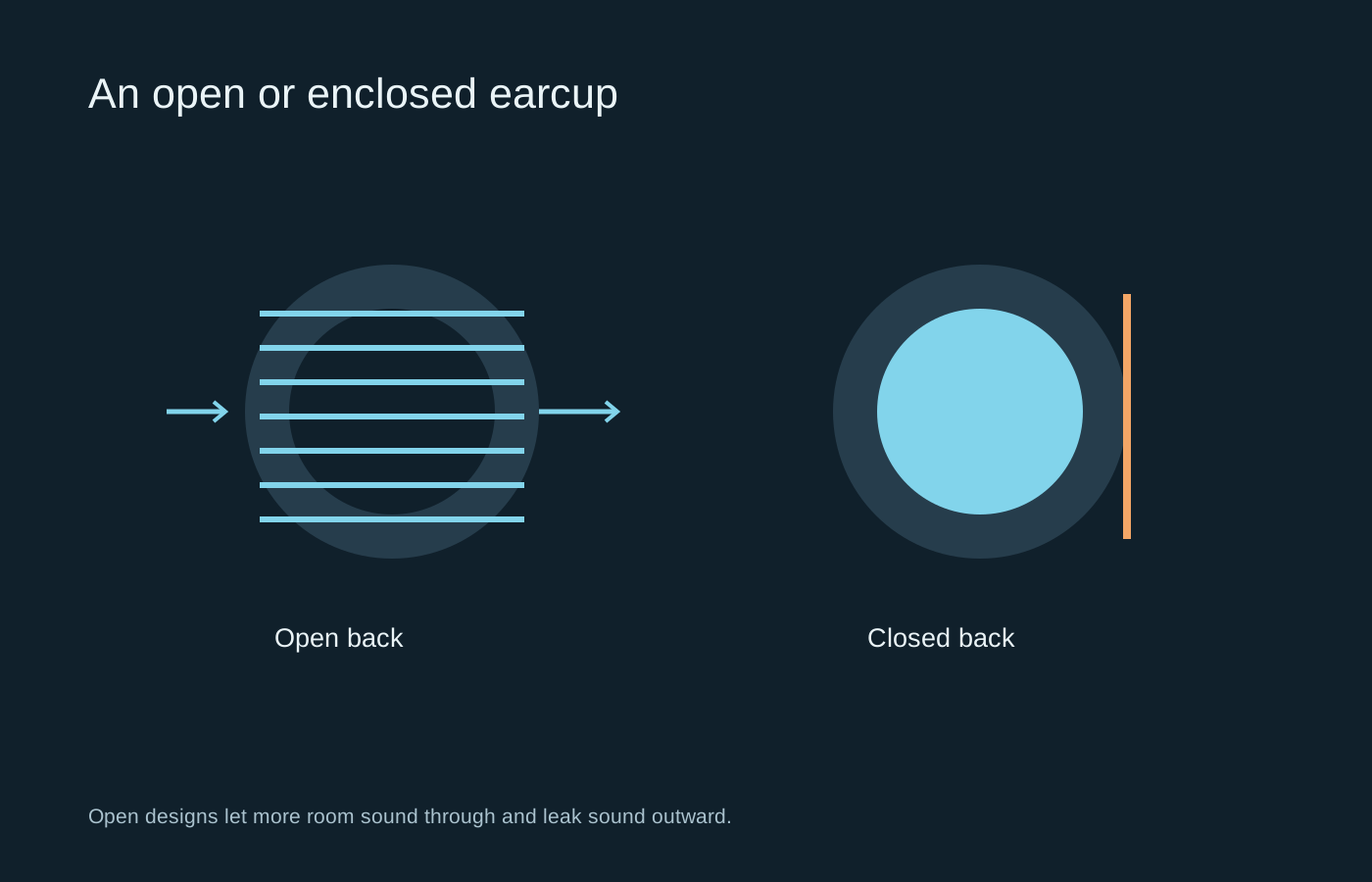
The room and the people in it often decide this choice before any discussion of soundstage.
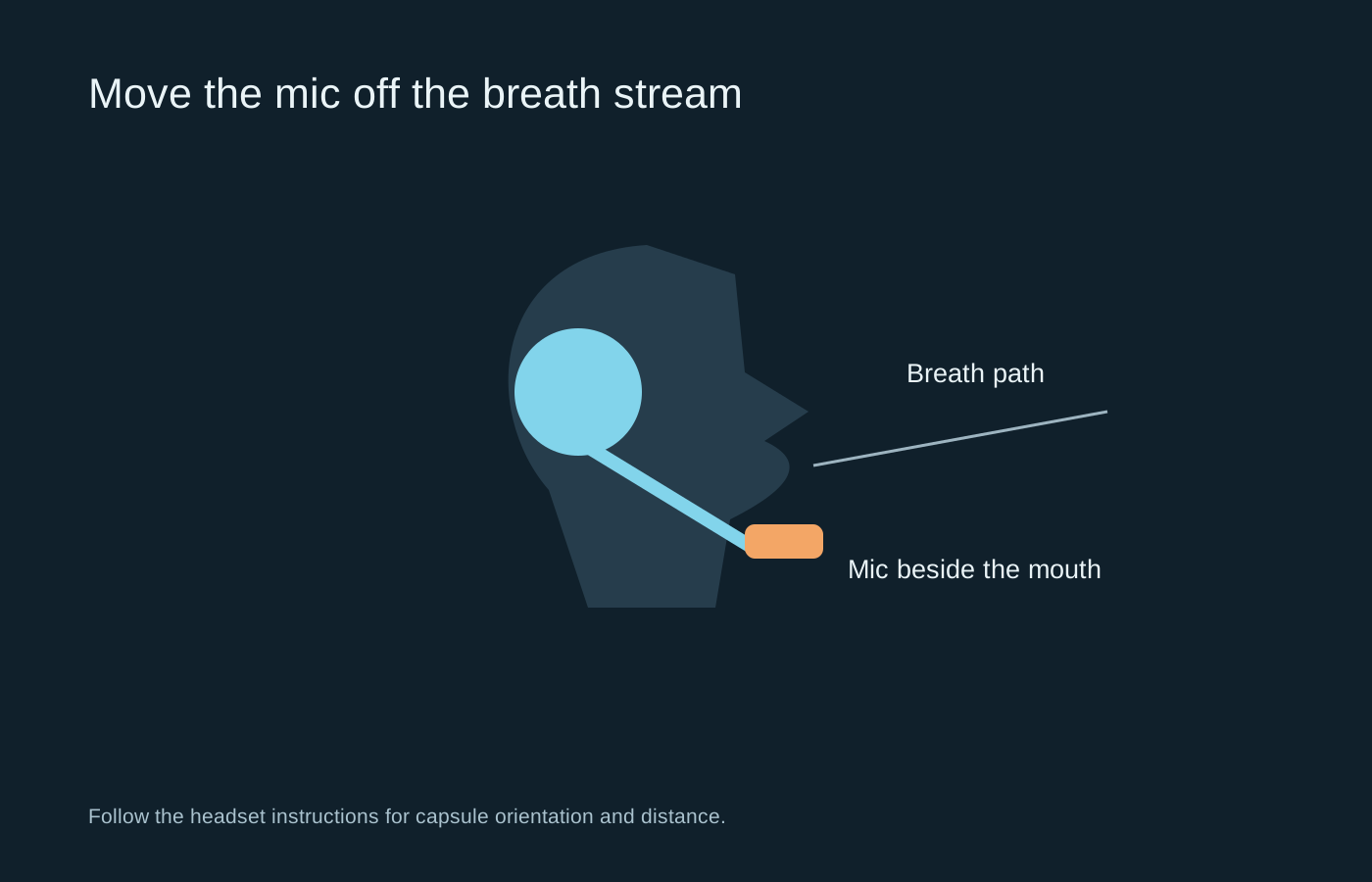
Fix placement and input selection before adding layers of voice processing.
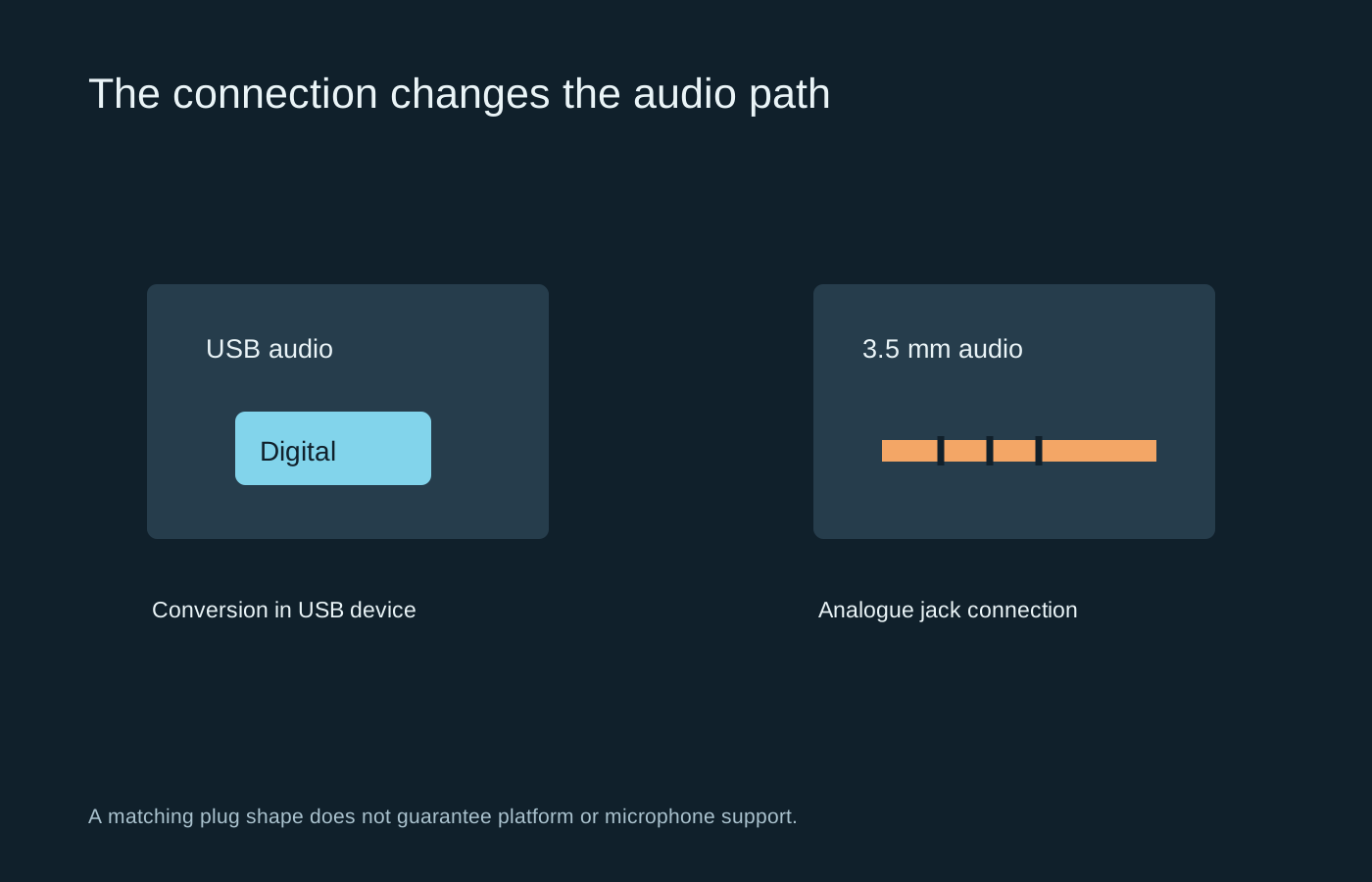
The connector determines where conversion happens and which compatibility questions to ask.
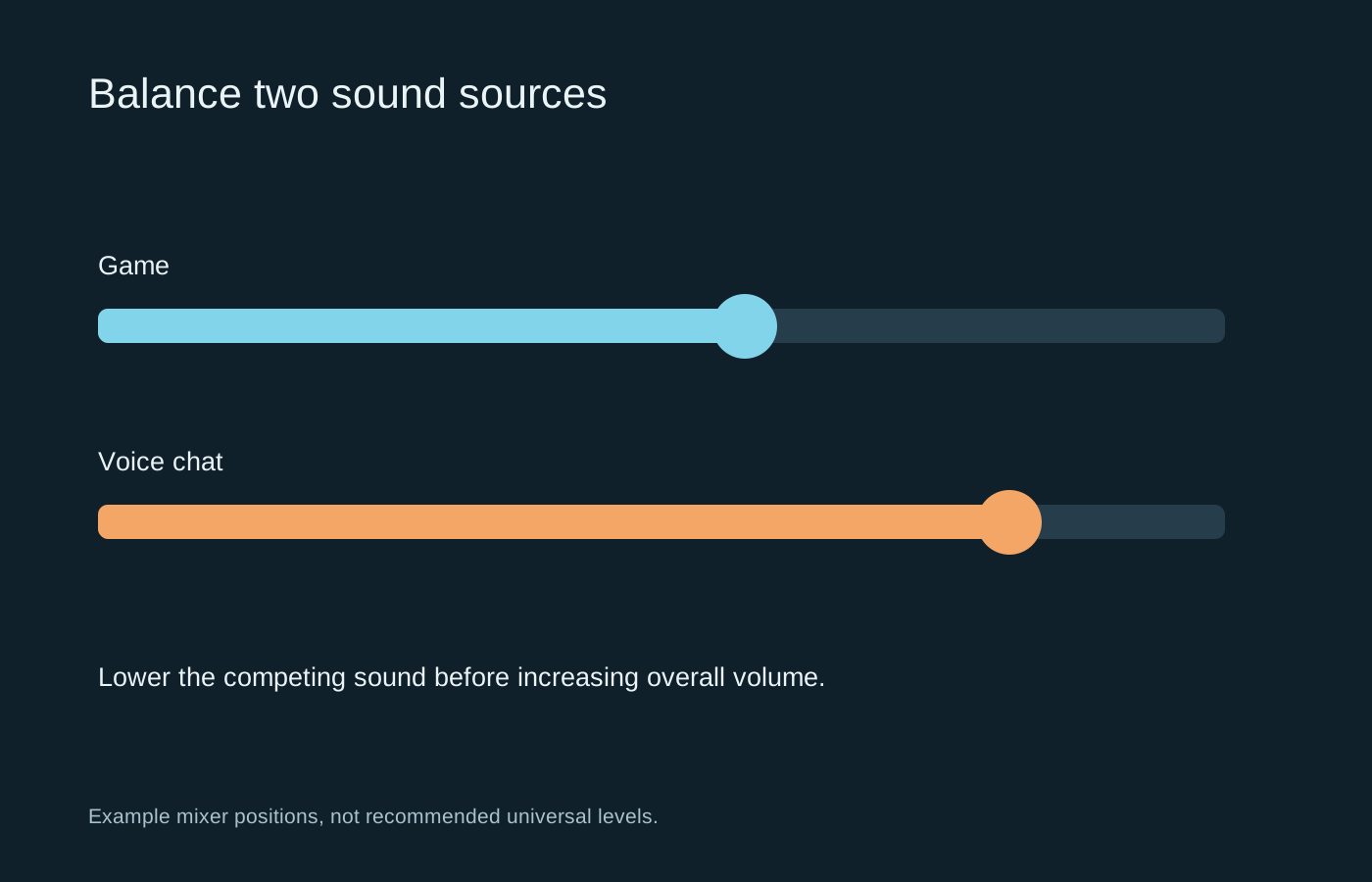
Make speech intelligible by reducing competing sound, rather than continually increasing the master volume.
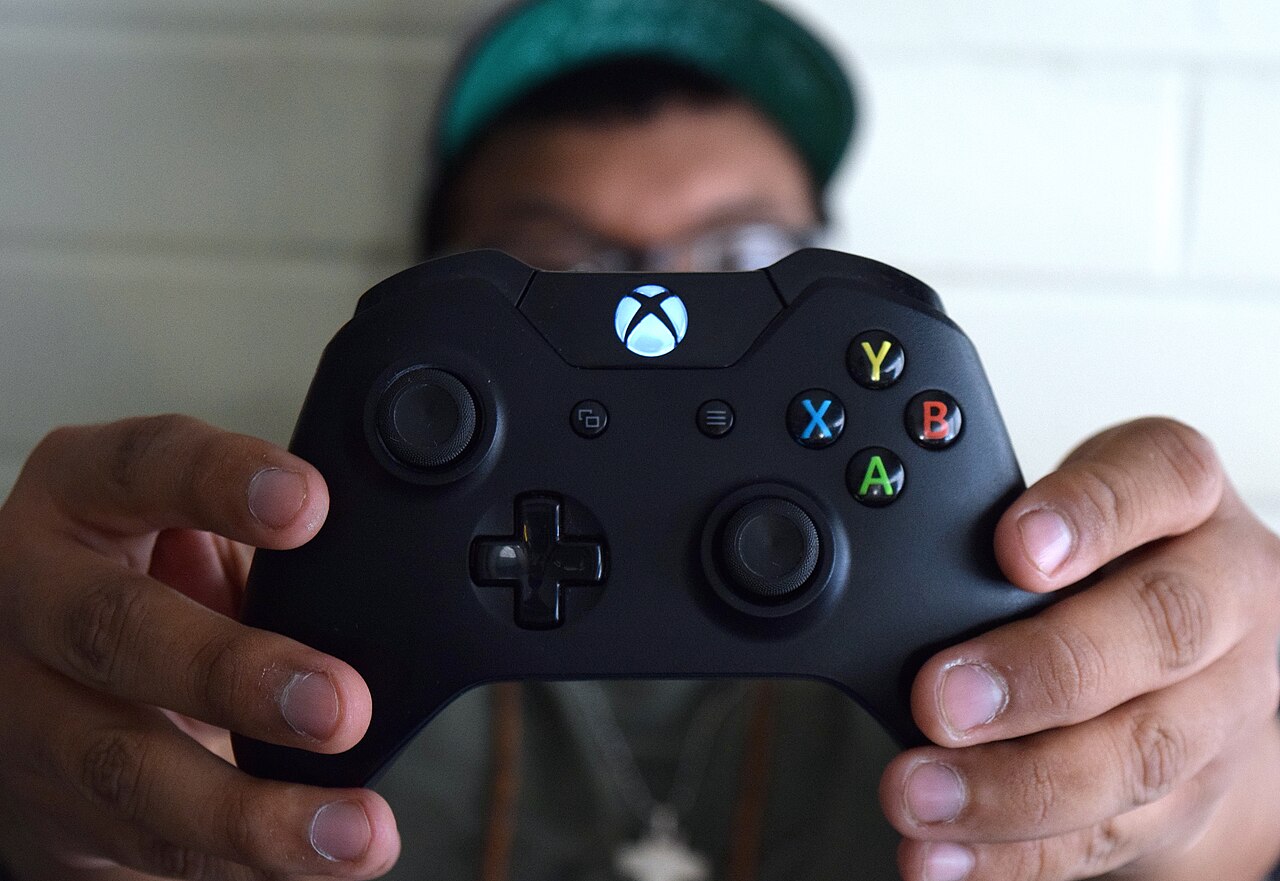
A comfortable controller lets you reach its controls without repeatedly changing your grip.
Photo: Mylesclark96 · CC BY-SA 4.0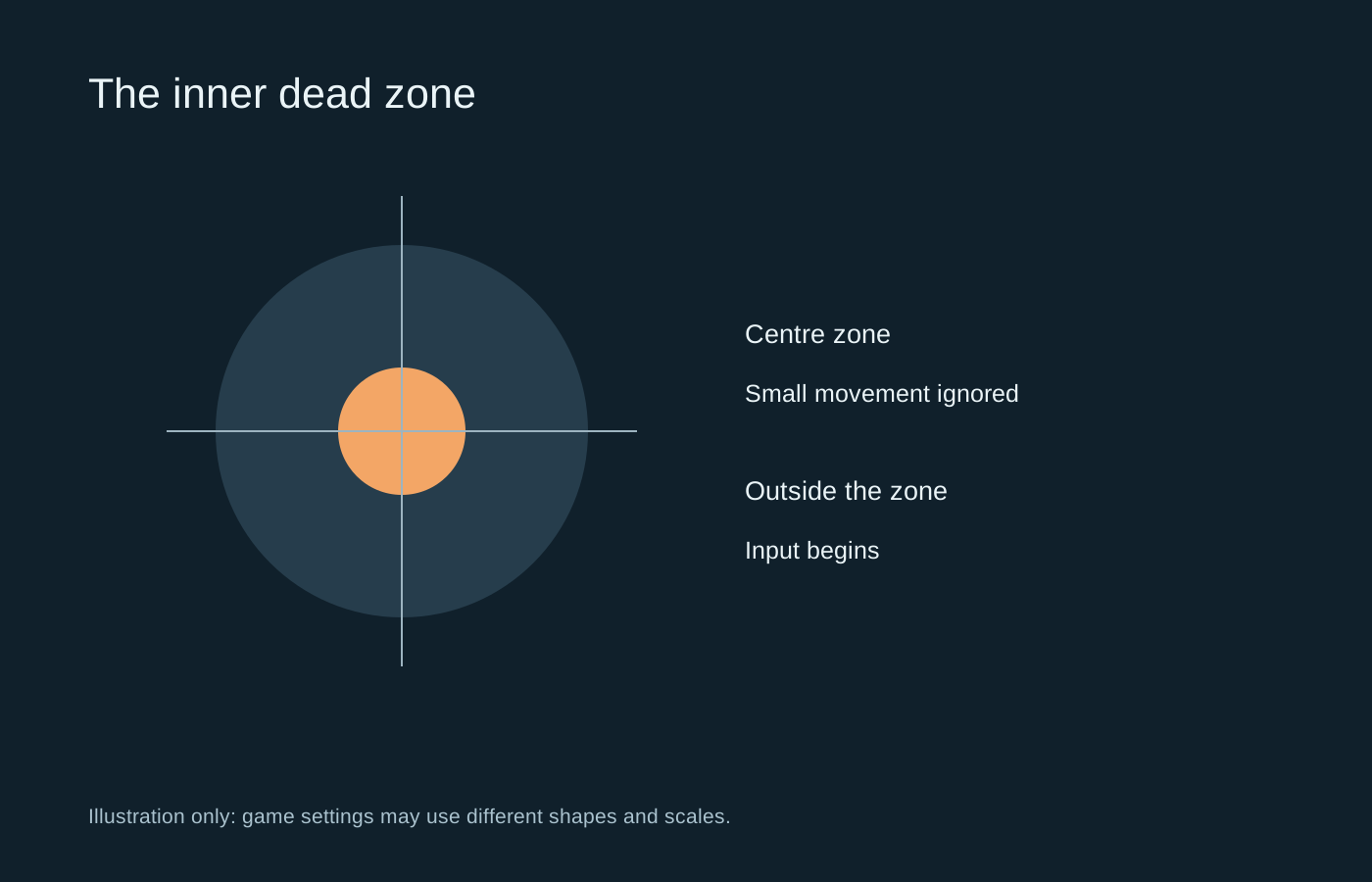
An inner dead zone filters small stick movement near centre; it does not change every part of aiming.
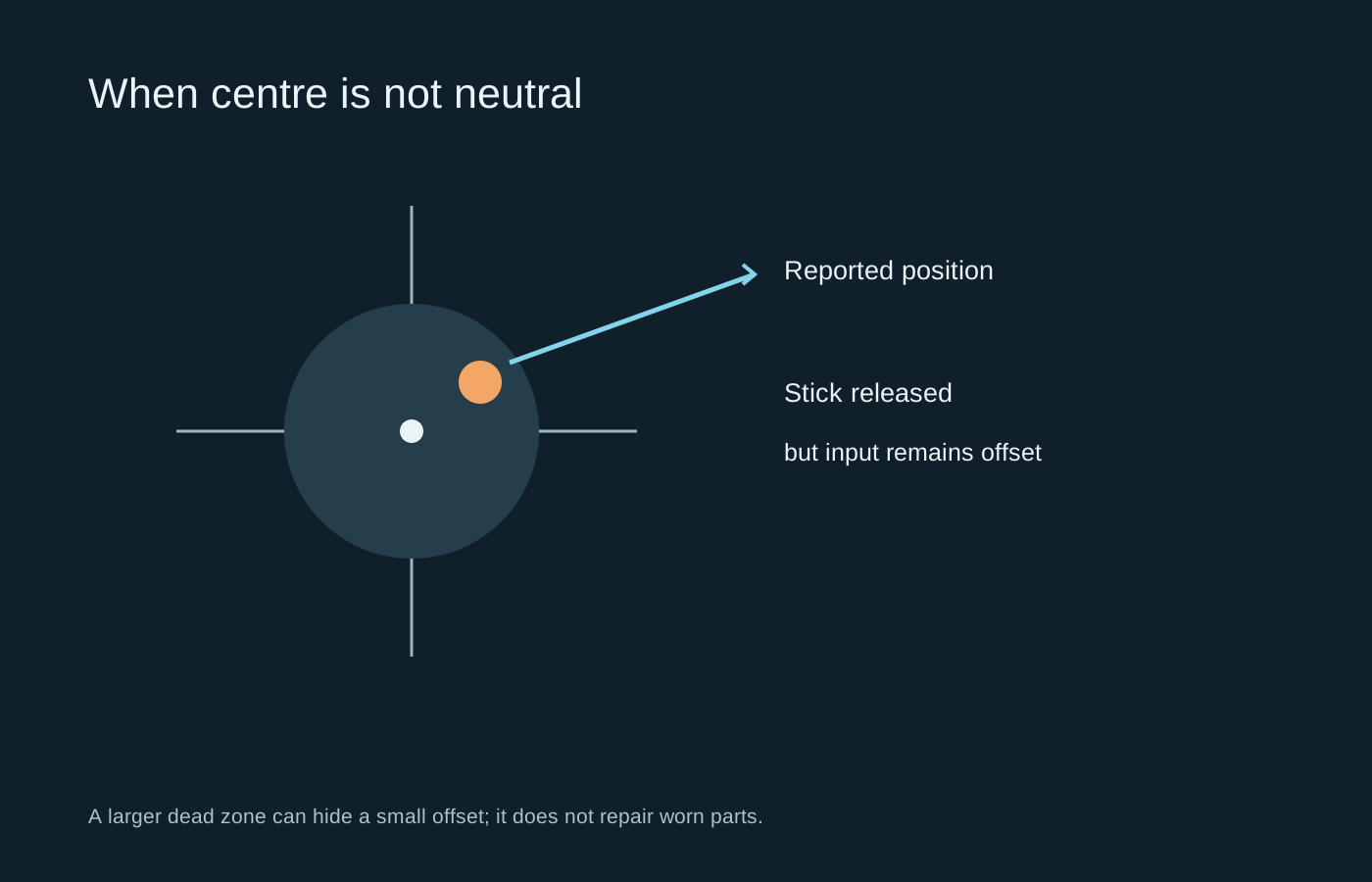
First establish whether unwanted movement follows the controller, the game or an input profile.
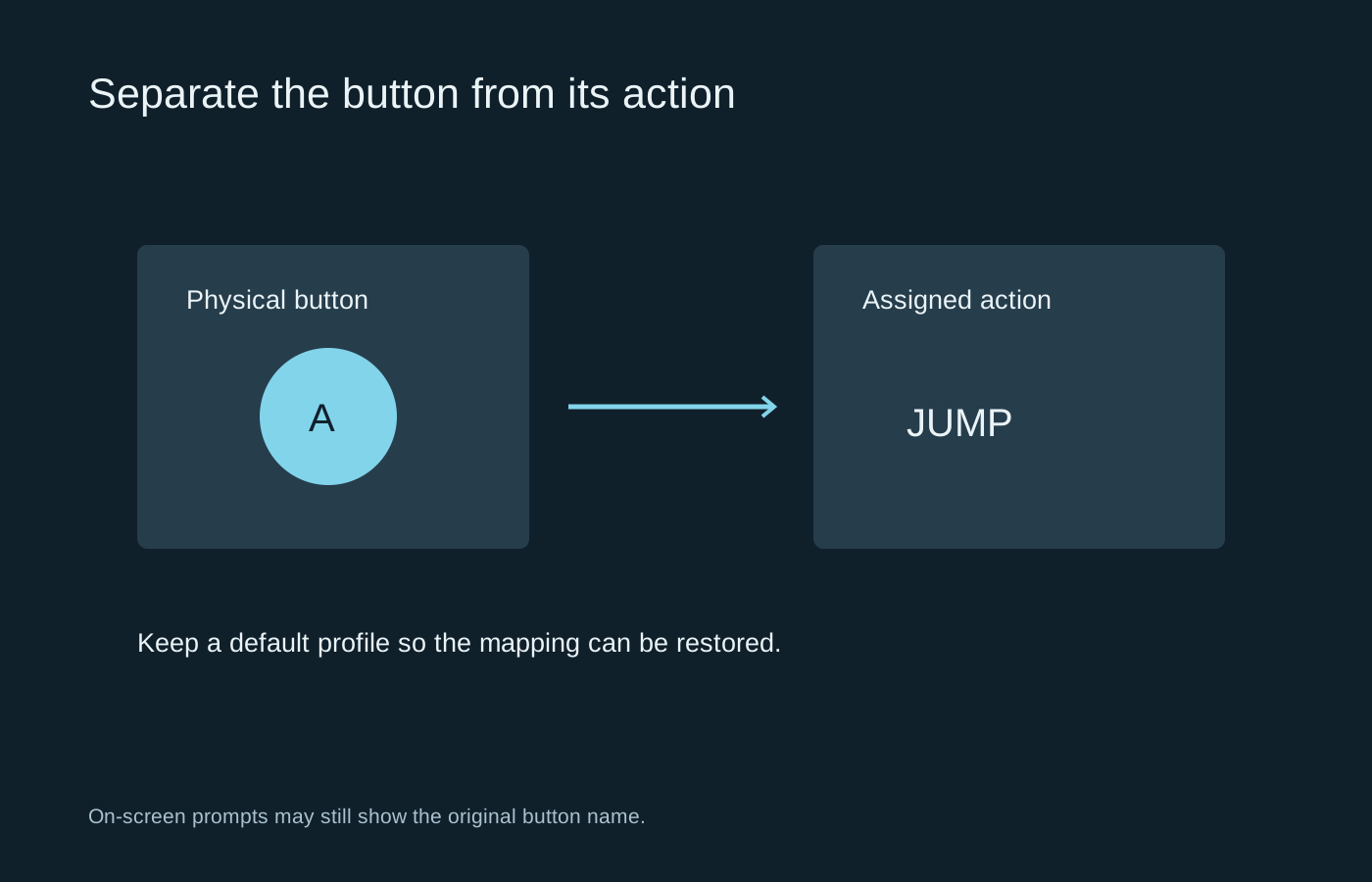
Remap a difficult action deliberately, and keep a way back to the default layout.
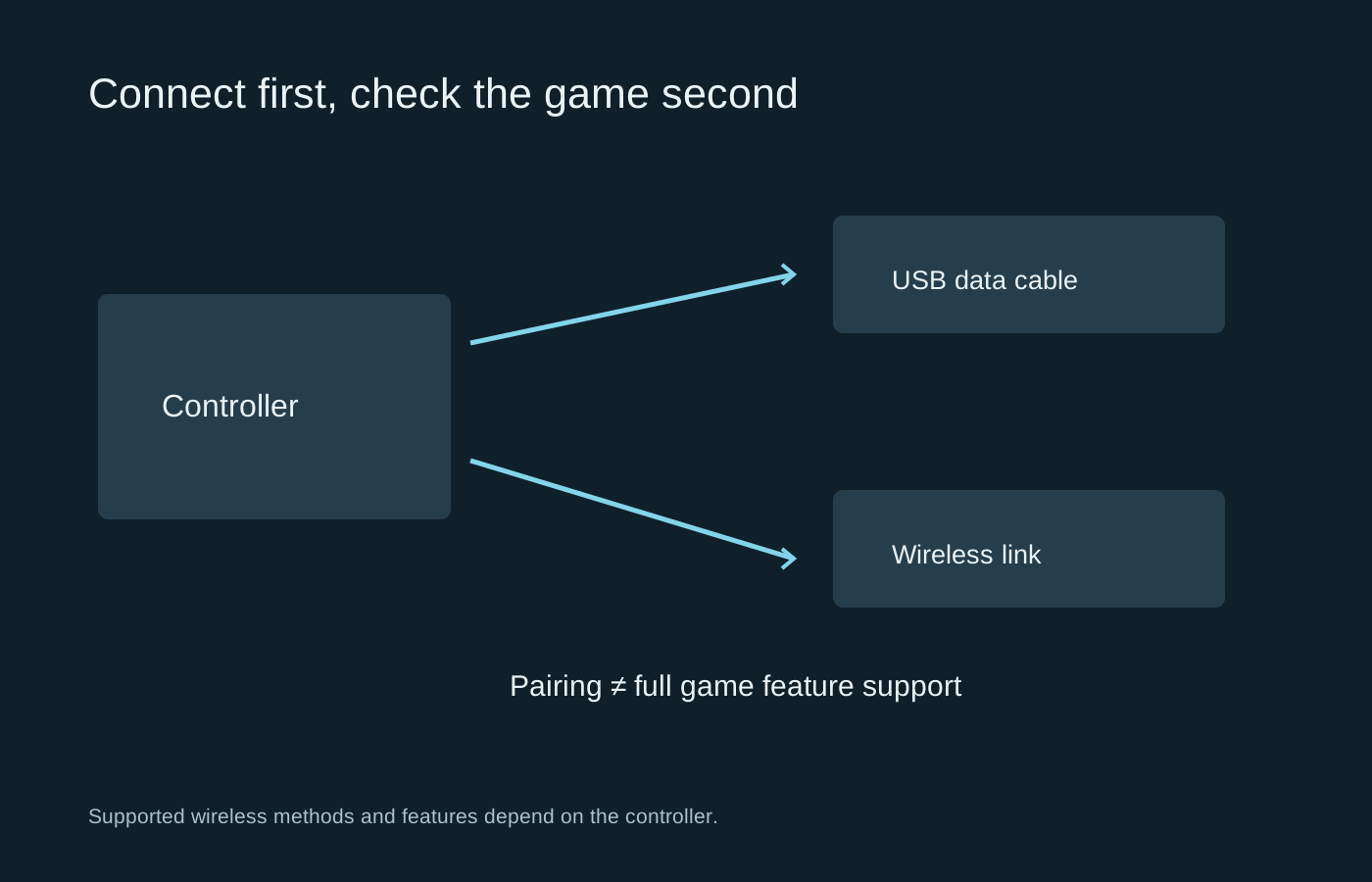
Separate connection, game recognition and advanced feature support when setting up a controller on PC.
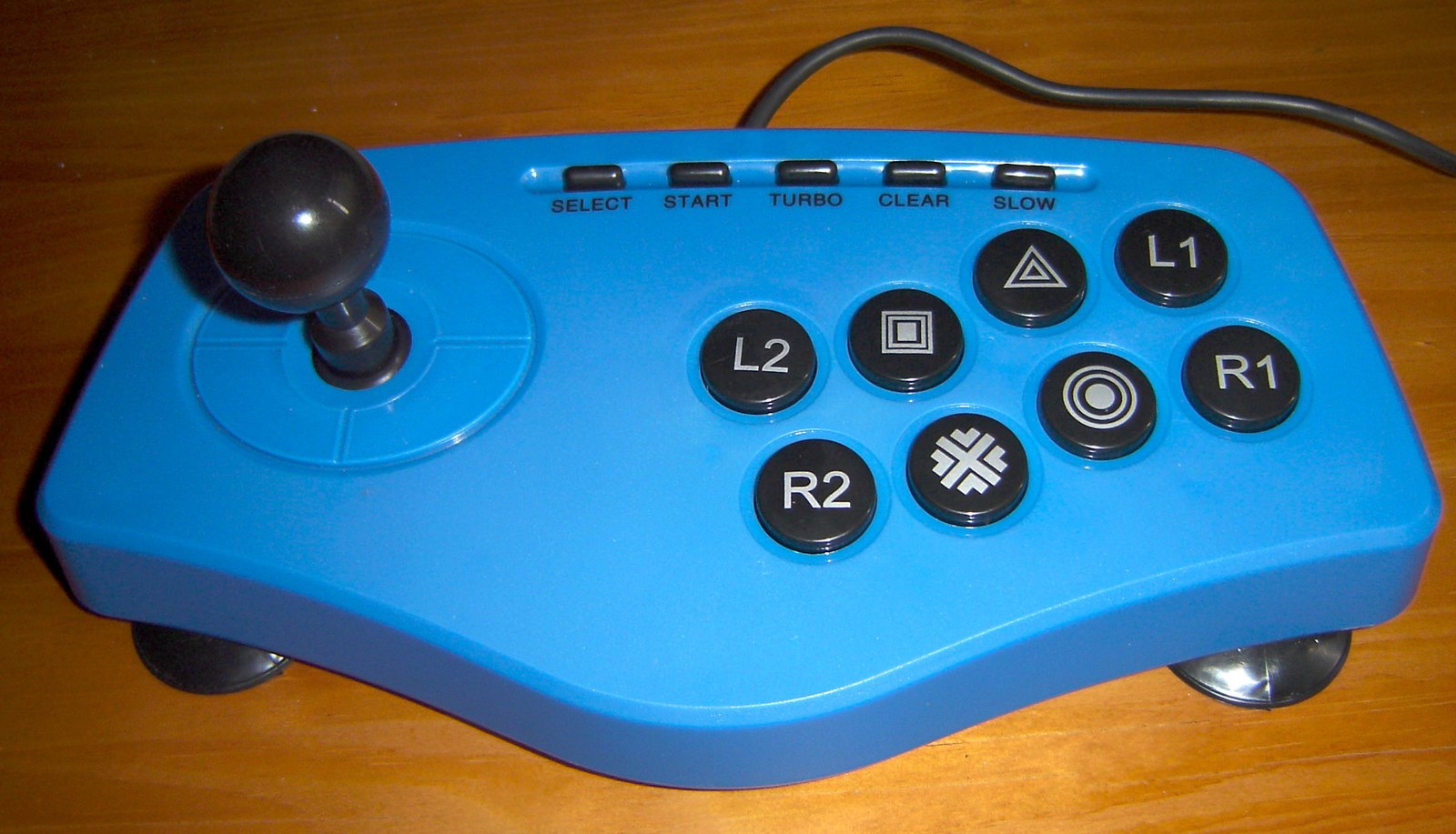
The best control style is the one whose movement and button arrangement you can learn comfortably.
Photo: Carioca · CC BY-SA 3.0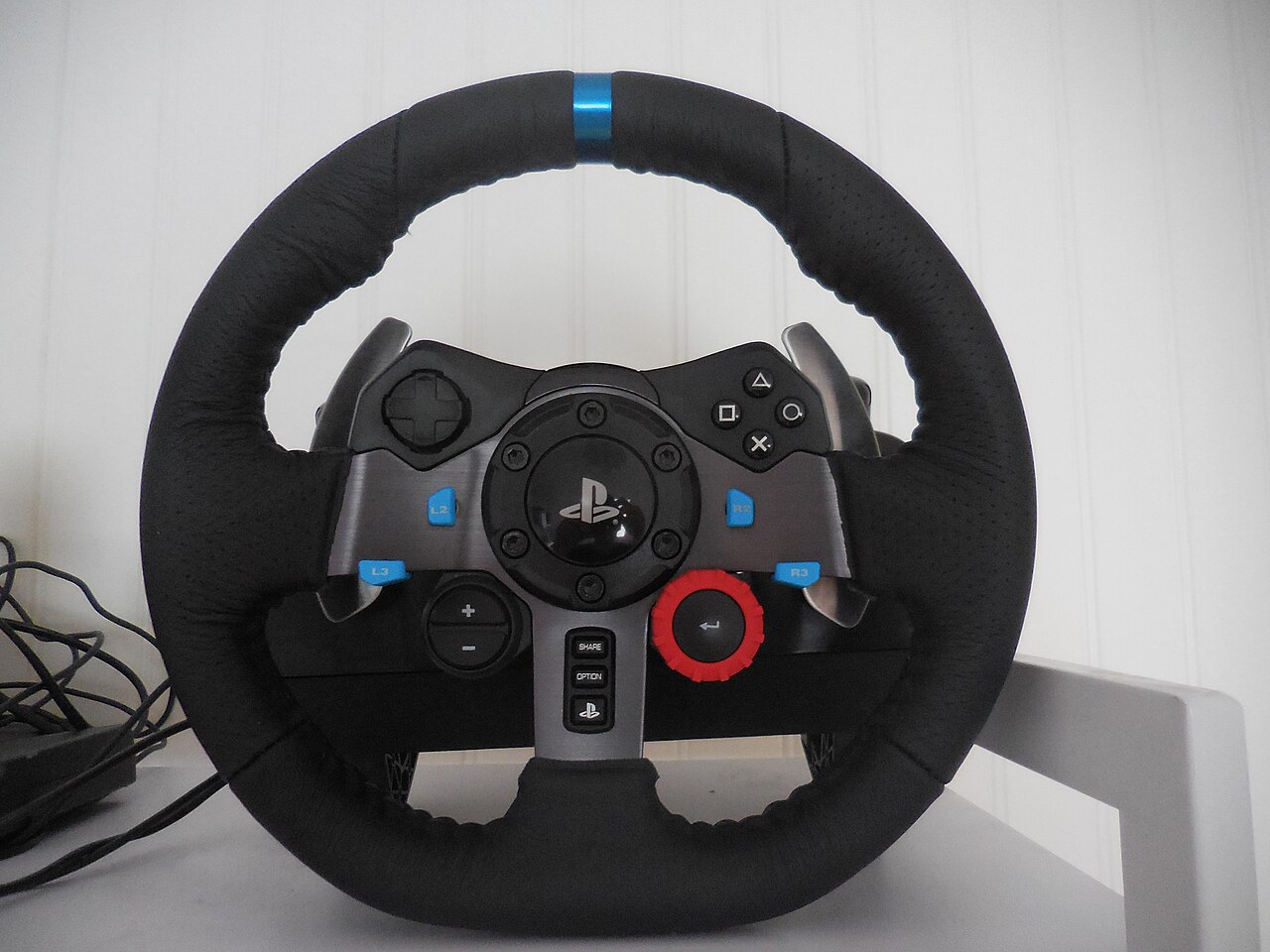
Check mounting, pedals and platform support before deciding how much force feedback you want.
Photo: Antoineets · CC BY-SA 4.0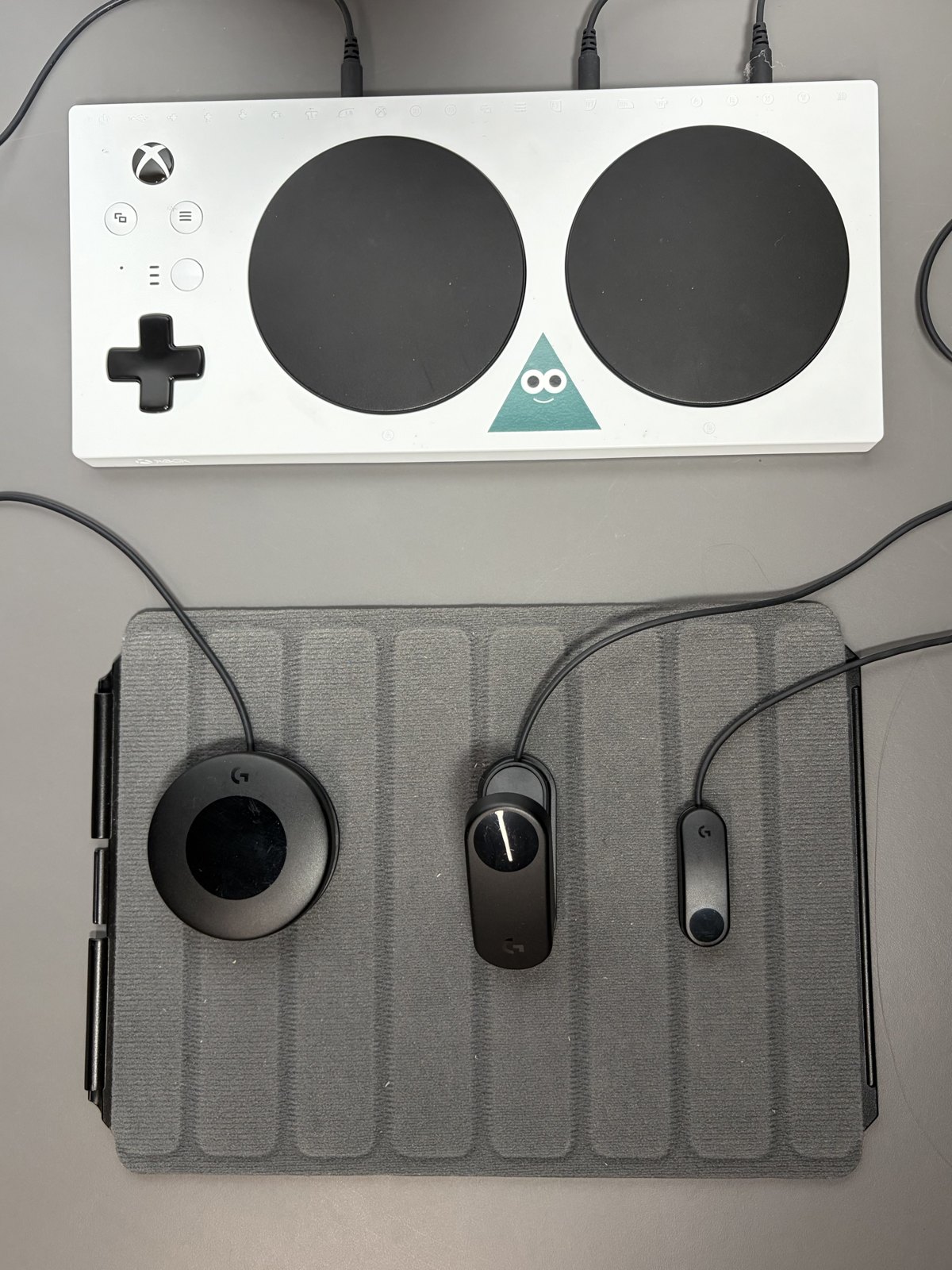
Build the control arrangement around the player’s available movements and chosen games.
Photo: InclusiveGameLab · CC BY-SA 4.0
Disconnect the device, identify the surface and keep liquid out of openings.
Ask for a demonstration of the exact item, including the small accessories that make it work.


