Make the intended device unambiguous
A controller used with several devices may reconnect to the last one it remembers. Turn off or disconnect that competing connection before trying to pair with a different console or computer. Check the exact controller model and the target device's compatibility guidance; sharing a familiar button layout does not establish support.
Charge the controller and follow its documented pairing sequence. A flashing light can indicate pairing, charging or another state depending on the product, so use the manual rather than guessing from colour alone. Keep the controller near the target during setup and select the correct device in its accessory or Bluetooth list.
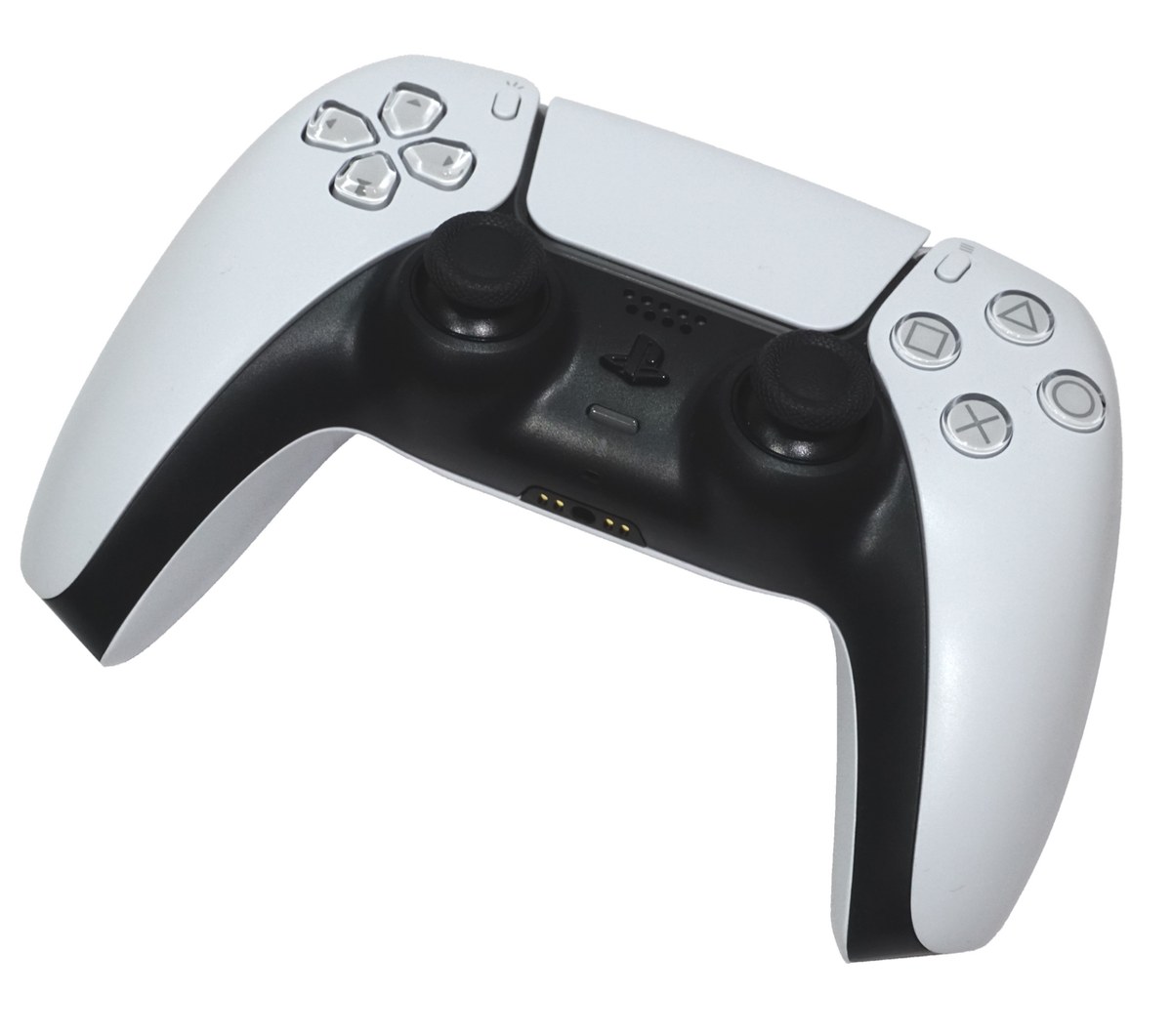
For a DualSense controller's first connection to a PS5, Sony describes using a USB connection and the PS button. A suitable data cable matters: a cable that only supplies power can charge a controller without performing the same connection job. Try the supplied or another known data-capable cable before concluding that the controller is defective.
Confirm the connection in the game
After pairing, test menu movement and then launch a game that supports the controller. A computer recognising a Bluetooth device is not the same as a particular game using it correctly. Check the game's input options and any launcher-level controller configuration, especially if buttons appear doubled or prompts show a different layout.
Keep the connection method in mind when evaluating features. Audio, haptics or other functions may depend on the device, game and wired or wireless connection. Use the manufacturer's feature information rather than expecting every console feature on every computer.
If the controller keeps reconnecting to another device, remove or change the old pairing through the supported controls. Update controller software using the official method where available. A hardware reset is a later documented troubleshooting step, not a substitute for identifying the device that currently owns the connection. Once it works, note the switching procedure so moving between the console and computer is predictable next time.