Start with the mouse you already use
Put your current mouse on the surface where you normally play. Notice where your fingers settle, whether your palm rests on the shell and how you lift the mouse to reposition it. You do not need to assign yourself a permanent grip category. The useful question is what happens during ordinary movements, including the ones that currently feel awkward.
Write down one or two specific changes you want. Perhaps the rear hump pushes against your palm, the right side gives your little finger nowhere to rest, or the forward side button is difficult to reach. These observations produce a more useful shortlist than deciding that you need a mouse labelled for professional players.
Compare the shape, not just the length
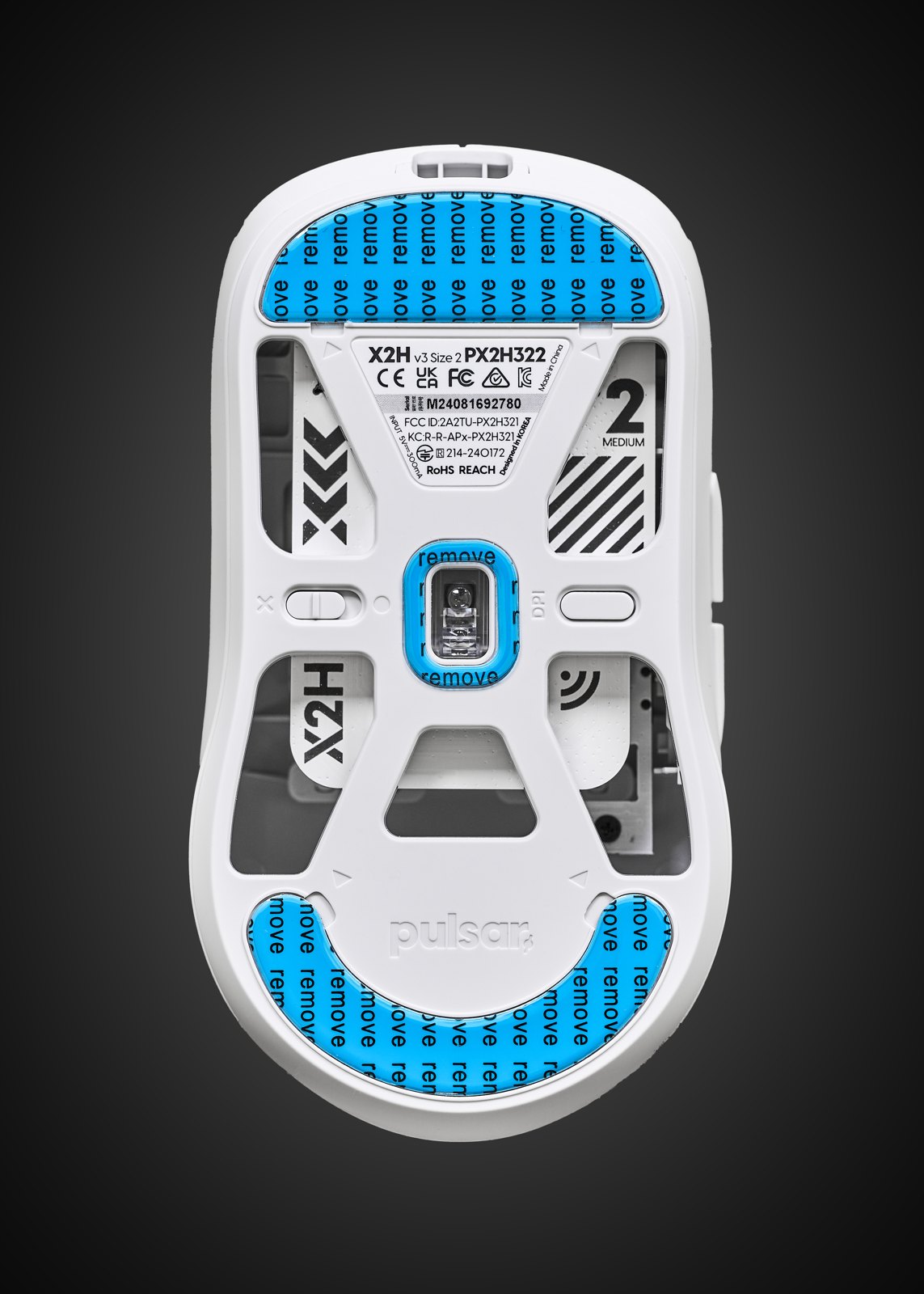
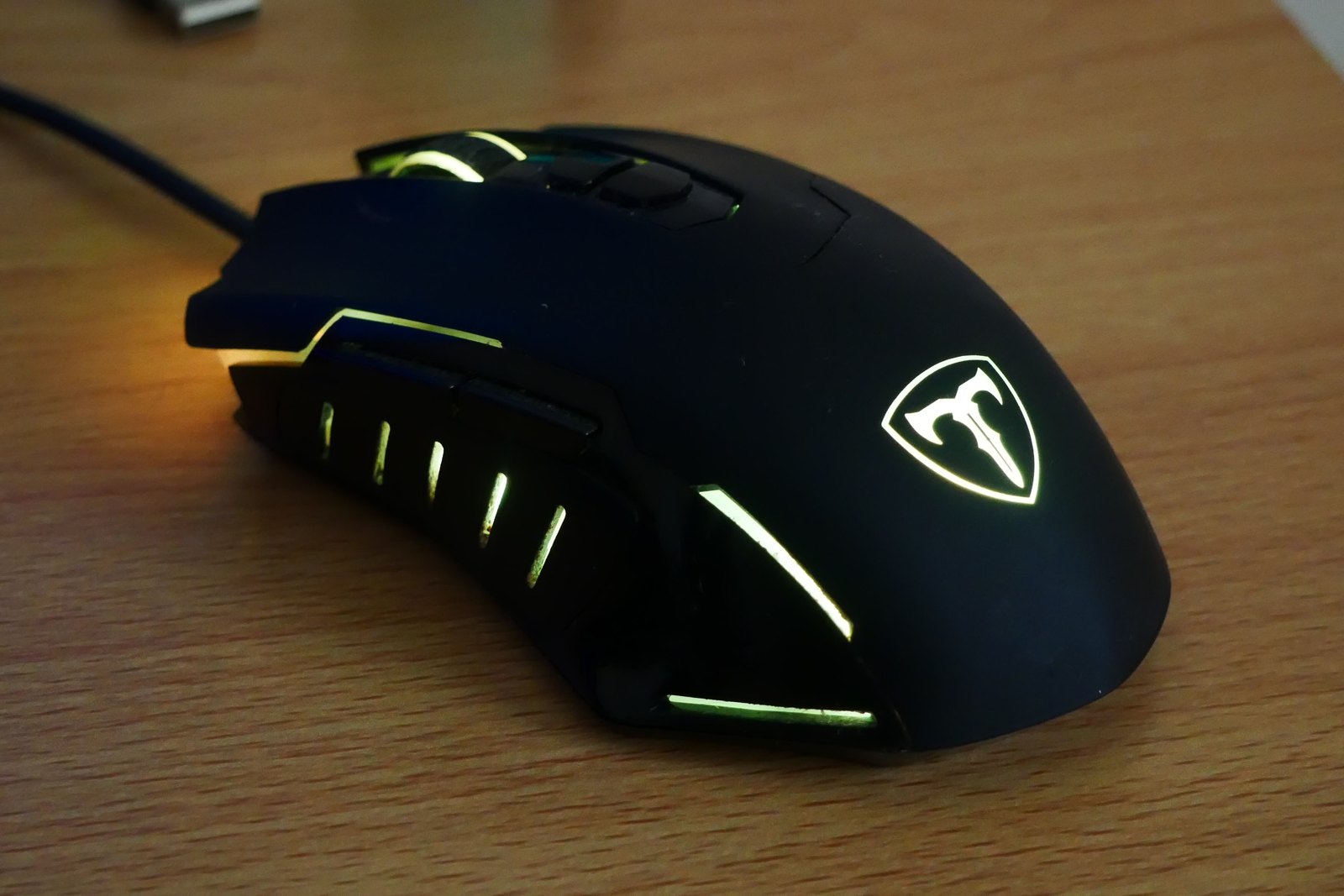
Manufacturers publish dimensions, but overall length and maximum width do not describe the whole shell. Look at top and side views together. The widest point may be at the rear rather than where you grip it. Two mice with similar dimensions can have different hump positions, button slopes and side curves.
Check handedness and button placement separately. A symmetrical shell does not necessarily provide side buttons on both sides. If you use your left hand, establish where the controls actually sit and whether the intended functions can be reassigned. Product-family names can cover several versions, so use photographs and specifications for the exact model.
Try the actions you repeat in a game
If you can handle the mouse before buying, place it on a desk rather than only holding it in the air. Move it sideways, lift it, scroll, and reach the side buttons without deliberately shifting into an unfamiliar pose. Try the main buttons near the positions where your fingers naturally land. A brief try-out cannot predict every long session, but it can reveal an obviously awkward reach.
Think about your desk space as well. A large movement area and a compact surface create different constraints. Changing sensitivity may alter how often you reposition the mouse, but it does not change the shell under your hand. Avoid treating a software adjustment as proof that an uncomfortable physical fit will improve.
Make the purchase easy to evaluate
Keep the comparison short: shape, reachable controls, connection requirements and the weight you prefer. Use your existing mouse as a reference instead of assuming lighter, larger or more expensive is automatically better. Check the seller’s stated return conditions before ordering, especially when you cannot try the shape first.
When the mouse arrives, check the exact version and retain its packaging while assessing it. Begin with familiar settings and a familiar game so that a new shape is not mixed up with several new variables. If the fit is wrong, record what felt wrong; that detail will narrow the next search more effectively than another general ranking.