What VRAM holds
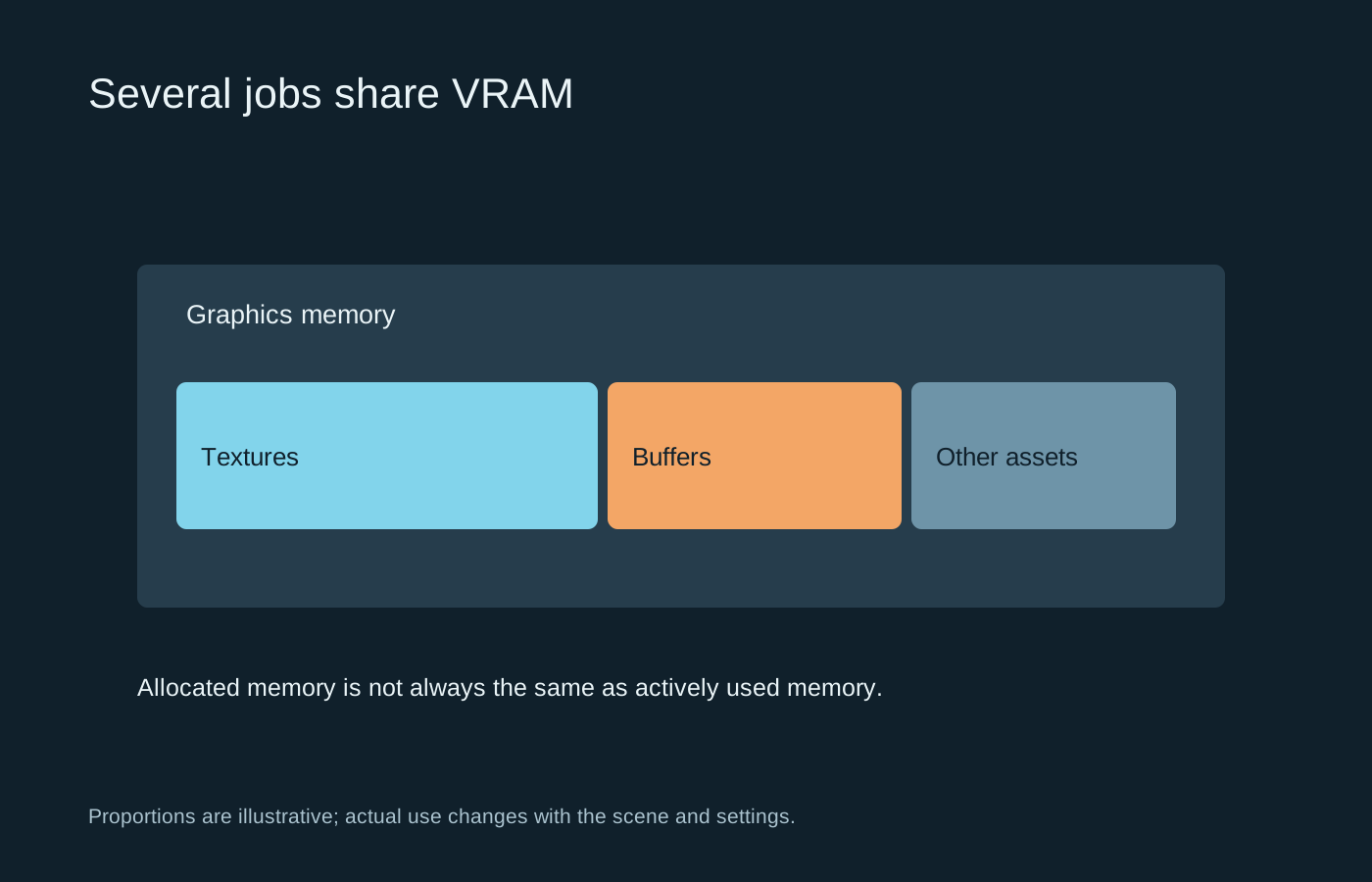
Graphics memory stores resources used by the GPU, including textures, render targets and other data needed for a scene. Higher-resolution assets and some rendering options can increase demand. The amount required depends on the game, scene and settings rather than a single universal rule for a display resolution.
A monitoring tool may show memory allocated by a game, not only the portion actively needed at that moment. Games can reserve or cache memory when it is available. Seeing a large allocation therefore does not by itself prove that the graphics card is out of usable memory.
Look for a repeatable symptom
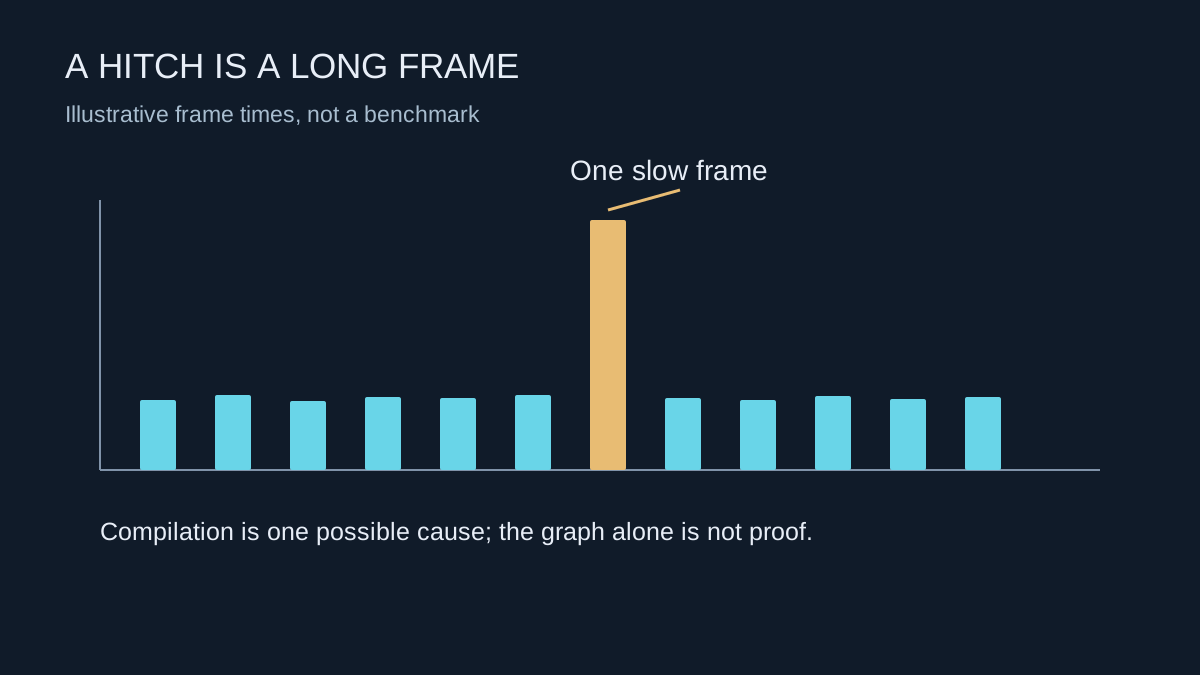
Stutter when entering a new area, delayed texture detail and unusually poor performance at a particular setting can justify investigation. They do not uniquely identify VRAM pressure. Storage activity, shader compilation, system-memory pressure and other tasks can produce some similar symptoms.
Use a repeatable scene and record the behaviour. Compare the game’s own memory estimate, if provided, with a monitoring tool, but treat both as evidence rather than a precise promise. Estimates can change with resolution and options, and a menu may not account perfectly for every part of a demanding scene.
Reduce one relevant demand
Texture quality is a useful first experiment when the symptom appears connected to large assets. Change it according to the game’s instructions, including any required restart, then revisit the same route. Keep other options fixed so you can tell whether the change helped.
Resolution and certain effects also affect memory use, but changing everything to Low at once cannot tell you which demand mattered. If a smaller texture setting resolves the problem while keeping the rest of the image acceptable, that is more informative than an unexplained improvement from a complete preset change.
Close unnecessary applications that use the GPU during the comparison. Do not disable the operating system’s memory management or apply an unverified registry tweak that claims to create extra dedicated VRAM. Shared system memory is not a free replacement with identical performance characteristics.
Use the result when considering an upgrade
If you are shopping for a graphics card, compare performance in the games and settings you intend to use, alongside capacity. More memory on a slower GPU does not automatically make it the better choice. Conversely, a faster processor with insufficient capacity for a particular workload can encounter its own limitations.
Keep the conclusion specific to the evidence. A setting that strains one game today does not establish a universal minimum for every title. Save the working options and the observed symptom so later updates can be assessed against something concrete, rather than a memory number seen once in an overlay.