Check the platform before the shape
Confirm support for the device and games you intend to use. A controller may connect to a PC while offering fewer features than it does on its own console. Wireless support, headset audio, motion controls and trigger feedback can have separate requirements. A comfortable shell is not enough if the needed connection is unavailable.
Once compatibility is clear, hold the controller in the position you normally play. Let your hands settle rather than squeezing it into a showroom pose. Reach both sticks, the directional pad, face buttons, bumpers and triggers. Notice which controls require the grip to shift and whether that movement interferes with another input.
Test combinations, not just isolated buttons
Many games ask you to hold one control while pressing another. Try the combinations you actually use: steering while braking, aiming while jumping, or holding a shoulder button while selecting an action. A button that is reachable on its own can be awkward during a combination.
Check the stick-click action too. Some players find pressing down while keeping the stick angled uncomfortable or imprecise. If the game or controller supports remapping, another button may help. That is a reason to investigate the mapping options, not a guarantee that rear paddles will suit every hand.
Rear controls need their own trial. Rest your fingers naturally and see whether you activate them accidentally. A controller with more buttons can be useful when those buttons reduce difficult reaches, but it can also add unwanted inputs. Removable or disableable rear controls may provide flexibility.
Weight, texture and trigger travel
Compare the controller with its normal battery installed. A quoted shell weight may not include removable cells. Think about whether you hold it above your lap or support it on something; the same weight can feel different in those positions.
Texture is similarly personal. A surface that feels secure during a brief test may become irritating during a longer session. Avoid treating a rougher finish as automatically better. Check seams and the positions where your fingers naturally rest.
Trigger stops or adjustable travel may suit games that use triggers as simple buttons, while racing games often need an analogue range for throttle or braking. Confirm how a stop affects input and whether it can be changed easily. Do not assume the shortest travel is appropriate for every genre.
Give yourself a reversible trial
Where possible, try the controller through ordinary play under the seller’s return conditions. Include menu navigation and text entry as well as the main game. Those small tasks can reveal a directional pad or button placement that becomes annoying over time.
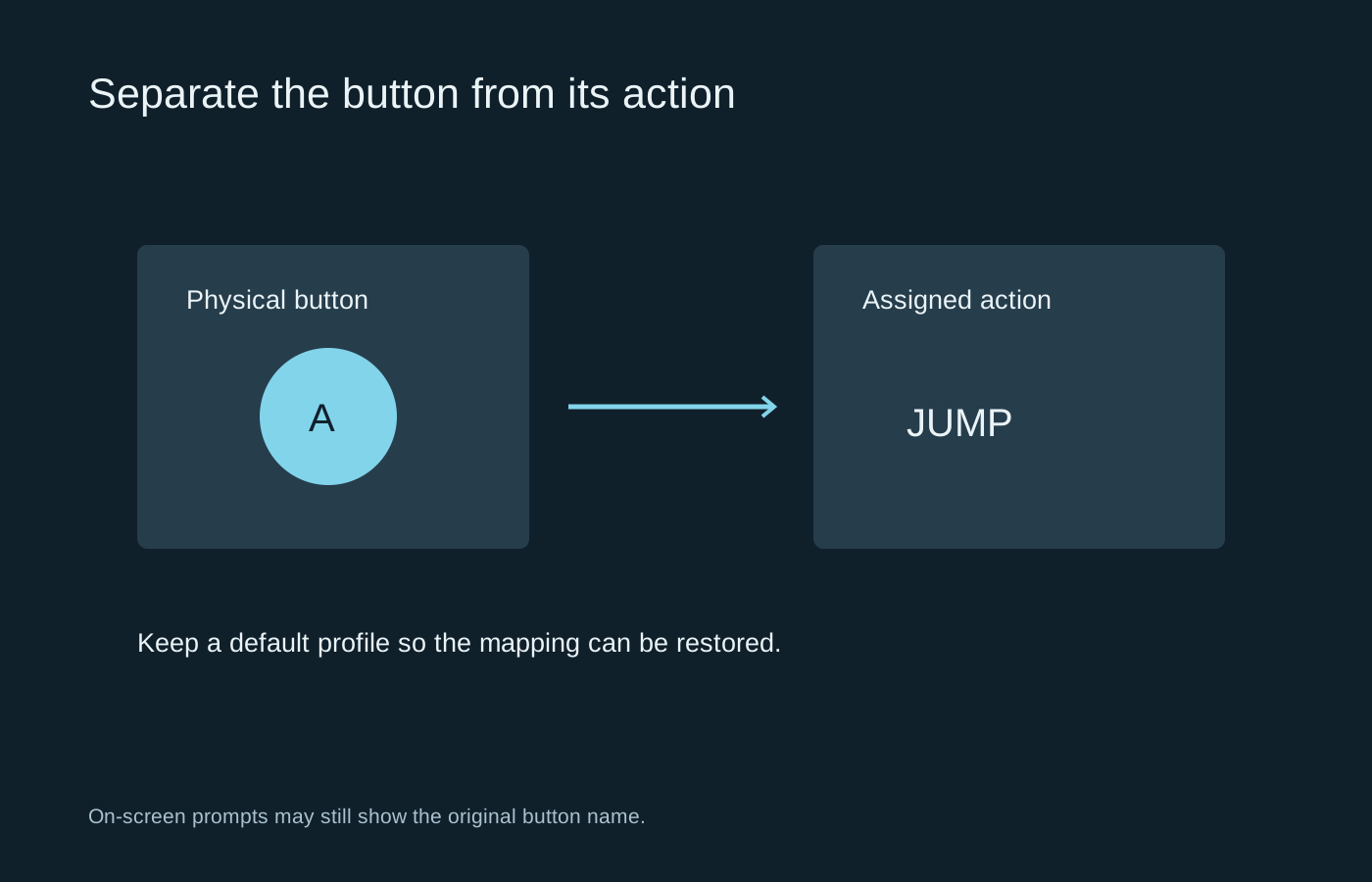
Keep the default mapping available while experimenting. Change one difficult action and see whether the new arrangement actually reduces effort. A collection of unfamiliar remaps introduced at once can make an otherwise comfortable controller feel confusing.
If a grip causes pain, stop and reassess rather than forcing adaptation. Different access needs may call for separate switches, supports or an adaptive controller instead of another conventional gamepad. The useful choice is the one that makes your required actions manageable, not the one with the longest list of competitive features.