
Consoles
Finding the right TV mode for console gaming
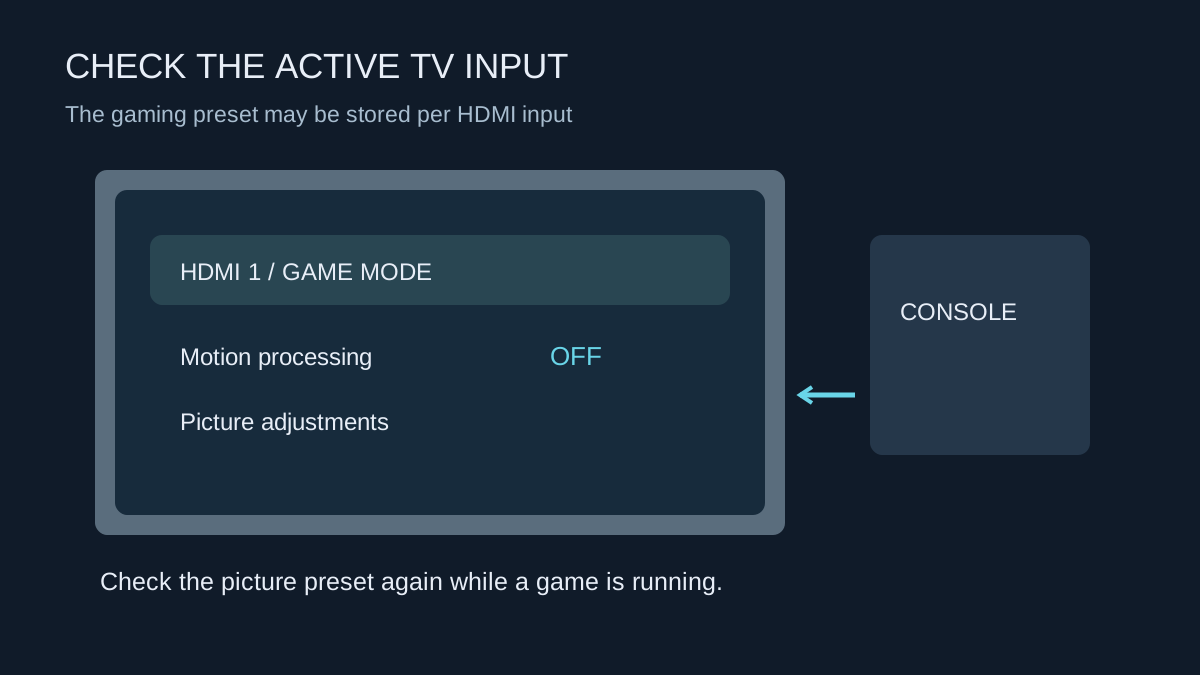
Find the gaming preset on the input you use, then check how it behaves with HDR and automatic switching.
19 GUIDES
Displays, storage, accounts and shared play.
Find the gaming preset on the input you use, then check how it behaves with HDR and automatic switching.
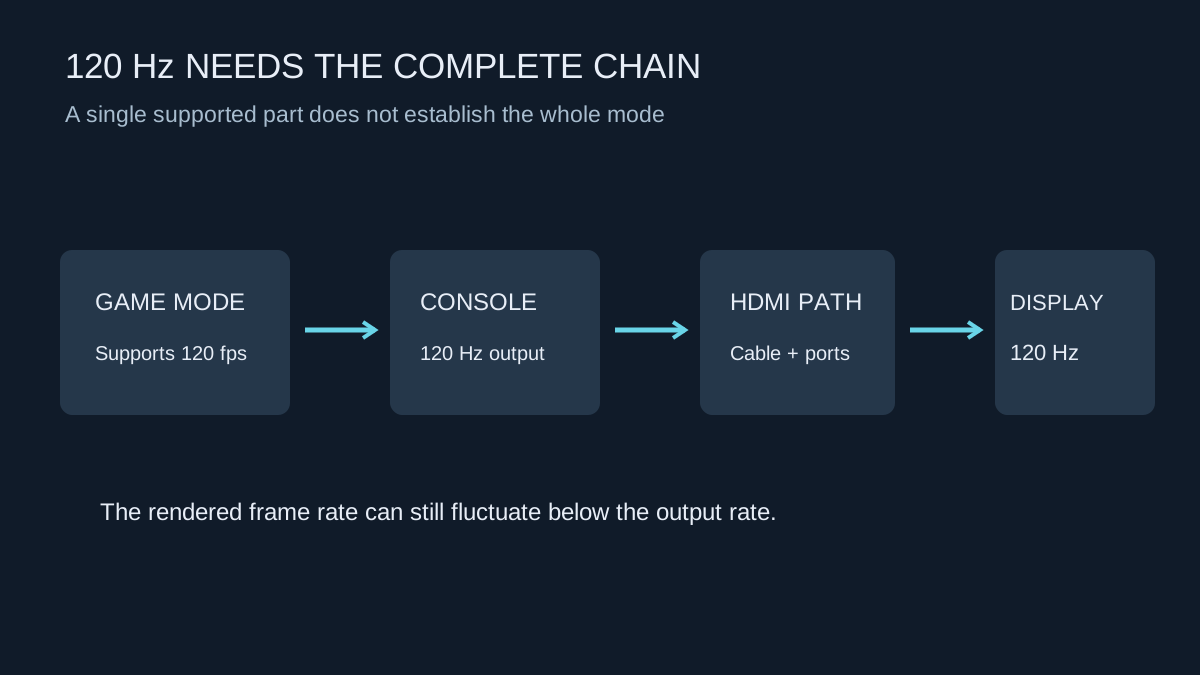
A game, console, HDMI path and display must all support the mode you are trying to use.
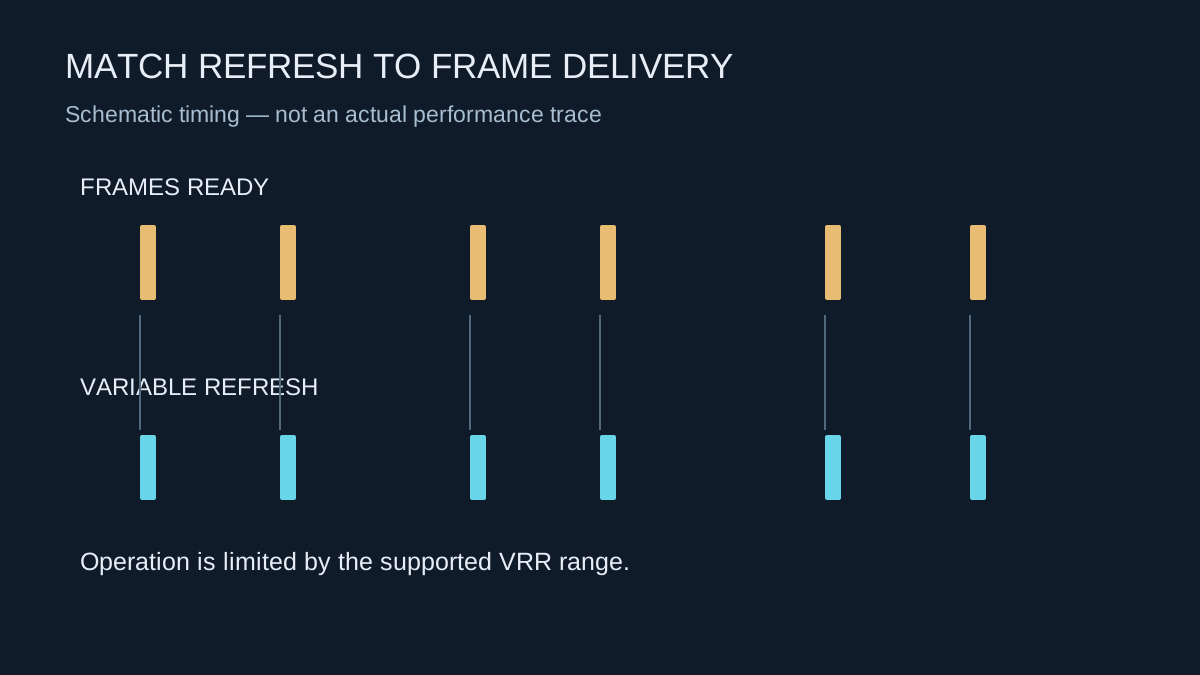
VRR can make fluctuating frame delivery less distracting, but it operates within the limits of the console and display.
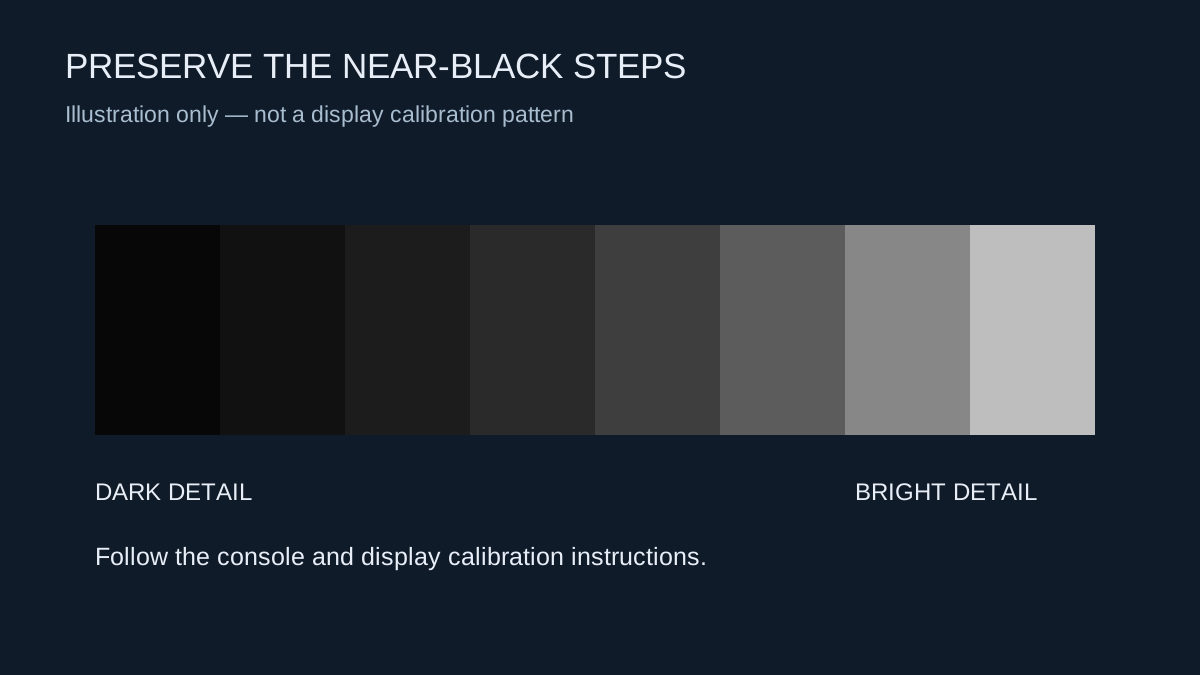
Calibrate for your screen and room, and separate HDR controls from settings that change the overall picture style.
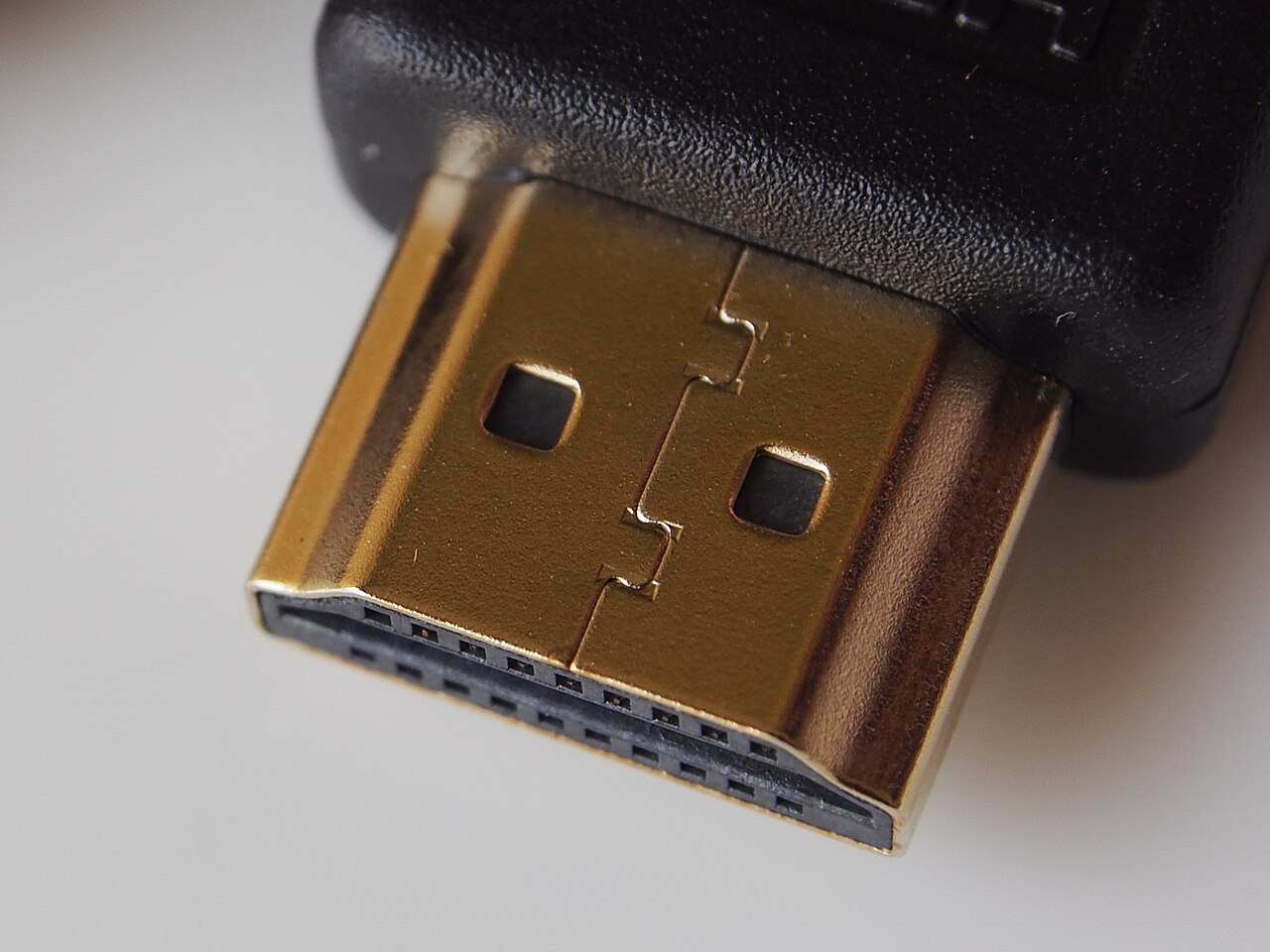
Match the cable’s certified capability to the signal you need, then keep the connection simple.
Photo: Pradeep717 · CC BY-SA 4.0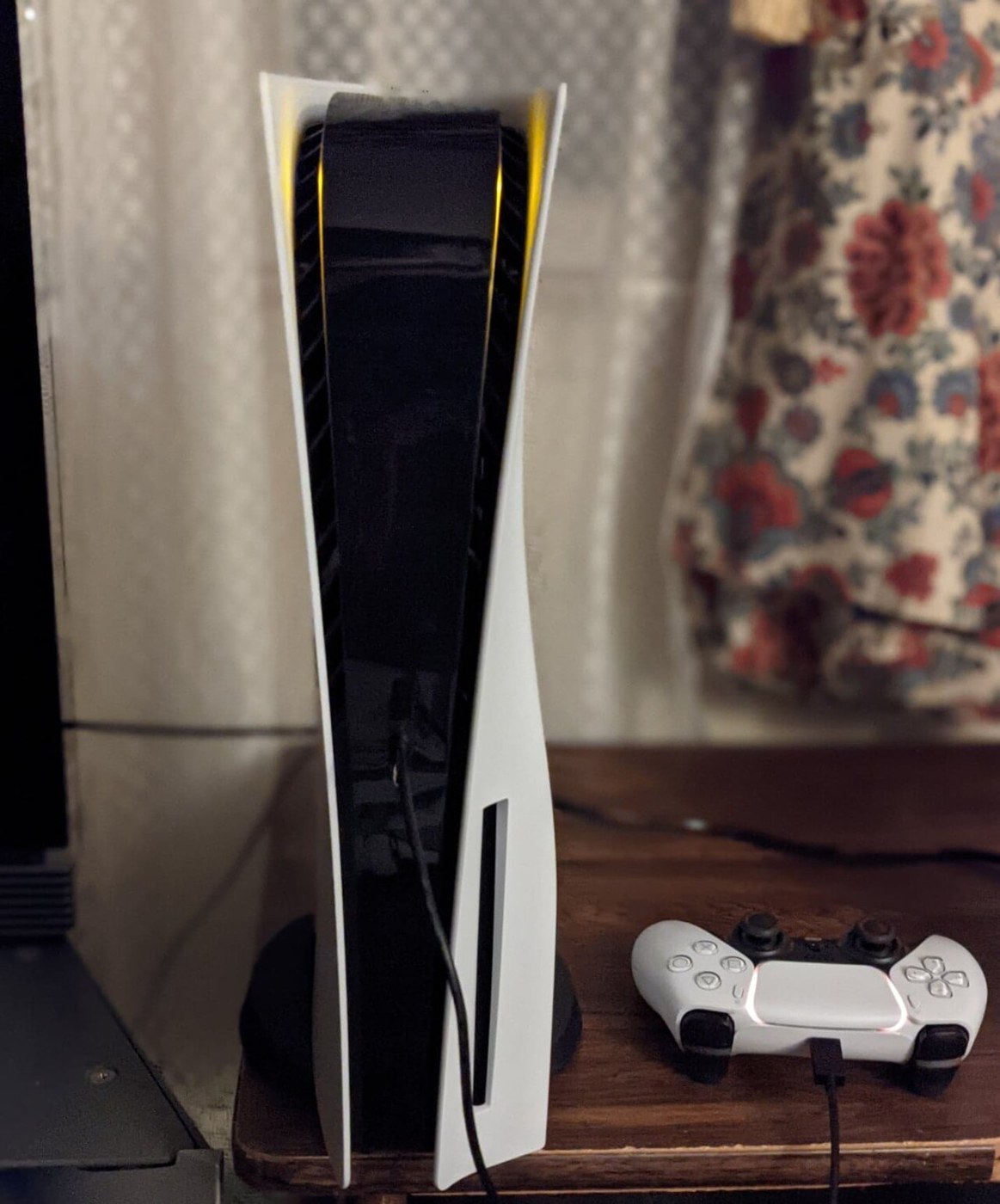
Give the console’s intake and exhaust paths space, including the air outside the cabinet.
Photo: Osh33m · CC BY-SA 4.0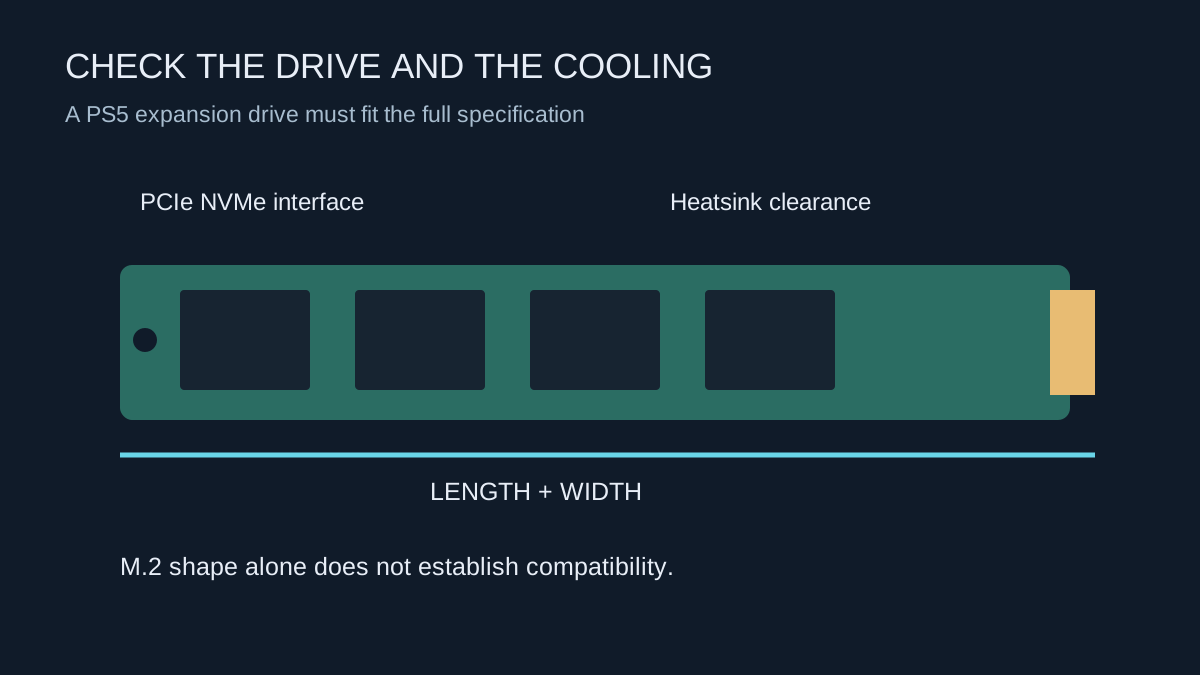
Identify the console’s supported expansion method before comparing drive capacity or advertised speed.
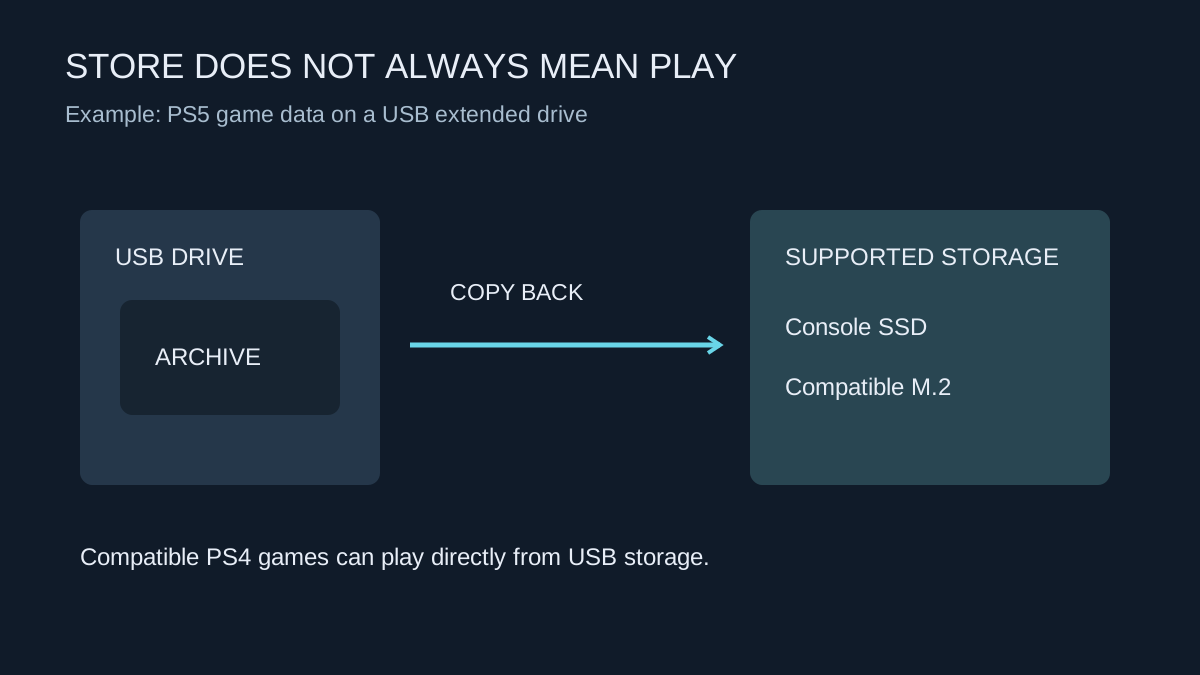
Check whether a drive will launch your games or only store them between transfers.
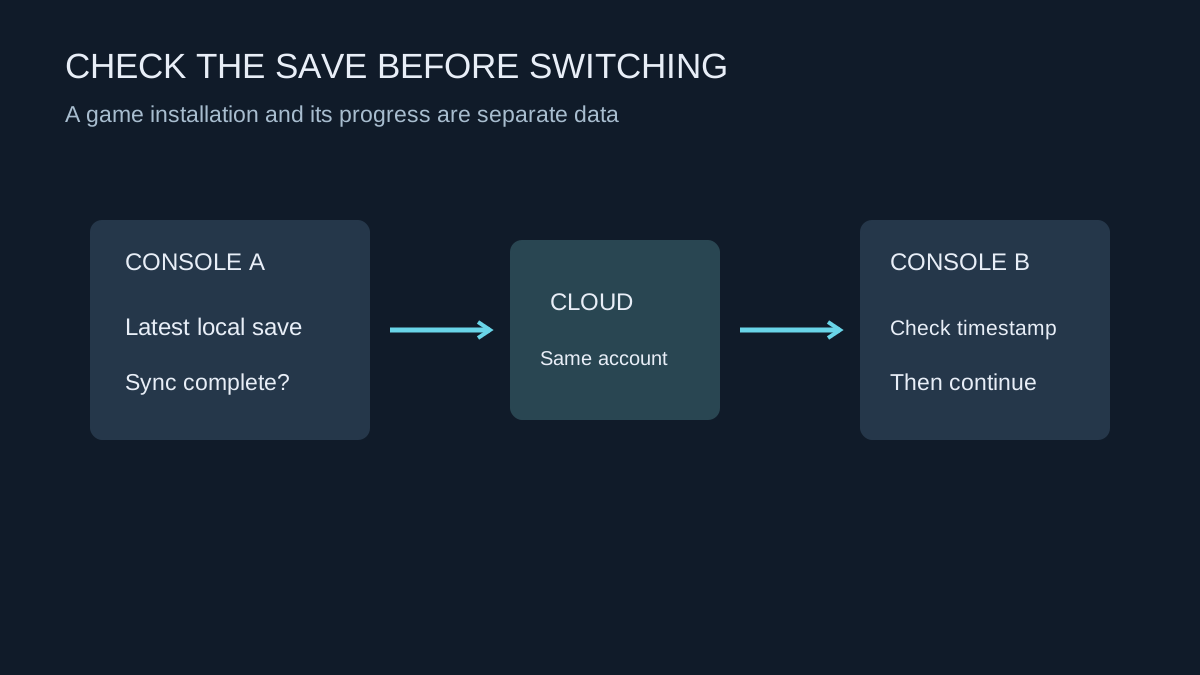
Confirm that the right account and the latest progress have synchronised before changing consoles or deleting local data.
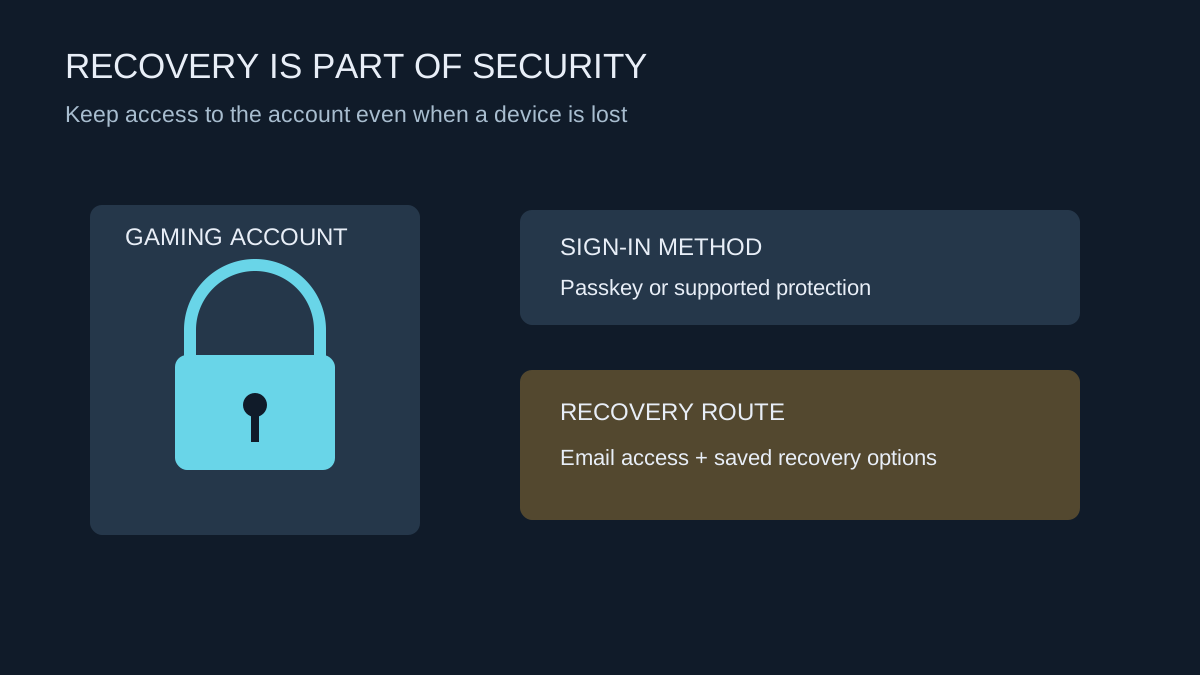
Protect the sign-in route and the recovery route together, especially before replacing a phone or selling a console.
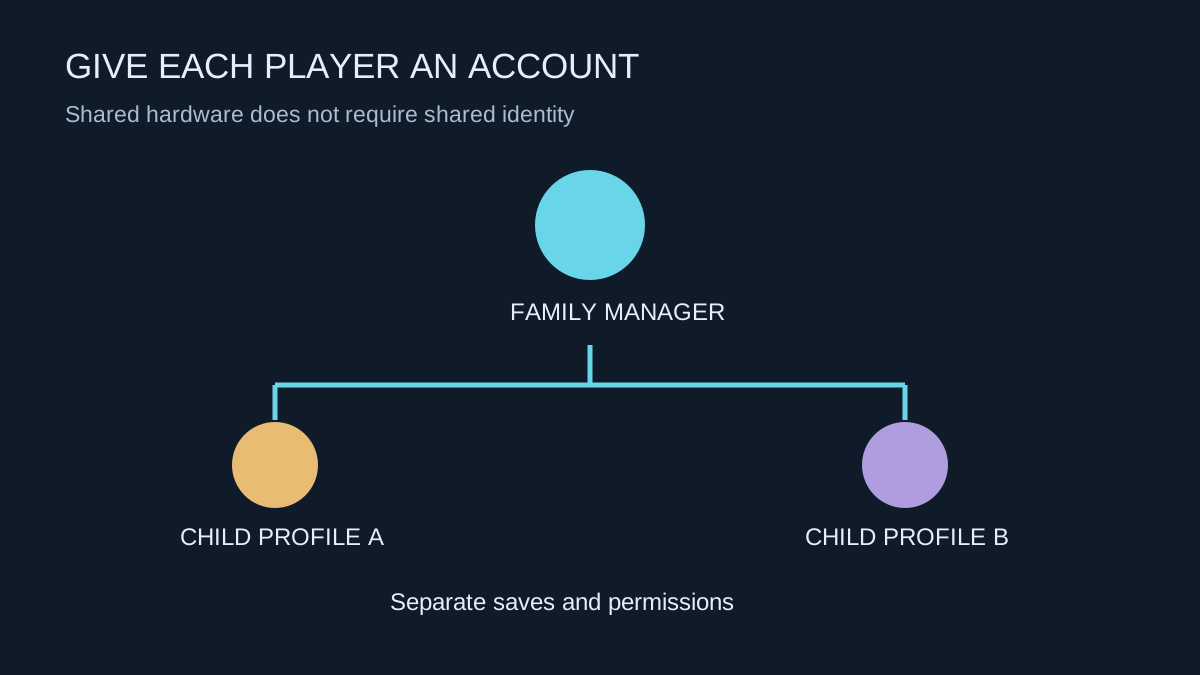
Separate player profiles, purchases and communication permissions before the console becomes part of the daily routine.
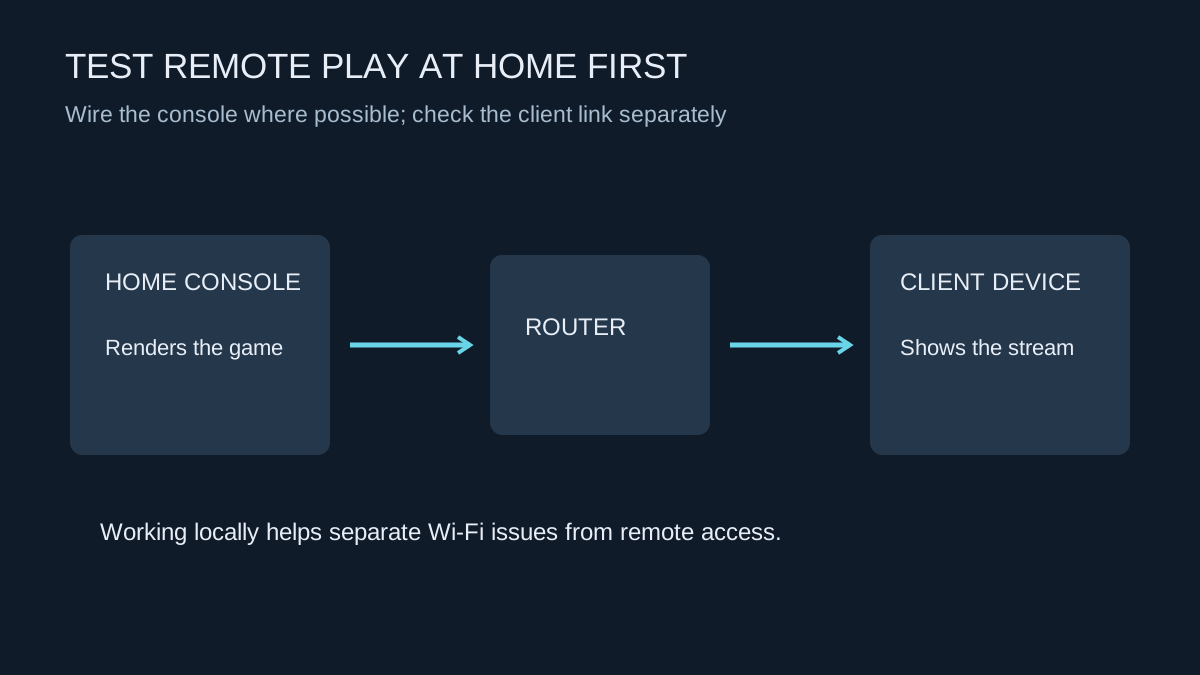
Establish a working local session before troubleshooting play from another network.
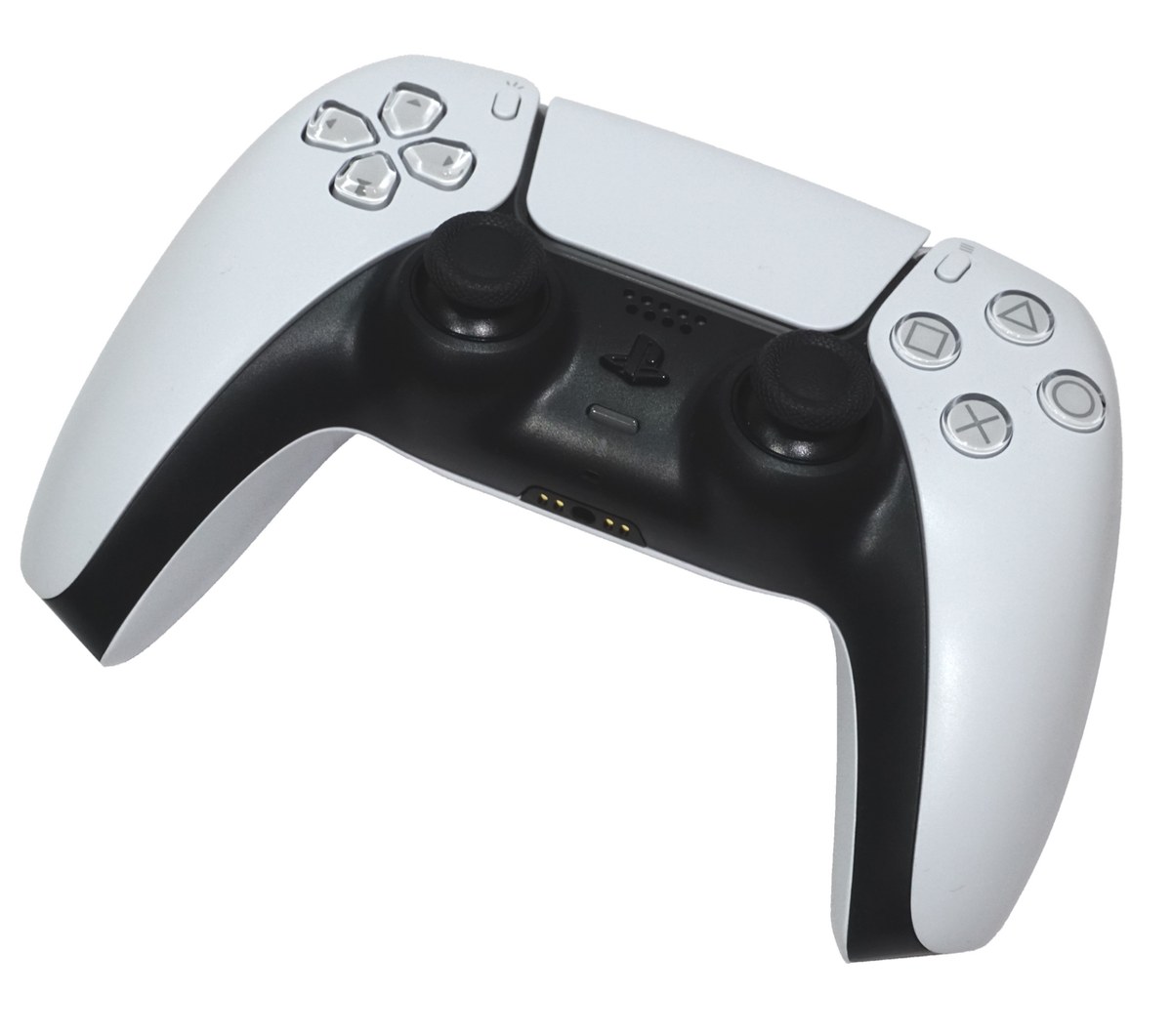
Check the controller model, connection method and previously paired device before resetting anything.
Photo: Alex Cochrane · CC BY-SA 4.0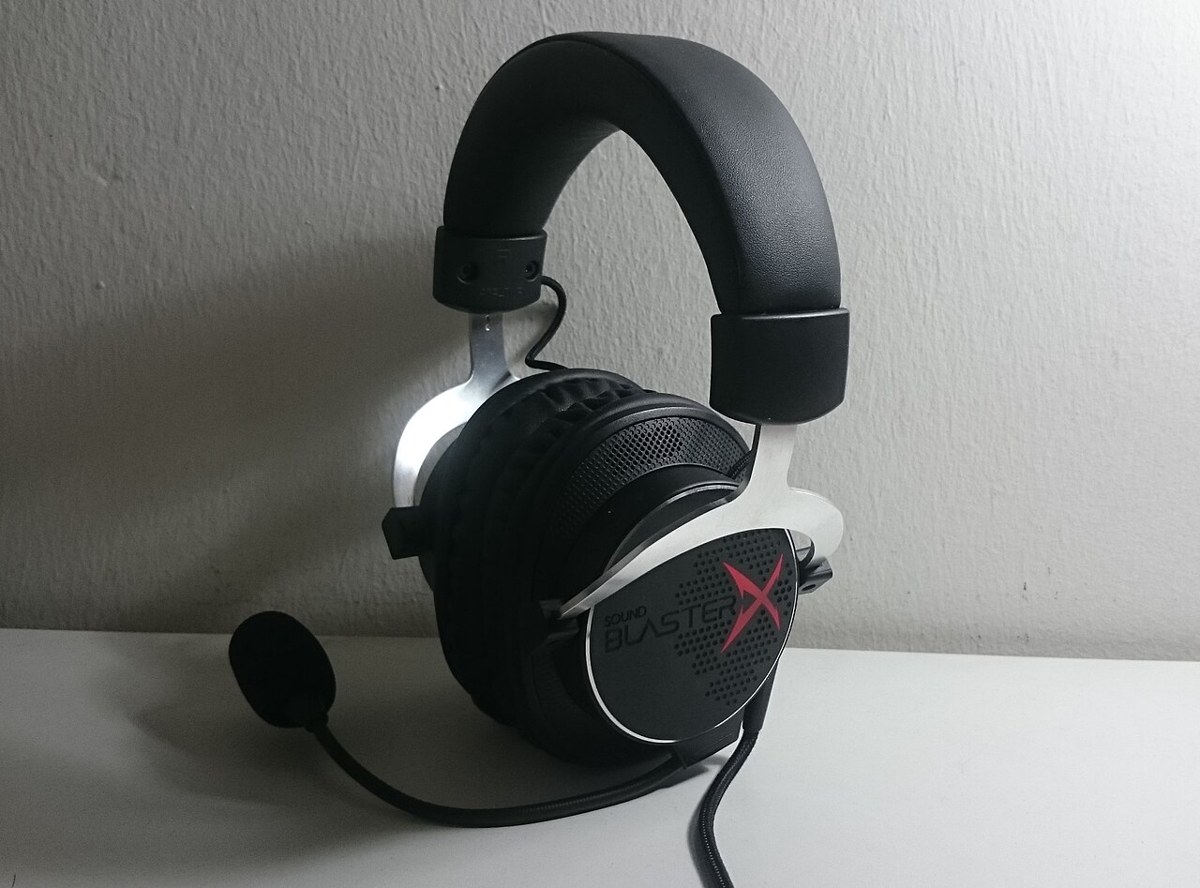
Check how game sound and microphone audio travel, not just whether the headset plug fits.
Photo: Dinopkk · CC BY-SA 3.0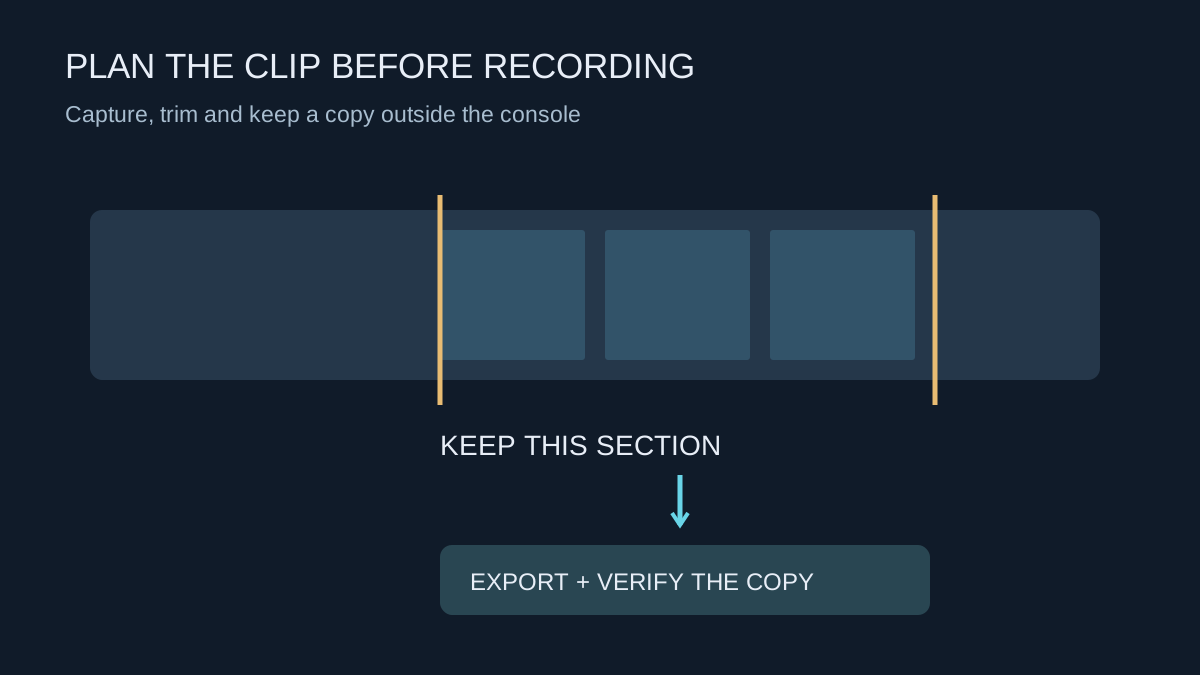
Choose clip length and format around what you want to keep, then verify exported copies before clearing space.
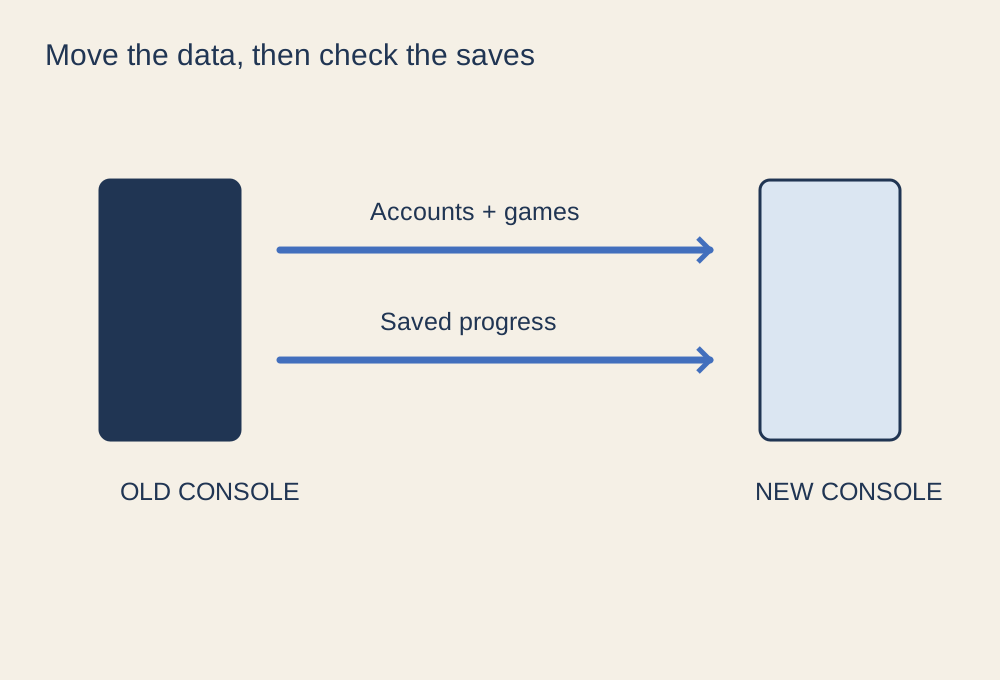
Separate installed games, account access and saved progress before retiring the old machine.
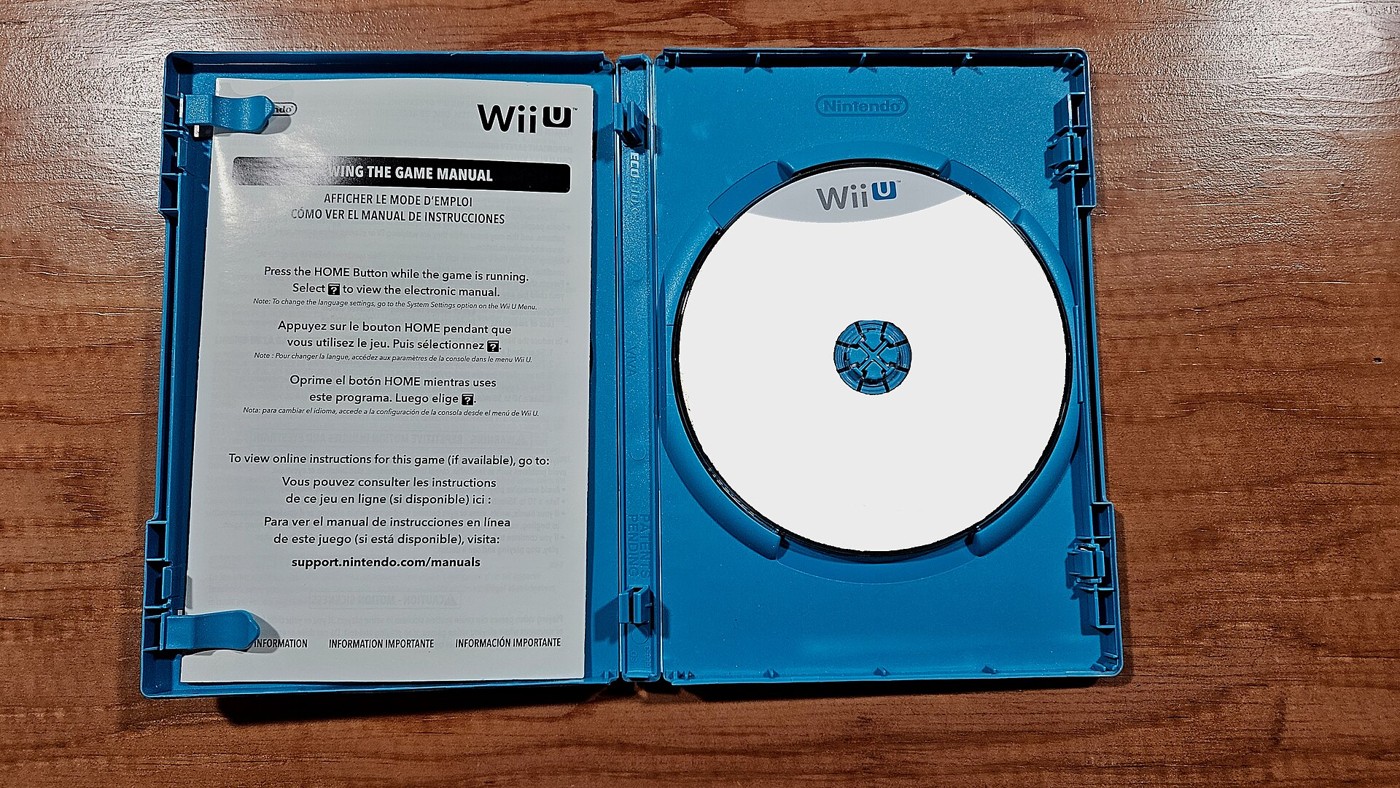
Compare the licence, storage needs and future access as well as the price on the box.
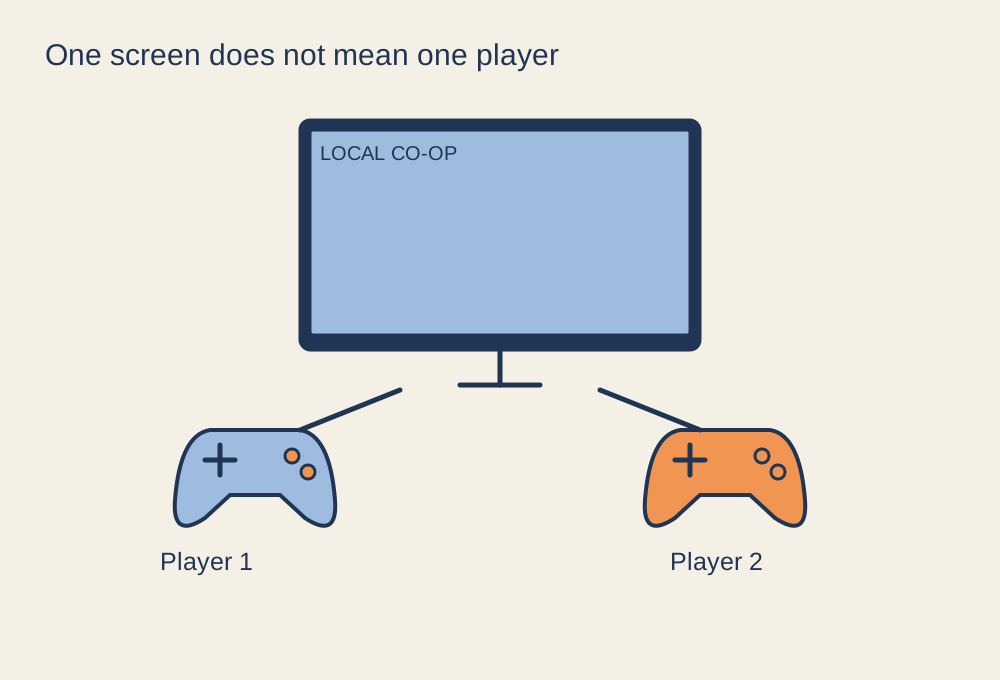
Check the player count, input devices and joining process before everyone arrives.
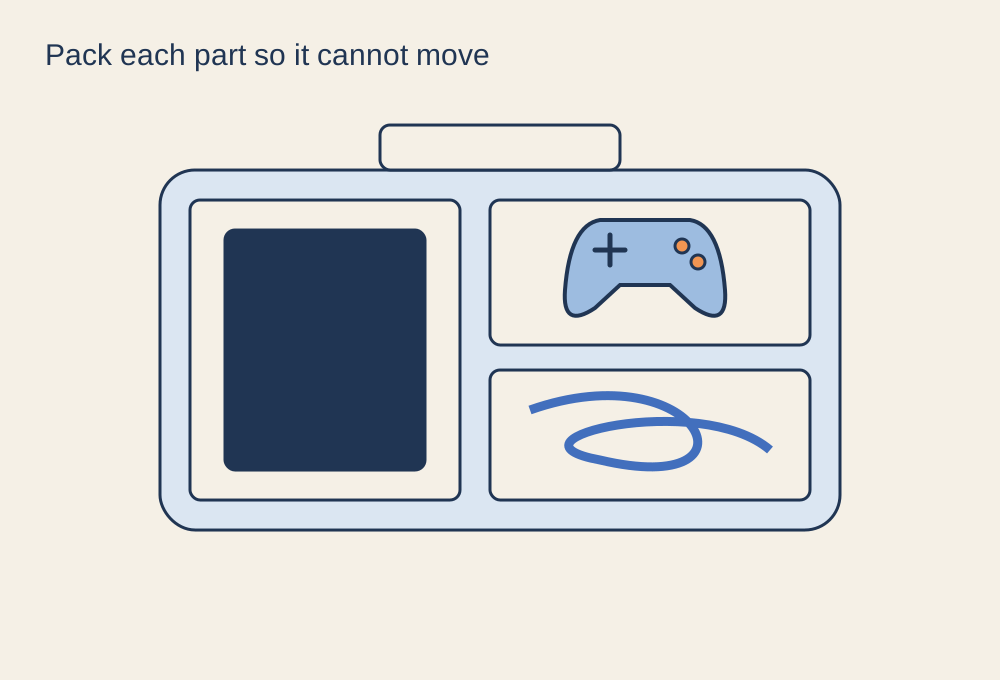
Protect the machine, separate loose accessories and confirm the destination connections.


