Make an inventory of the batteries
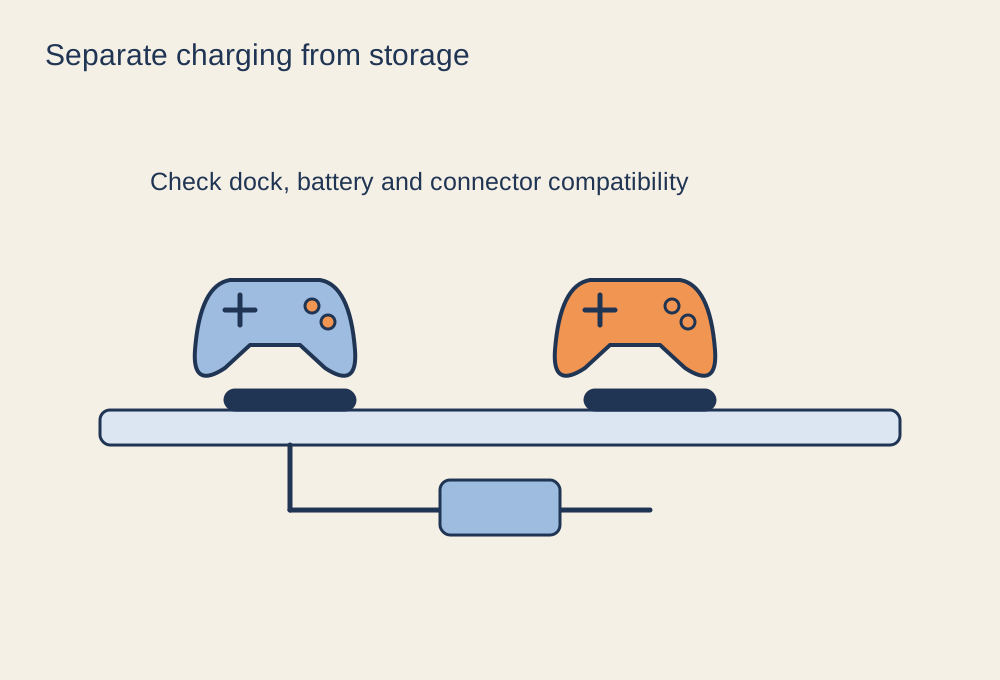
Controllers and headsets do not all charge in the same way. Some have built-in batteries charged through a cable; others use removable cells or a compatible rechargeable pack. A dock may require its own battery pack or contact adapter. Check the exact device model and charging instructions before buying a station that merely looks the right shape.
Do not attempt to recharge disposable batteries through a controller or dock. If a controller uses replaceable cells, the charging arrangement must explicitly support the rechargeable type you use. Keep the battery cover, adapter and dock instructions together so that someone else in the household can identify the correct combination.
Choose the location around daily use
Put the station somewhere you can see whether a device is seated correctly. A charging light hidden behind the monitor is easy to miss, and resting a controller on a dock is not always enough to engage the contacts. Keep the area dry, ventilated and clear of objects that could press buttons or bend a cable connector.
For cable charging, leave a reachable length without a loop hanging into the chair's path. Mark similar leads if only some provide the required connection. Use the device or charger maker's supported power arrangement, including the specified adapter where applicable. A spare television USB socket may behave differently when the television is off, so test rather than assuming overnight charging will occur.
Build one small habit
After a session, return the device and check the indicator. Before a planned multiplayer session, check charge status again while there is still time to fix a loose connection. Keep a suitable wired option or charged spare available if the device supports it, but do not leave a damaged cable in service simply because it occasionally works.
Clean charging contacts only as the manufacturer directs. If a device becomes unusually hot, swells, smells abnormal or has a damaged battery compartment, stop charging it and follow the manufacturer's support guidance. A charging station should make compatible equipment easier to organise; it does not remove the need to notice a fault or understand what the indicator actually means.