Define the target mode precisely
A display described as 120 Hz does not necessarily accept every resolution at that rate through every input. Write down the intended combination, such as 1080p at 120 Hz or 4K at 120 Hz. Check the television or monitor's input specification for that combination, including whether an enhanced HDMI mode must be enabled.
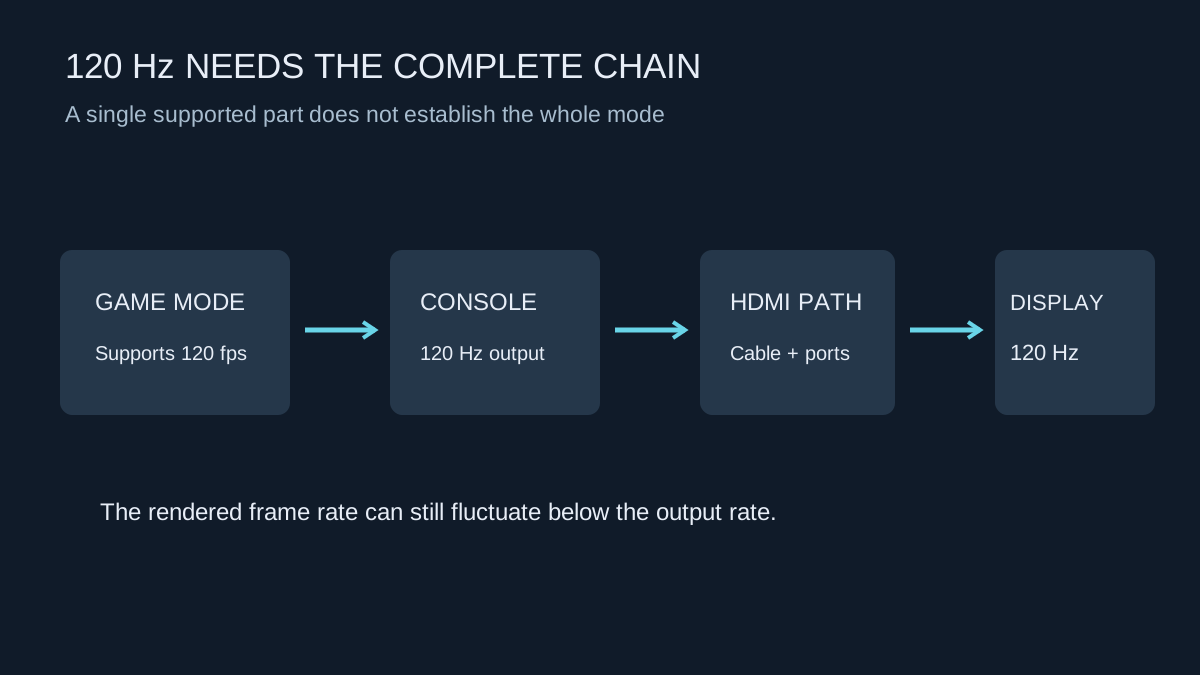
The game also needs a suitable mode. A console can output a 120 Hz signal while an individual title renders fewer frames. Selecting a game's performance option may change resolution, visual detail or other features. Read the current game's explanation rather than treating a console-level toggle as a universal frame-rate upgrade.
Trace every device in the signal path
List the console output, cable, receiver or switch if present, and display input. Each part must pass the chosen mode. A receiver that works at 4K 60 Hz may not pass the same resolution at 120 Hz. If the target is unavailable, temporarily connect the console directly to the display using an appropriate known-working cable.
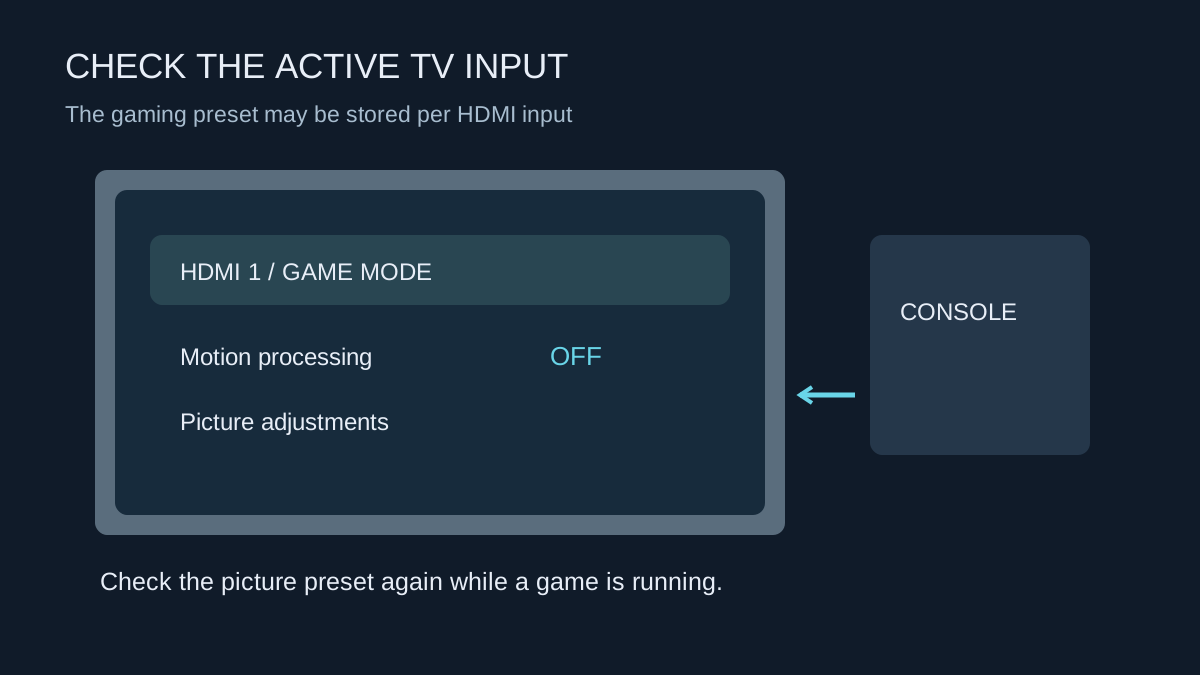
Use the display's specified high-bandwidth input. Some televisions provide different capabilities on different sockets. A label on the side of the television is more useful when read alongside the model's manual; socket numbers are not consistent across manufacturers.
For cable selection, use the HDMI cable category and certification relevant to the target rather than an unsupported claim that an expensive cable improves picture sharpness. For common console 4K 120 Hz arrangements, a certified Ultra High Speed HDMI cable is the appropriate class to investigate. Cable length and any adapters remain part of the setup.
Confirm the mode while playing
Enable the supported console output and the game's relevant setting, then check the display's signal information while gameplay is active. The console dashboard may use a different mode. Some televisions show the incoming refresh rate rather than the exact number of newly rendered frames, so understand what the information panel measures.
On PS5, the video-output settings include a 120 Hz option and information about the connected HDMI device. Sony advises disabling the 120 Hz output setting if it creates display problems. Treat this as a diagnostic comparison, then investigate the unsupported part of the path rather than forcing a mode the display cannot accept.
An example of isolating a receiver limitation
Imagine a console that offers the intended high-refresh mode when connected directly to the television, but only a lower mode through an AV receiver. Keep the same television input and use suitable known-working cables for the comparison where the arrangement permits. Check the receiver's selected input, output settings and supported pass-through modes. The result points to that added path, not necessarily a defective console.
If the receiver cannot pass the required video mode, one possible supported arrangement is video directly to the television with audio returned through the equipment's compatible audio connection. Whether that suits you depends on the television and receiver's audio capabilities. Check those separately rather than assuming that every surround format and feature will survive a different route.
Choose the trade-off that suits the game
A high-refresh mode may reduce visual detail or use a lower internal rendering resolution. Compare it with the alternative in the same scene. Fast aiming and camera movement may benefit from the more frequent updates, while a slower game may leave you preferring its higher-detail mode.
If the image becomes unstable, flickers or disappears, return to a known-working mode using the console's documented recovery procedure. Do not keep changing unrelated colour settings without recording them. Check firmware, port configuration and cable suitability one at a time.
You do not need to replace every part of the setup merely because one advertised feature is unavailable. A stable 60 Hz mode may be the sensible choice on an existing display. If buying new equipment specifically for 120 Hz play, confirm the complete desired resolution, HDR and VRR combination before ordering, then test that combination within the seller's return period.