
PC Gaming
Why frame times matter alongside frame rate
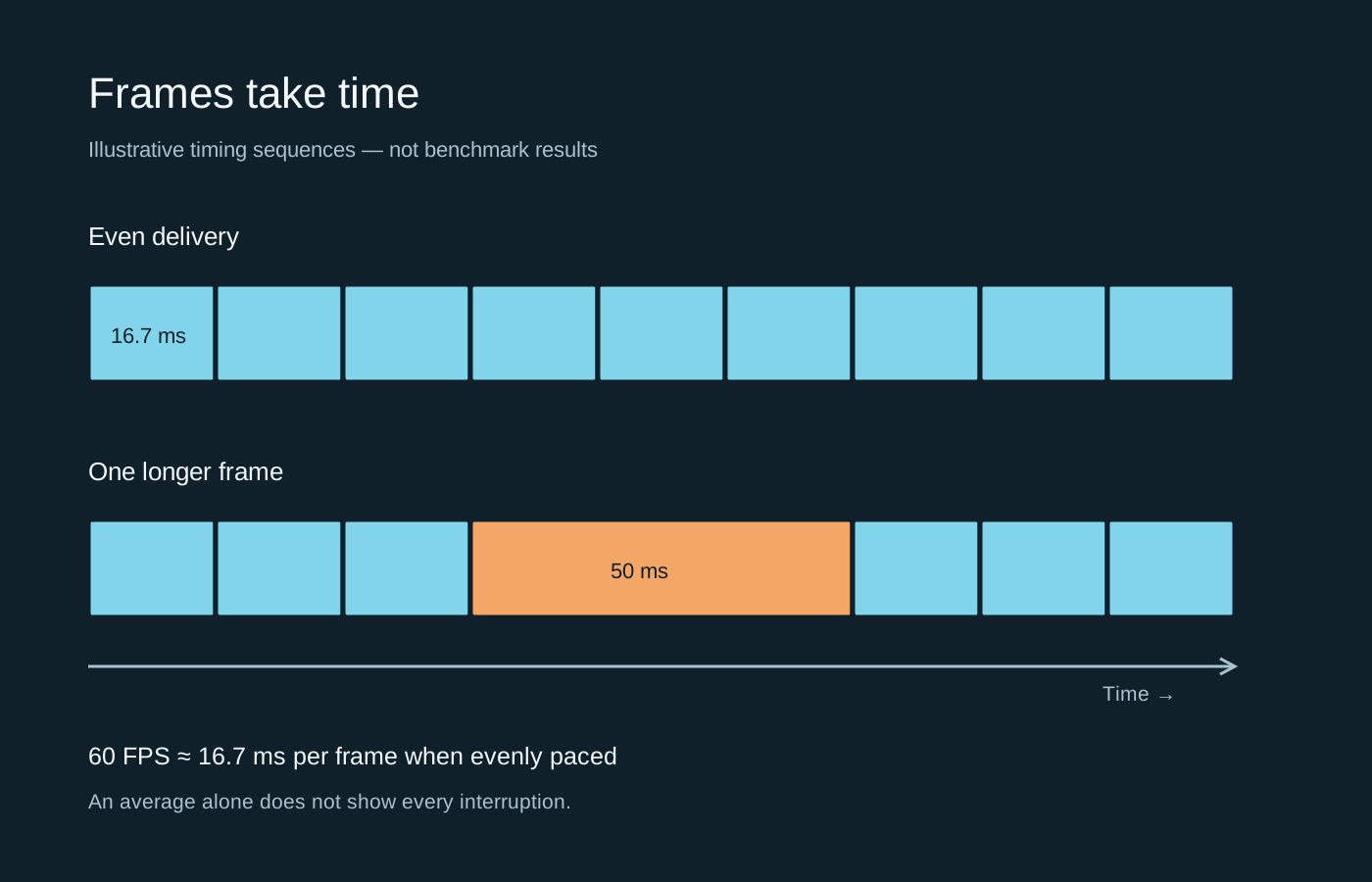
An average FPS figure can hide an uneven sequence. A frame-time graph shows where the pauses occur.
24 GUIDES
Performance, storage, networking and troubleshooting.
An average FPS figure can hide an uneven sequence. A frame-time graph shows where the pauses occur.
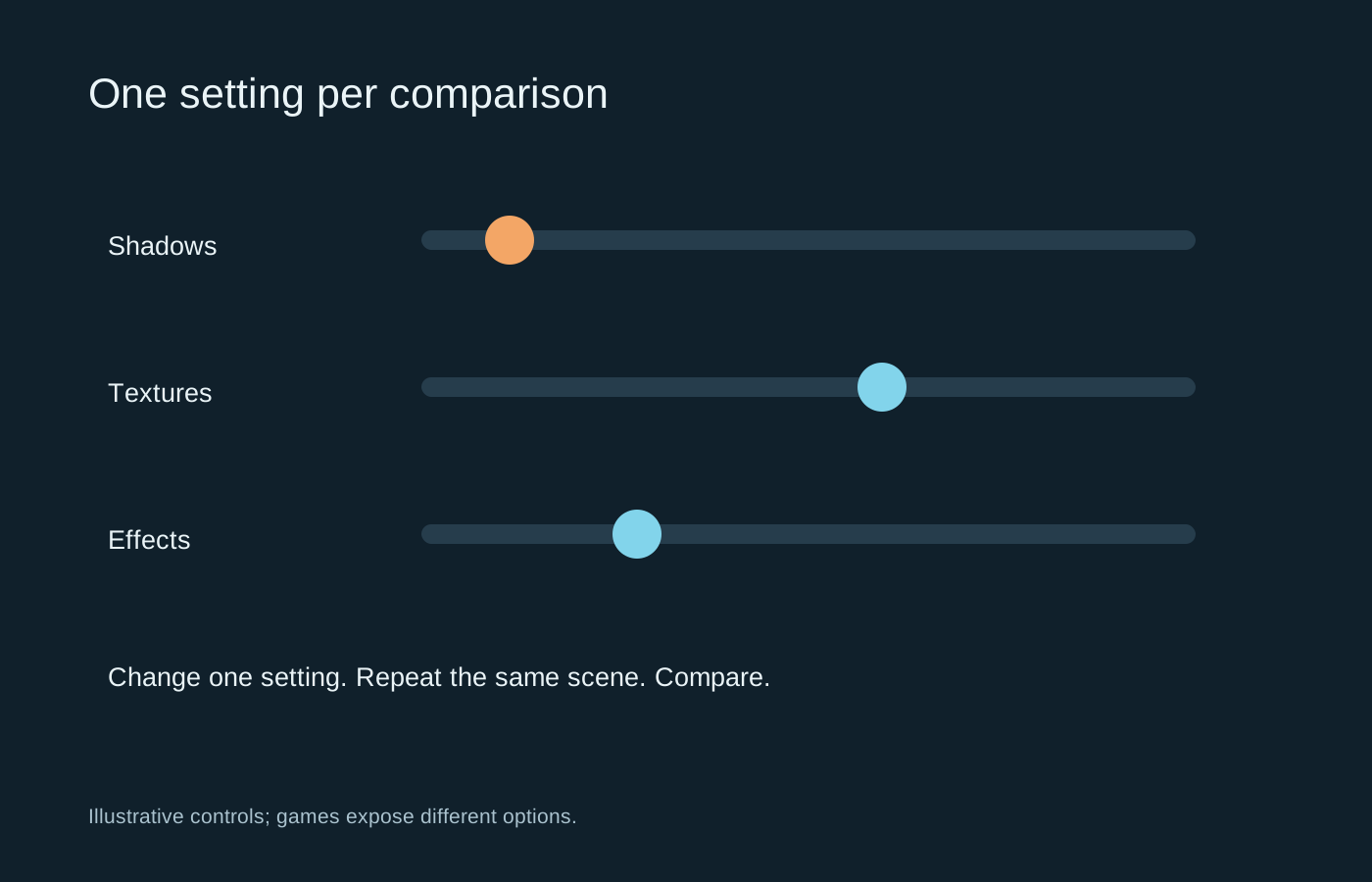
Use a repeatable scene and a saved baseline so you can tell which change helped.
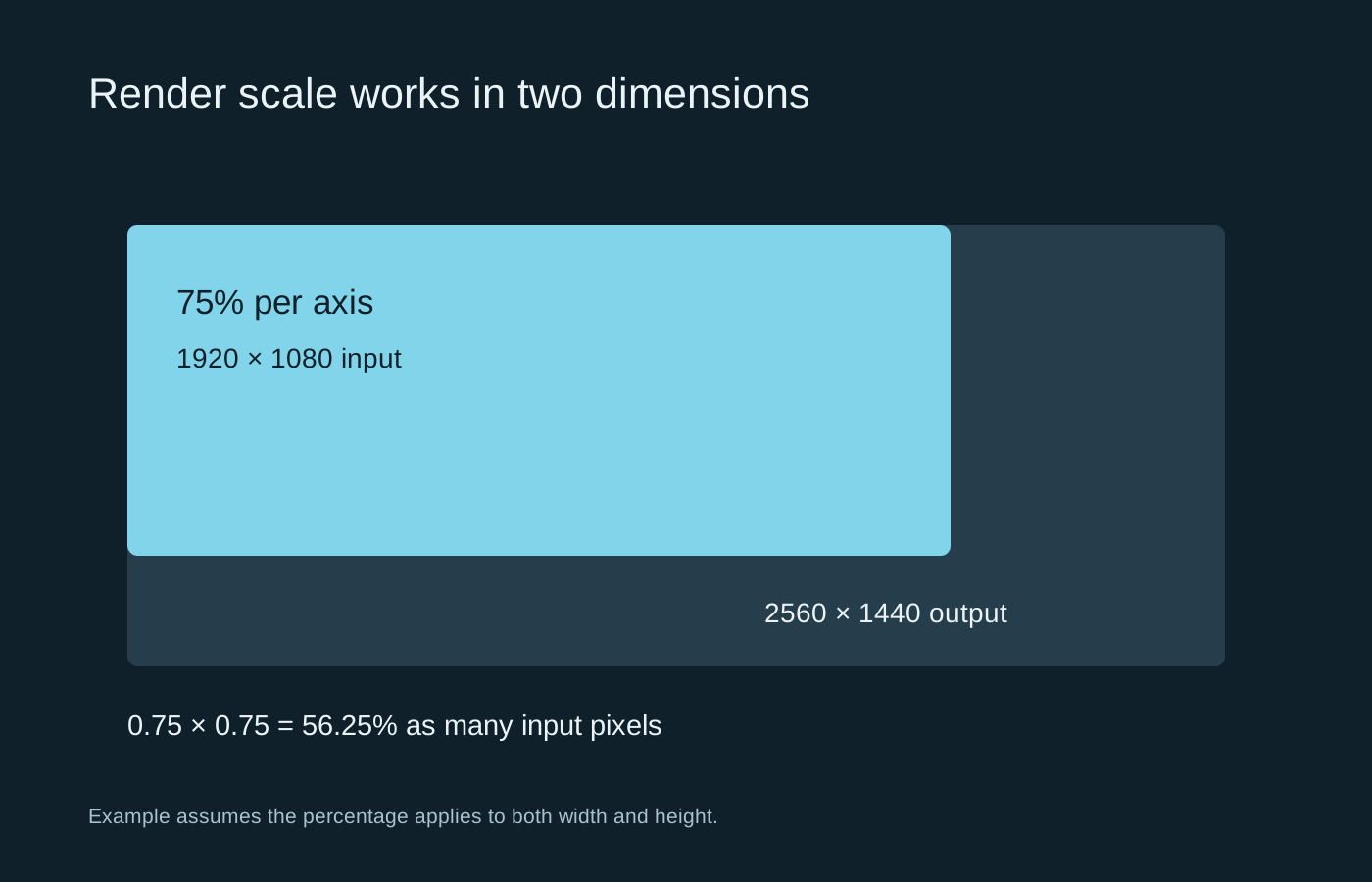
Display resolution and internal render scale describe different stages of the image.
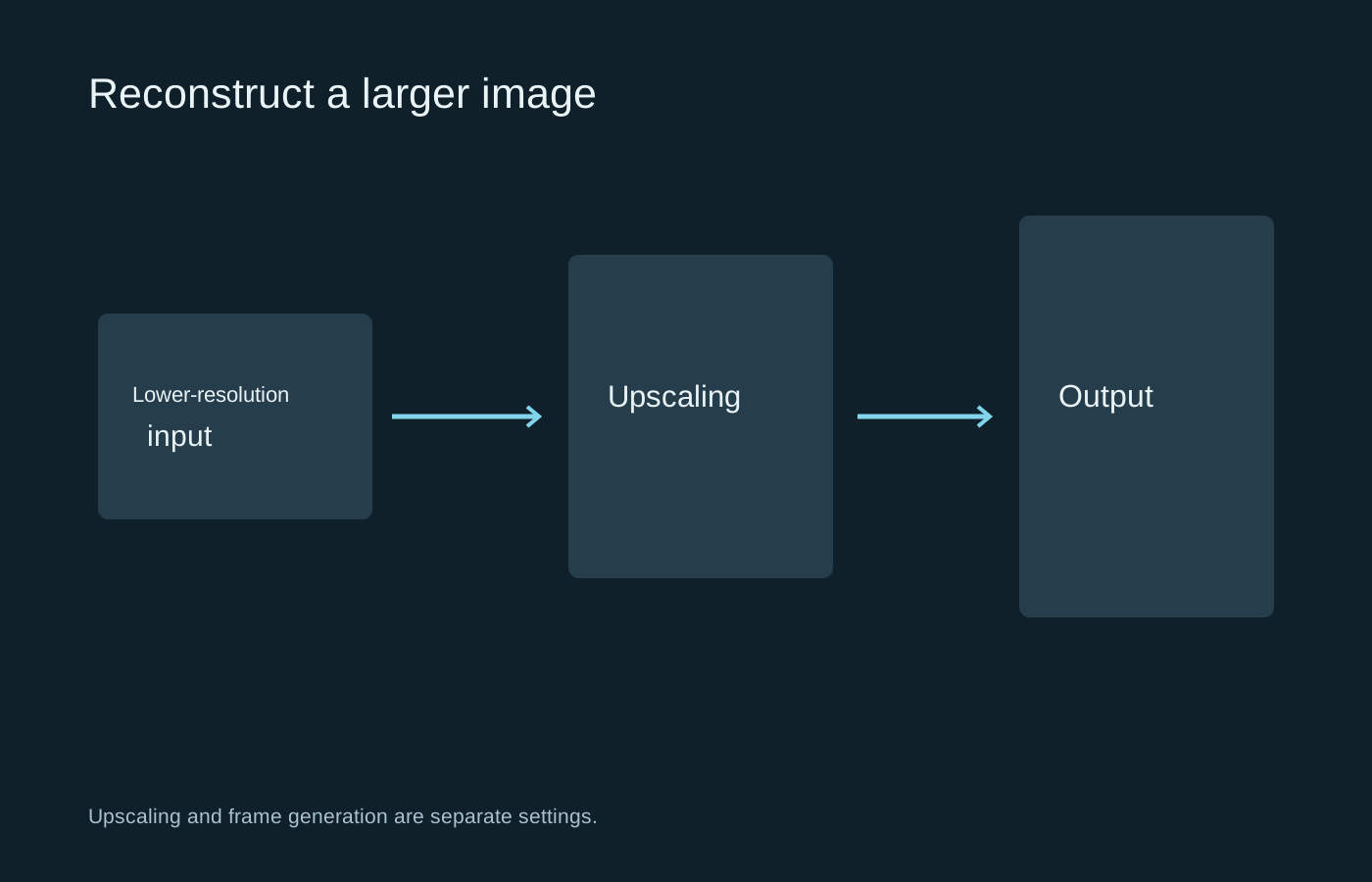
Judge an upscaler in motion, and keep frame generation separate while you compare.
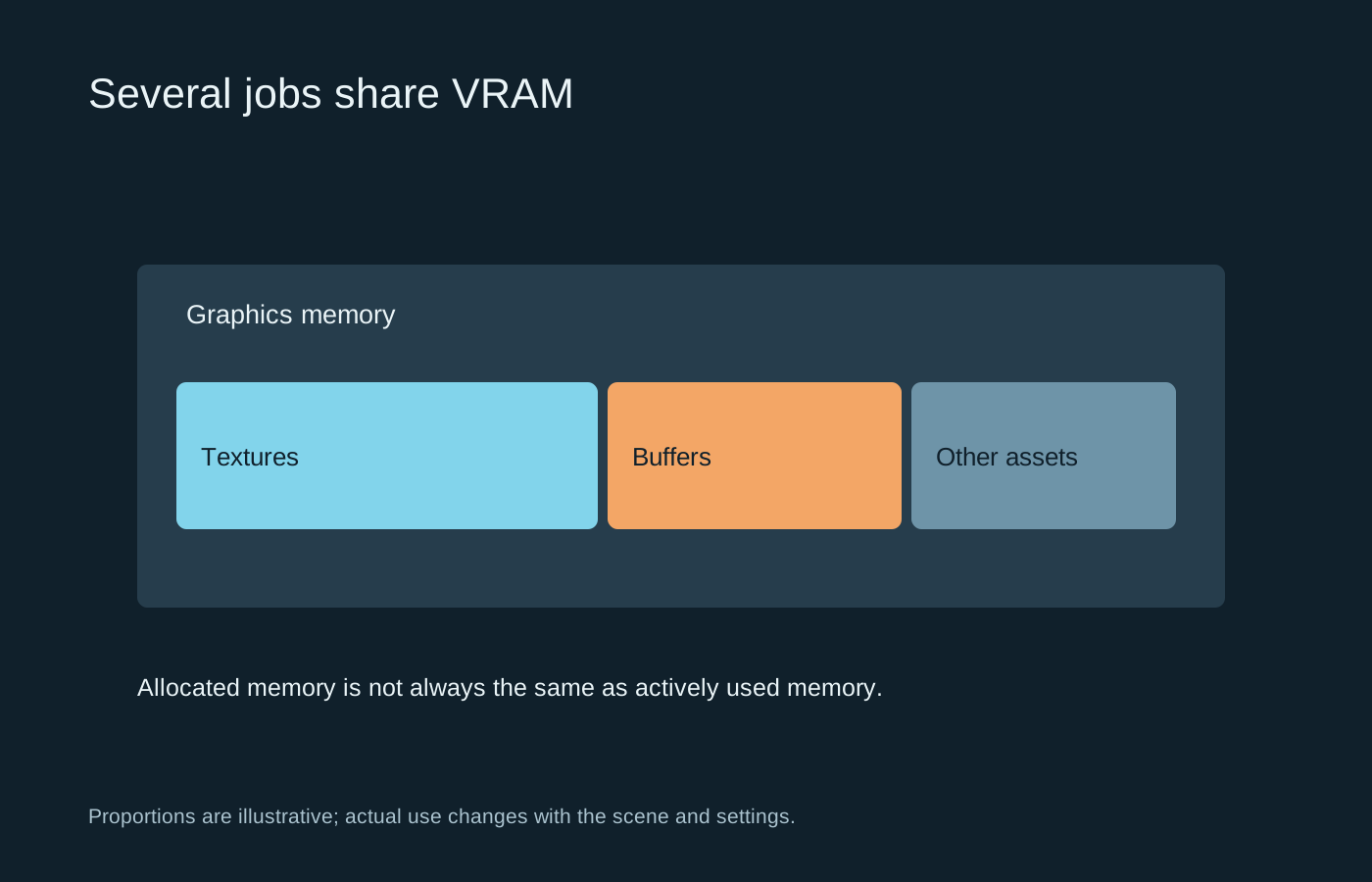
Memory capacity, allocation and actual pressure are related, but they are not interchangeable readings.
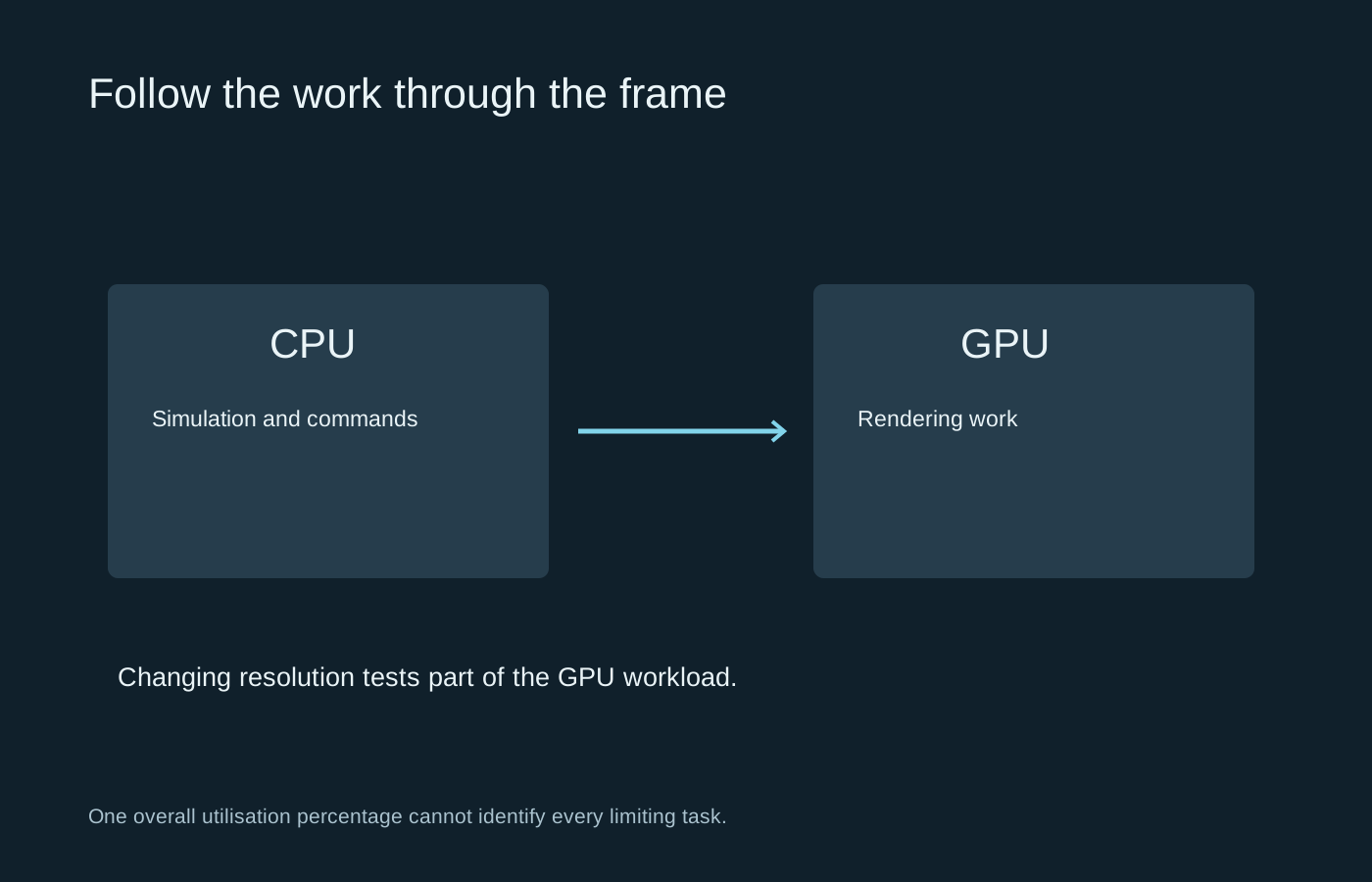
Use changes in workload to test a hypothesis, rather than relying on one utilisation percentage.
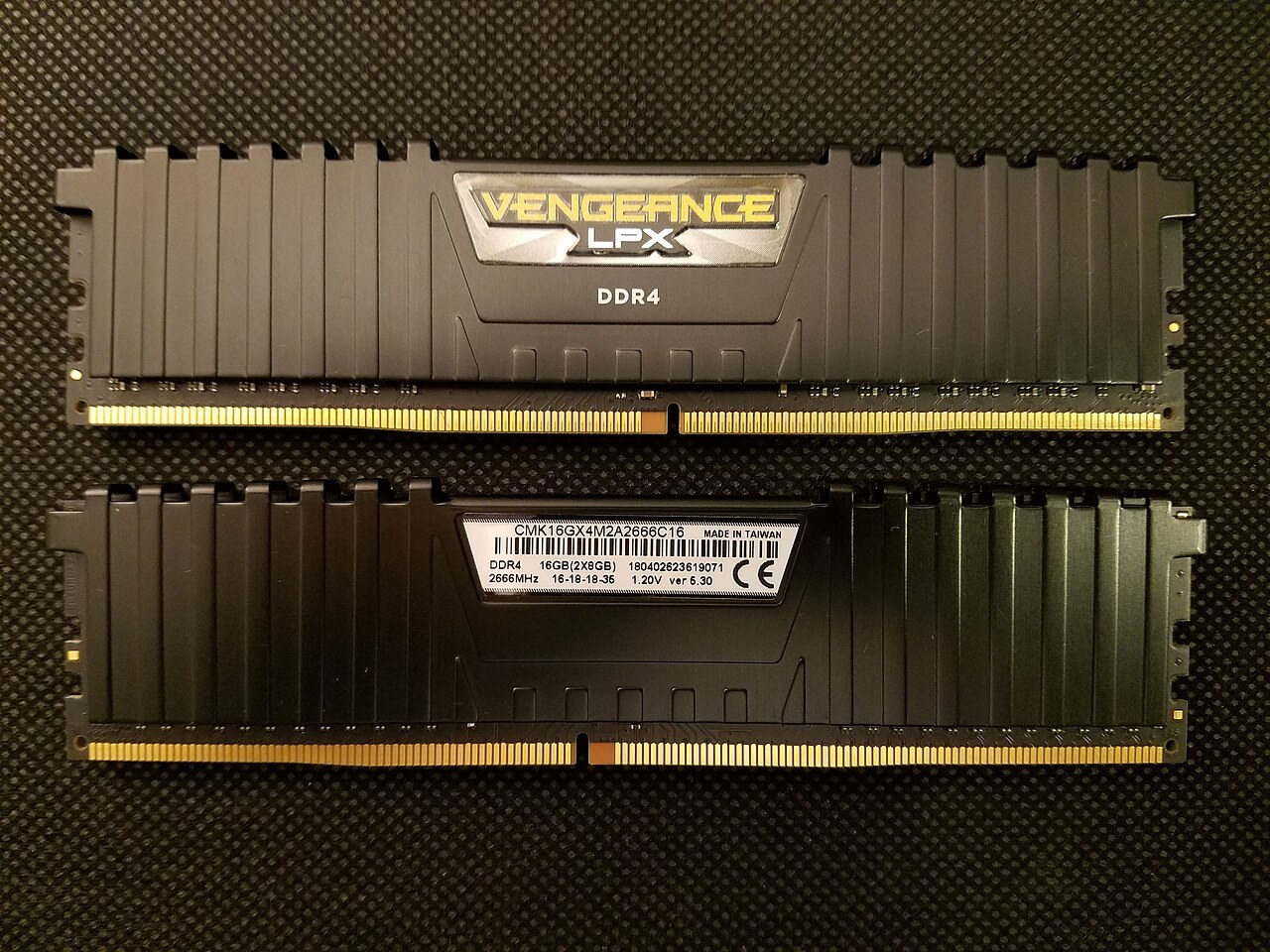
Look at the games you play, the applications beside them and the memory your motherboard can actually accept.
Photo: Bretwa · CC BY-SA 4.0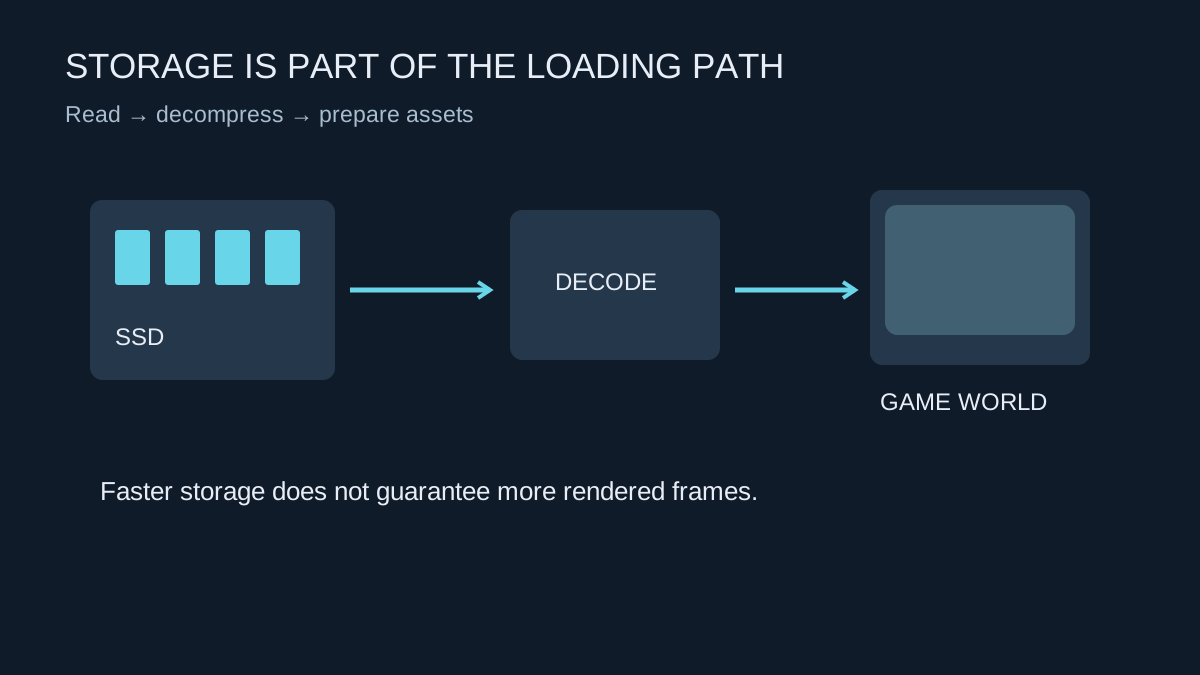
An SSD can shorten waits and help asset delivery, but it does not replace the graphics hardware that draws each frame.
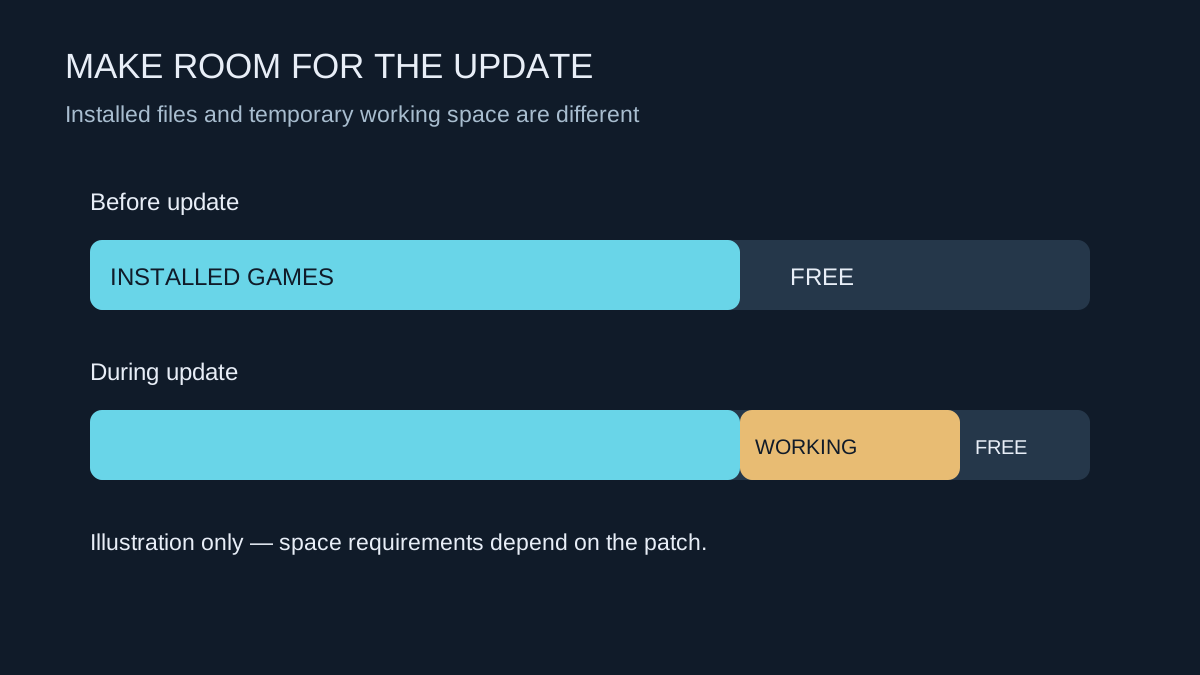
A patch can need room to unpack and rebuild files, even when its download looks small.
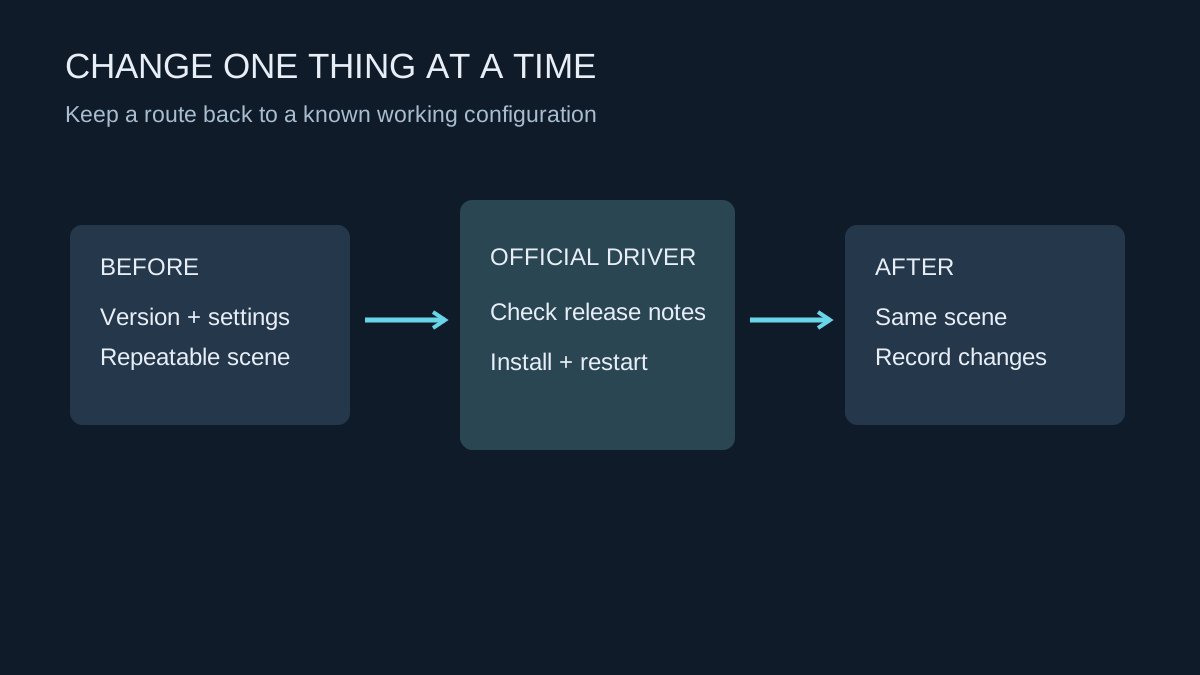
Record the working version, use the hardware maker’s download and leave enough time to test afterwards.
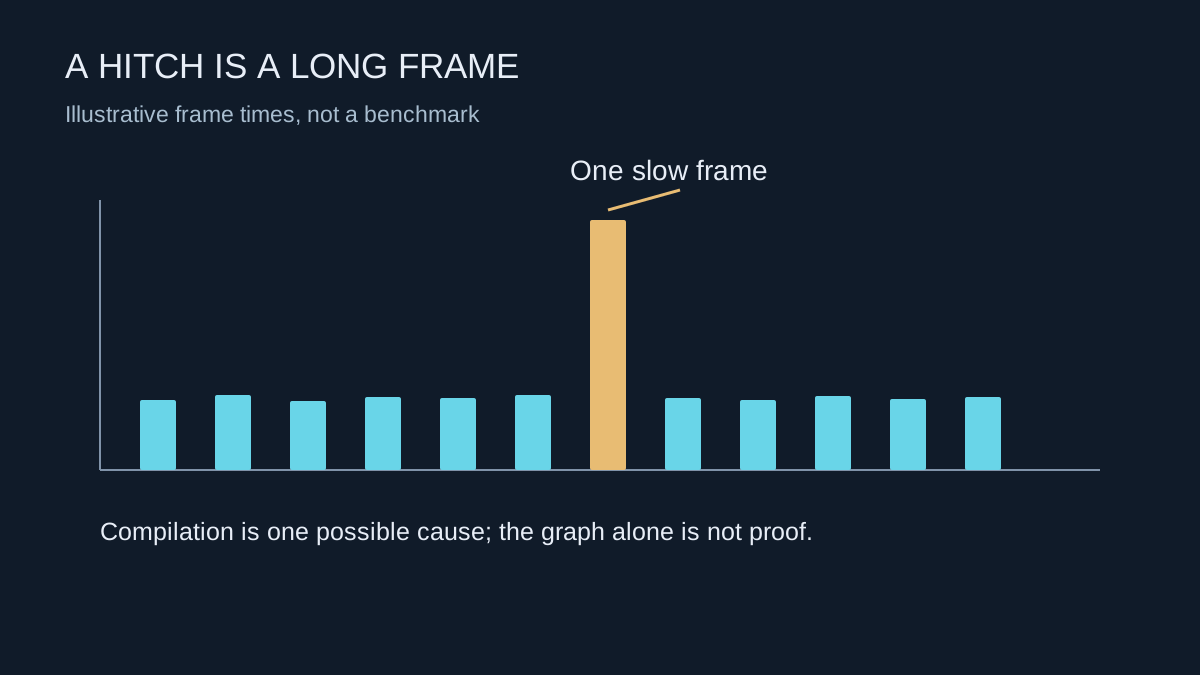
A sudden pause on first encountering an effect can have a different cause from consistently low performance.
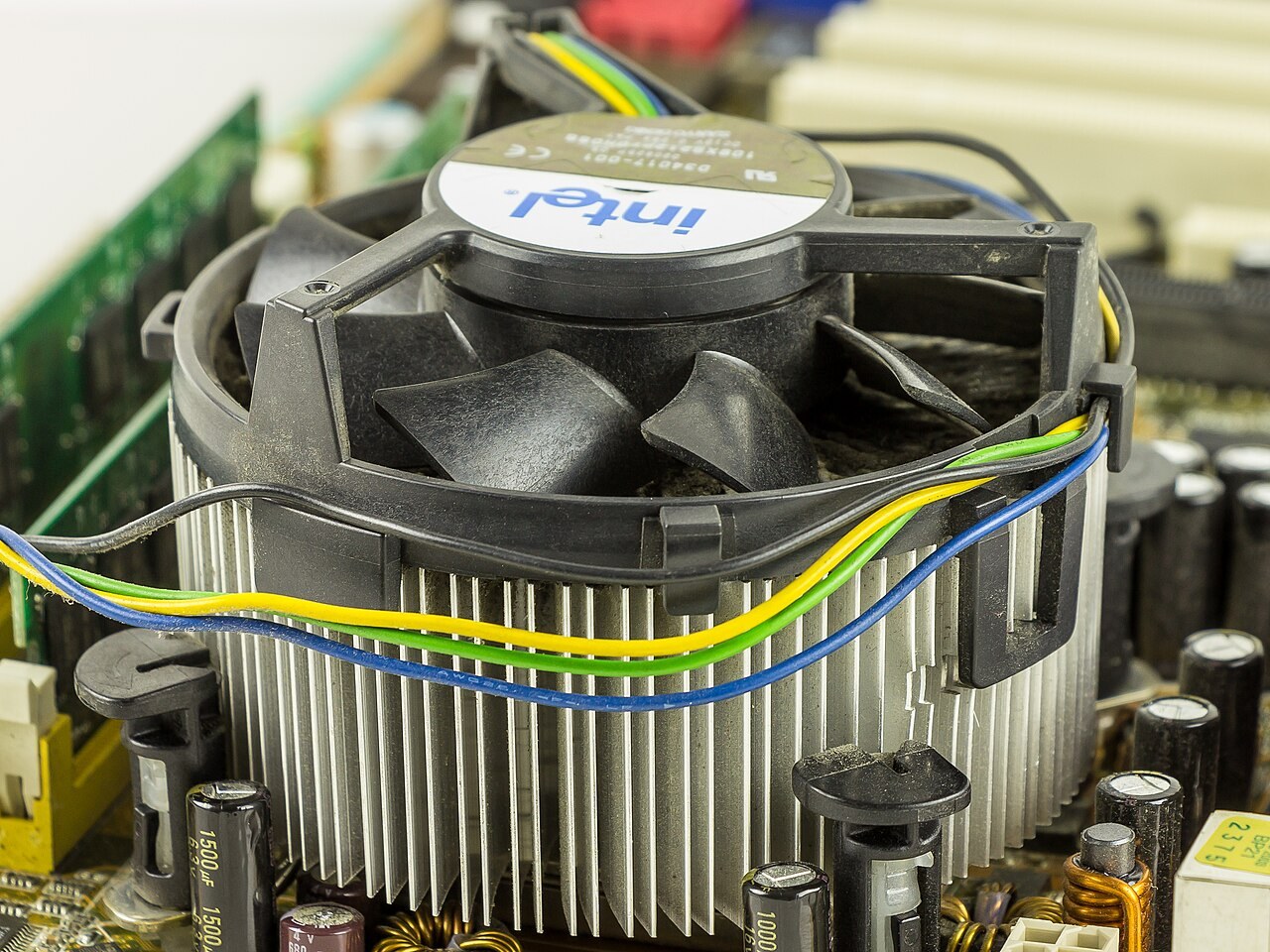
Compare temperatures, workload and the kind of noise before changing fan settings or buying a cooler.
Photo: Raimond Spekking · CC BY-SA 4.0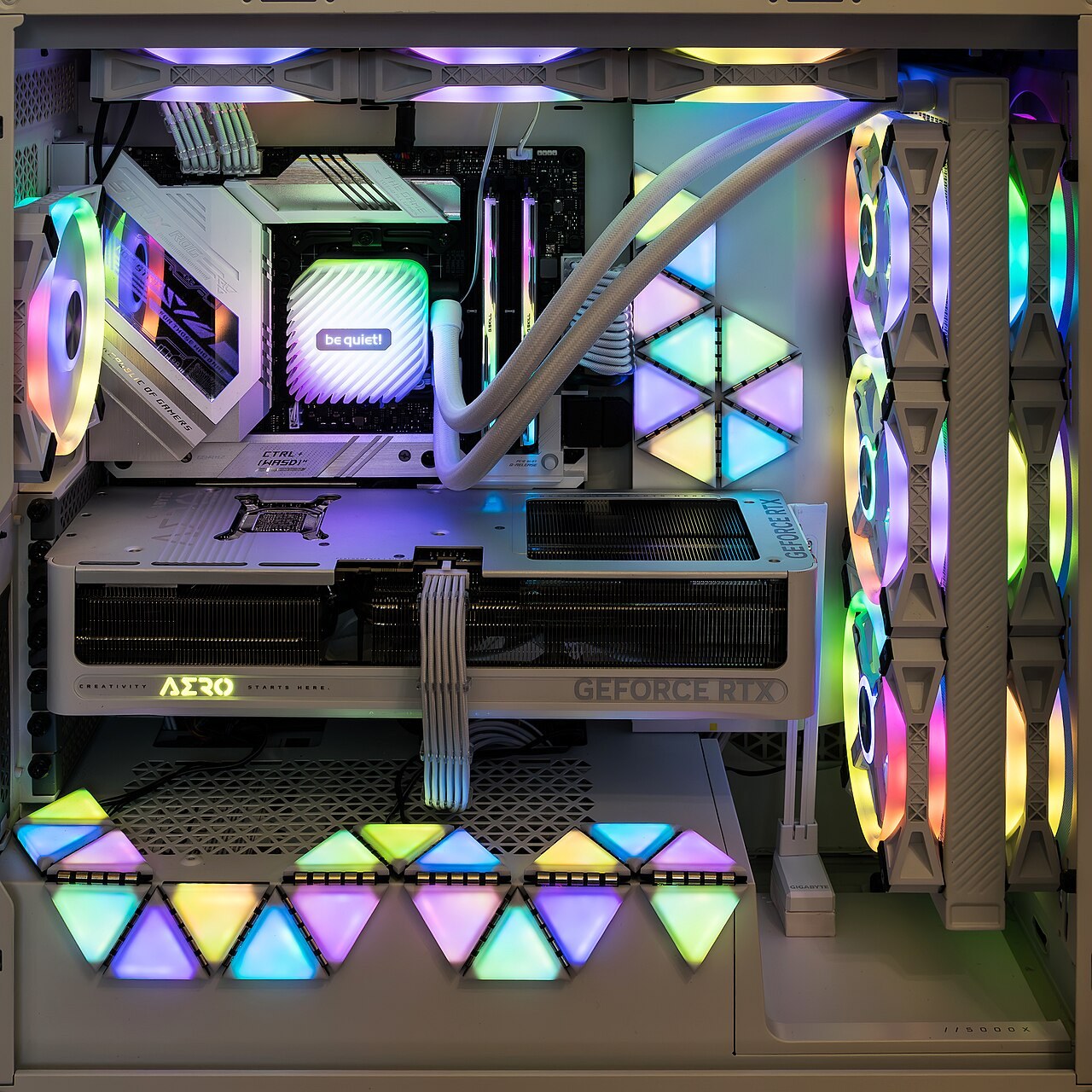
Follow the route air can actually take through the case, including filters, radiators and the space outside it.
Photo: Jacek Halicki · CC BY-SA 4.0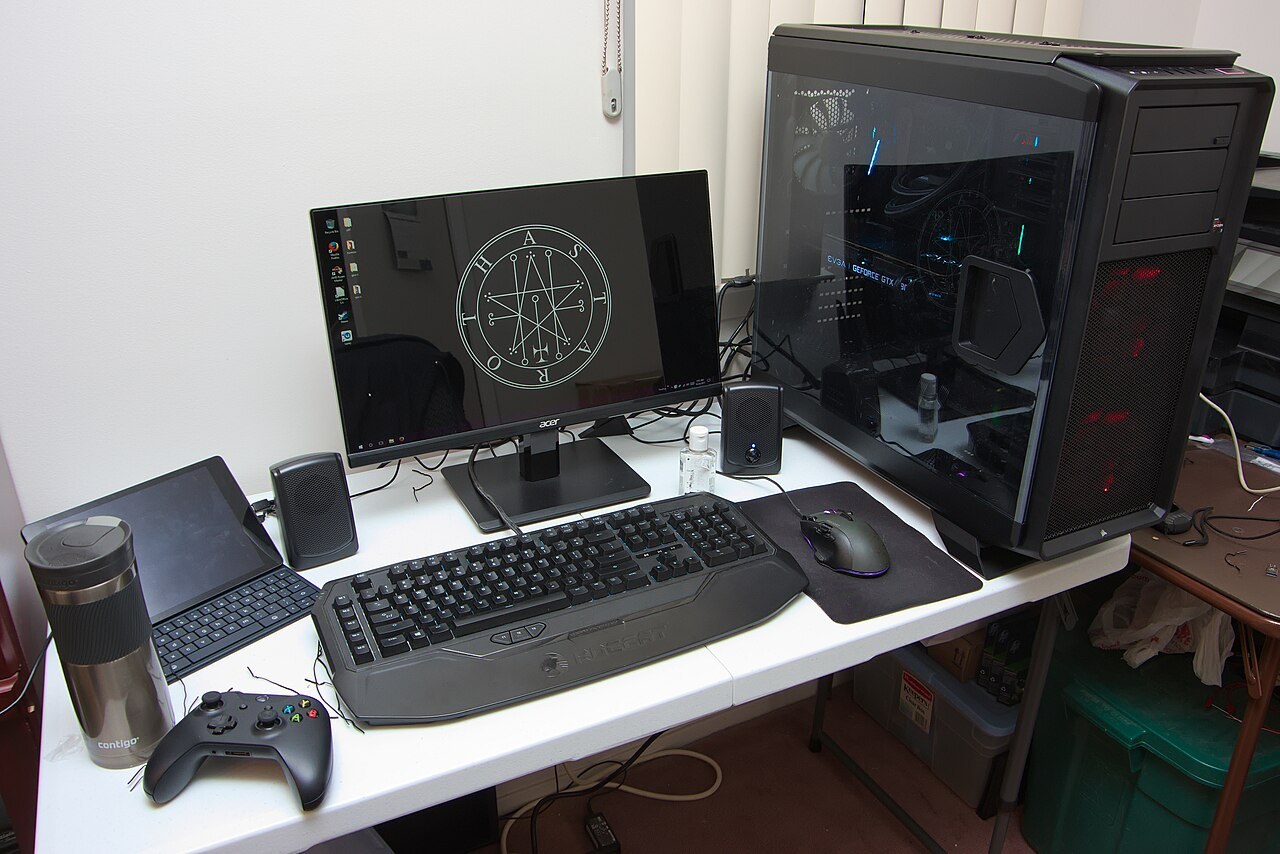
Ask for the complete specification and support terms, not just the processor and graphics-card names.
Photo: Brian Wong · CC BY-SA 2.0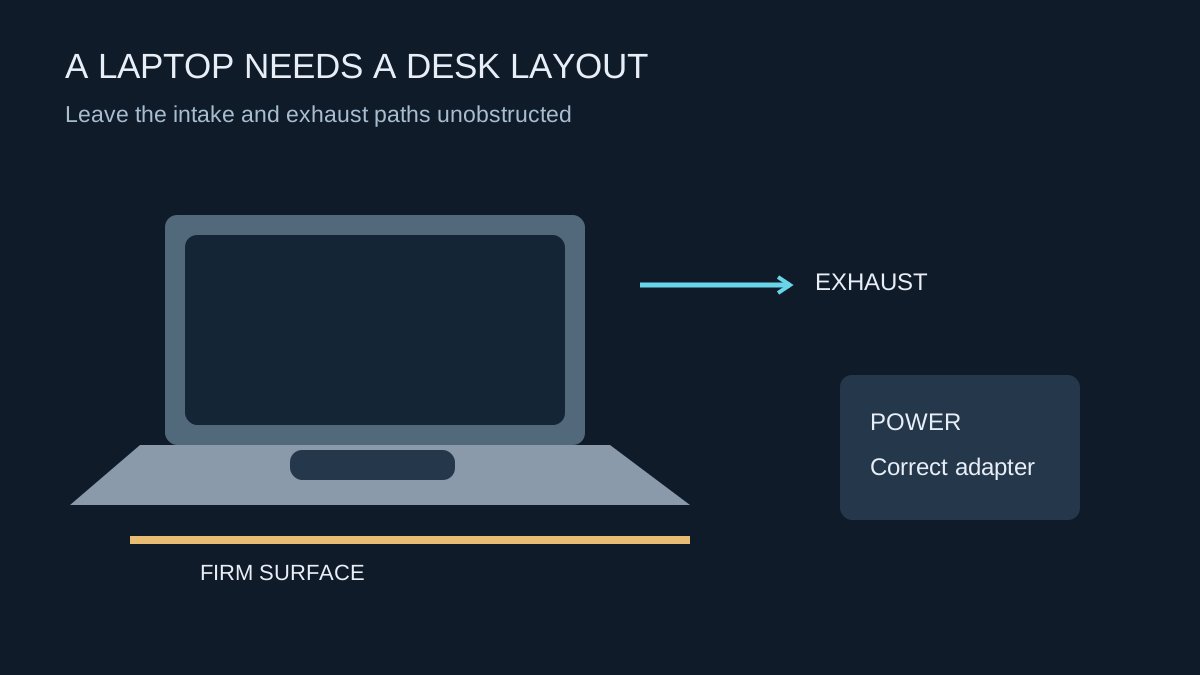
Treat power, cooling and the display connection as parts of one setup before adding a dock or monitor.
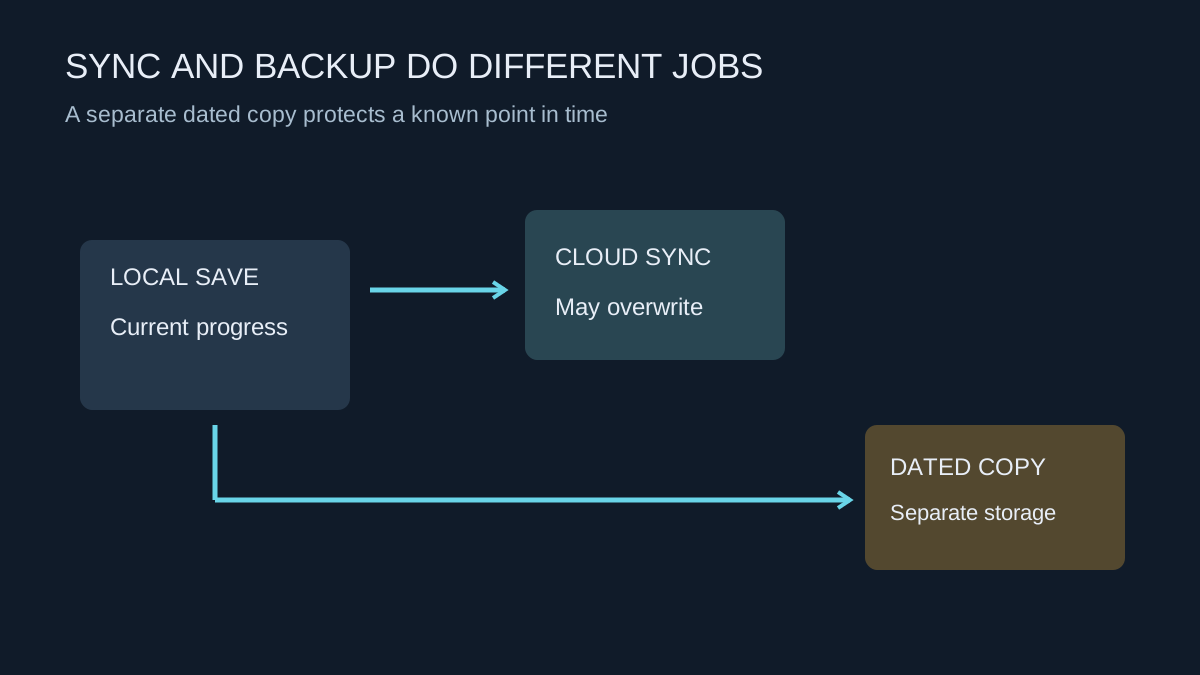
Keep a recoverable copy of progress before moving computers, reinstalling Windows or experimenting with mods.
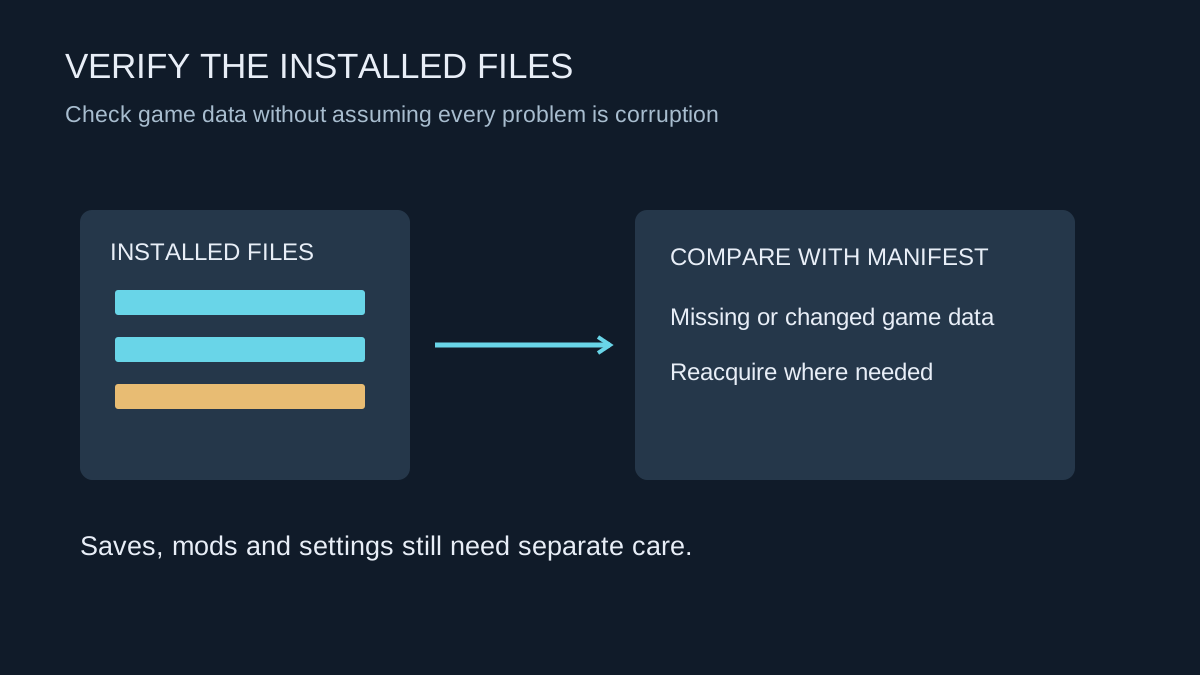
Verification checks installed game data. It is useful for certain faults, but it does not diagnose the whole computer.
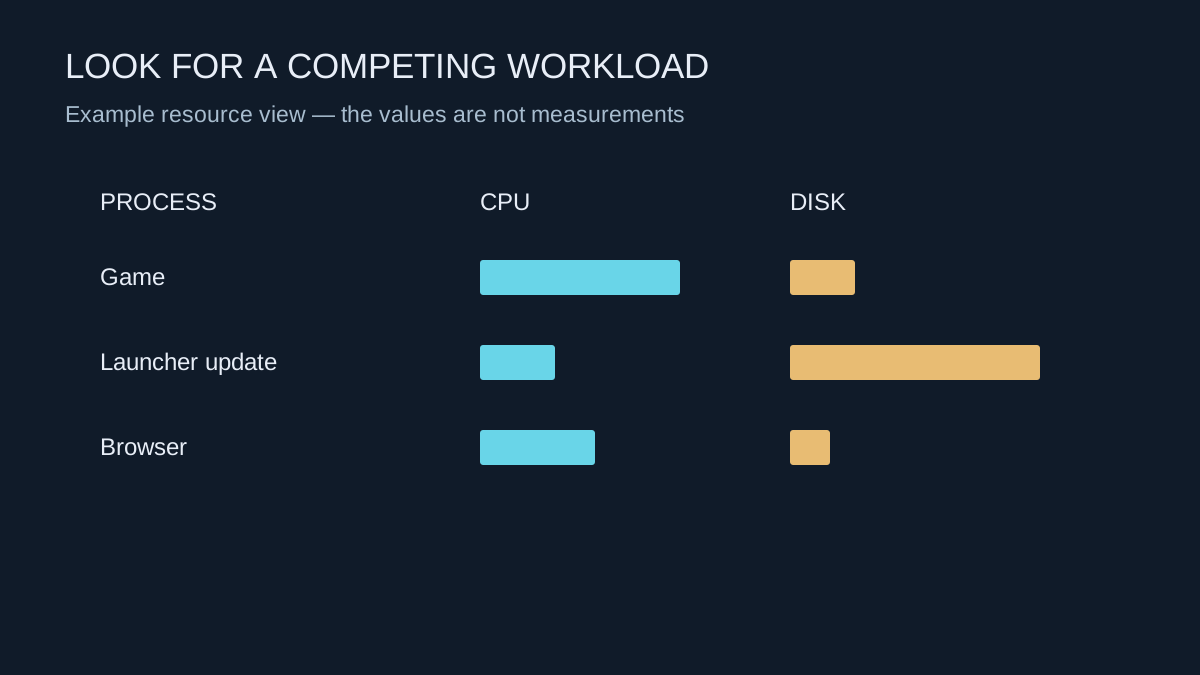
Look for a process competing for a resource at the moment the game slows down, rather than closing everything blindly.
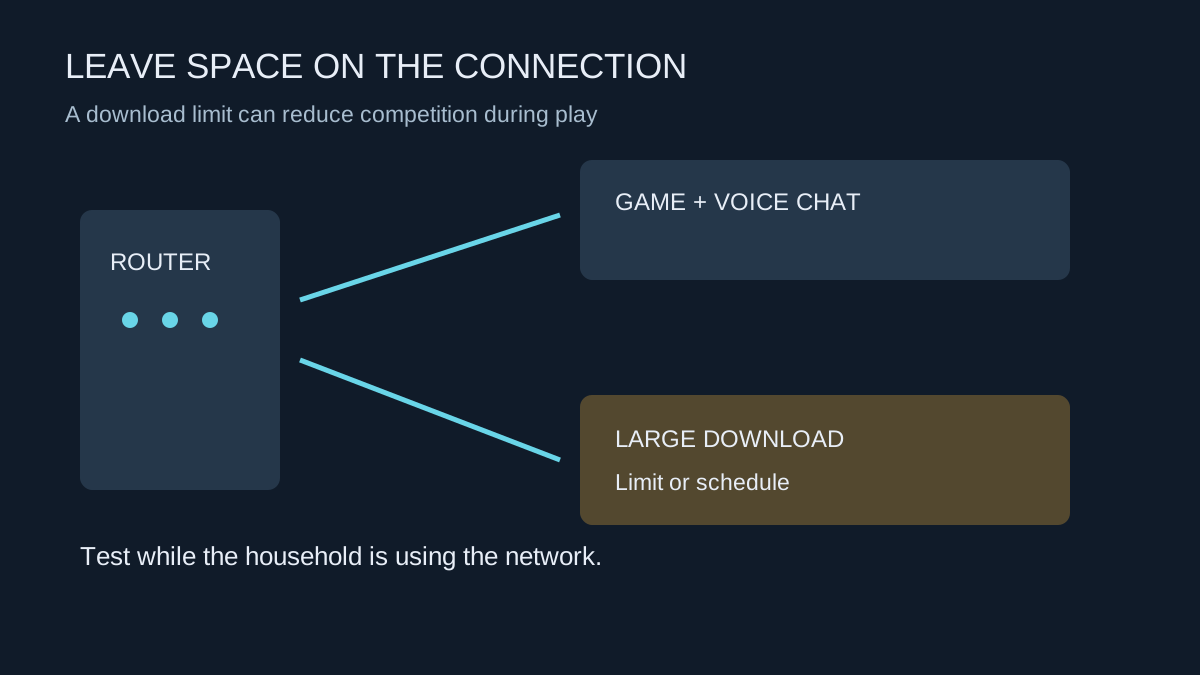
A download schedule or limit can protect a shared connection without requiring a different internet package.
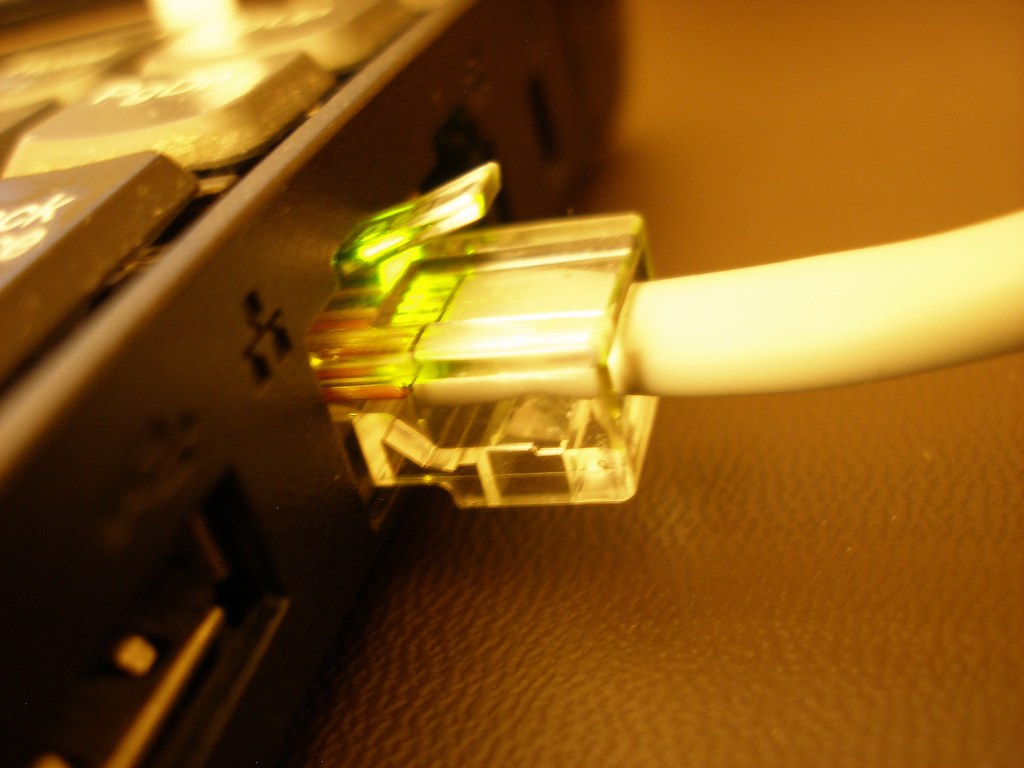
Compare consistency where you actually play, including the route between the router and the internet.
Photo: Khairil Yusof from Malaysia · CC BY 2.0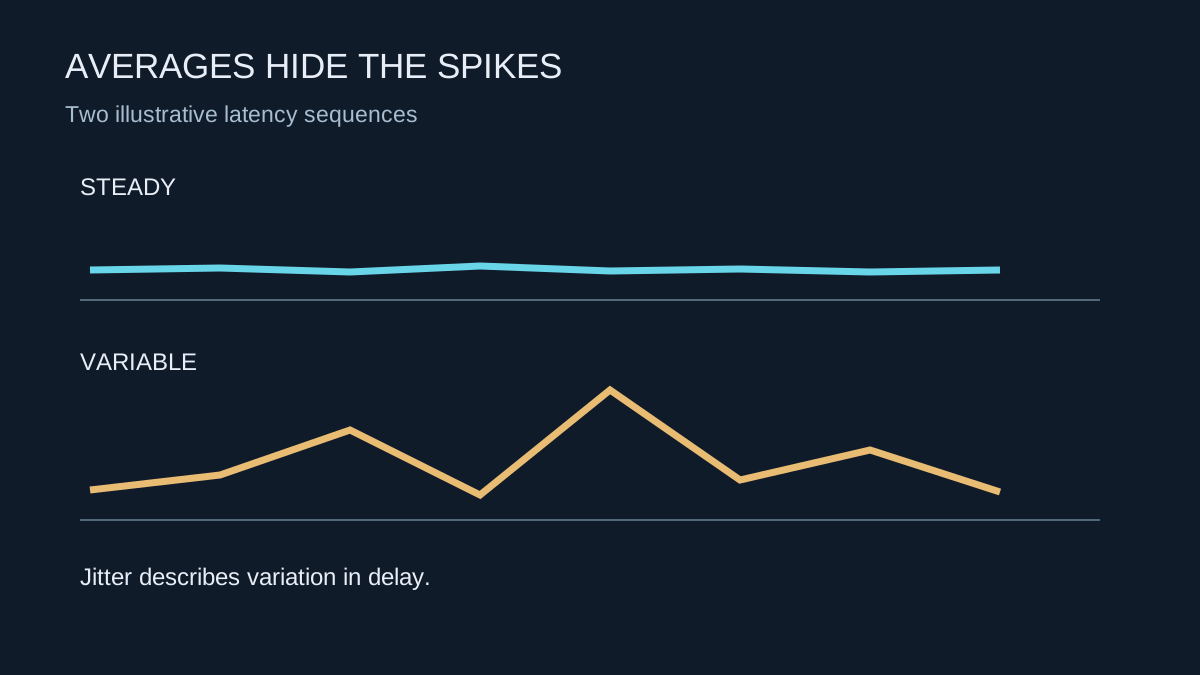
An average latency value can look acceptable while individual delays vary enough to disrupt play.
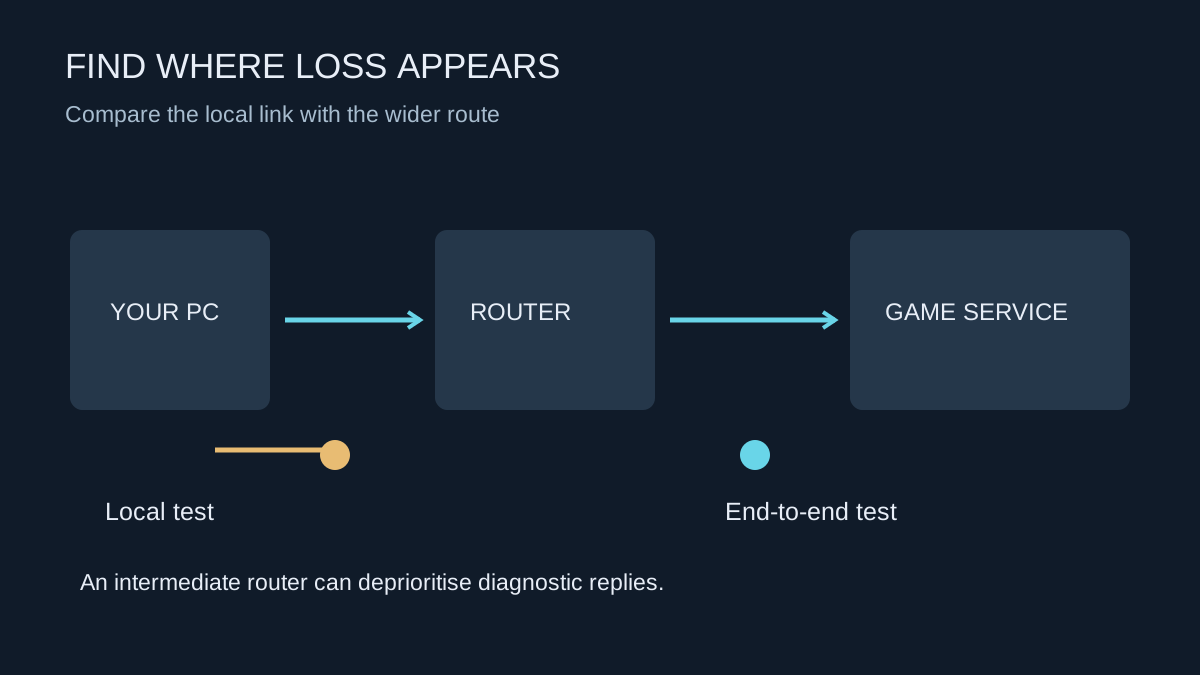
Build evidence about where packets stop arriving before changing ports, buying hardware or blaming a server.
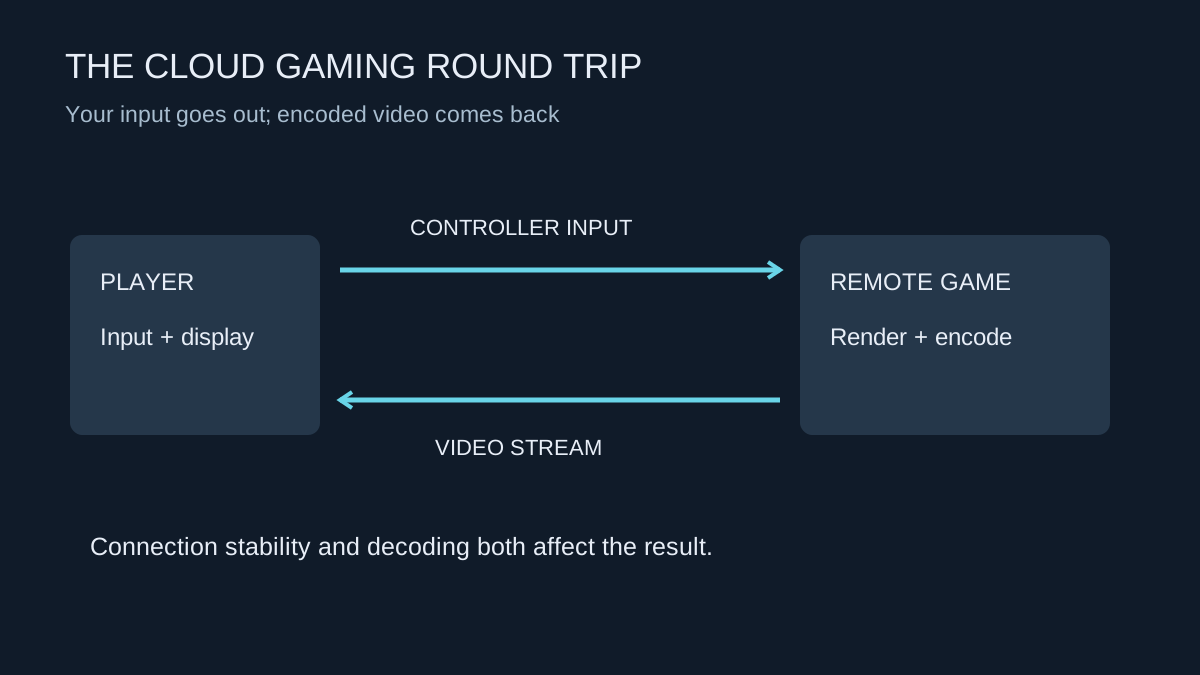
Test the service on your own connection and device before treating it as a replacement for local hardware.
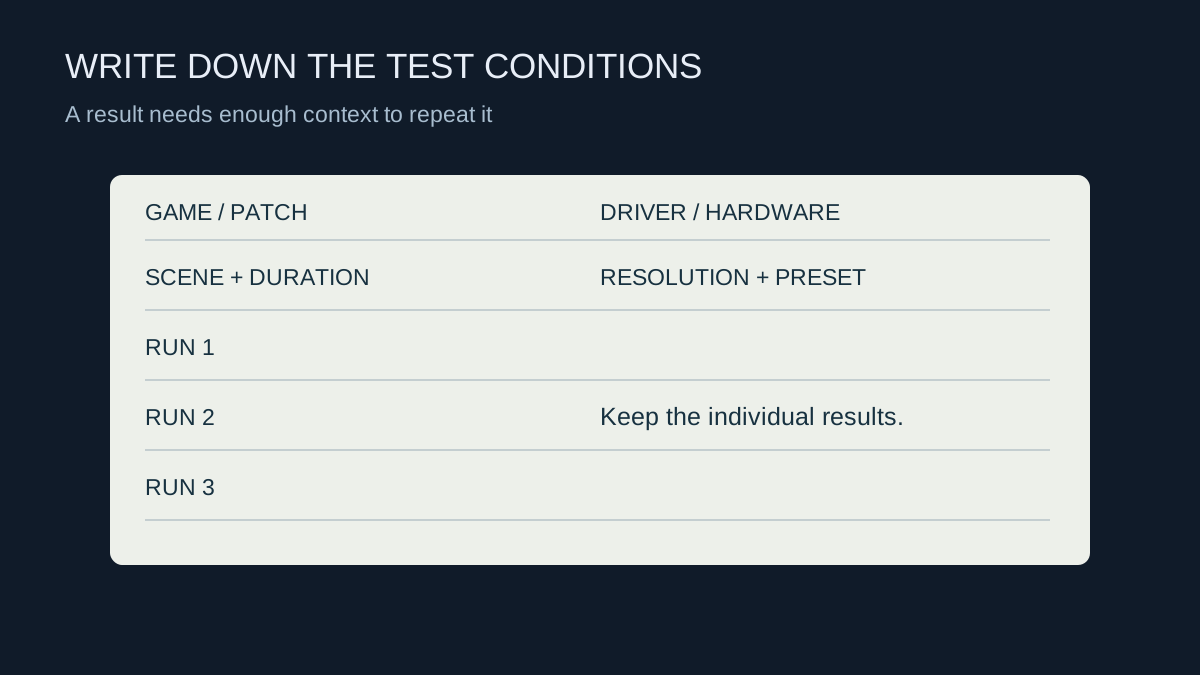
Record enough context to repeat a comparison and keep the individual runs instead of only the best result.


