Build around actions, not a copied layout
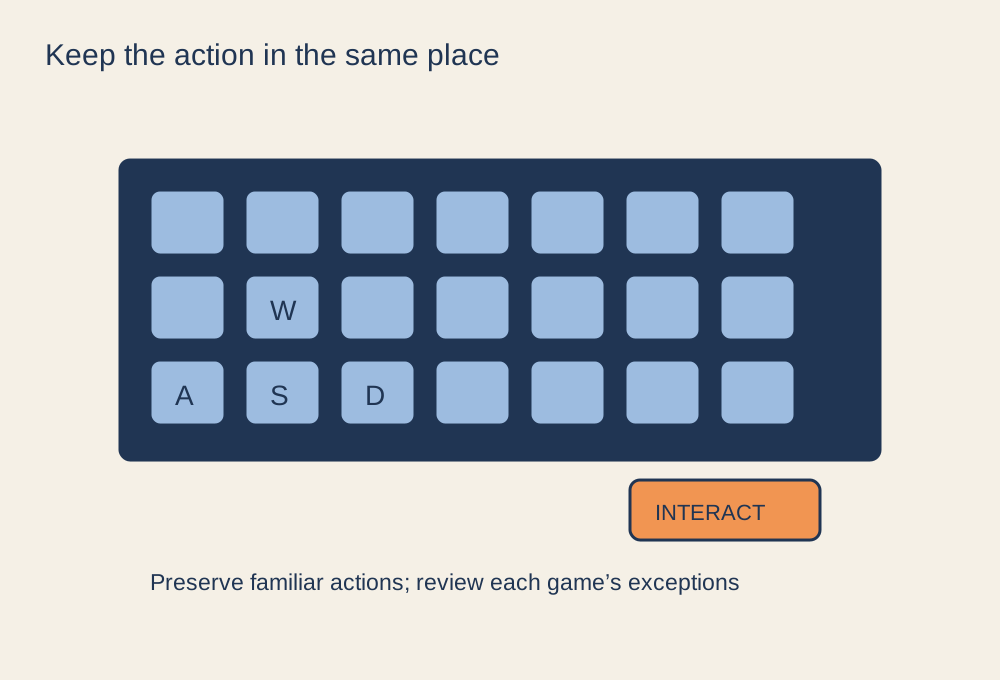
Start with the actions that recur across your games: movement, interaction, crouching, jumping, opening the map and changing equipment. Choose placements you can reach comfortably and remember. Keep a short reference for your preferred arrangement, particularly if you use a controller profile or extra mouse buttons.
Do not force a key to mean the same thing when the game uses a different action system. One game may combine use and reload; another may separate several interactions. A copied layout can also create conflicts with menus, vehicles or alternate modes that you have not tried yet. Read the full binding list before replacing a default that performs more than one job.
Test combinations, not isolated keys
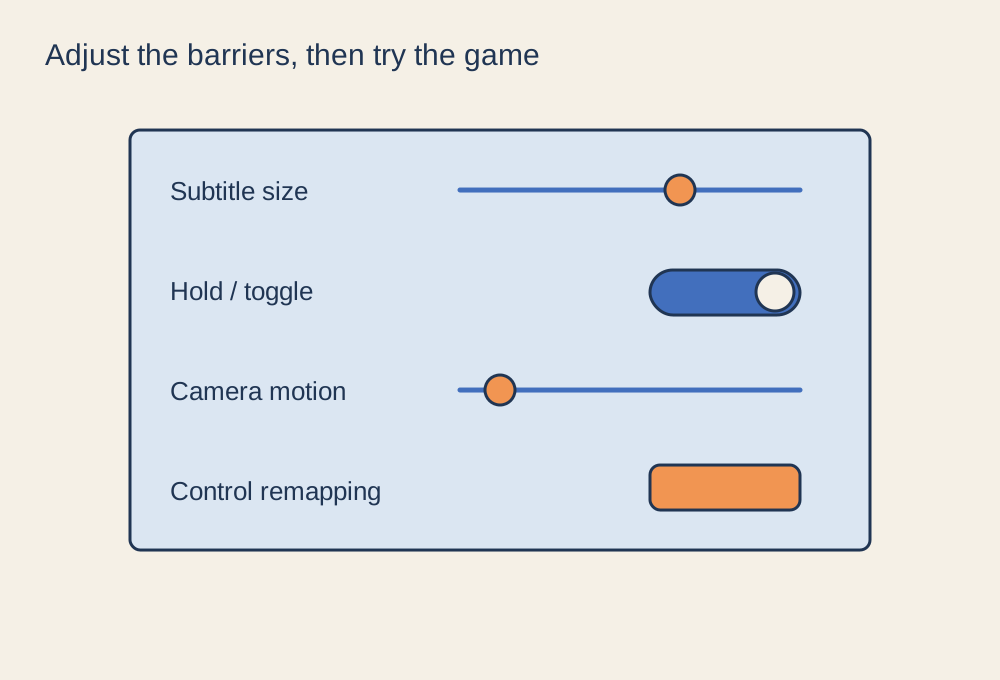
Try the movements you use together. Can you move while interacting, aim while changing stance, or reach a necessary action without releasing another important control? A key that is easy to press on its own may be awkward during a real sequence. Consider hold-versus-toggle options where supported, especially for actions you maintain for a long time.
Check menu navigation and text entry after changing bindings. Some games maintain separate contexts, while others share an input in ways that are not immediately obvious. Keep screenshots of the previous settings or use an export function where available so that you can undo a change without reconstructing everything from memory.
Keep exceptions visible
Make a note of the few actions that differ between your main games. For example, a particular game may reserve a control for a character ability or use a different interaction prompt. Review those exceptions during a short practice session instead of discovering them in the first competitive match after switching games.
If the game offers accessibility remapping, consider it before introducing external remapping software. External tools can interact with anti-cheat or game rules, and their behaviour may differ between applications. Check official support and avoid automation that violates the game's rules. A consistent layout should make ordinary controls easier to remember, not create uncertainty about what a tool is doing.
After an update or a new character, revisit only the affected bindings. Keep the rest stable unless there is a clear reason to change it. The goal is a familiar base with documented exceptions, rather than perfect uniformity across games that were designed around different actions.