Name the compromise you want to improve
Before comparing displays, write down what your current screen gets wrong. Perhaps text in strategy games is cramped, motion looks smeared in a shooter, or dark scenes lose detail. These are different problems. Choosing a monitor around a single headline number can improve one while leaving another untouched.
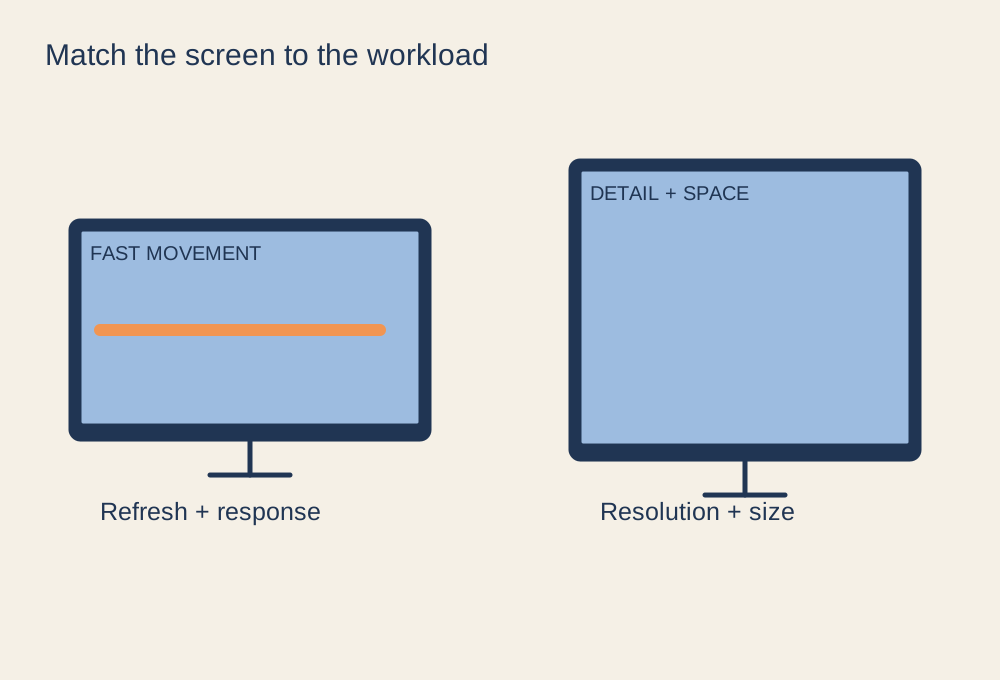
For fast competitive play, refresh rate and motion behaviour deserve attention. For detailed simulation or strategy games, resolution, readable interface scaling and usable screen area may matter more. Story-led games can benefit from contrast and colour, but a higher-priced panel cannot make poorly supported HDR content look consistently good by itself. Look for measurements and clear test methods when reading reviews rather than treating every marketing response-time claim as directly comparable.
Match the computer and the connection
A higher resolution asks the graphics system to draw more pixels. Check how your existing hardware performs in the games you play before pairing it with a much more demanding display. You can lower settings or use supported upscaling, but the acceptable balance is personal. A very high refresh ceiling is of limited value when the game rarely produces enough frames to use it.
Check the exact input capabilities of the monitor and output capabilities of the computer or console. The same display may allow different resolutions or refresh rates over different ports. Read the specification table and manual, including adaptive-sync support for your source device. Allow for any dock, adapter or capture device in the path; each can add a limit.
Put it on the desk before buying it
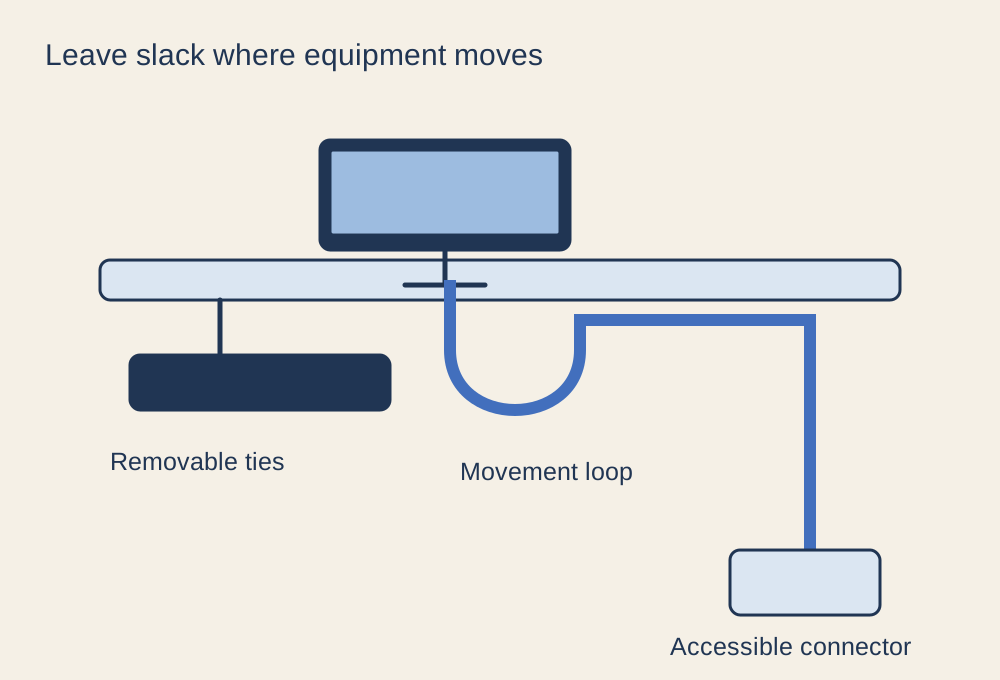
Use the published dimensions to mark the screen and stand footprint on your desk. Include stand depth, cable bend space and the clearance needed for adjustment. A display that fits across the desktop may still push the keyboard too close to the edge. Monitor arms can change that footprint, but they introduce their own mounting and desk-strength checks.
Consider the room's light and where reflections fall. A screen reviewed in a dark room may behave differently opposite your window. Think about whether you can control the lighting before paying more to overpower it. Check adjustment range, readable text size and the distance at which you naturally sit.
Keep the shortlist small
Compare two or three candidates against the same requirements: target resolution and refresh rate, compatible connection, motion performance, image characteristics, physical fit and warranty terms. If a feature is essential, confirm it in the manufacturer's documentation rather than relying on a retailer's abbreviated listing. The best choice is the display whose trade-offs match your games and room, not the one with the longest feature list.