The desk is part of the decision
A wired mouse has a straightforward advantage: there is no separate battery routine during normal use. It still needs sensible cable routing. A cable rubbing against a monitor stand, hanging over a sharp desk edge or becoming taut at the edge of the pad can change the feel of a swipe.
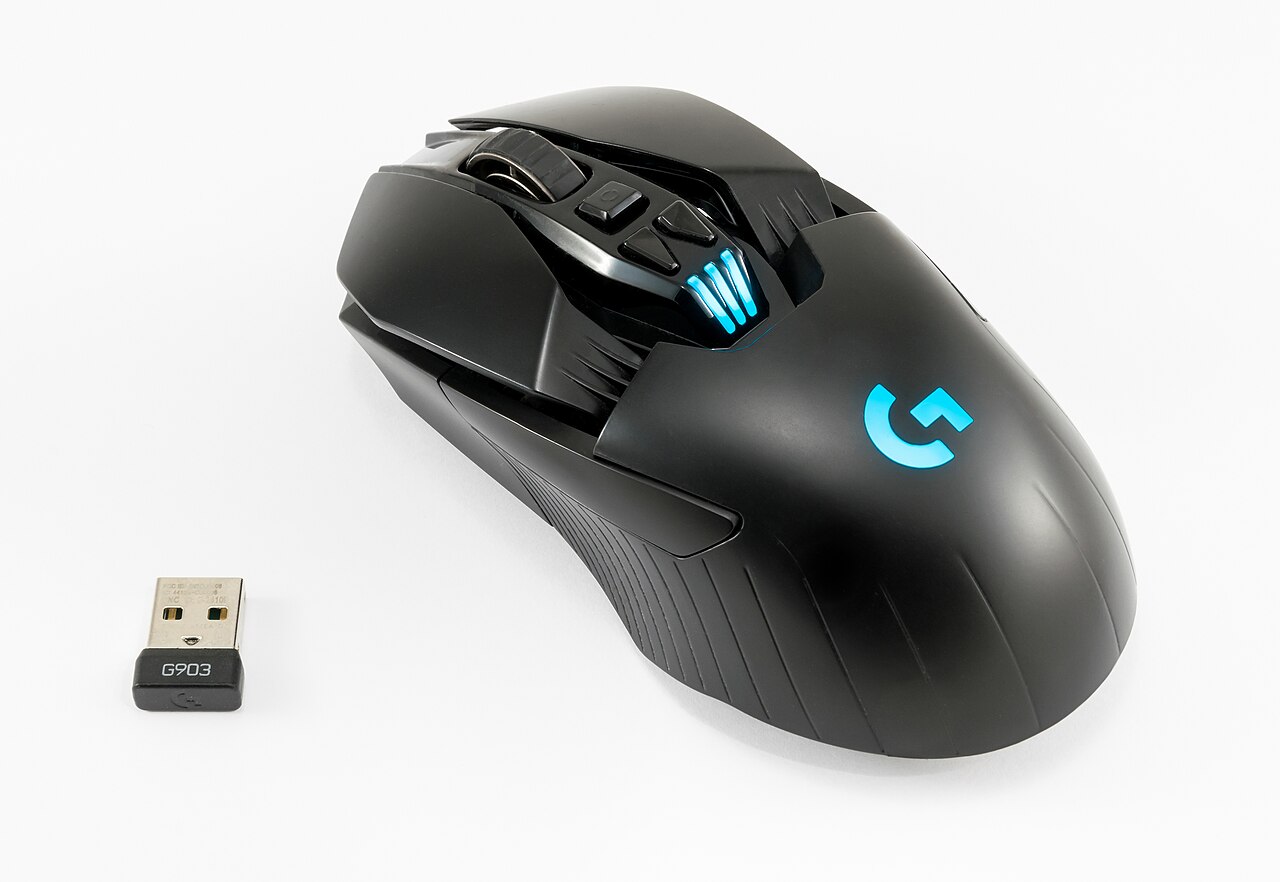
A wireless mouse removes that drag, but adds a receiver or pairing method and a battery to manage. Check whether the supplied cable supports use while charging. Also check whether the advertised wireless performance refers to a dedicated receiver rather than Bluetooth. Different modes on the same mouse need not behave alike.
Look beyond the headline battery figure
Battery-life claims depend on test conditions. Lighting and a higher polling rate can alter endurance, and rechargeable cells gradually change with use. Decide how you would charge the mouse between sessions and whether the charging port remains accessible in the normal desk layout.
A replaceable-battery design offers another arrangement. Include the battery in the weight comparison, and use the battery type specified by the manufacturer. Do not assume that the weight listed for an empty shell is the weight you will actually move across the pad.
For a receiver-based connection, follow the manufacturer’s placement advice. Keeping the receiver near the mouse and away from an obstructing metal case can be more useful than buying an unrelated wireless accessory. Avoid bending or stressing a receiver in a crowded rear port.
Compare two usable setups
Test the mouse with your usual sensitivity and game. Look for missed inputs, interruption during wake-up and consistent tracking, not merely the absence of a cable. If the model supports wired operation, testing that mode can help separate a connection issue from a surface or sensor issue.
Include replacement-receiver availability in a purchase decision. Losing a tiny proprietary receiver can be more inconvenient than losing a standard cable, and a visually similar receiver may not pair. A wired model with a comfortable shell can be a better choice than an awkward wireless one; the reverse can also be true. Choose the complete arrangement you can keep working, rather than treating either connection type as automatically faster.