Gear
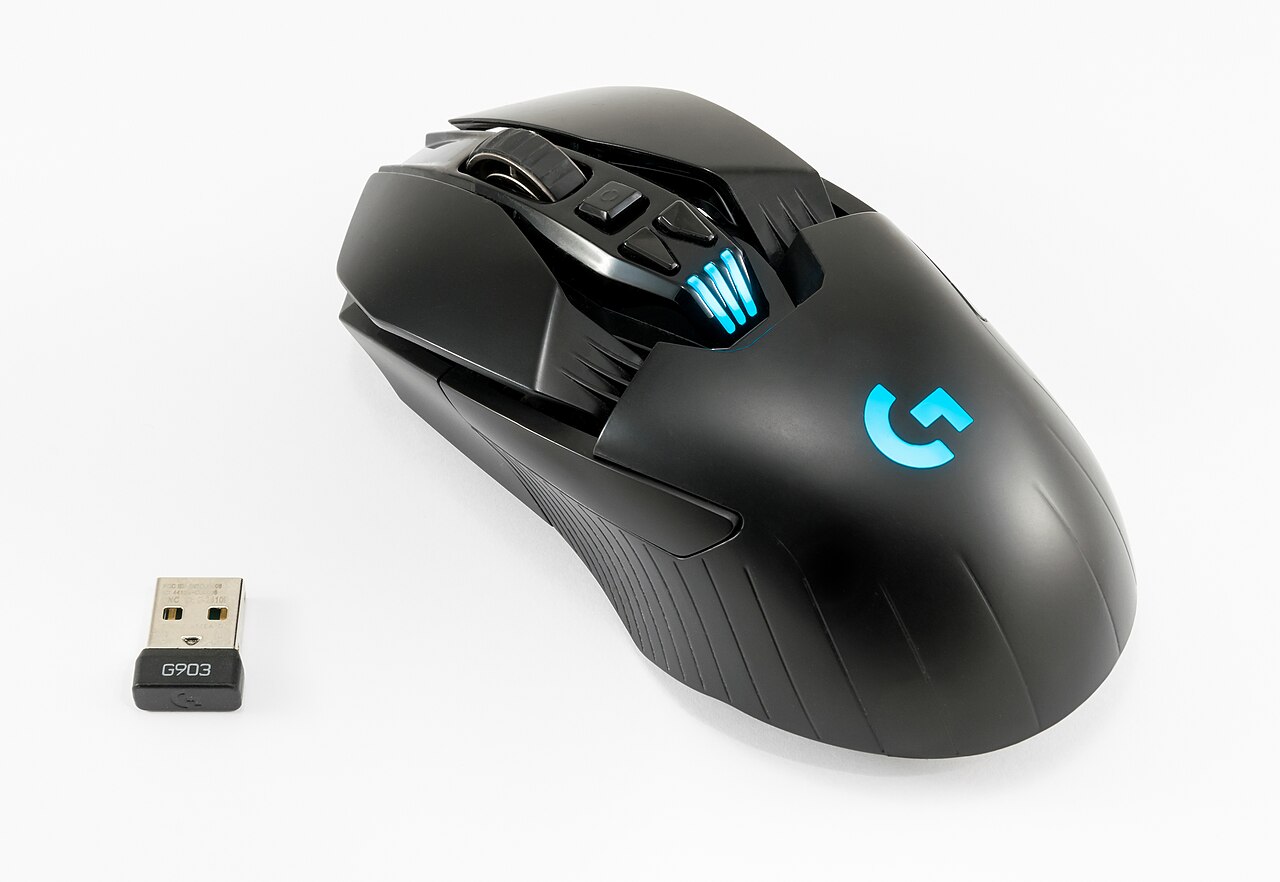
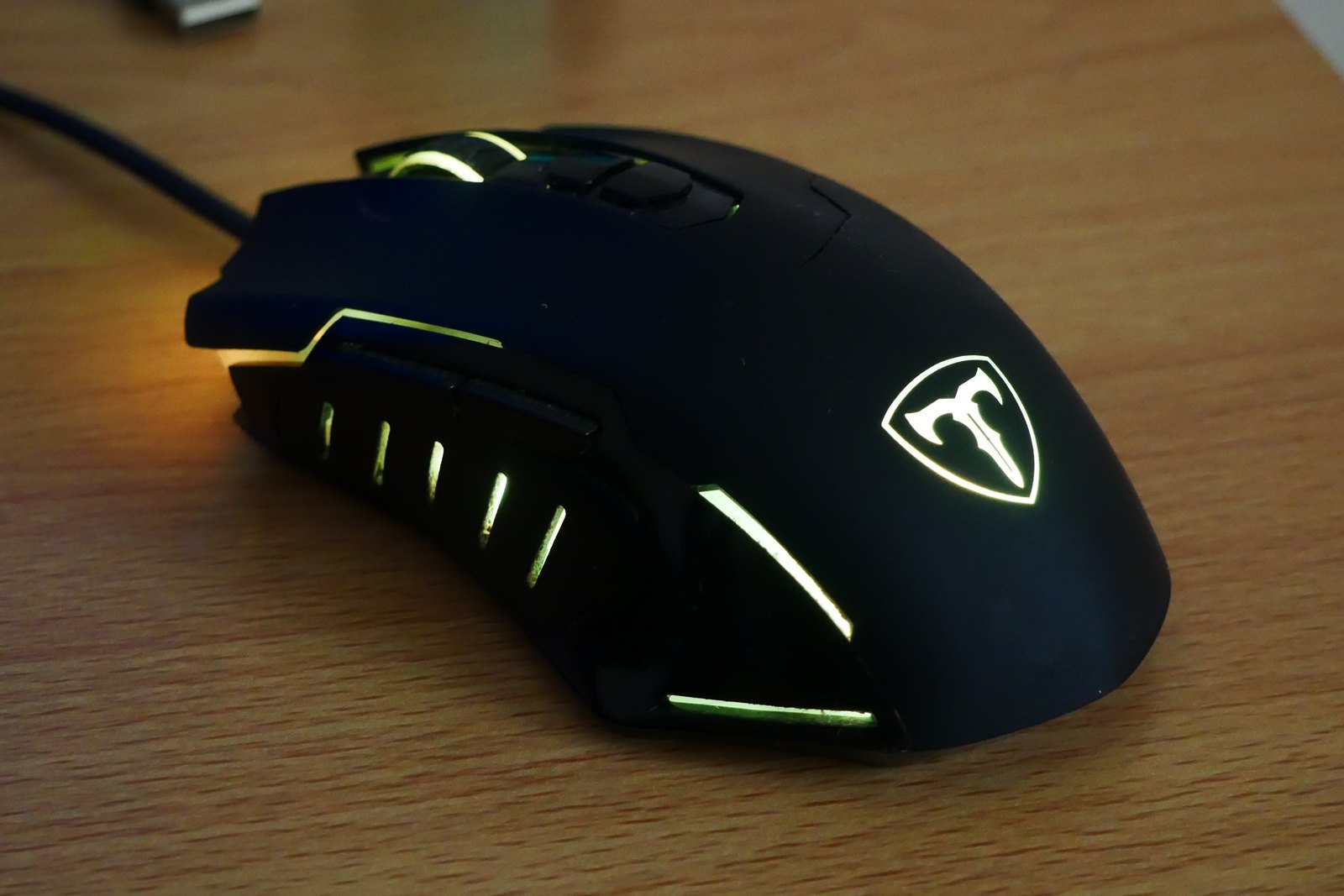
Photo: CAPTAIN MEDUSA · CC BY-SA 4.0Finding a gaming mouse that fits your hand
Shape and button reach deserve attention before the largest number on the specification sheet.
Shape and button reach deserve attention before the largest number on the specification sheet.
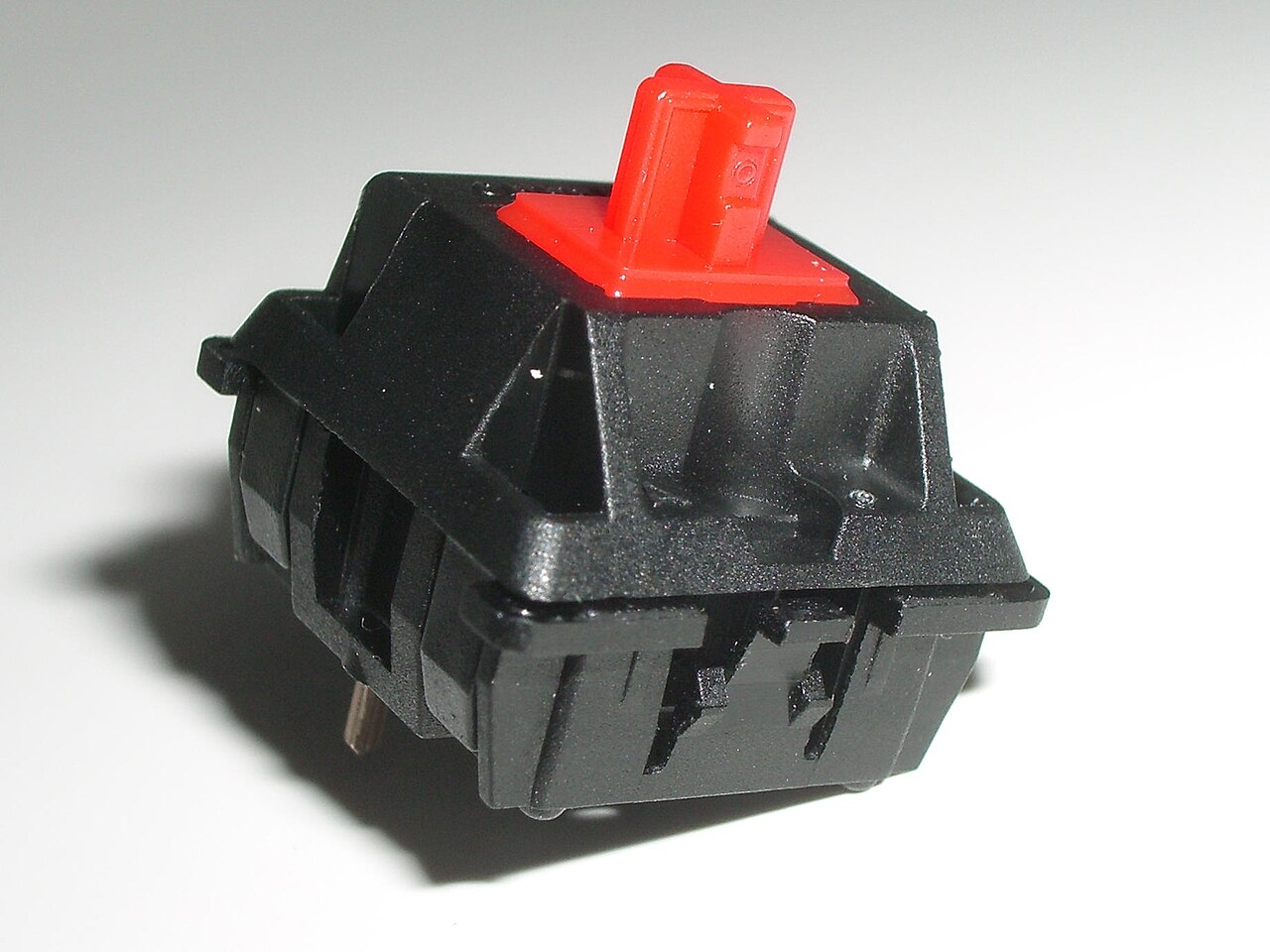
Switch feel and keyboard sound are related, but they are not the same thing.
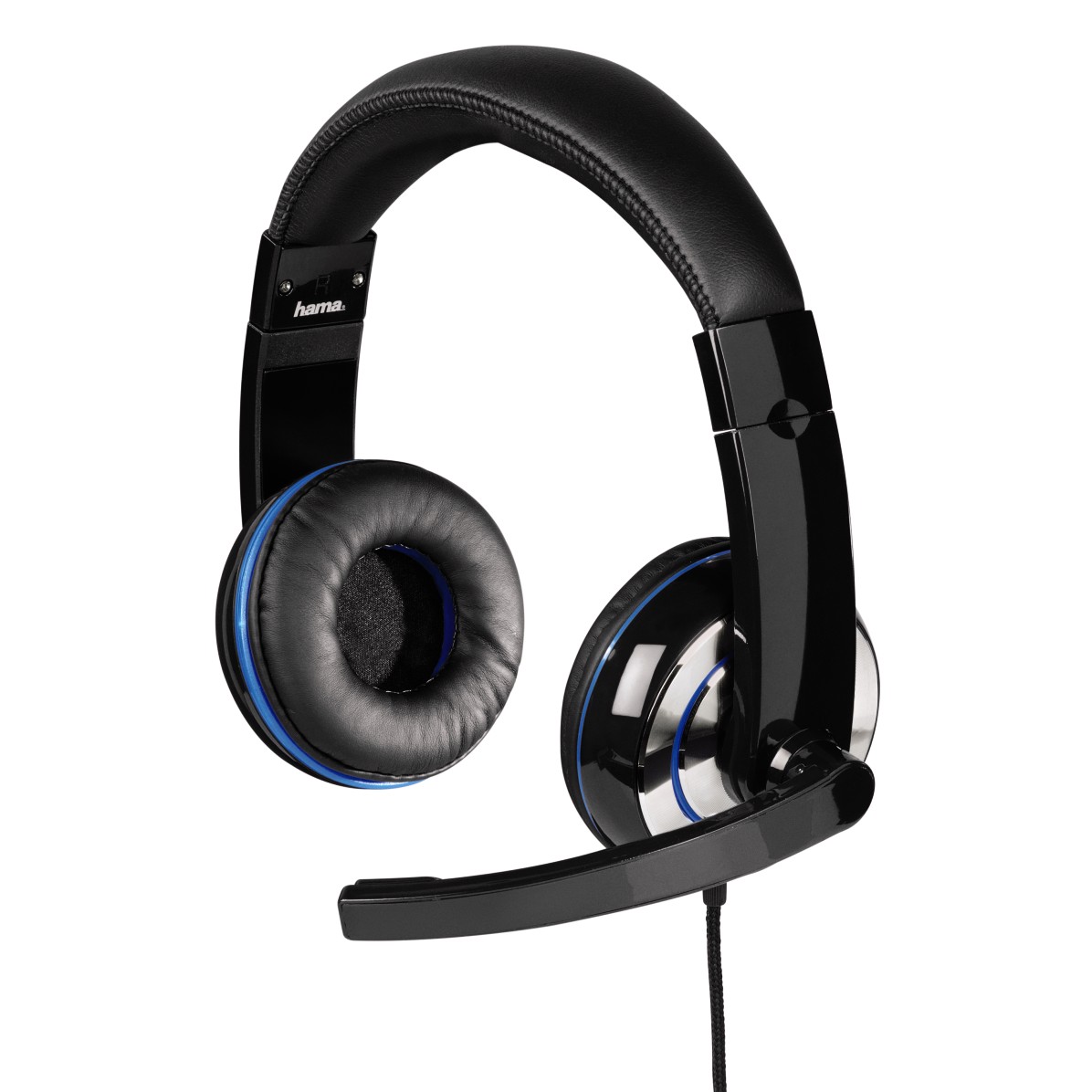
Ear cushions, headband pressure and the shape of your ears all affect how a headset feels.
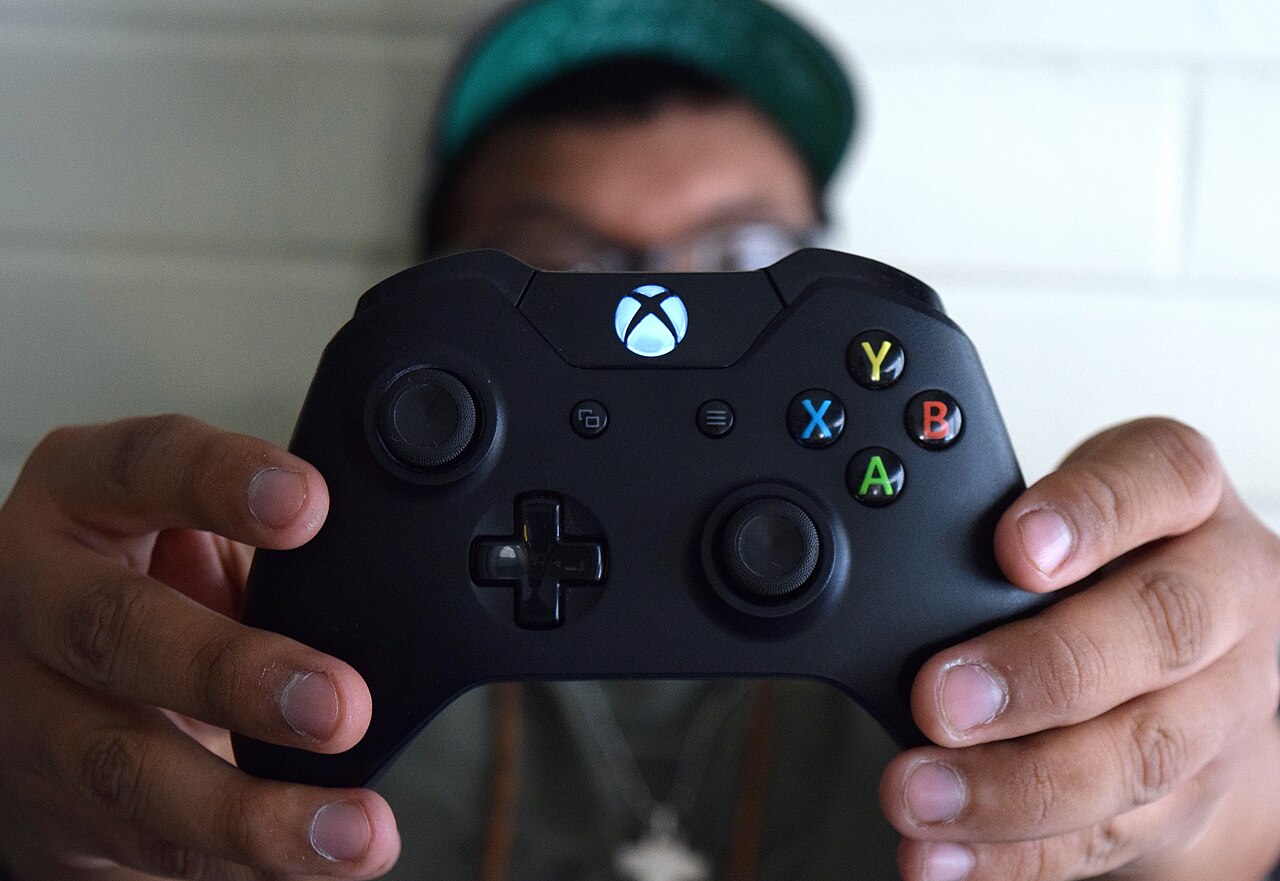
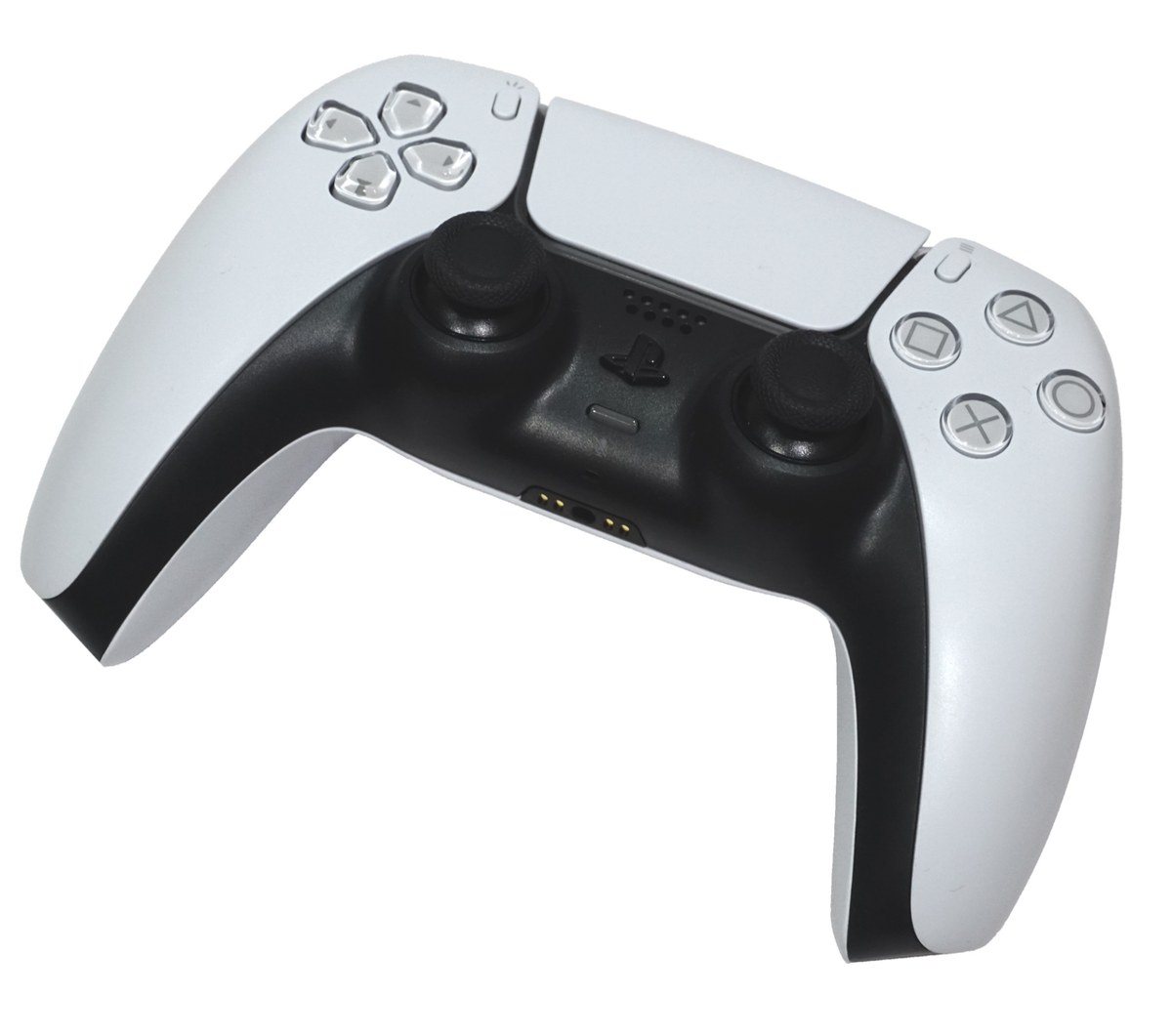
A comfortable controller lets you reach its controls without repeatedly changing your grip.
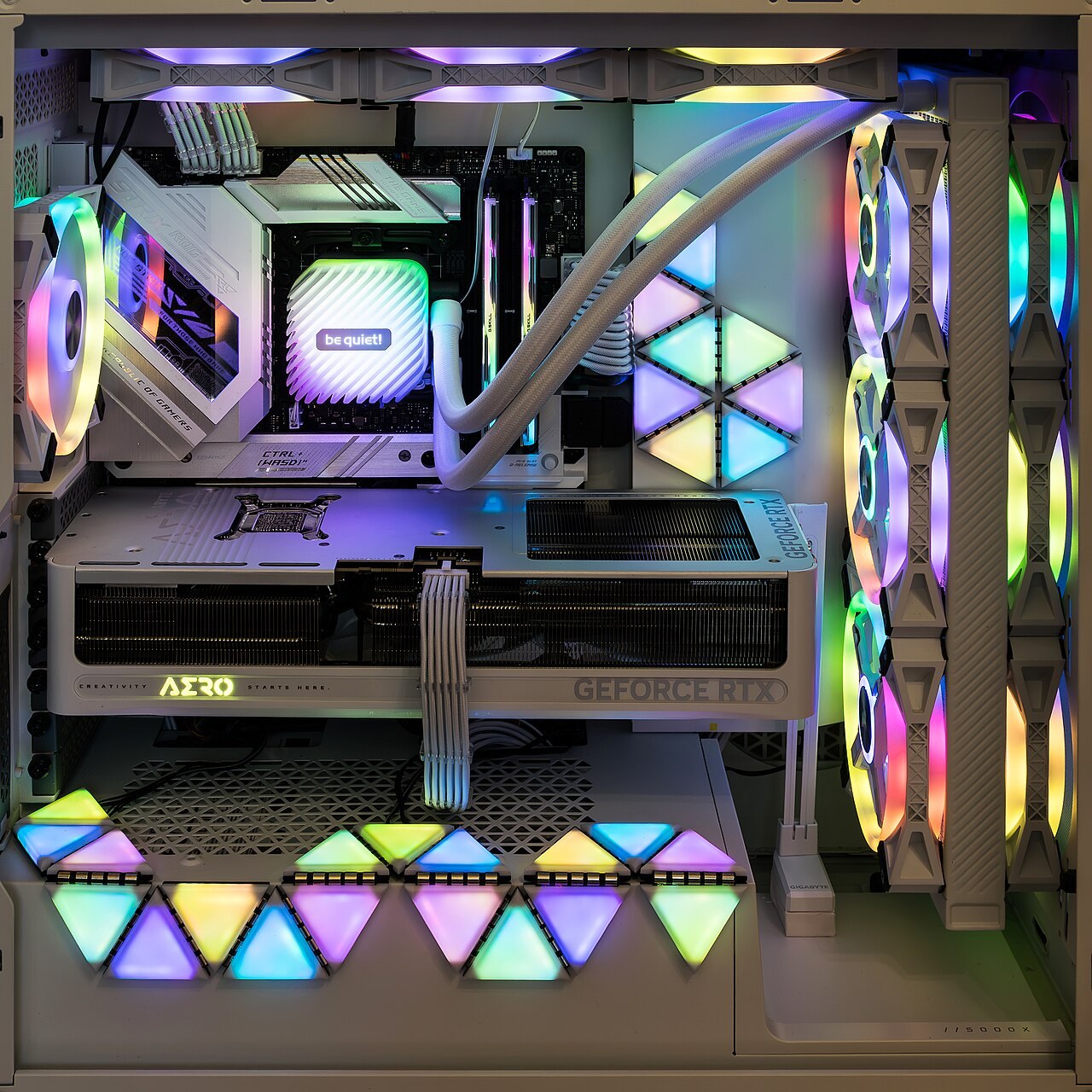
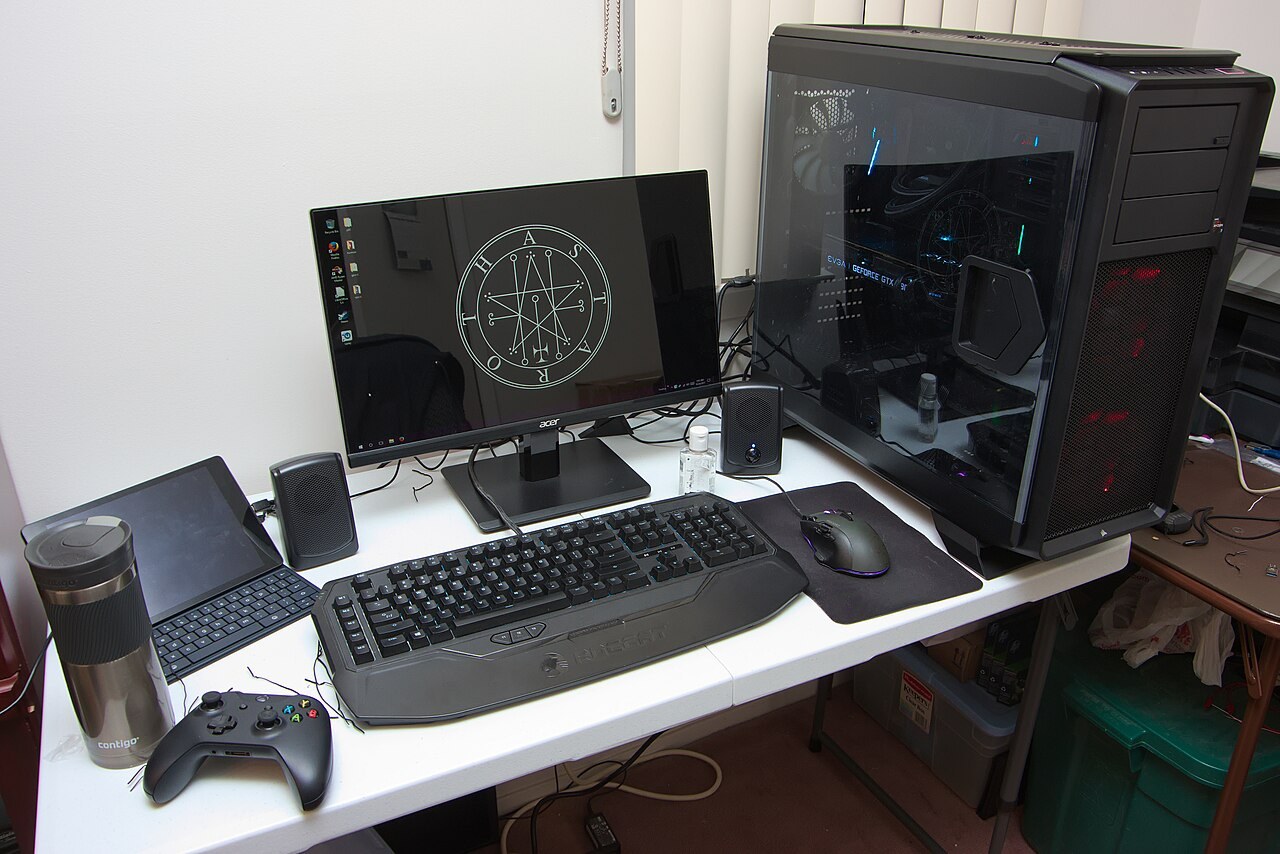
Follow the route air can actually take through the case, including filters, radiators and the space outside it.
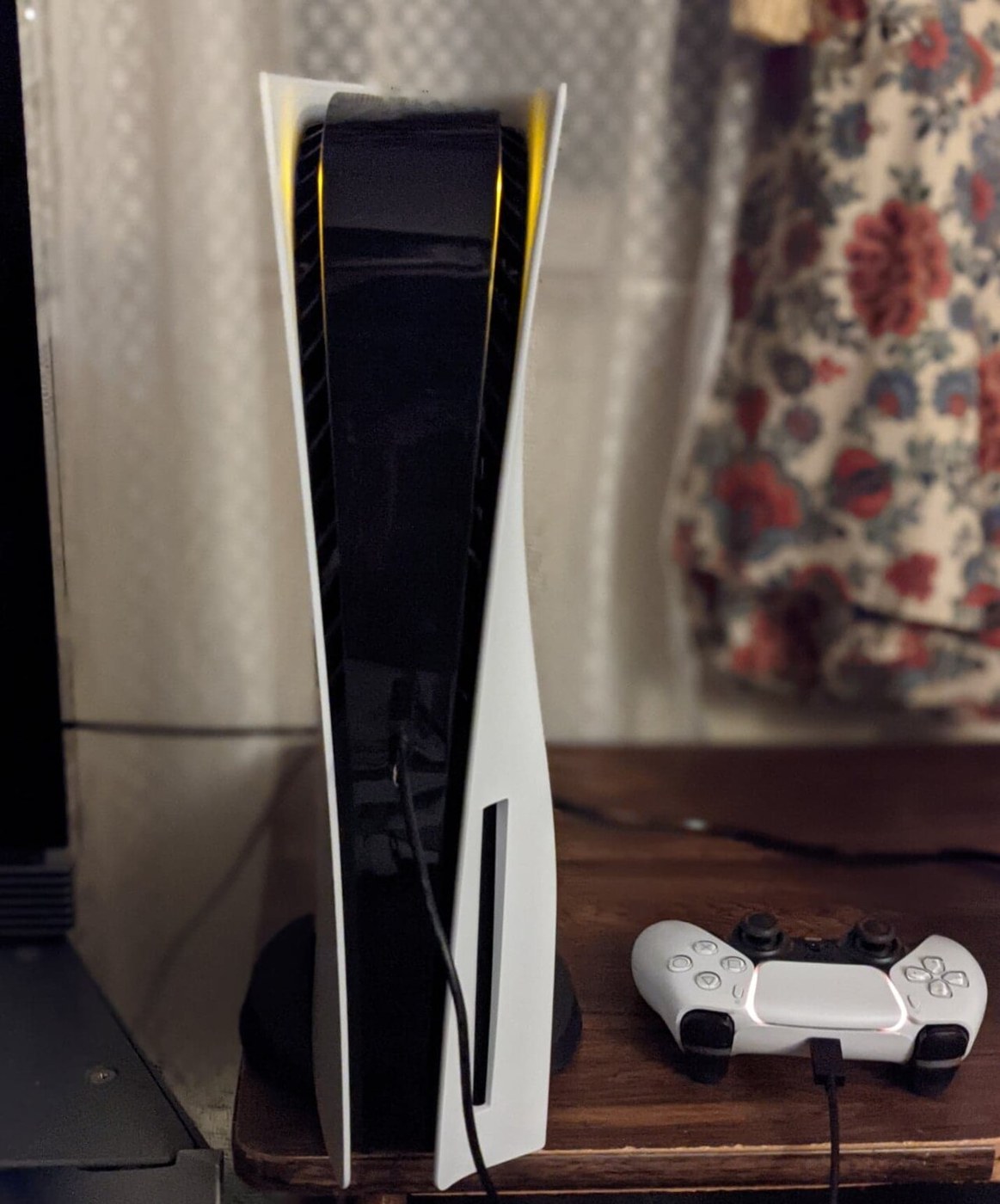
Give the console’s intake and exhaust paths space, including the air outside the cabinet.
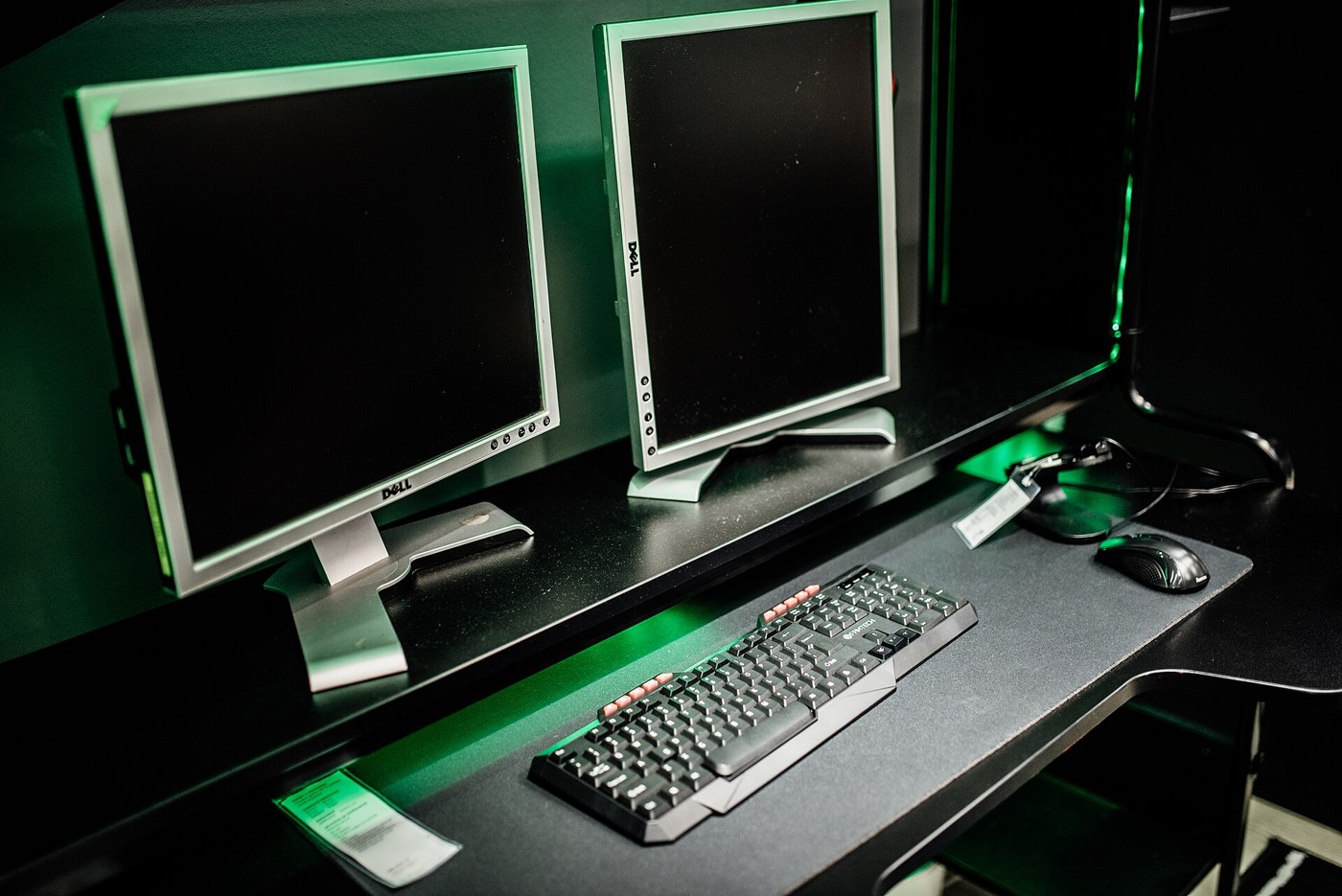
Keep the main game centred and make the second display easy to reach with your eyes.
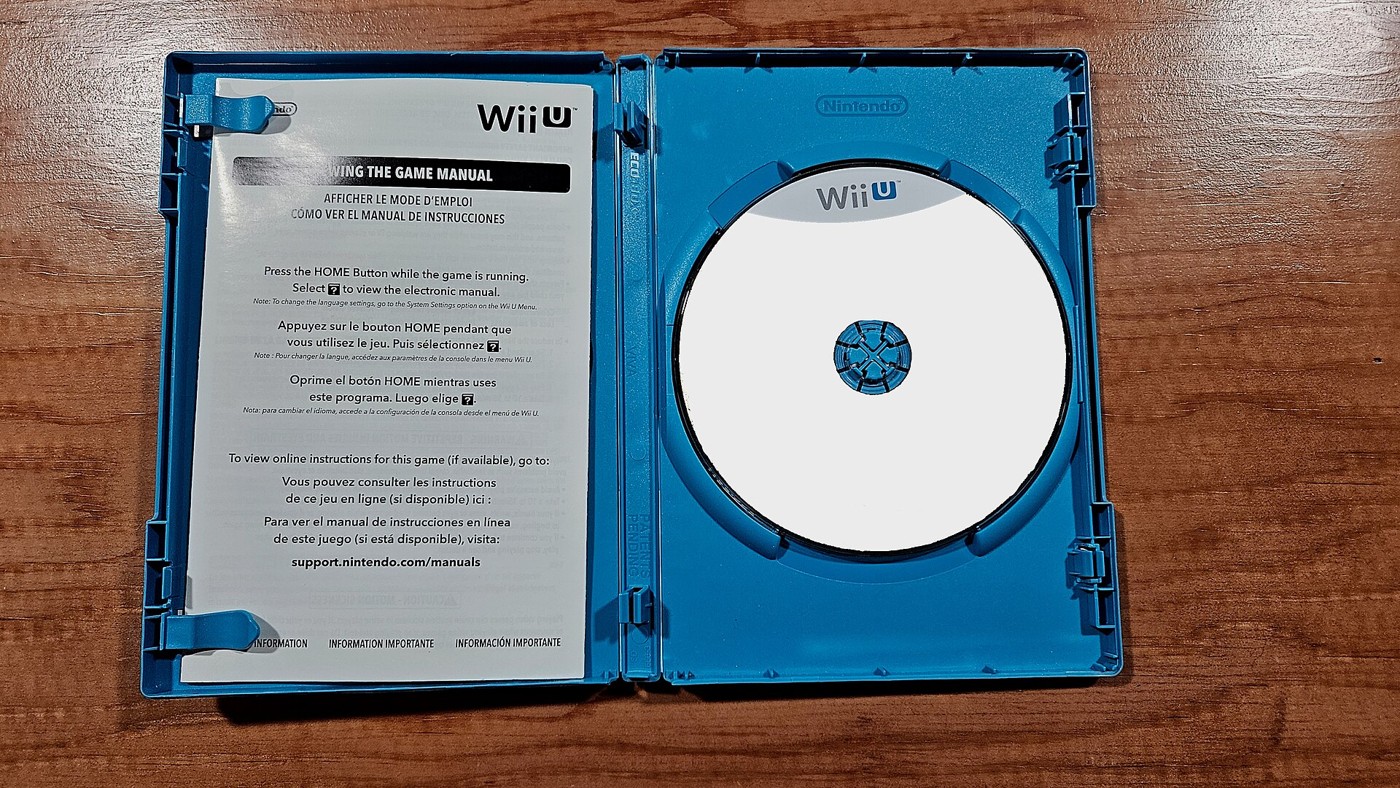
Compare the licence, storage needs and future access as well as the price on the box.
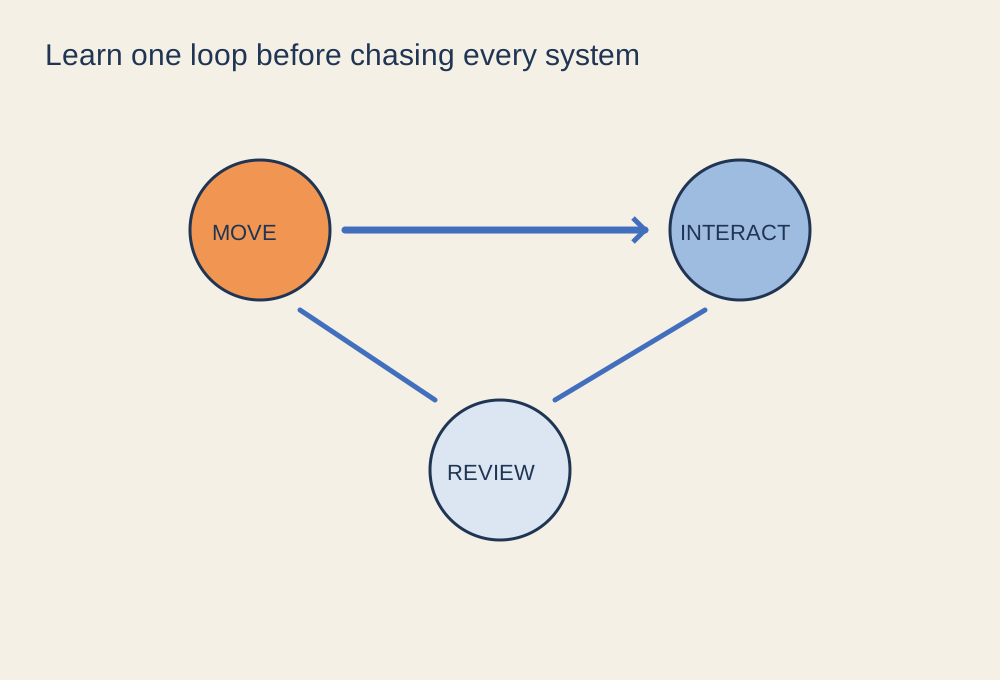
Learn the basic loop and the save behaviour before trying to understand every system.
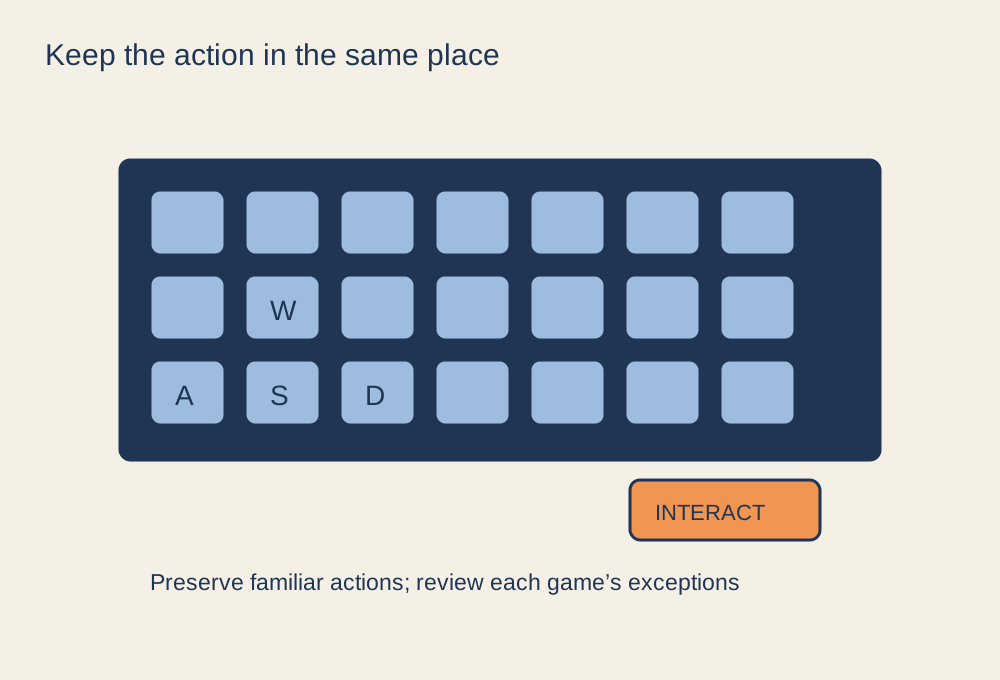
Preserve familiar actions while leaving room for each game’s different mechanics.
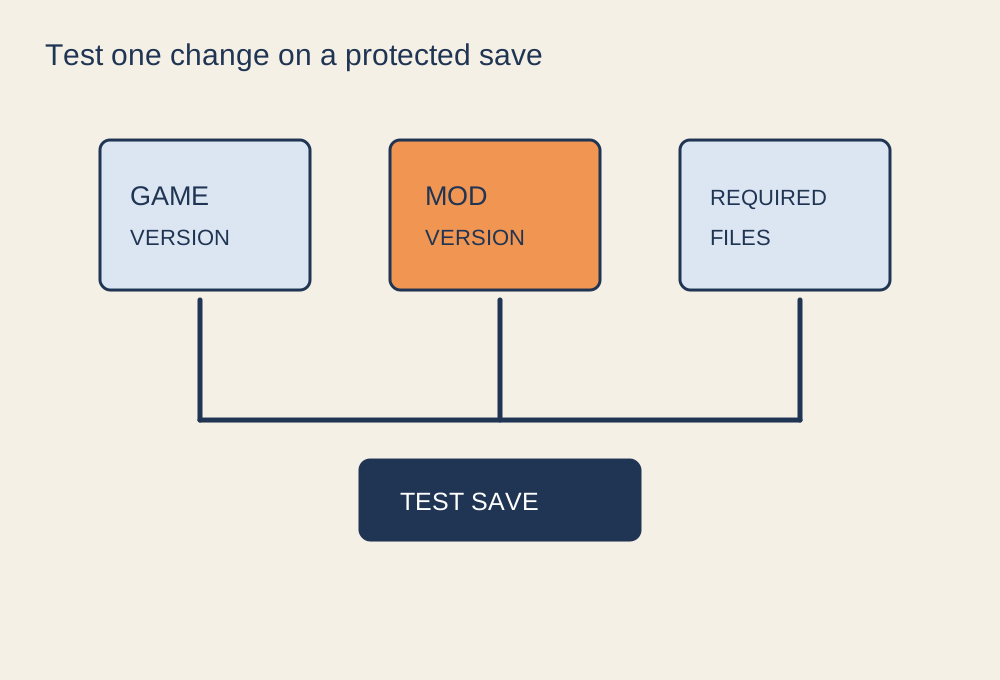
Confirm the source, game version, dependencies and recovery route before changing files.
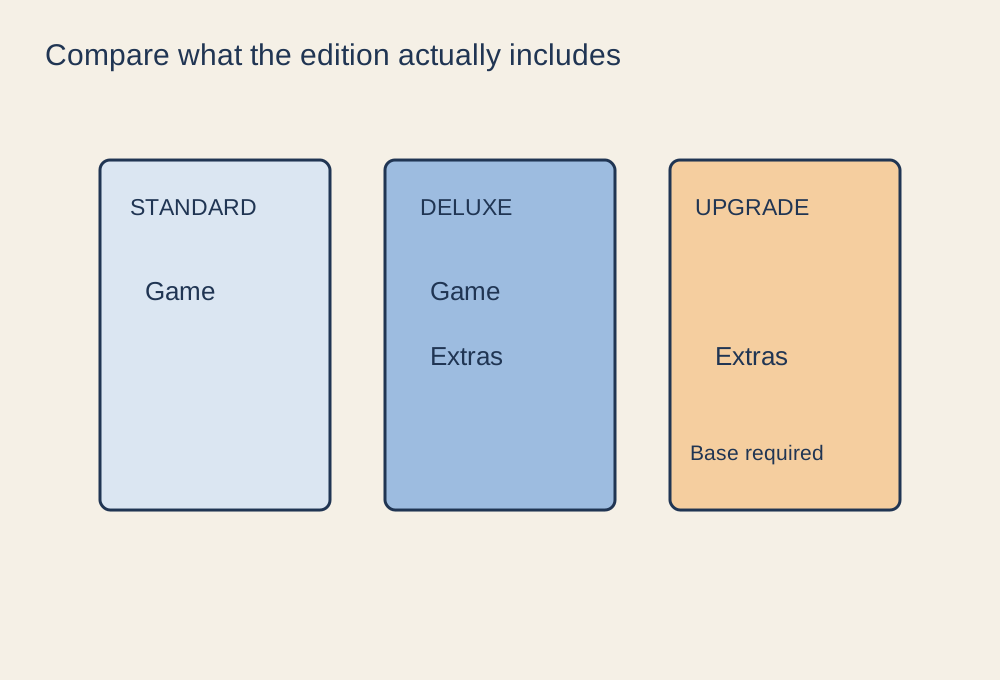
Make a small contents comparison before paying for a larger edition or an upgrade.
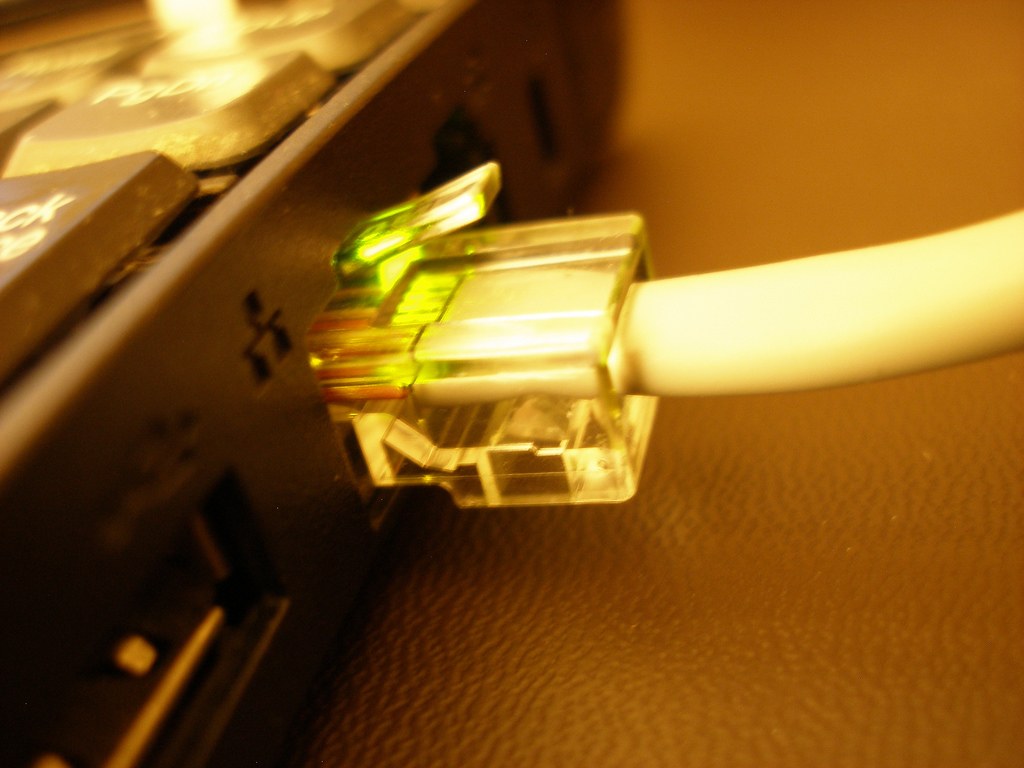
Compare consistency where you actually play, including the route between the router and the internet.
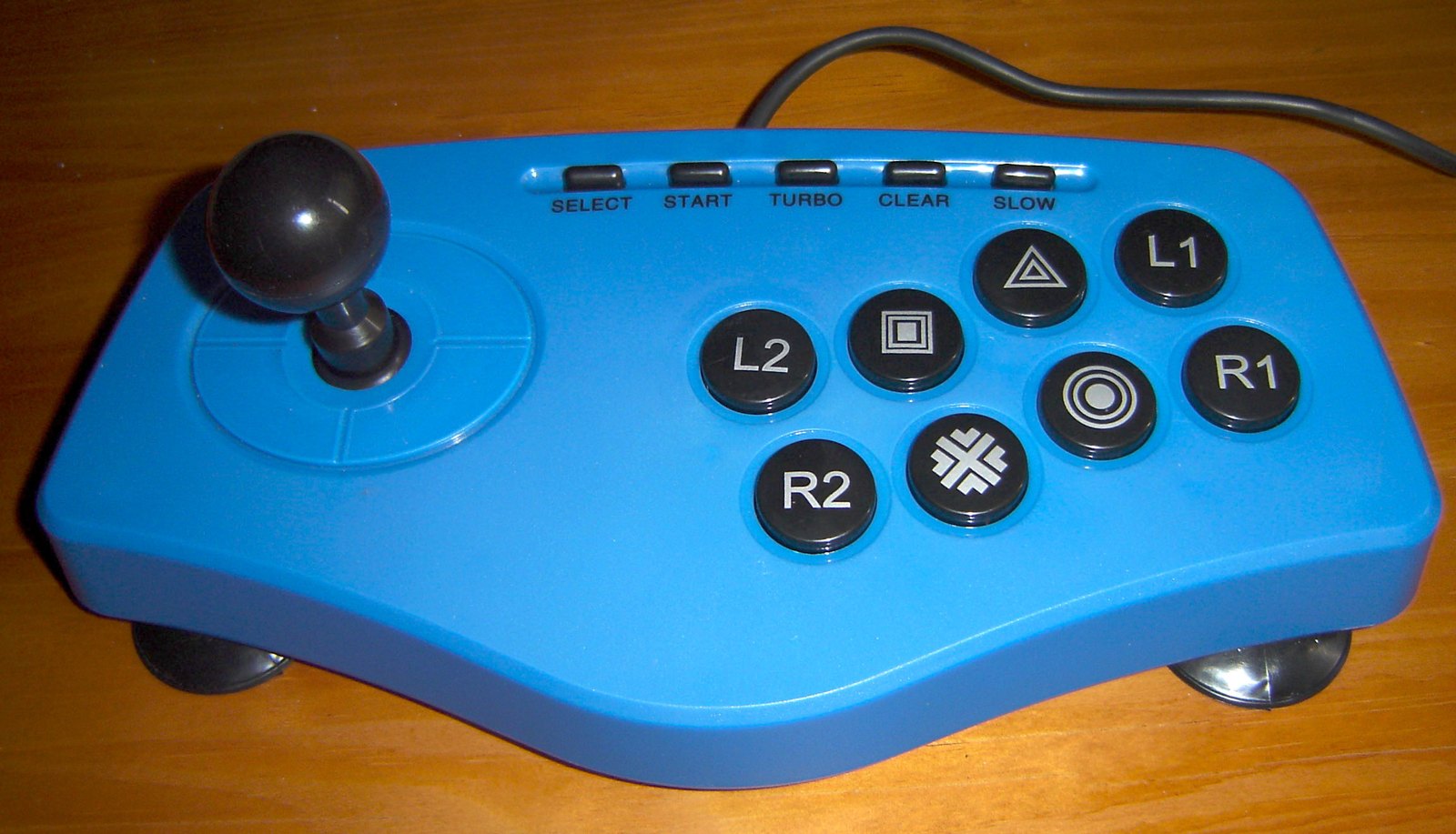
The best control style is the one whose movement and button arrangement you can learn comfortably.
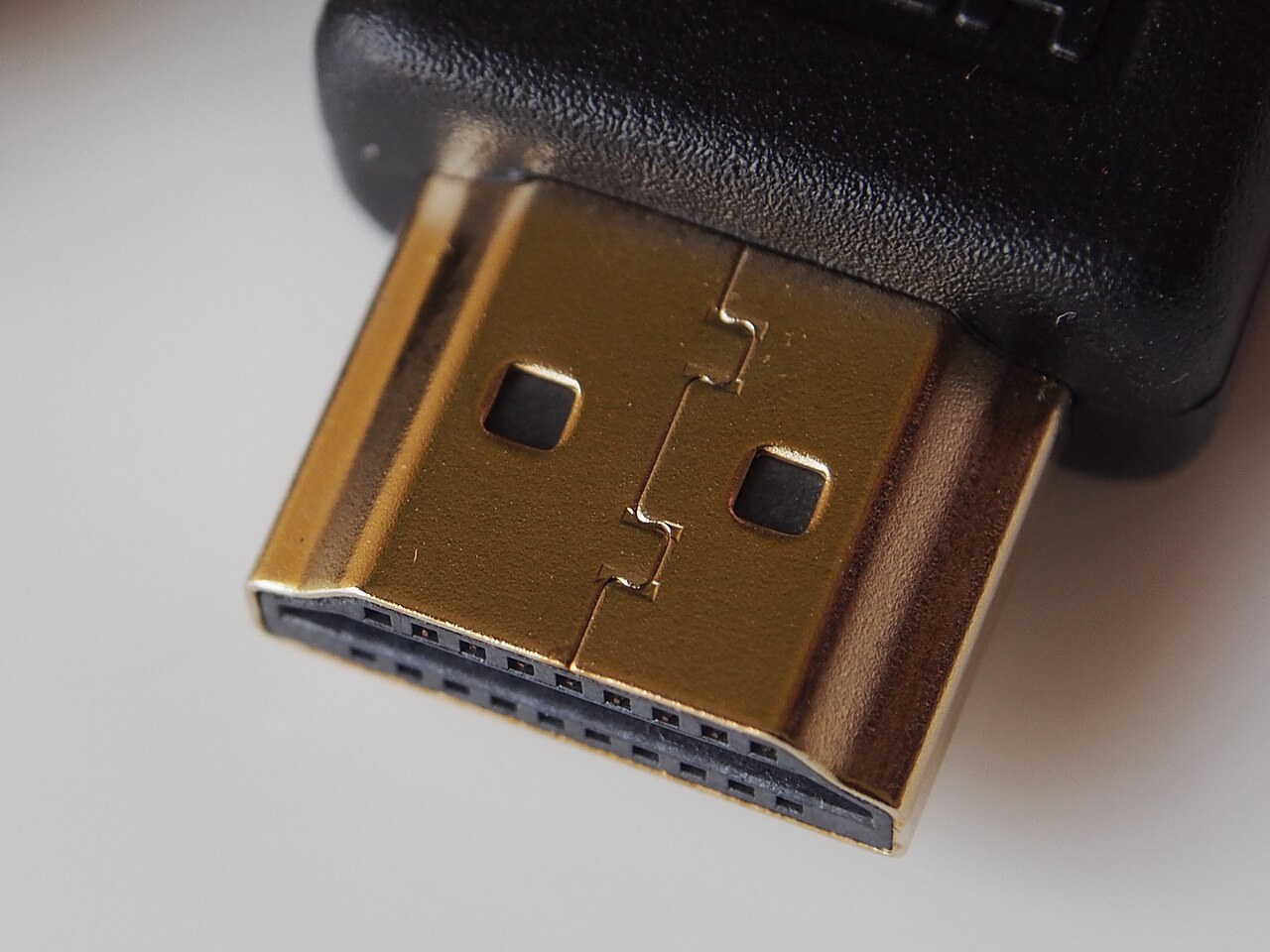
Match the cable’s certified capability to the signal you need, then keep the connection simple.
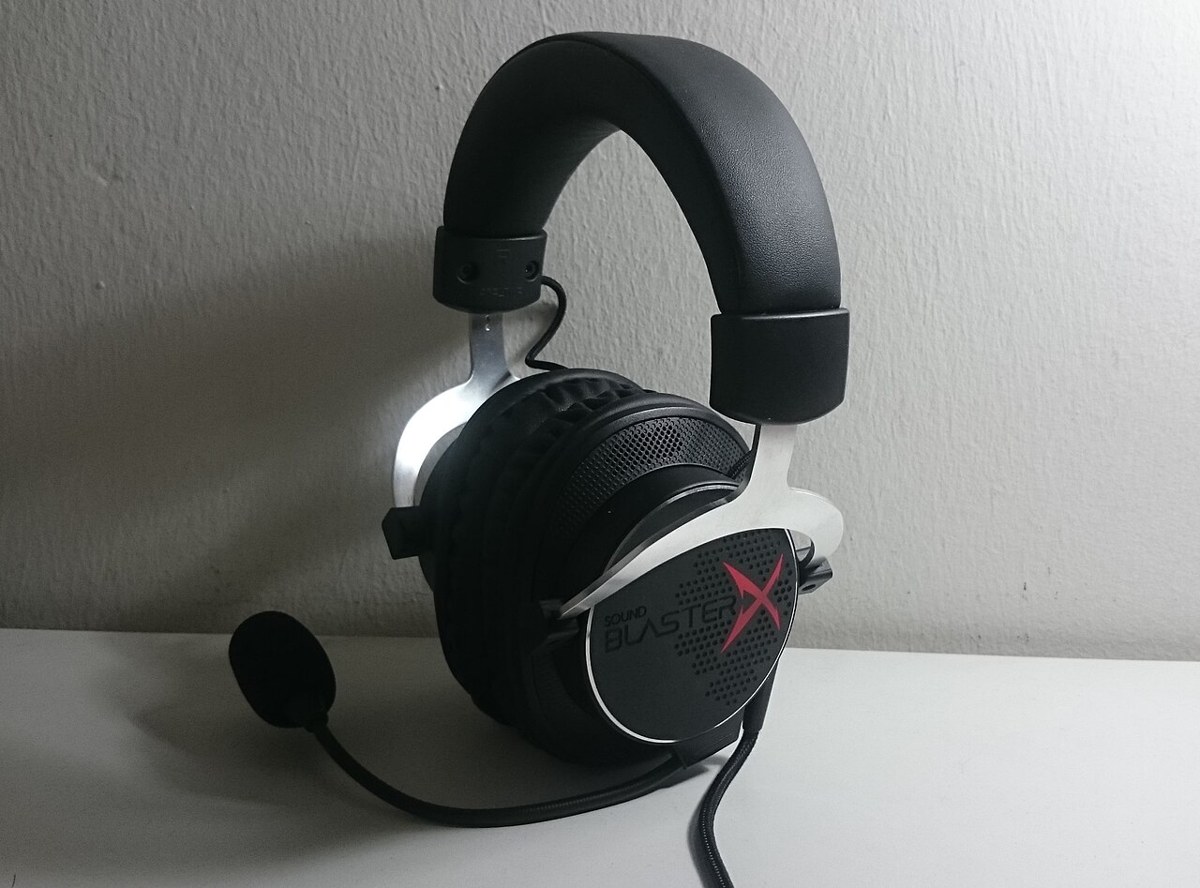
Check how game sound and microphone audio travel, not just whether the headset plug fits.
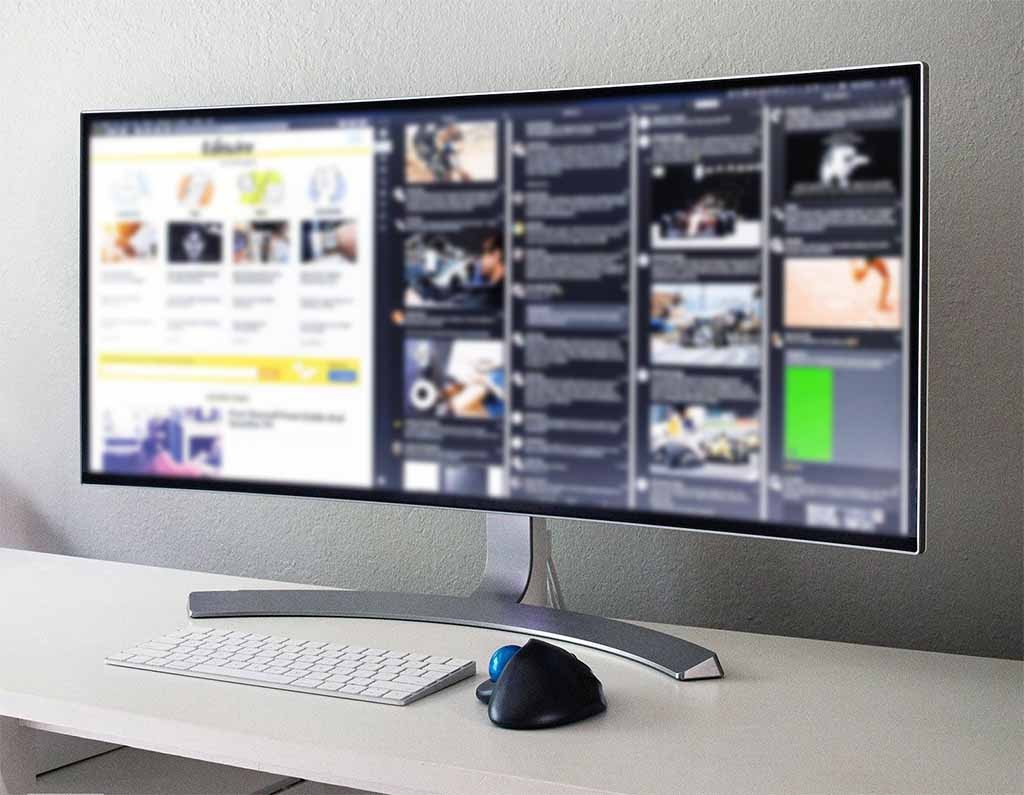
Check game support, pixel workload and the usable width of your desk.
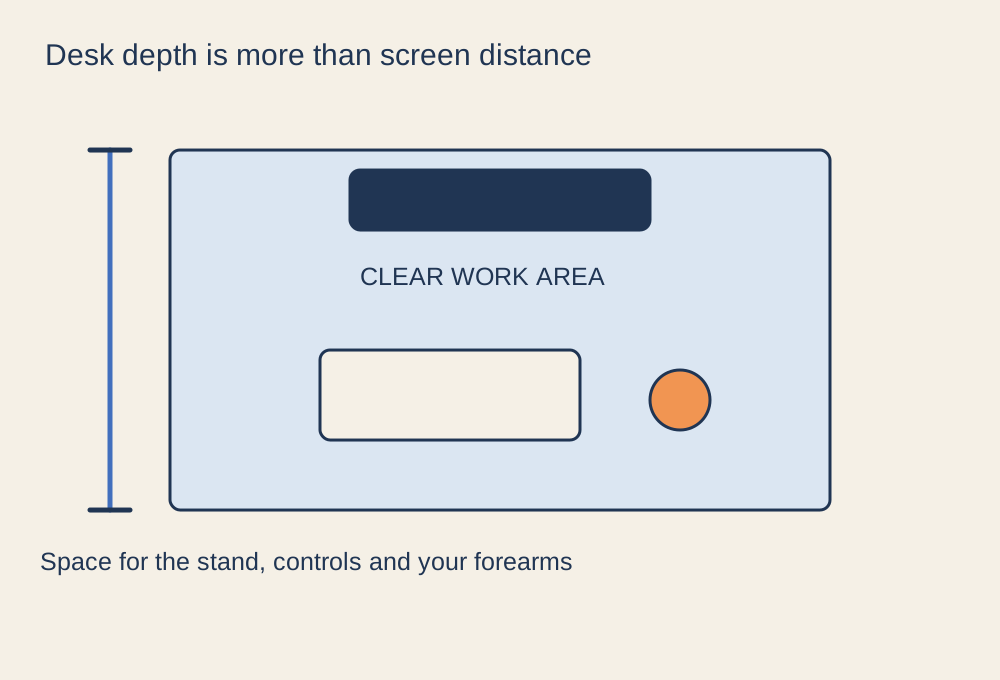
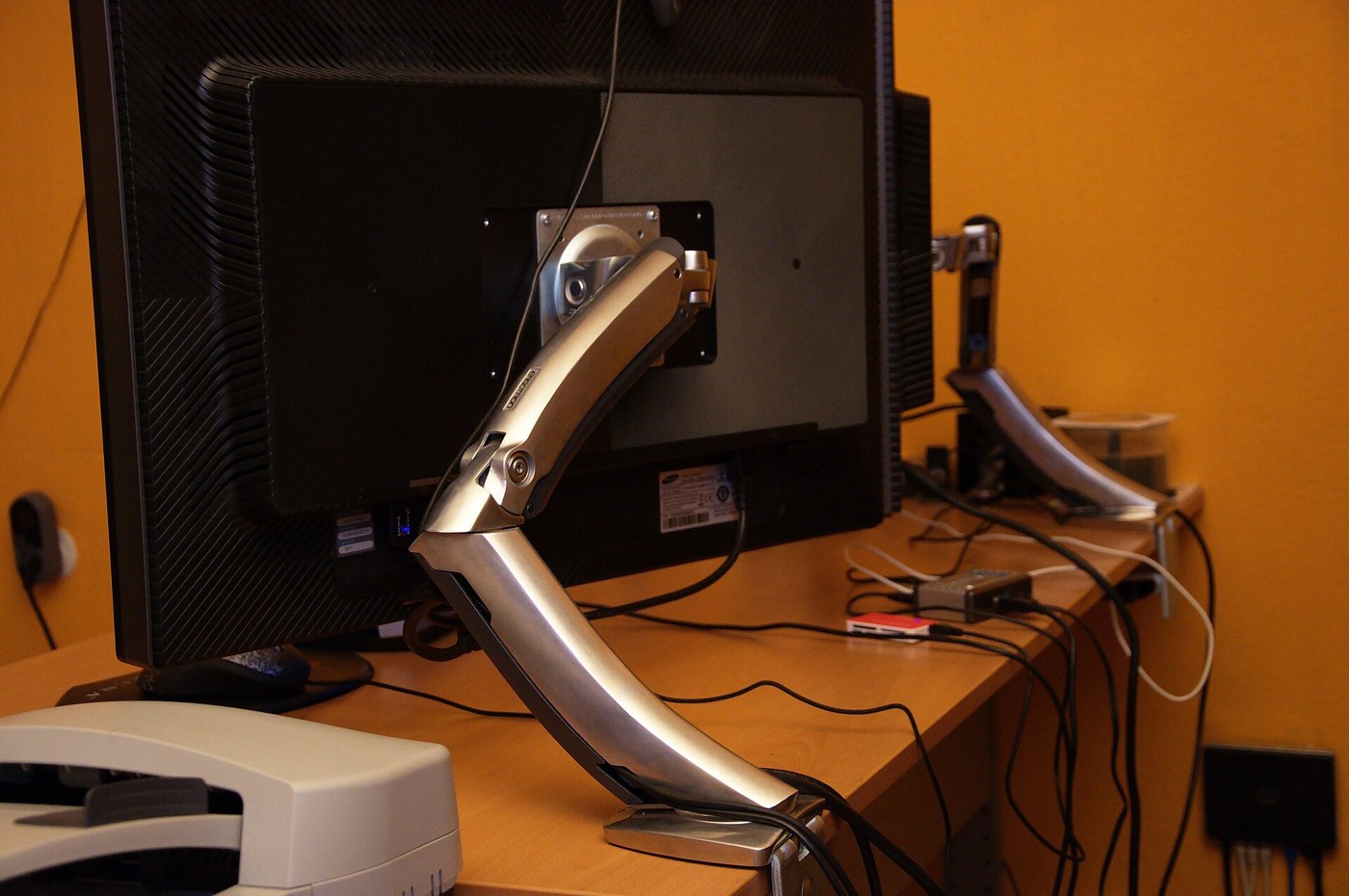
Measure the space taken by the screen stand, controls and your normal sitting position.
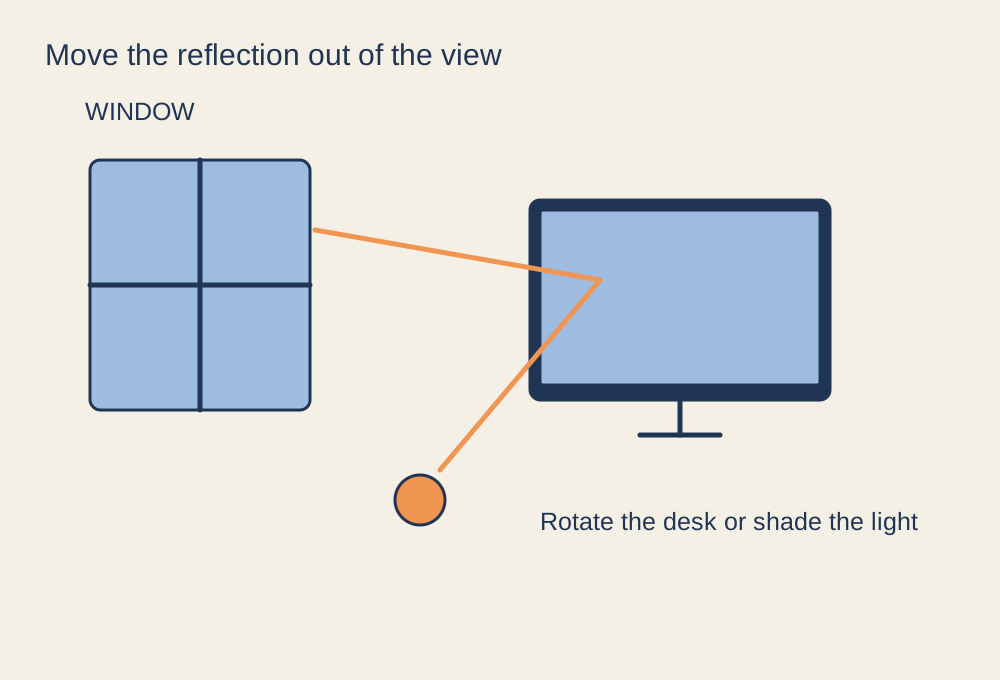
Find the light source that creates the reflection before changing display settings.
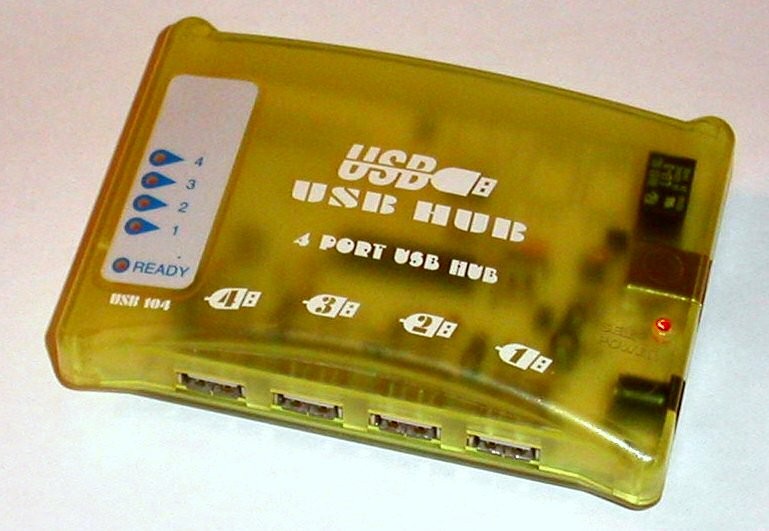
Separate port count, data bandwidth and power before adding more connections.